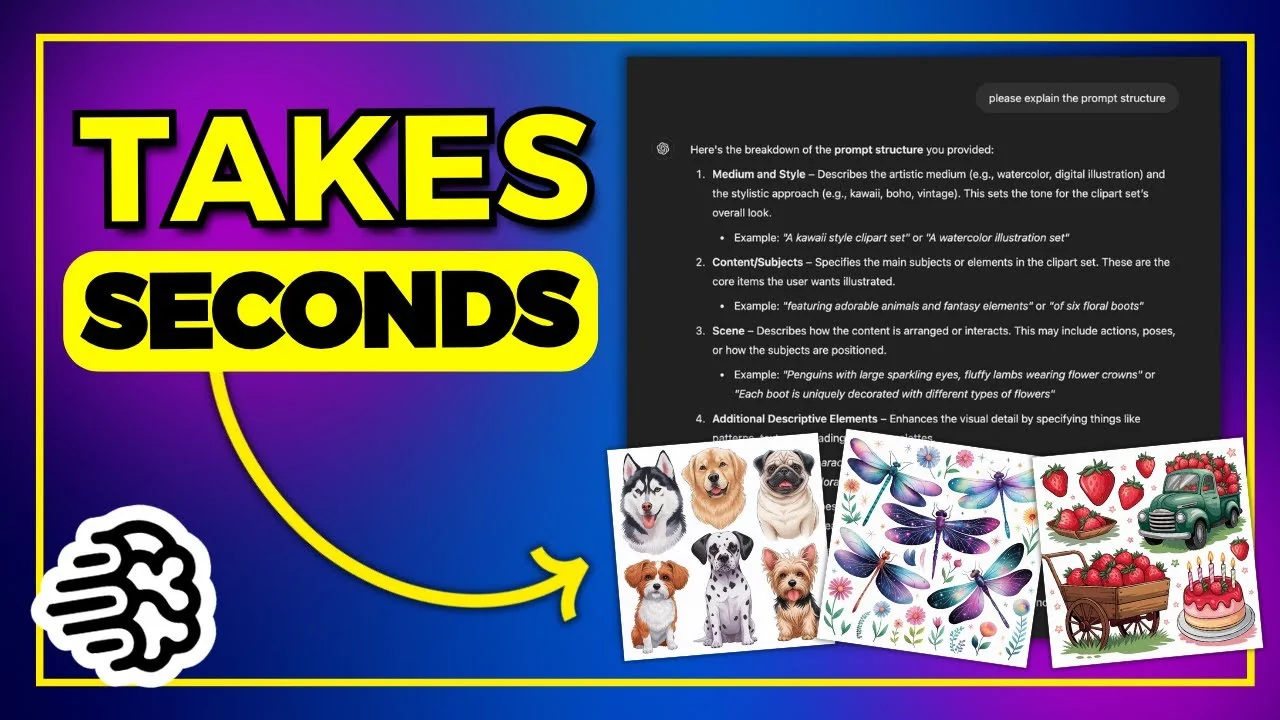
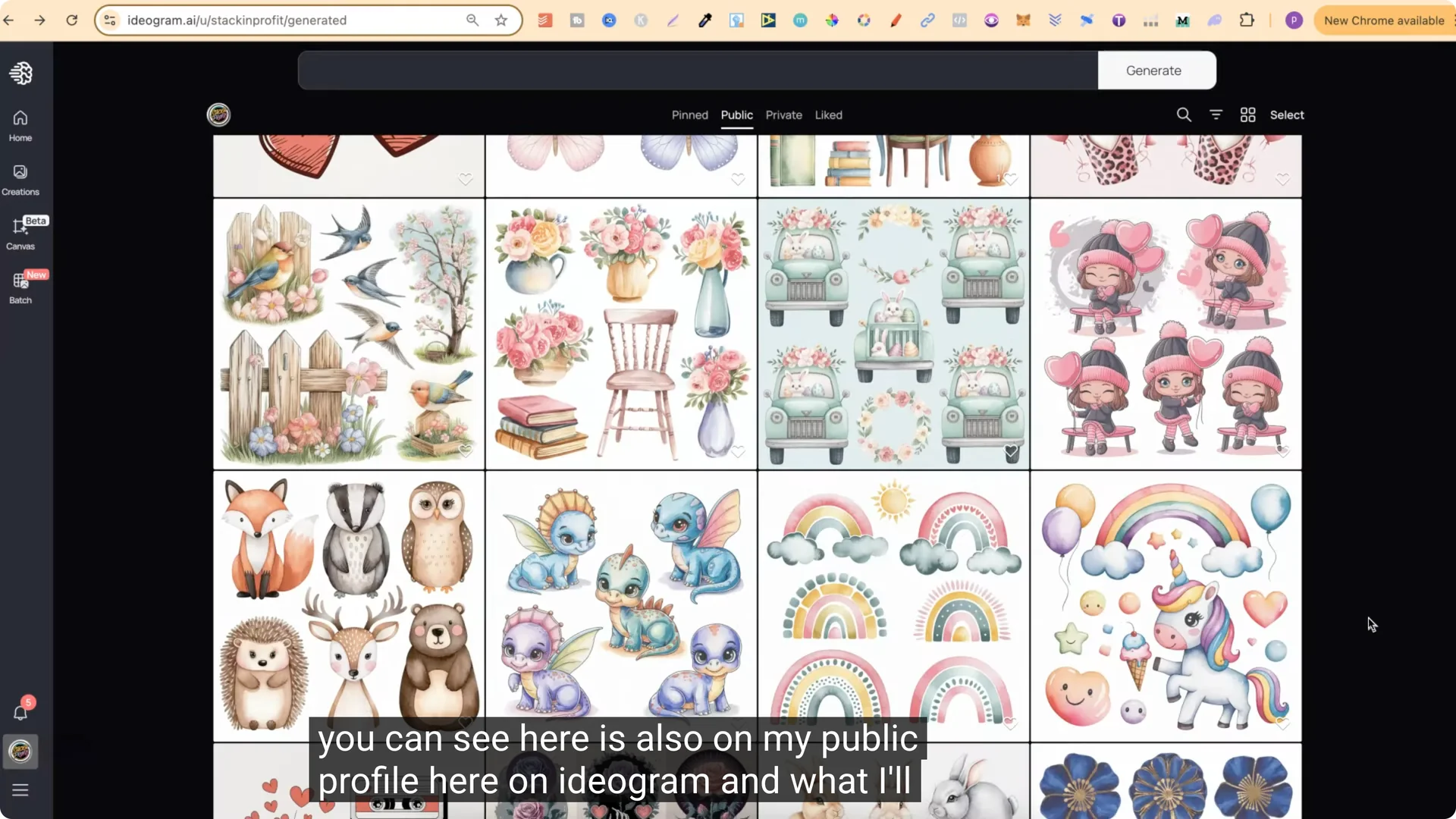
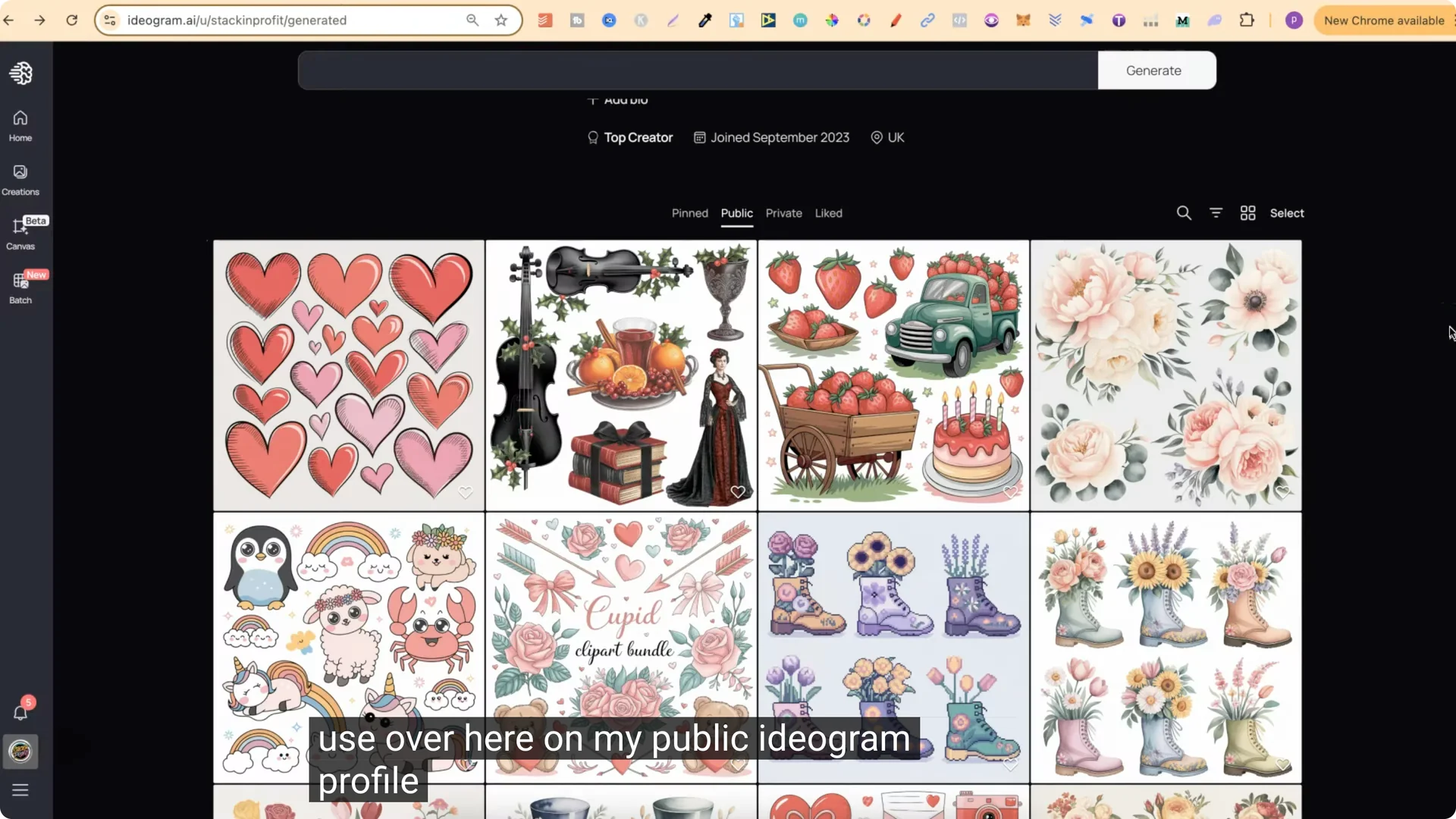
Over the past week I’ve been creating lots of clip art bundle prompts. Everything you can see here is also on my public profile on Ideogram. I wanted to create a prompt generator in ChatGPT that creates prompts for me. I’m still in the process of creating the GPT, but I’ve trained it on a prompt structure, and I’m going to share that structure.
AI Clipart Prompt Generator: The Prompt Structure
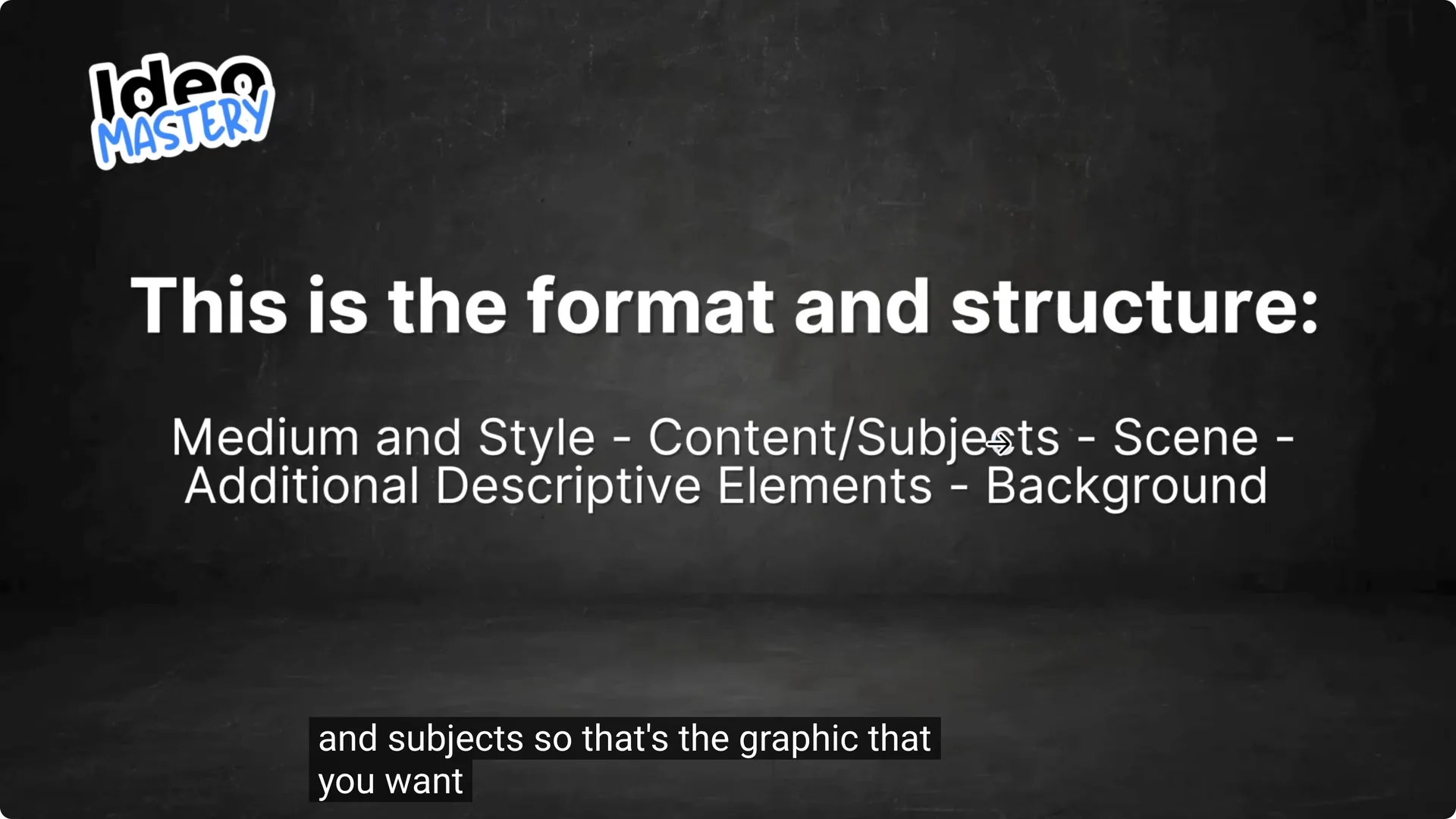
This is the format and prompt structure of all the prompts I’ve recently been creating. It starts with:
This prompt structure is an absolute goldmine if you want to create clip art using AI. It works with MidJourney and it also works with Ideogram as well.
AI Clipart Prompt Generator: Example in Action
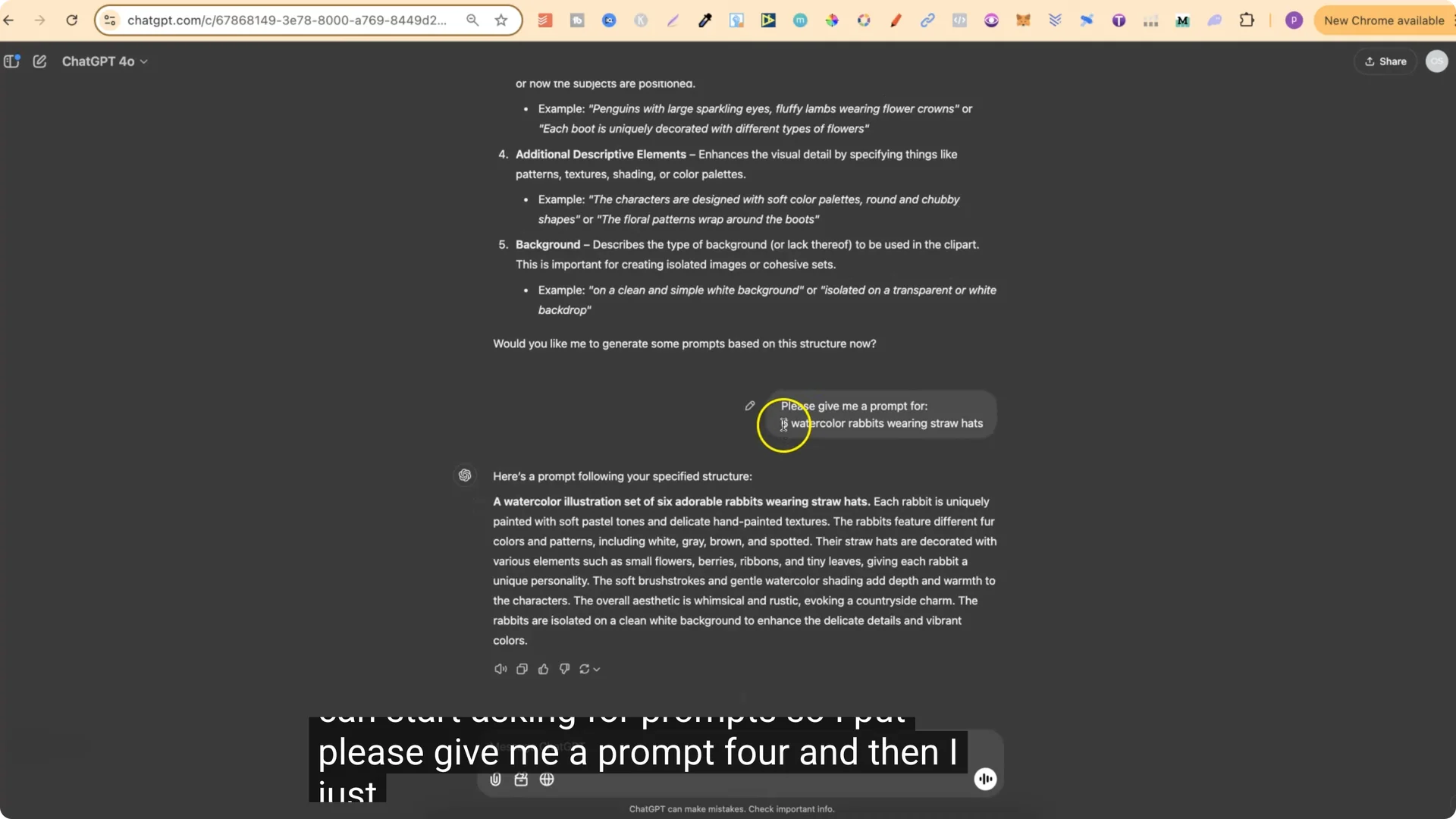
With my clip art prompt generator, all we have to do is put what we want. For example: six watercolor rabbits wearing straw hats.
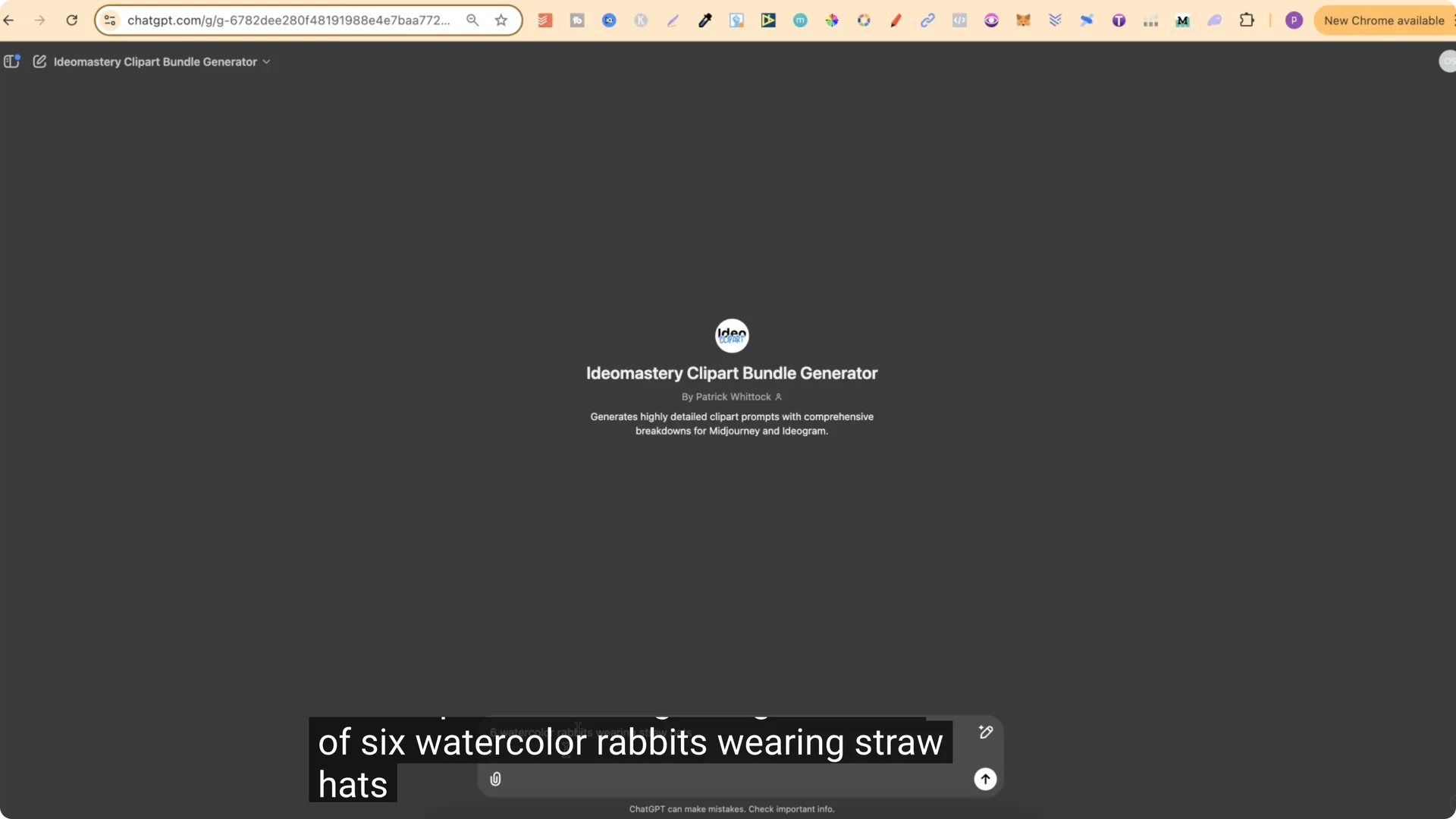
This GPT is created with the prompt structure I just showed you. We get the prompt for whatever we want, and then we also get a breakdown:
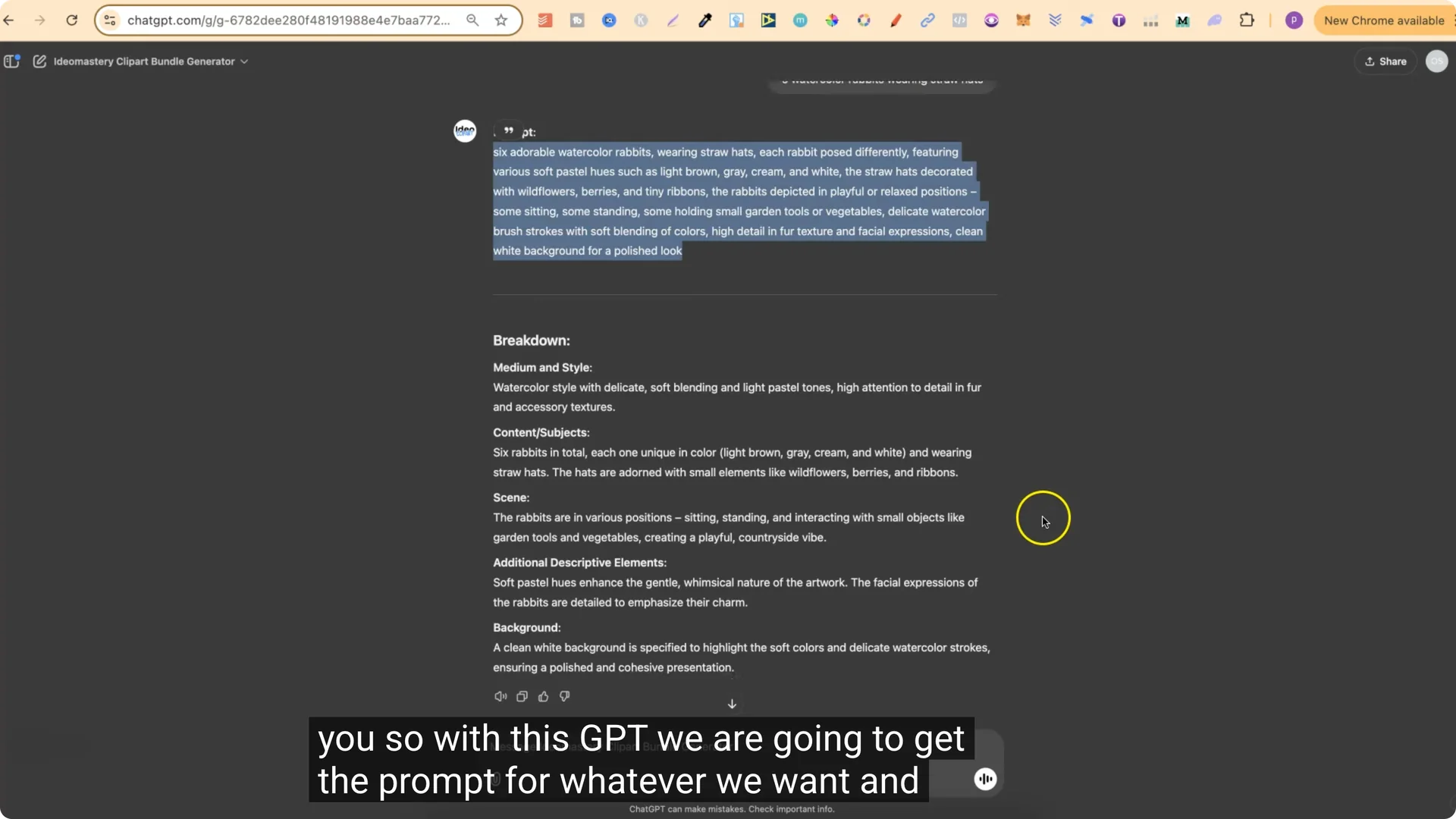
This prompt generator does an extremely good job at creating prompts for clip art bundles. I am still in the process of trying to add a few different features to this so we can do extra things with it.
Build Your Own AI Clipart Prompt Generator in ChatGPT
You can take this prompt structure, head over to ChatGPT, use the free version, and create your own prompts.
Step 1 – Prime ChatGPT
Start with this:
“I am an AI graphic designer and I need help crafting some prompts. These prompts are going to be used to help create clip art bundles. I am going to give you a prompt structure that I want all future prompts to use, and I’m also going to give you some example prompts. Do you understand? Just respond with yes.”
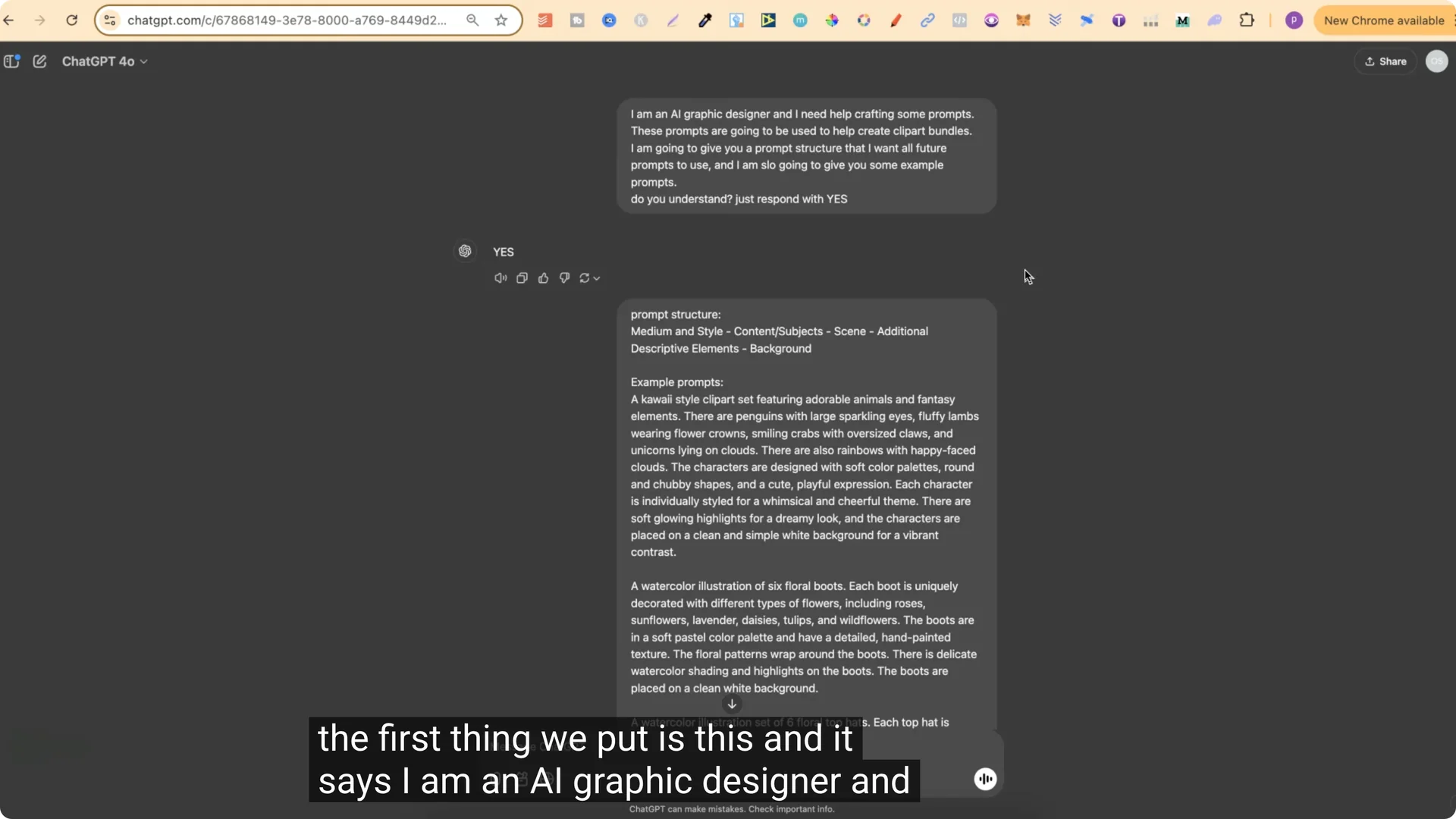
Wait for “yes.”
Step 2 – Provide the structure and examples
Share the prompt structure:
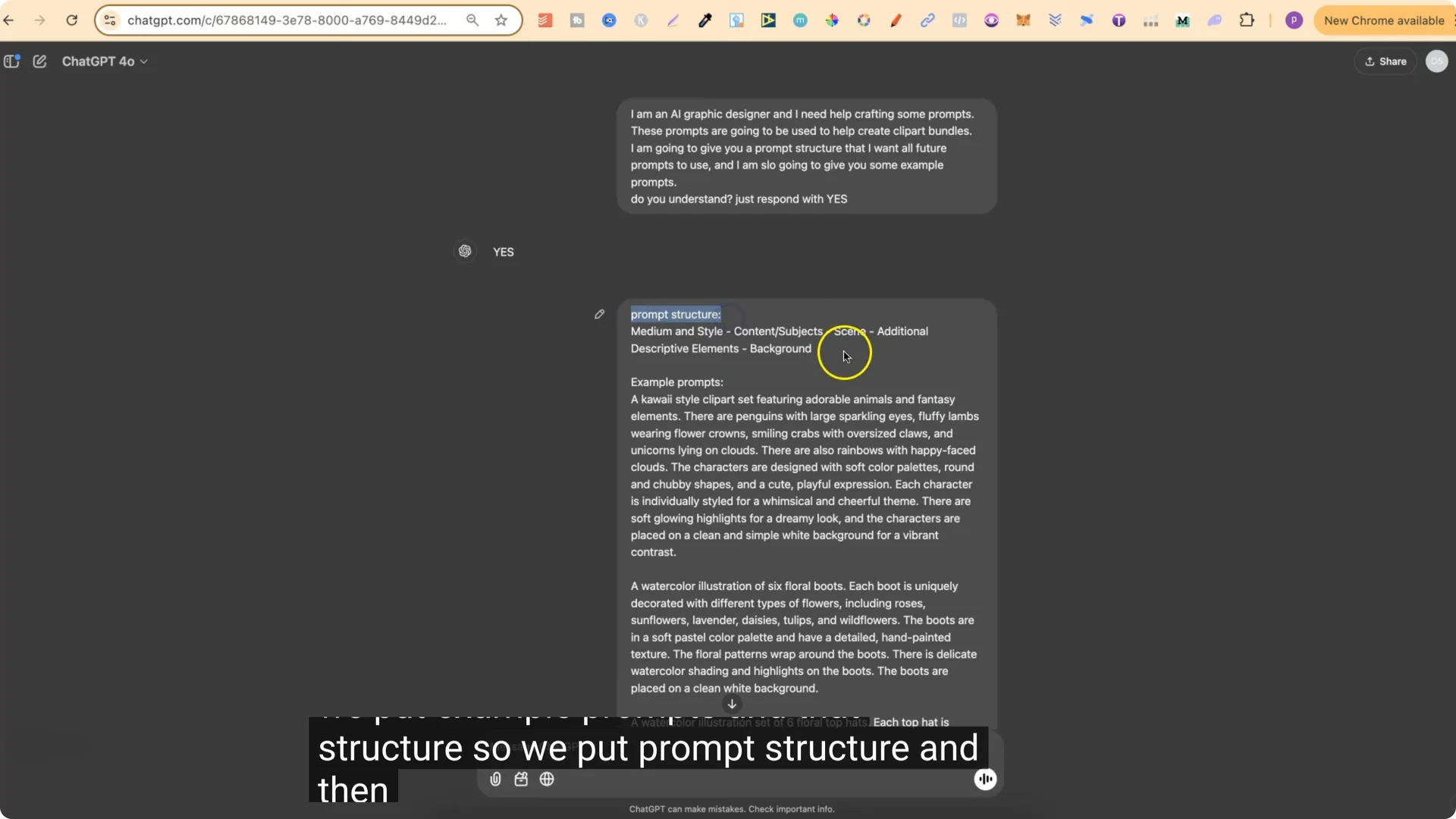
Then provide a few example prompts. You can take four prompts from my public Ideogram profile and input them there as well.
Step 3 – Confirm understanding
Ask: “Do you understand the prompt structure that I want to use for all future prompts created?” Wait for “yes.”
Then ask: “Please explain the prompt structure.” ChatGPT will break it down:
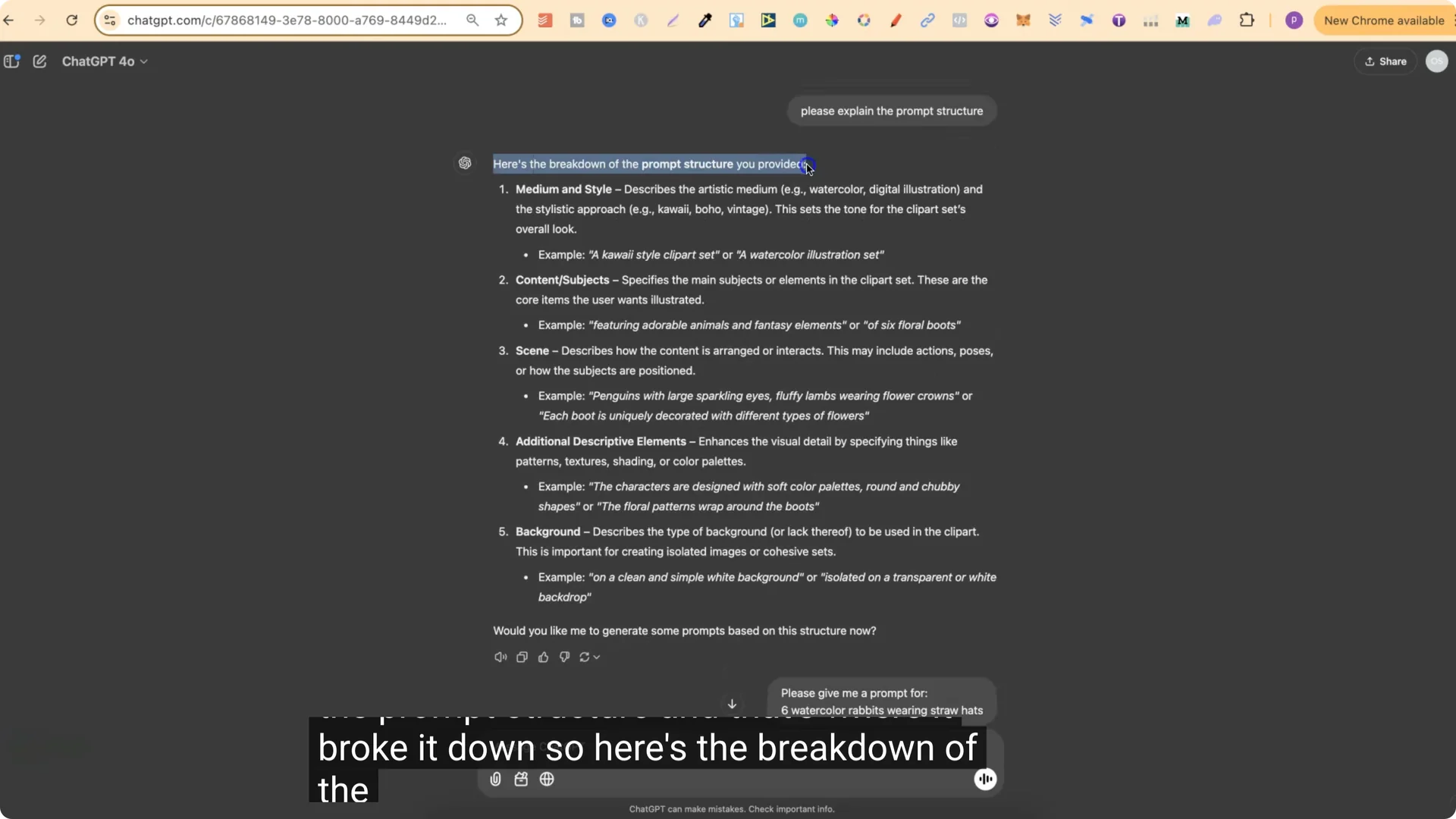
Nine times out of 10, if you are creating something like clip art, you want the background to be white or black. It makes it a lot easier when we go ahead and remove that.
Step 4 – Request prompts
Ask for your prompt, for example: “Please give me a prompt for six watercolor rabbits wearing straw hats.” That produces a clean, structured prompt you can use.
Step 5 – Generate designs
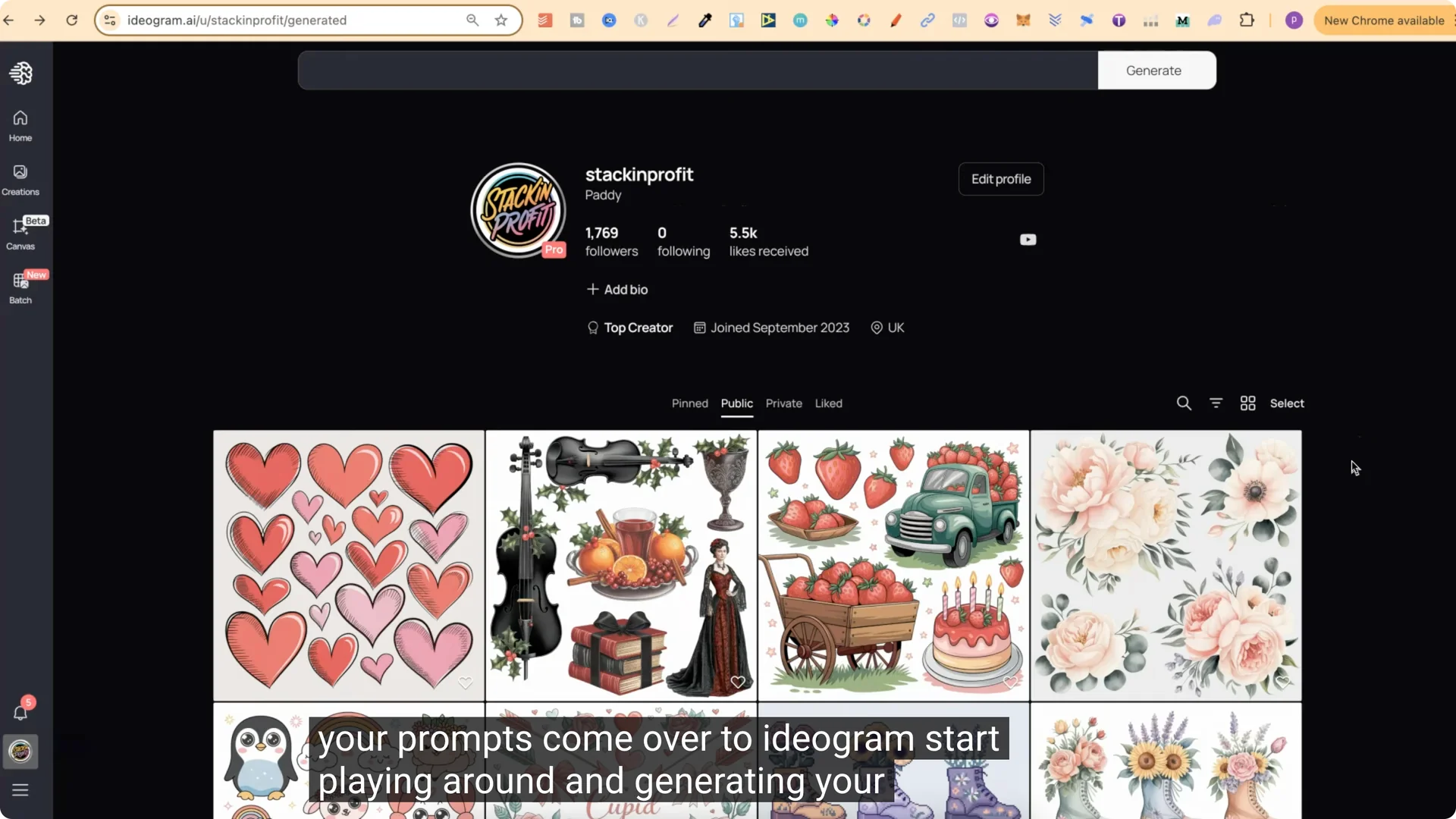
Take your prompt, go to Ideogram or MidJourney, start playing around, and generate your designs from your new prompts. You should get some really nice designs.
Final Thoughts
The AI Clipart Prompt Generator structure keeps prompts consistent and clear: medium and style, content and subjects, scene, additional descriptive elements, and background. Prime ChatGPT with the structure and a few examples, confirm it understands, then start requesting prompts for any clip art bundle idea you have.