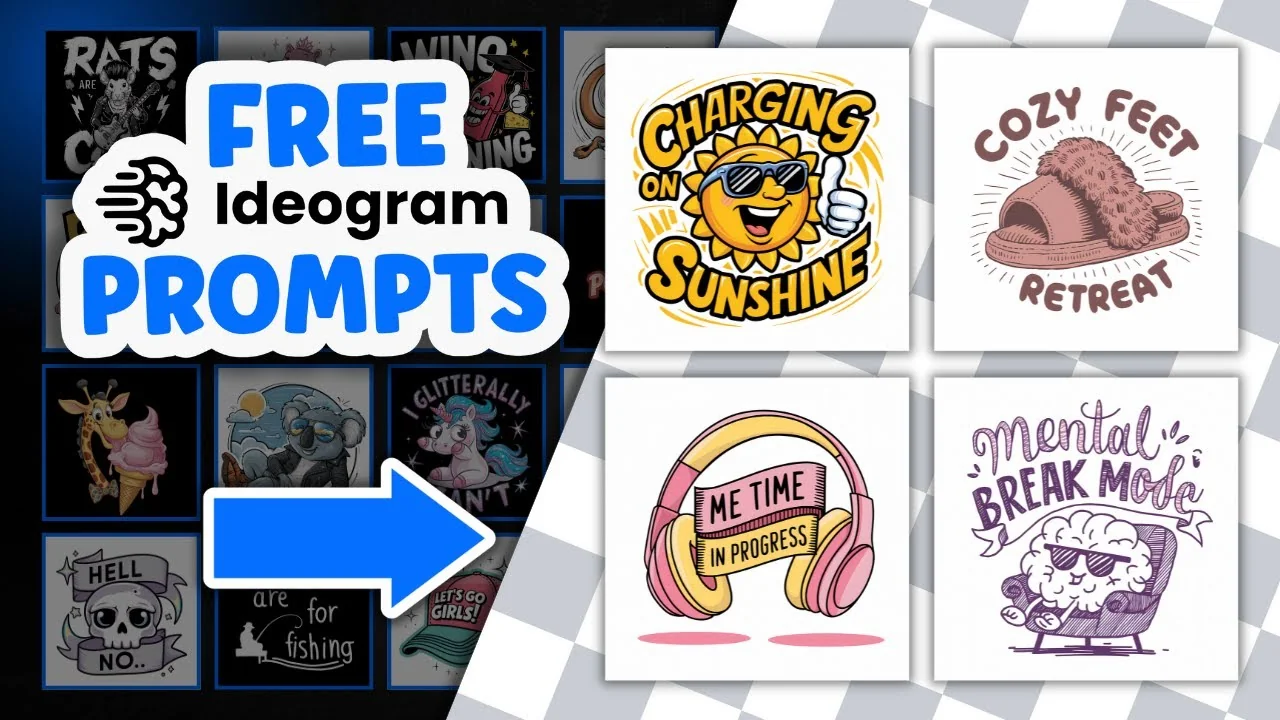
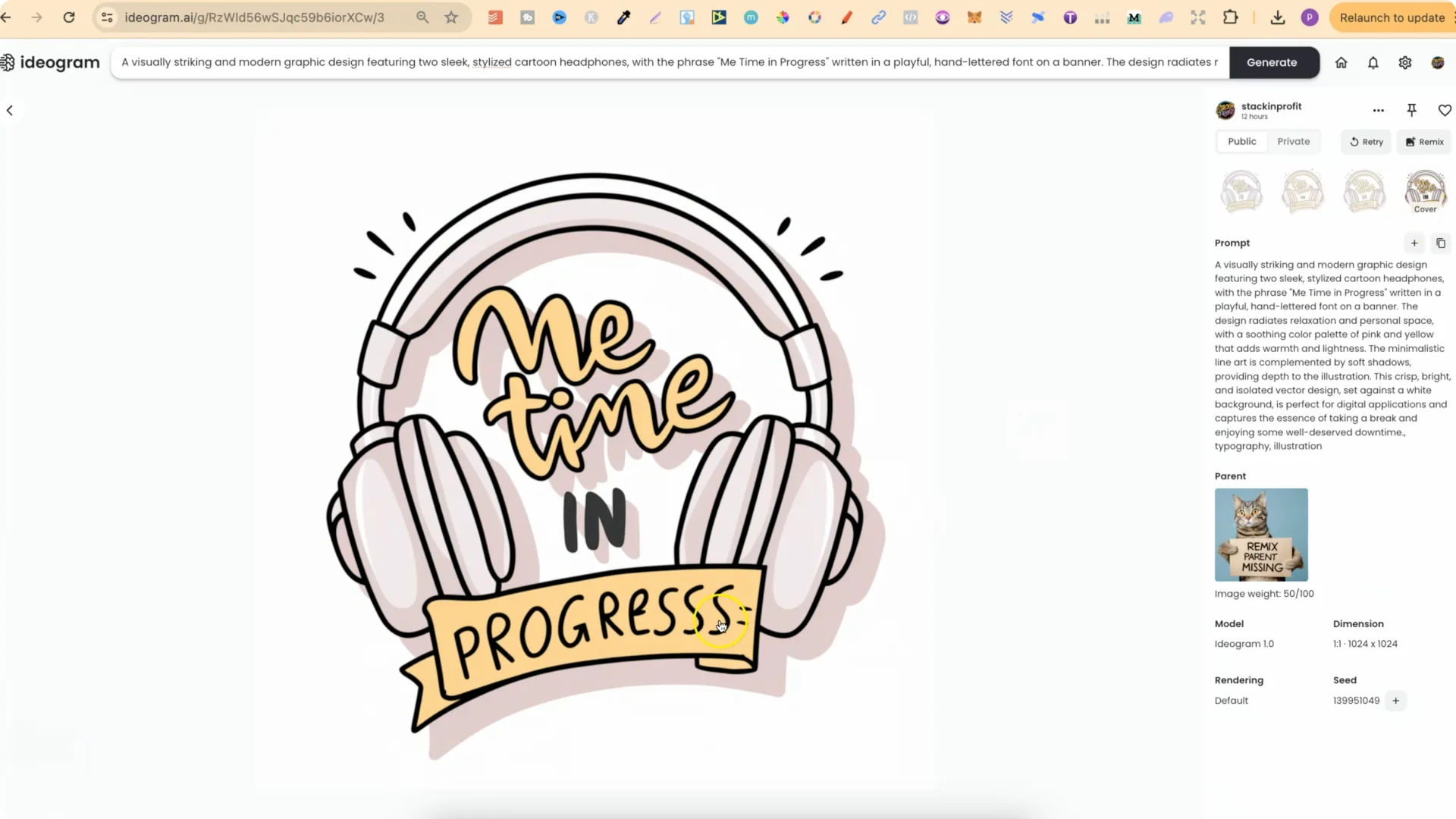
Ideogram is by far the best AI out there for creating quote graphics. All of the examples mentioned here are my designs. Me Time In Progress is absolutely flawless. The prompt I used is available with the design in Ideogram, so feel free to use it, adapt it, and make it your own.
I’m sharing a bunch of my designs so you can see how good Ideogram actually is, along with the prompts I used so you can modify them however you please. I make a lot more designs for public view on Ideogram so you can inspect the prompts directly.
Example Designs You Can Inspect
You can open any design on my public Ideogram profile and view the exact prompt that generated it.
I regularly remix and refine, and I often delete older versions to keep things clean, so a parent image may disappear after I update a set.
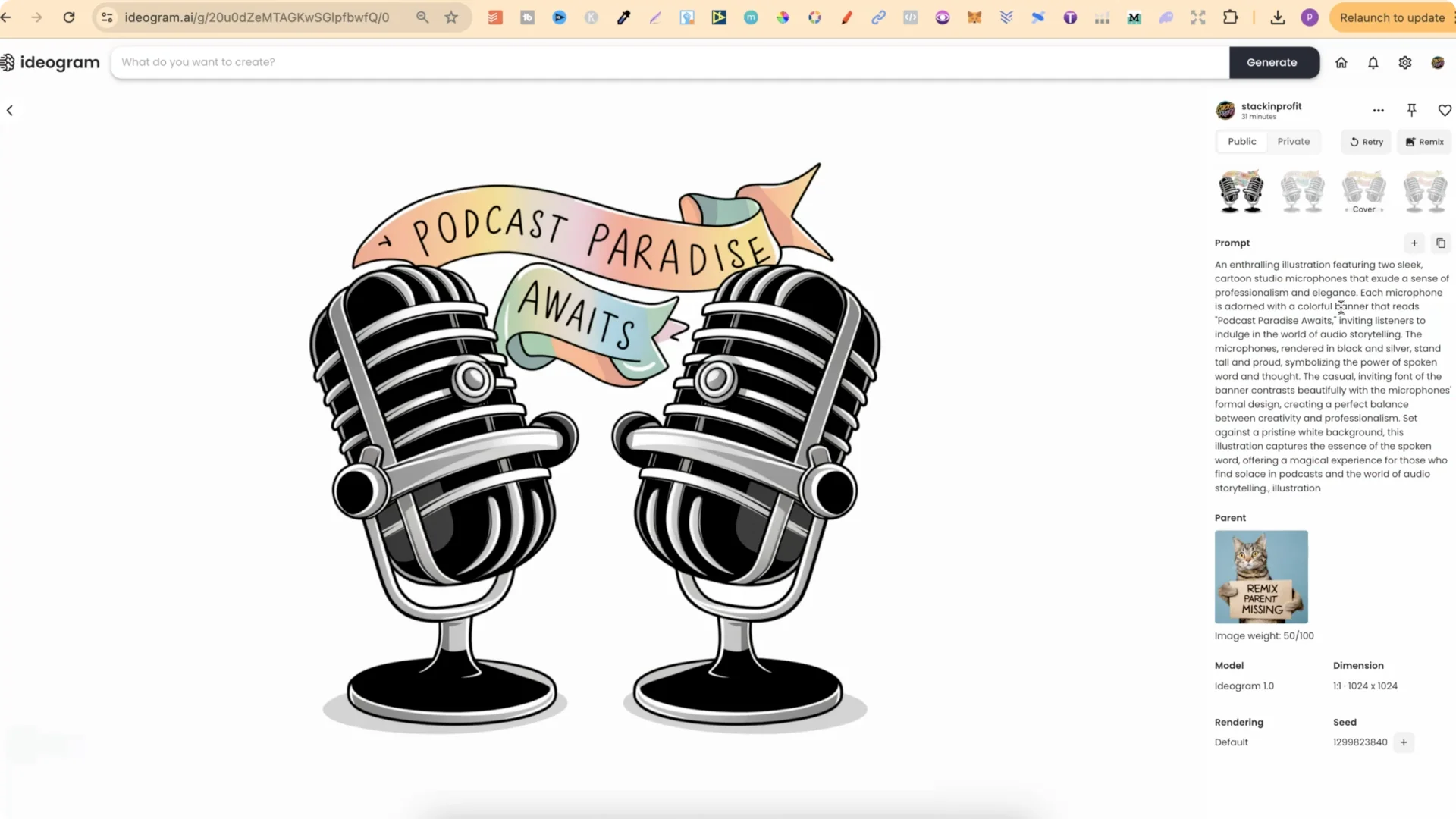
A few standouts:
- Podcast Paradise Awaits – four variations, clean typography and layout
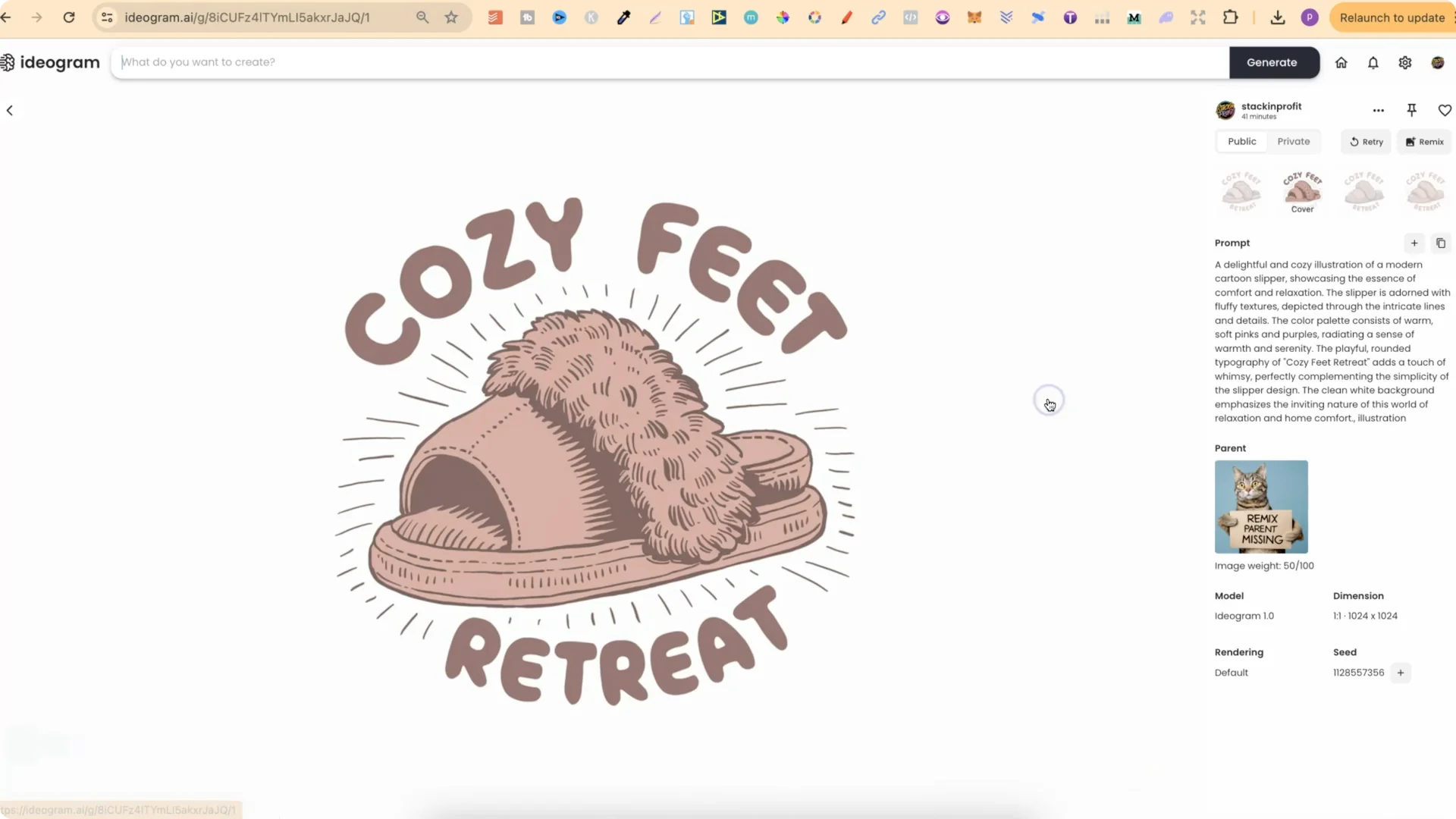
- Cozy Feet Retreat – a simple, smaller prompt that produces a cozy vibe
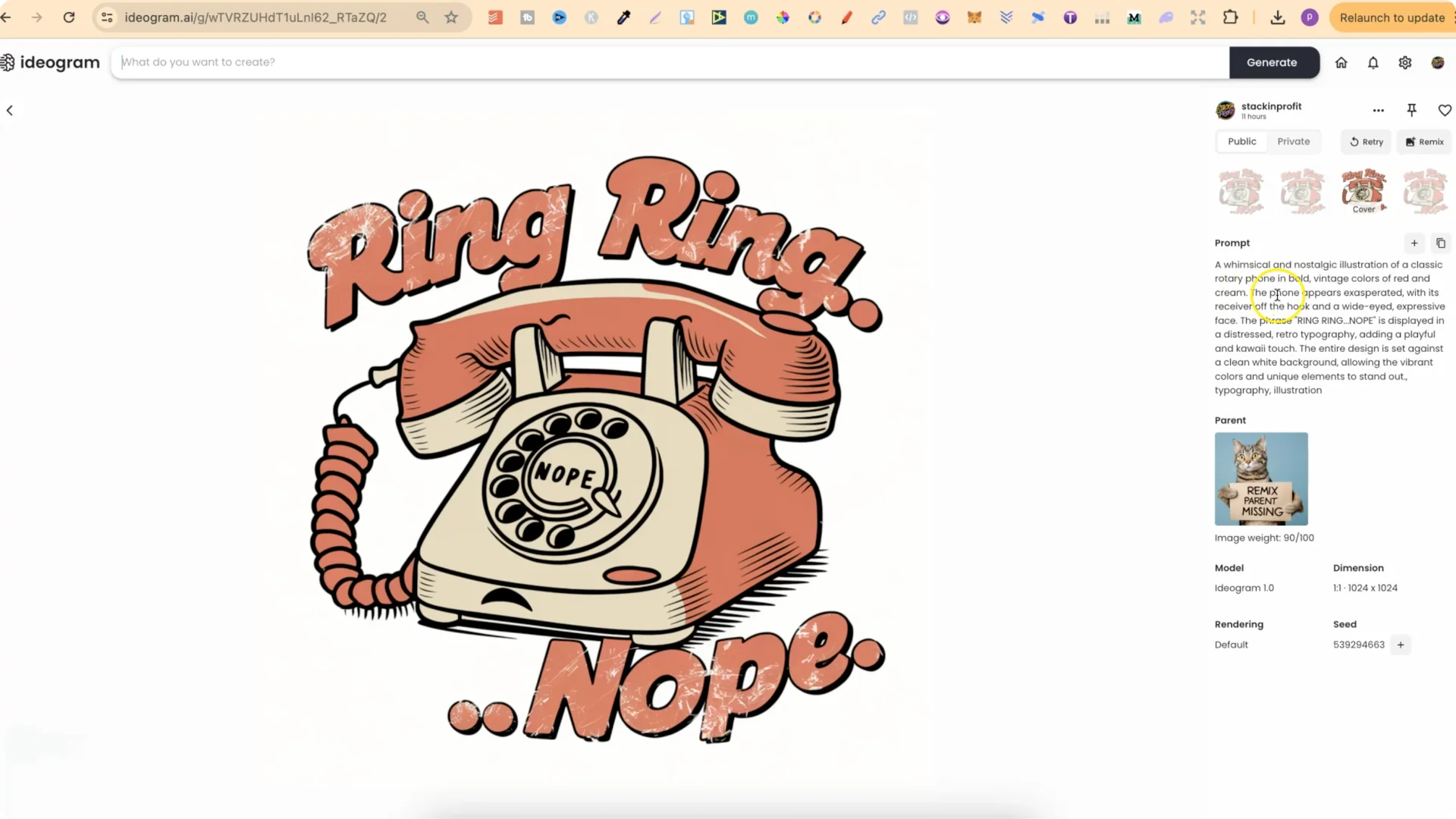
- Ring Ring Nope – a whimsical, nostalgic illustration of a classic rotary phone in bold vintage colors
- Me Time In Progress – my favorite in the set
- Conserving Cuteness – a fun style with a tight four-up variation
How I Refine With Remix?
The Remix feature is perfect for iterating on a style you already like.
It takes the original prompt and uses your selected image as a base image, so you can keep the look while exploring variations.
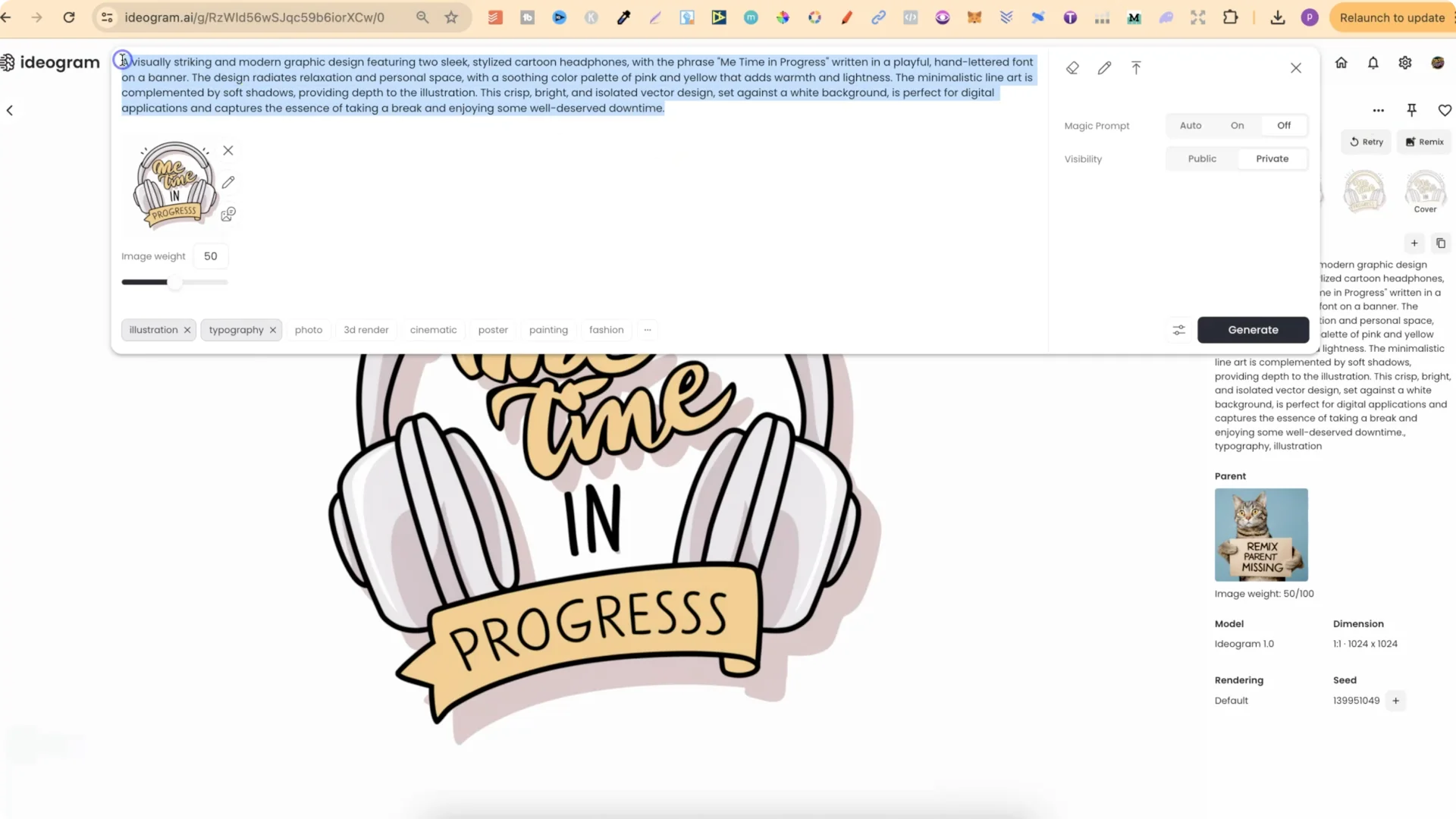
Step-by-step:
1. Open a design you want to iterate.
2. Click Remix so the original prompt appears and the current image is set as the base image.
3. Turn Magic Prompt off.
4. Click Generate to create variations that keep the core style.
5. Repeat to refine and improve. I delete older versions once I settle on a cleaner iteration.
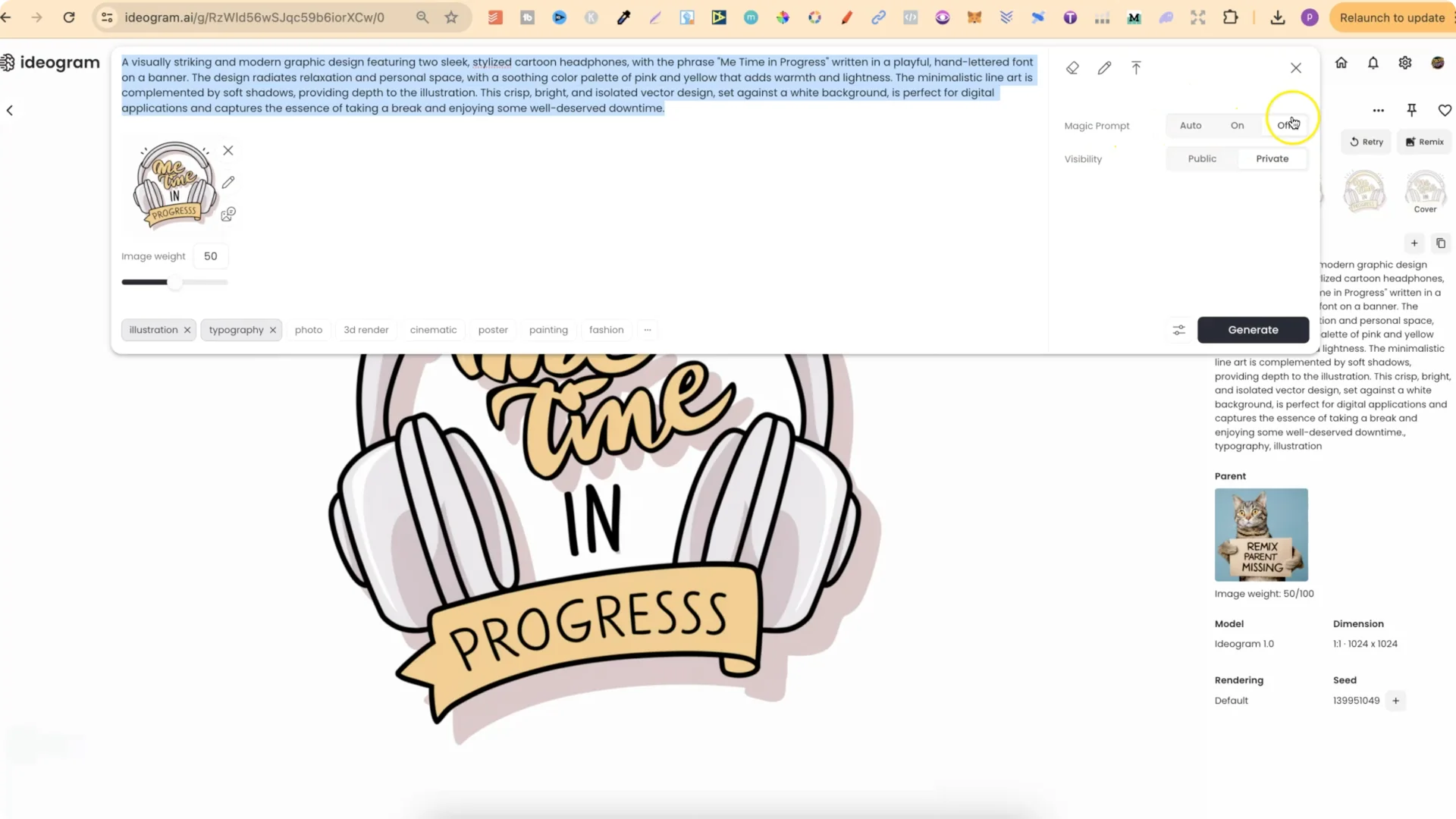
This is how I refined Me Time In Progress and several other sets. You will see minor differences across variations, like accidental extra letters in a run.
Just remix again until you get the cleanest result.
The Prompt Generators I Use
I built two prompt generators specifically for Ideogram:
- A t-shirt prompt generator that gives me prompts for quotes and niches
- A sticker prompt generator that outputs sticker-focused prompts
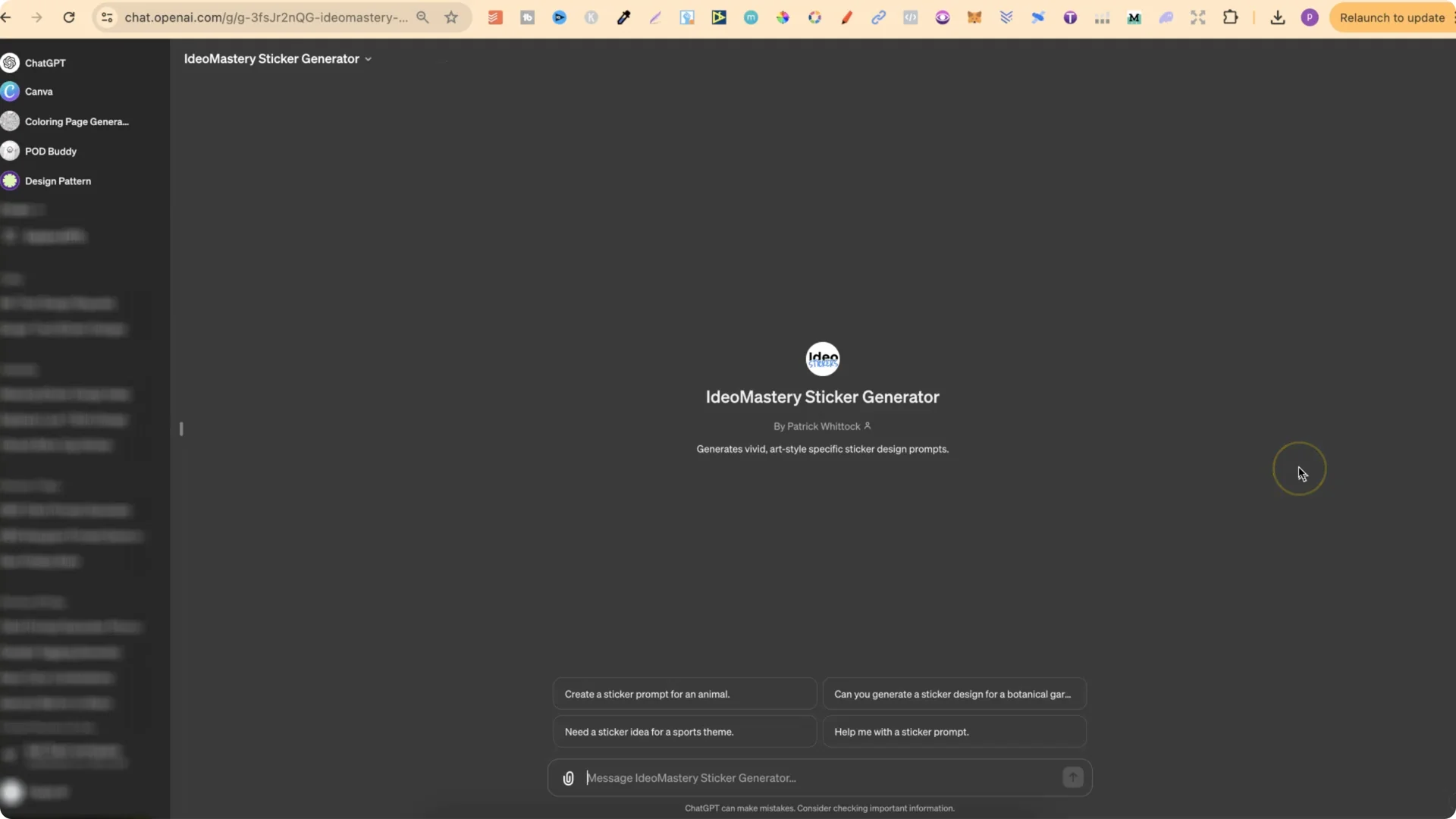
I input a niche or a quote, and it gives me ready-to-run prompts tailored for Ideogram. I’m still refining these to make them better.
Example – From Quote To Prompt
Here’s a quick example using a short funny quote. I grabbed a short quote from a quote generator:
- Quote: Beer my happy juice
I asked my sticker prompt generator for a prompt based on that quote. Here’s the output it produced:
- For a sticker design inspired by the quote Beer my happy juice, consider a cheerful cartoon style illustration. Picture a whimsical beer mug with a bright smiling face, its foam cheerfully overflowing. The beer mug is surrounded by colorful, playful bubbles, each reflecting a hint of golden light. The text Beer my happy juice is designed in a bubbly, fun font, enhancing the joyful theme. The background is white to make the colors pop, creating a vibrant, eye-catching look suitable for a fun sticker.
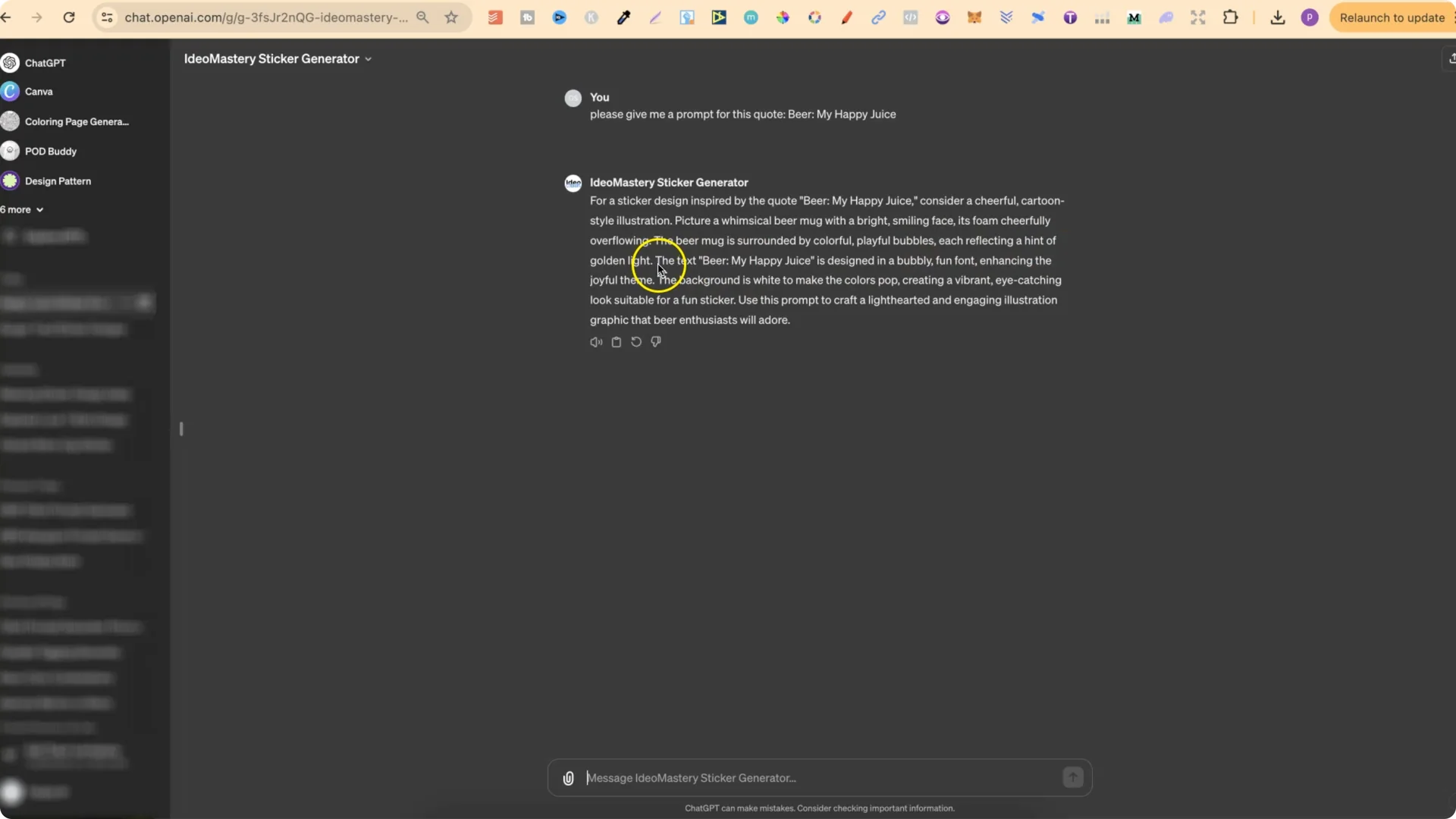
It consistently produces clean, descriptive prompts that Ideogram can interpret well. I’ll keep improving the generators and using them to create more public designs you can inspect for prompts.
Redbubble Description Generator
I also created a Redbubble description generator to speed up product descriptions. It writes a description based on your actual image, the product type, and the exact title you give it, pulling colors and visual details directly from the image. I aim to include the main search term in the title, tags, and description.
How I Use It?
1. Download the final image from Ideogram.
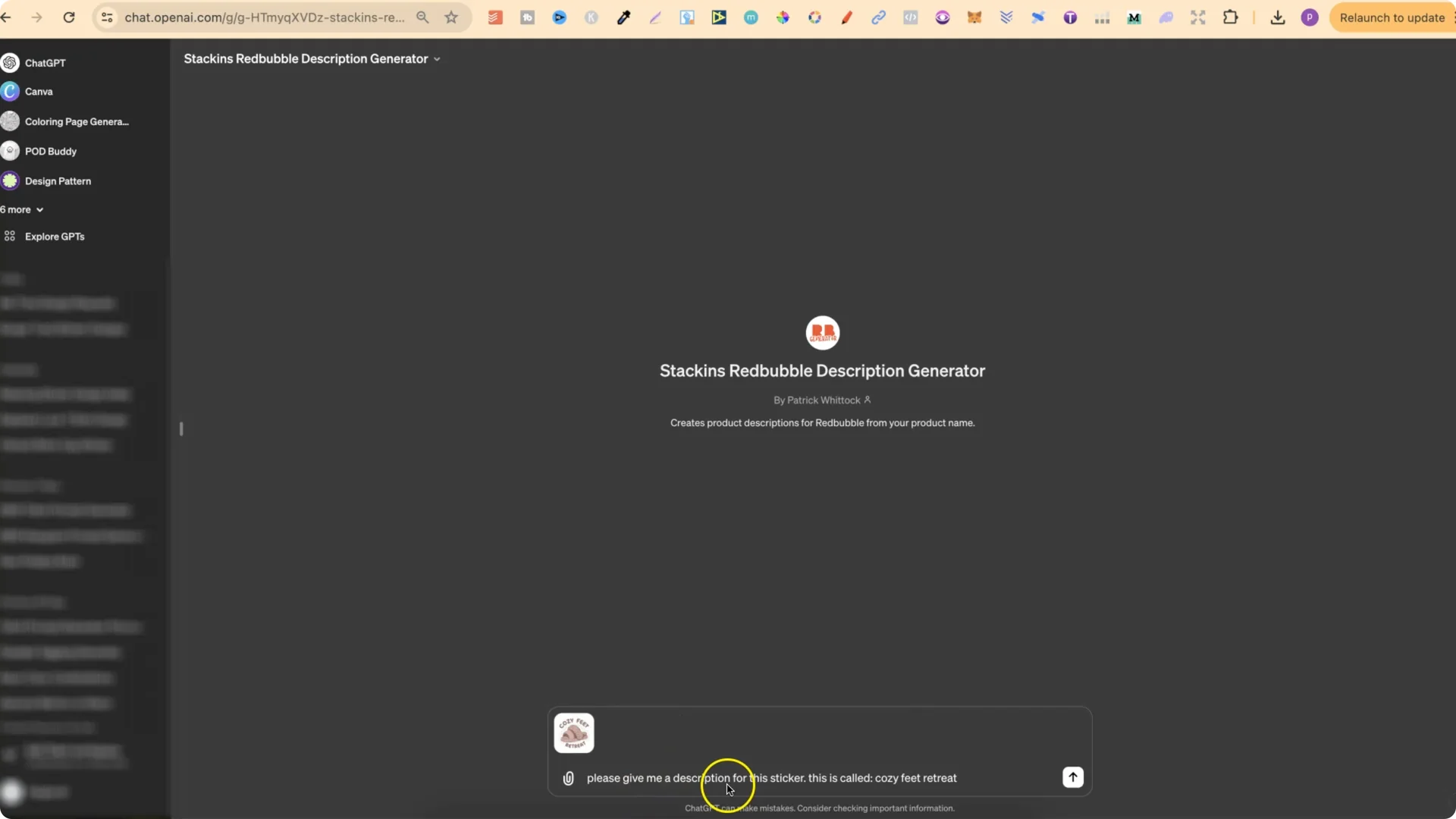
2. Drop the image into the description generator.
3. Provide a clear instruction like: Please give me a description for this sticker. This is called Cozy Feet Retreat.
4. The generator analyzes the image and returns a product-ready description that includes your title term.
5. Paste the output into a text editor, add spacing, and tweak wording as needed.
6. I usually remove any call to action at the end, then finalize the description for upload.
This makes writing descriptions for Redbubble much easier, and you can adapt the output for other storefronts as well.
Final Thoughts
Ideogram produces outstanding quote graphics with clean text and stylish layouts. Inspecting prompts on public designs is a fast way to learn what works. Use Remix with Magic Prompt off to iterate on a base image and refine your results. My prompt generators help turn niches and quotes into strong Ideogram prompts, and the description generator speeds up product listings by writing image-aware descriptions that include your target search term.