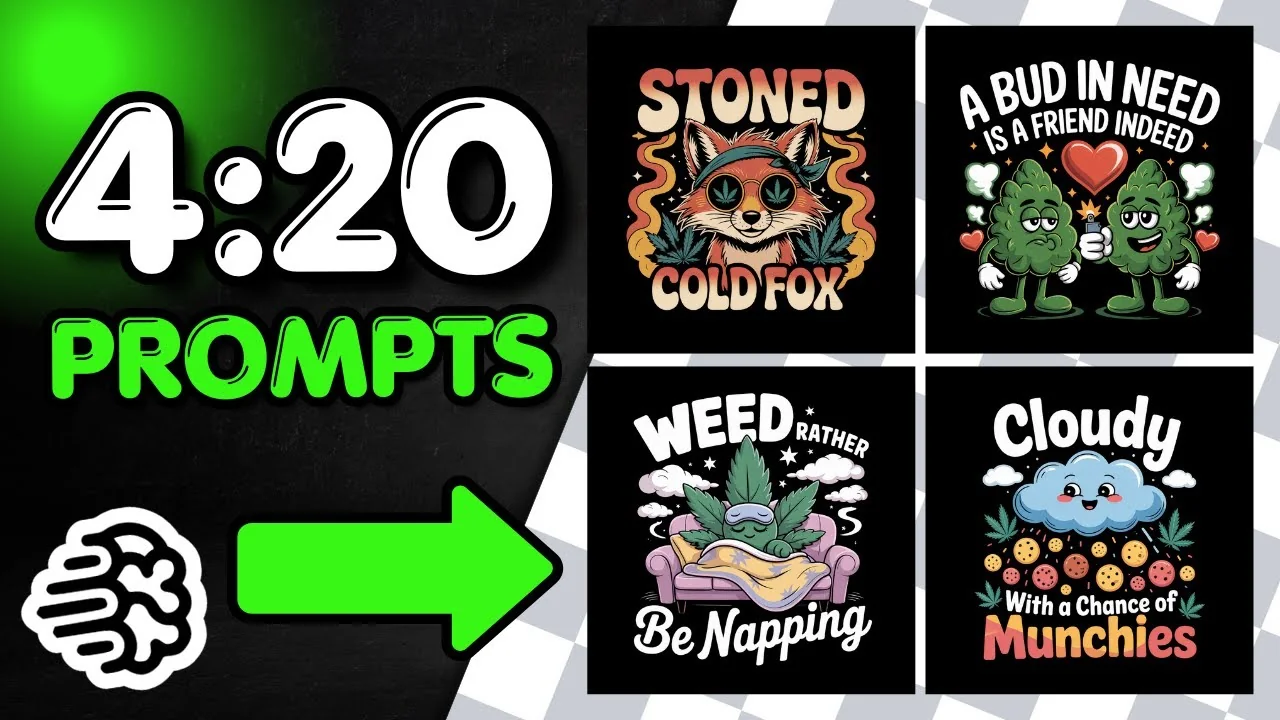
420 is just around the corner. It’s a weed holiday on April 20. I want to share a bunch of designs you can use, modify, and edit.
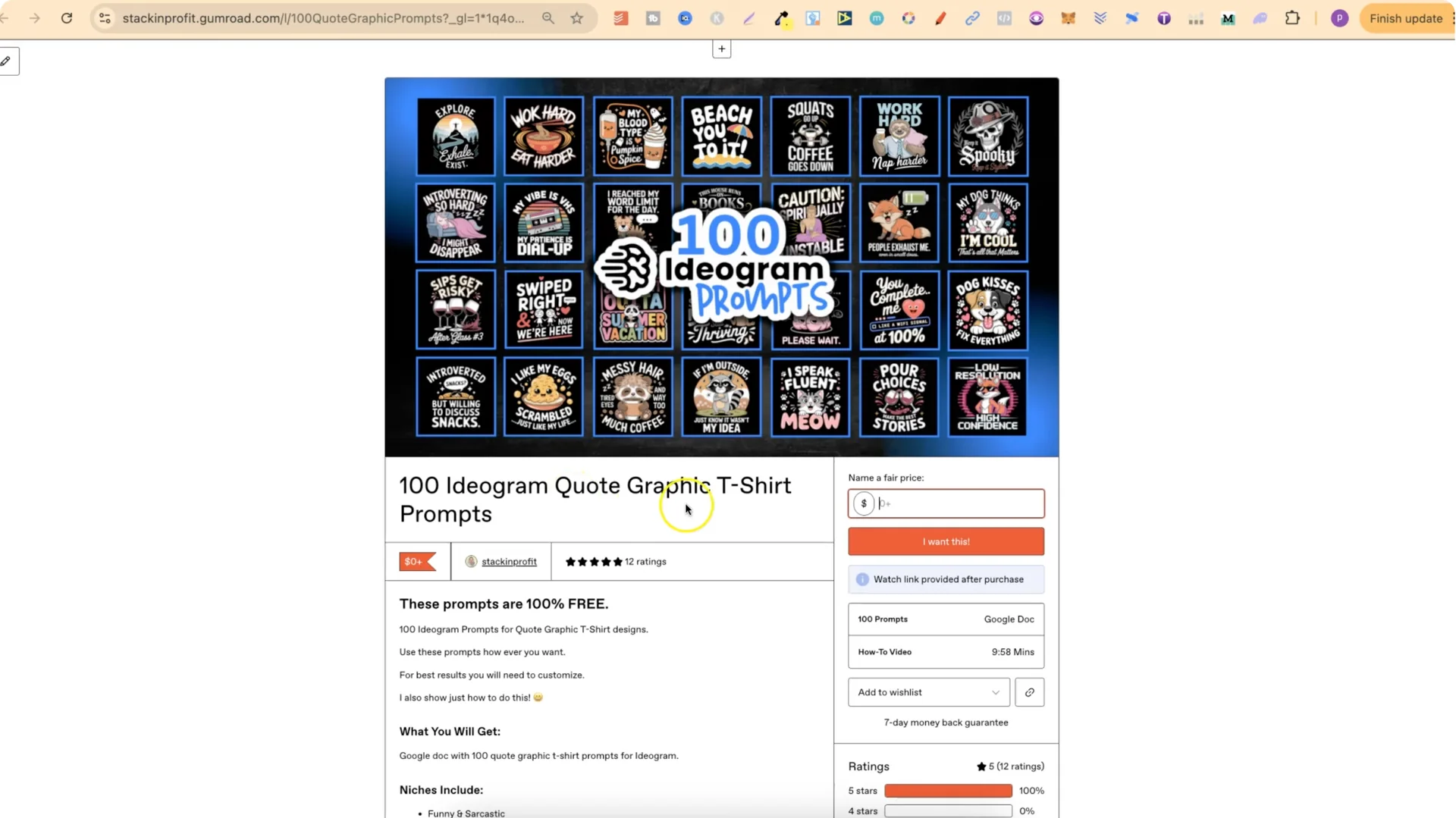
I also put together a free pack of 100 Ideogram quote graphic t-shirt prompts. Use it as a base to learn how to easily edit prompts and come up with new ideas.
Ideogram 3.0 420 T-Shirts: Public Profile – 2.0 vs 3.0
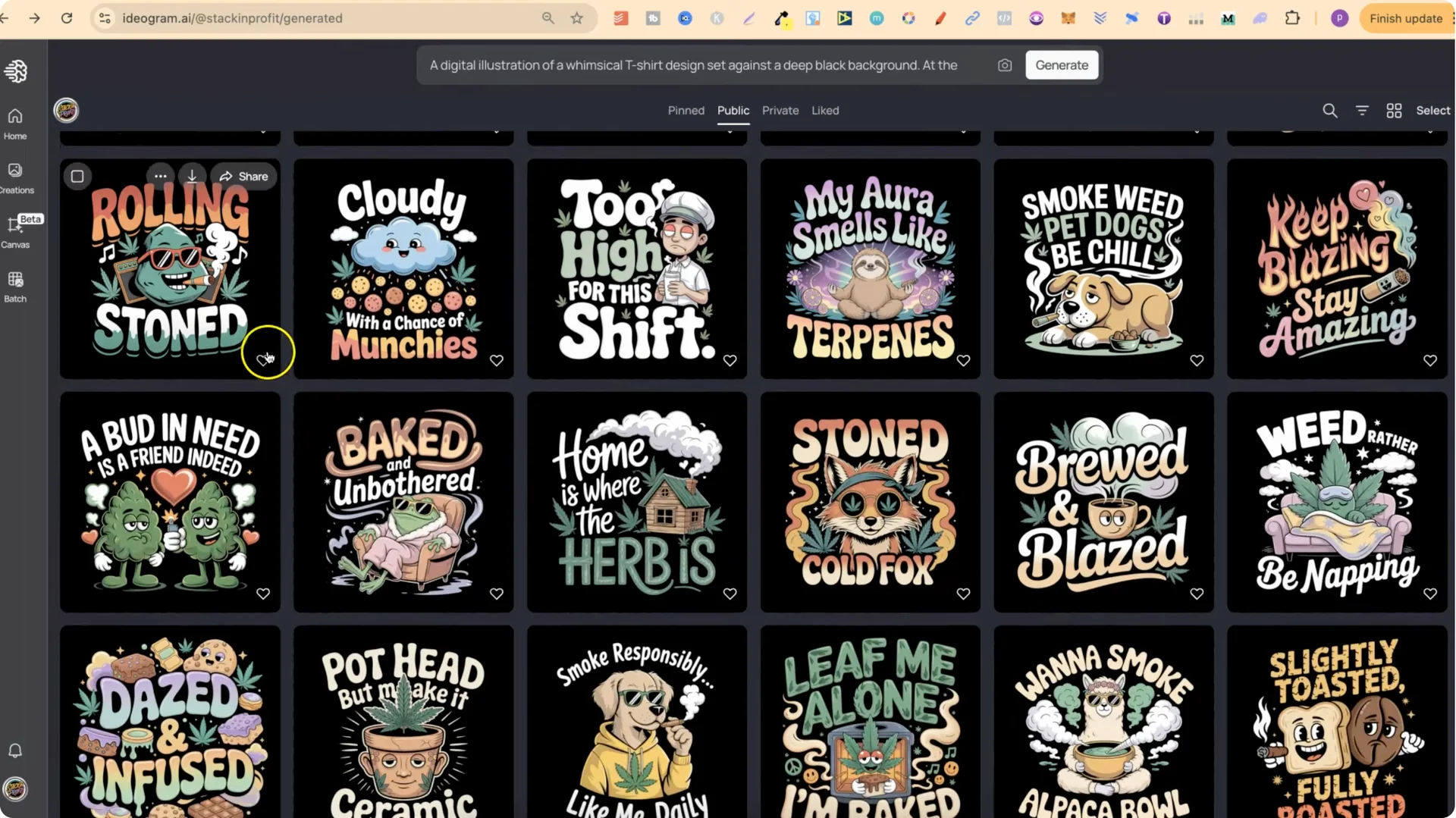
These designs are on my public profile. There are two of every single one. The top ones were made with Ideogram 3.0, and further down you’ll find the same ideas created with 2.0.
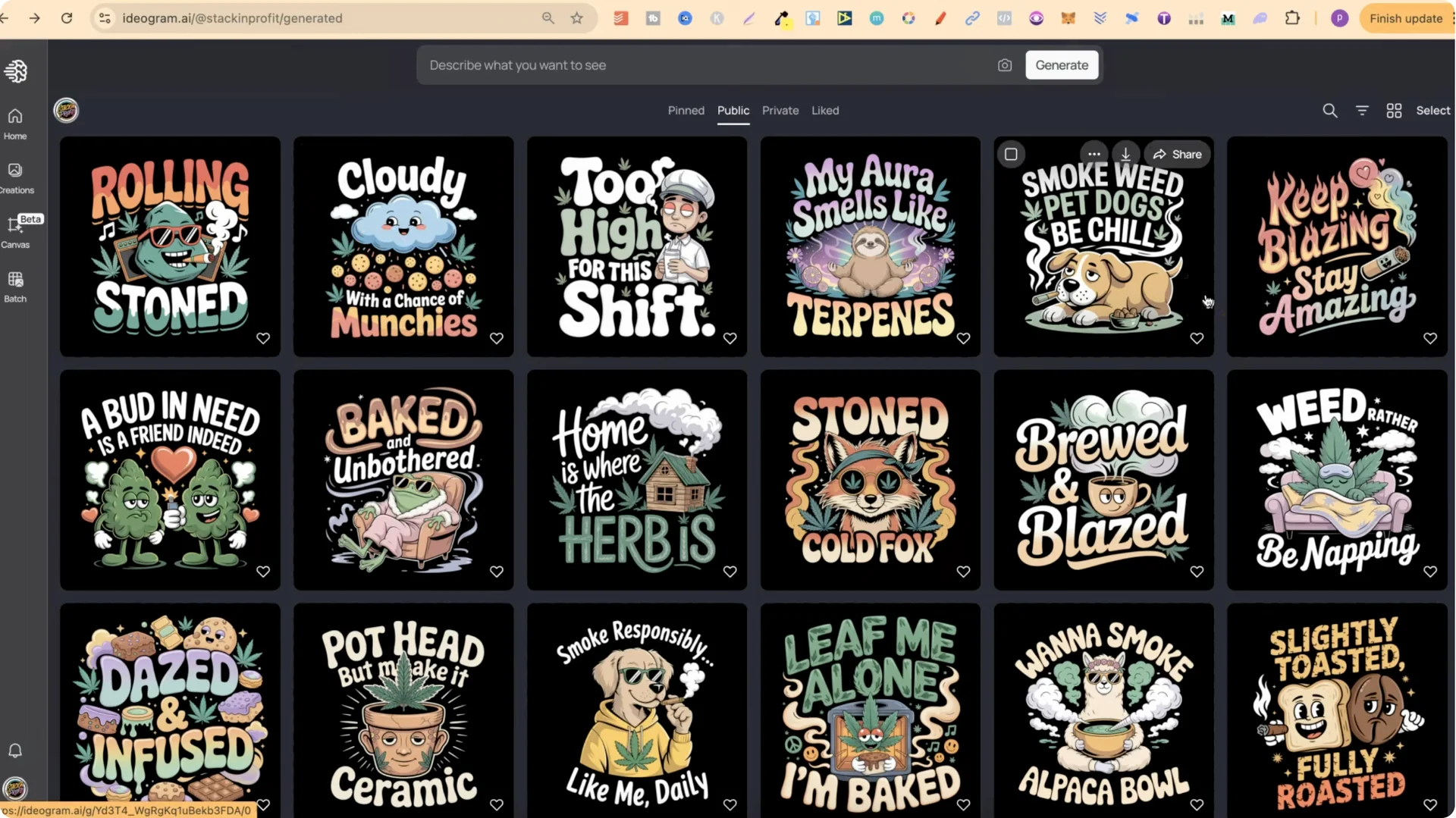
I was playing around creating some 420 weed designs, and then 3.0 released. I took the same prompts that created the 2.0 set, ran them with 3.0, and got much better results.
Ideogram 3.0 420 T-Shirts: Creating Prompts With My Generator
I used my quote t-shirt prompt generator. It helps come up with puns, creates design concepts, and then builds a fully formatted Ideogram prompt from the concept.
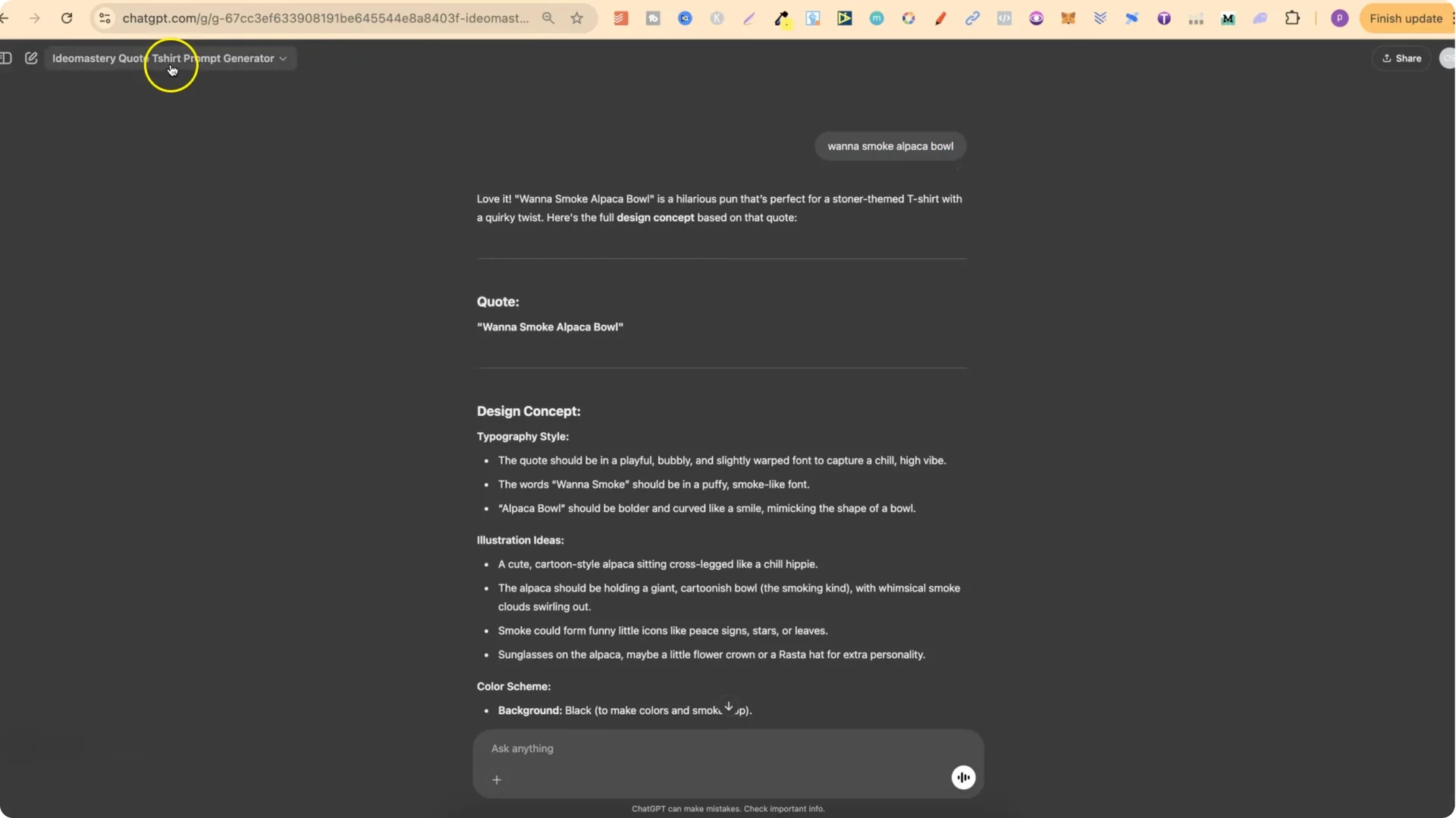
I found a quote I really liked: “Want to smoke alpaca bowl.” I plugged that in, got a design concept, then asked for the prompt. After that I wanted a bunch of different funny puns and quotes, so I asked for more, including plays on “want to smoke alpaca bowl,” and started getting a lot of options.
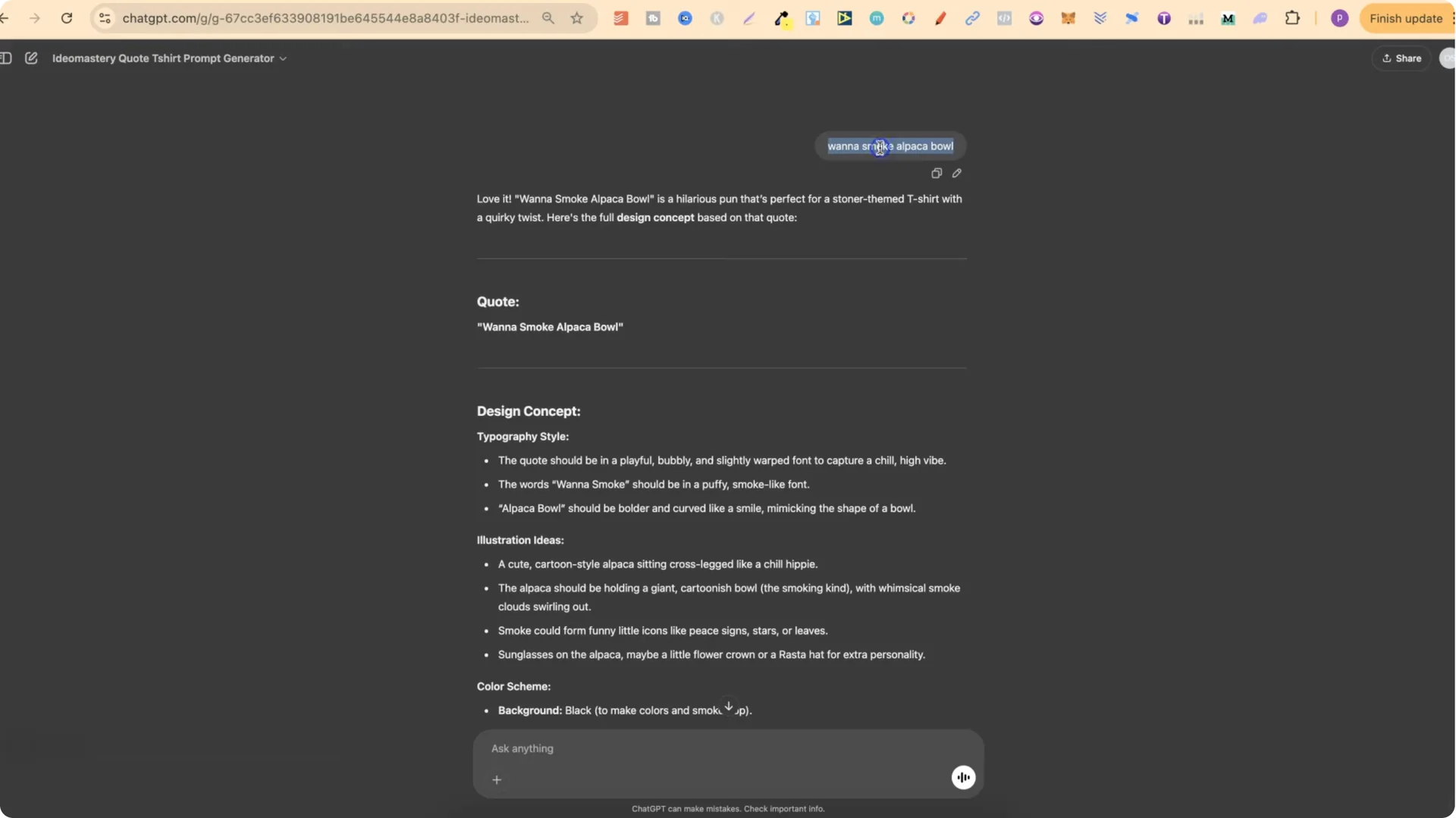
I went through them, made design concepts from my favorite puns, then grabbed the prompts and took them over to Ideogram. I did that for a bunch of designs to see how they would look, then 3.0 came out and the results got noticeably better.
Example pun directions I explored
Ideogram 3.0 420 T-Shirts: Magic Prompt and Variations
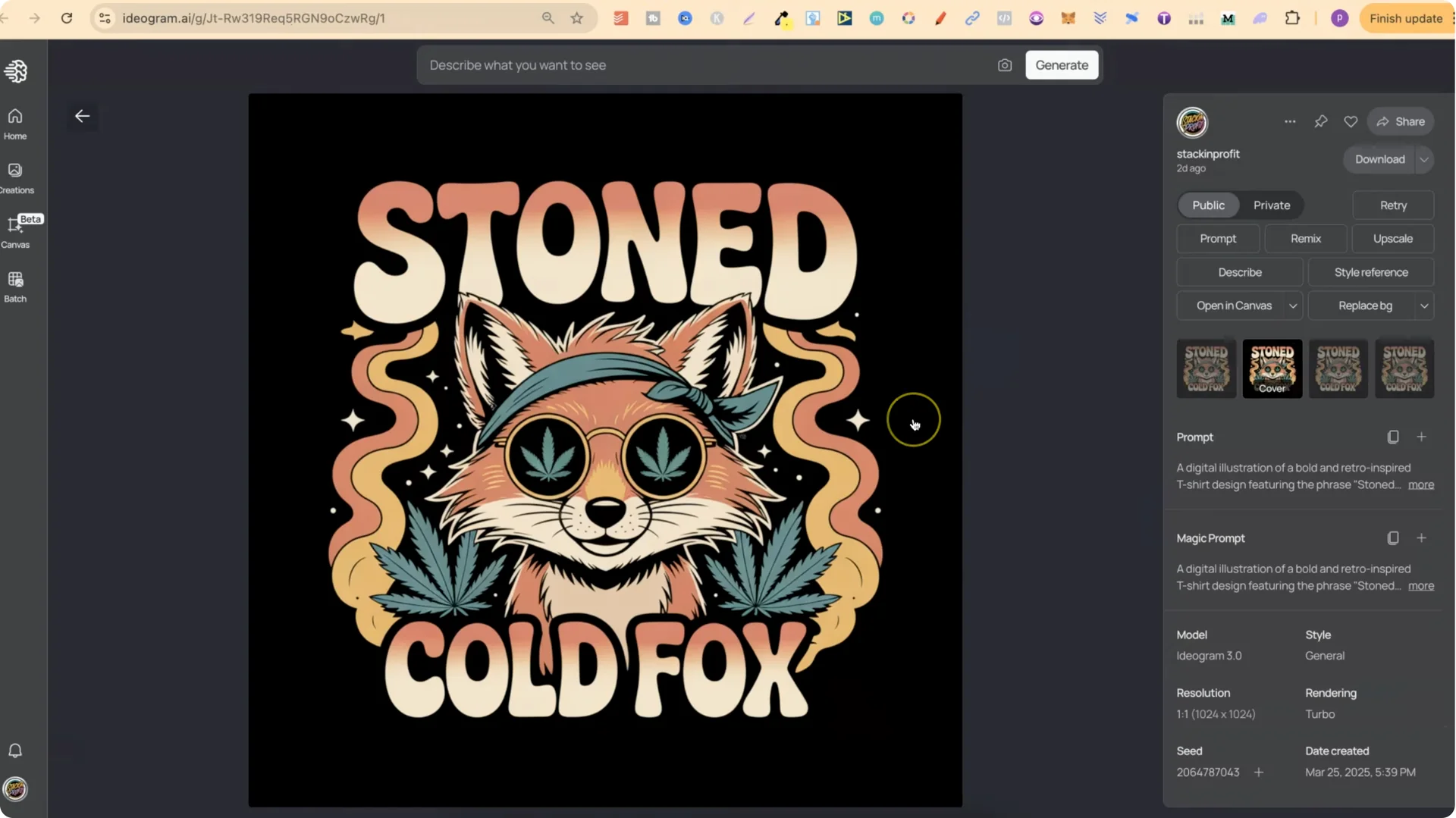
Even though I used my generator to create the prompts, I always keep Magic Prompt on. In the prompt box you’ll see “mp” – that’s Magic Prompt. When enabled, it enhances what you input and produces variations.
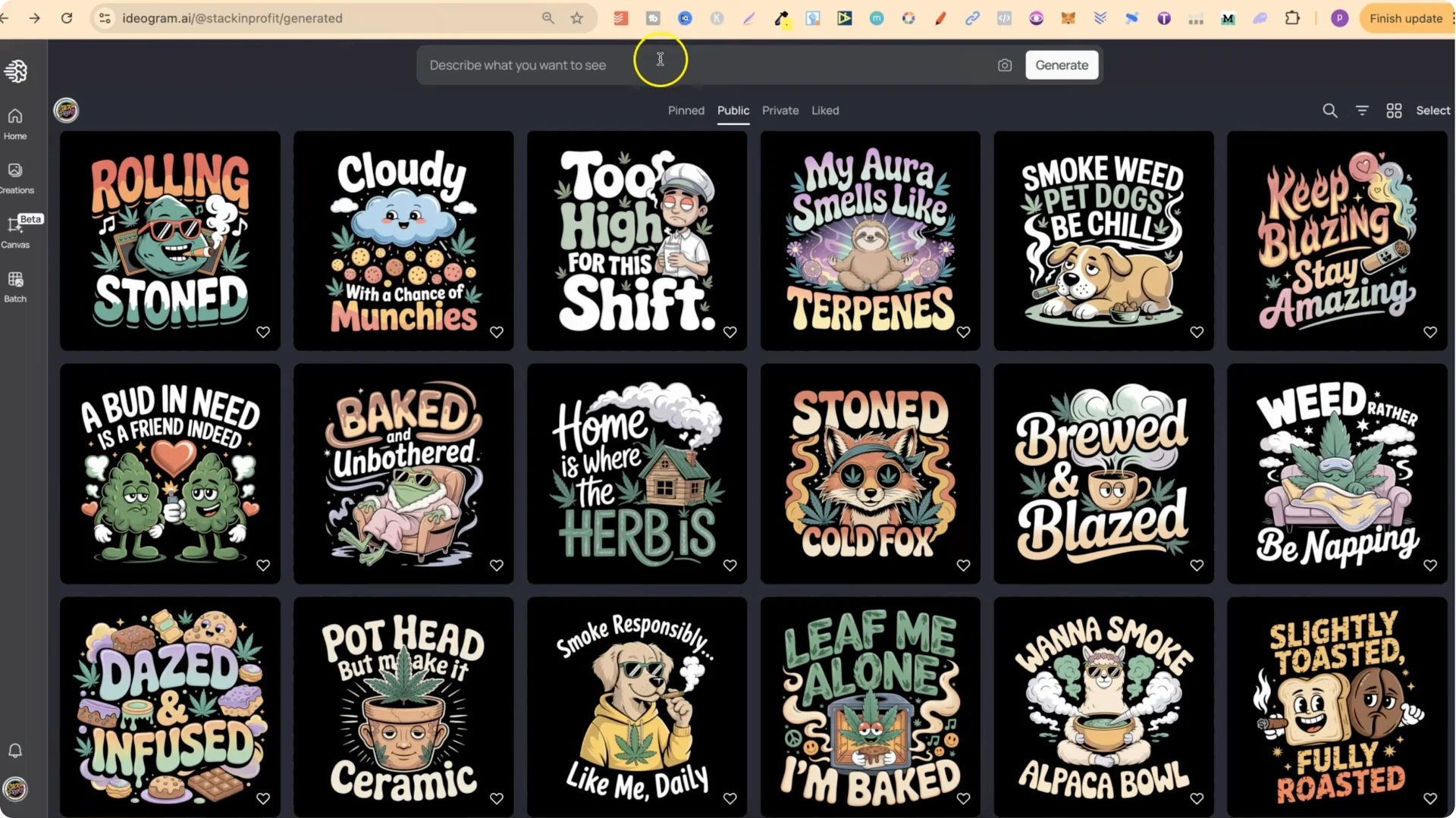
For example, I took an original prompt, ran it in 3.0 with Magic Prompt on, and got a different variation. That’s why you’ll see two similar designs for ideas like Stoned Cold Fox. It means there are more prompts you can grab and use.
Ideogram 3.0 420 T-Shirts: Remixing vs Re-Prompting
If you want to use these, avoid Remix. Remix tends to get you the same composition. You’re better off re-prompting from the original text.
Step-by-step to re-prompt:
1) Open a design you like, for example “Cloudy with a chance of munchies.”
2) Click the plus icon to add the prompt to the input box.
3) Generate a new design from that prompt. Turn Magic Prompt on if you want enhanced variations.
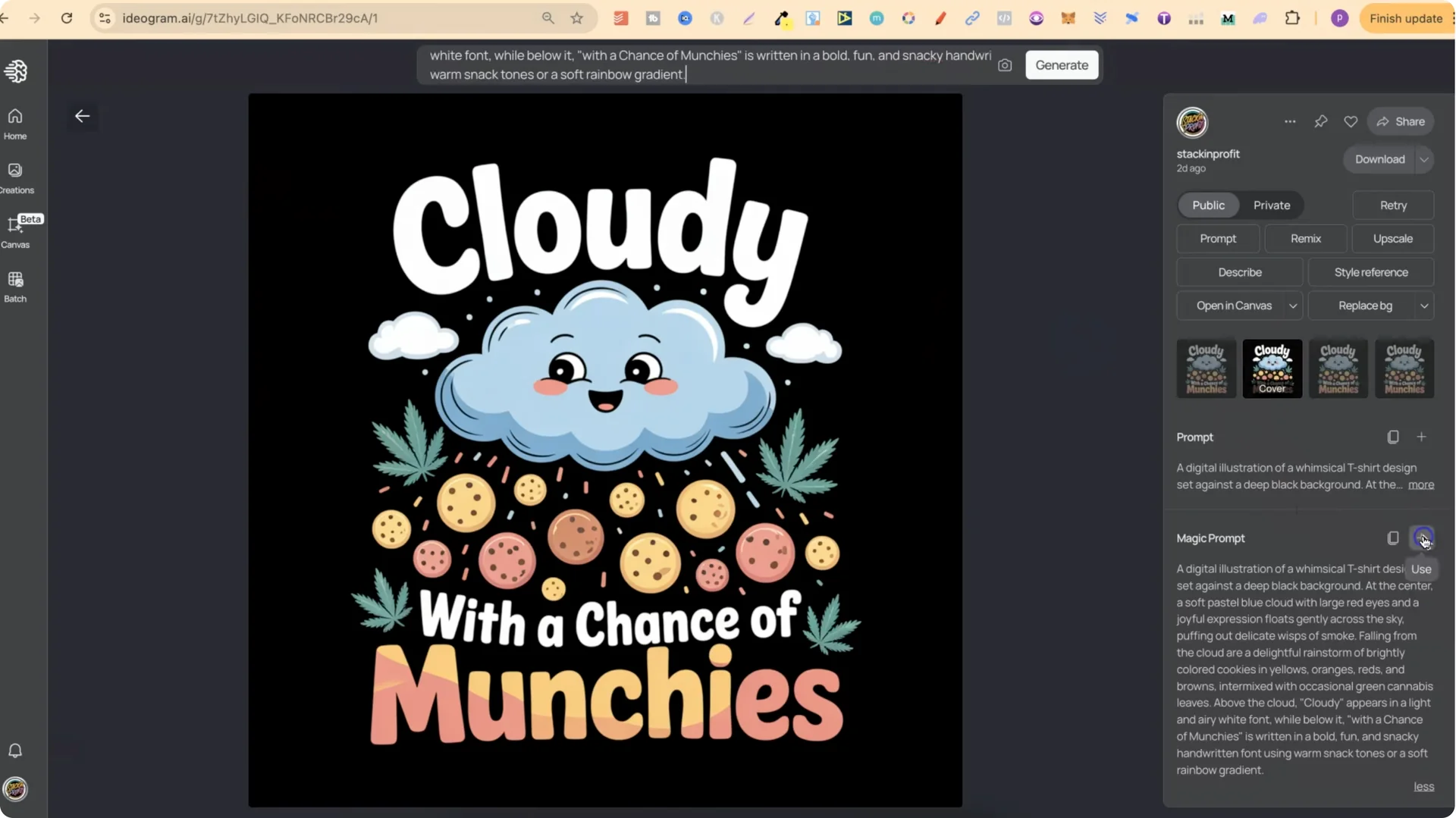
I also suggest checking out the 100 Ideogram prompts freebie. It shows how easy it is to edit and modify prompts so you can make new versions.
Ideogram 3.0 420 T-Shirts: Design Reviews – Faves, Fails and Fun Concepts
Here’s a quick tour of what stood out to me:
Ideogram 3.0 420 T-Shirts: What’s in IdeoMastery (Custom Prompt Generators)
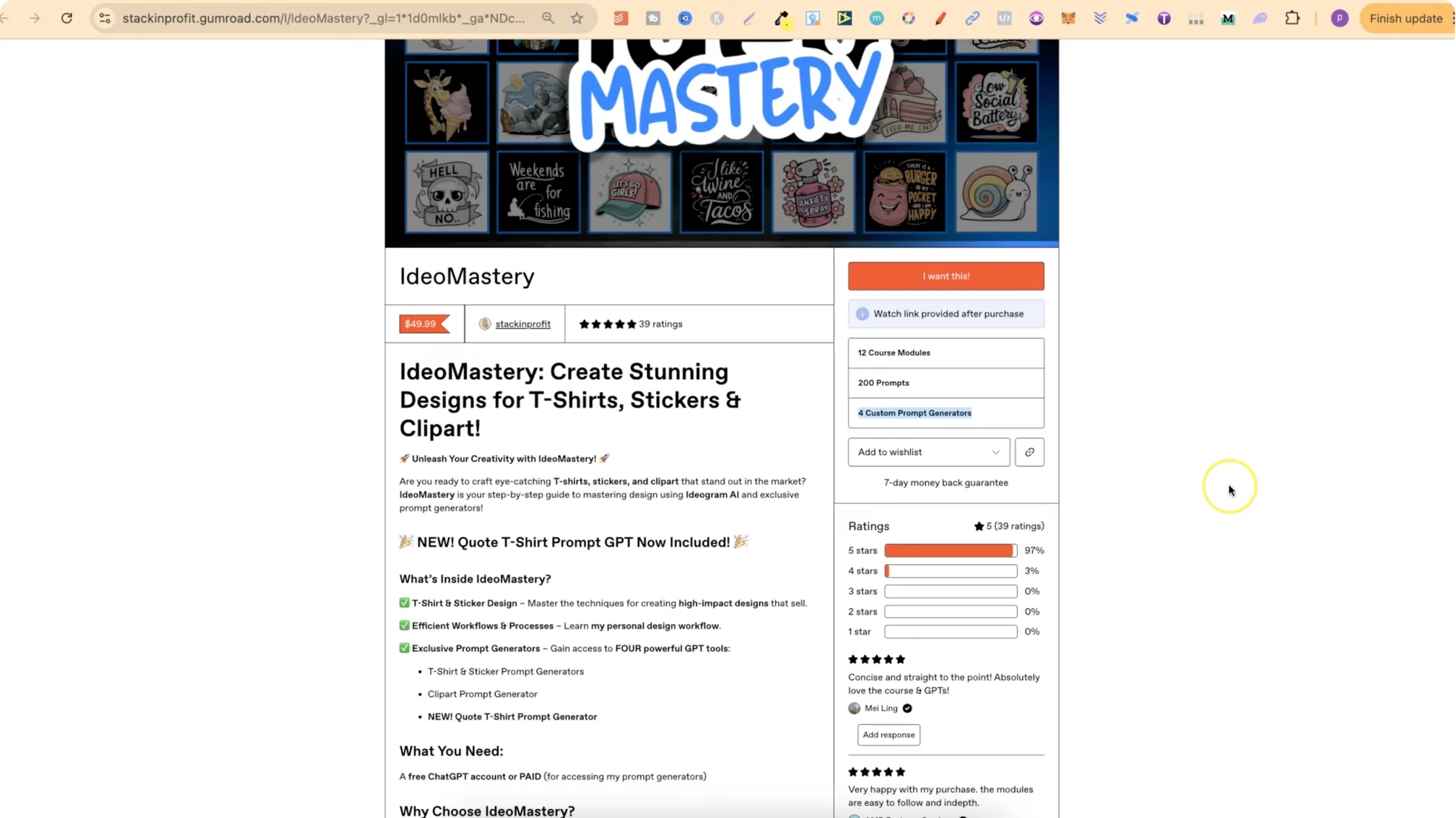
This prompt generator is part of my IdeoMastery course, which includes four custom prompt generators. All of the designs mentioned here are on my public profile. You can click into them, check out the prompts, edit or modify them, and use them how you please.
My public profile also has lots of other stuff related to t-shirts, kids storybook covers, clip art, and coloring page prompts.
Final Thoughts on Ideogram 3.0 420 T-Shirts
Ideogram 3.0 produced noticeably better results from the same prompt set compared to 2.0. Magic Prompt adds helpful variation, and re-prompting beats Remix if you want fresh compositions. Grab the 100-prompt pack, edit the text, and you’ll quickly spin up new 420 designs that fit your style.