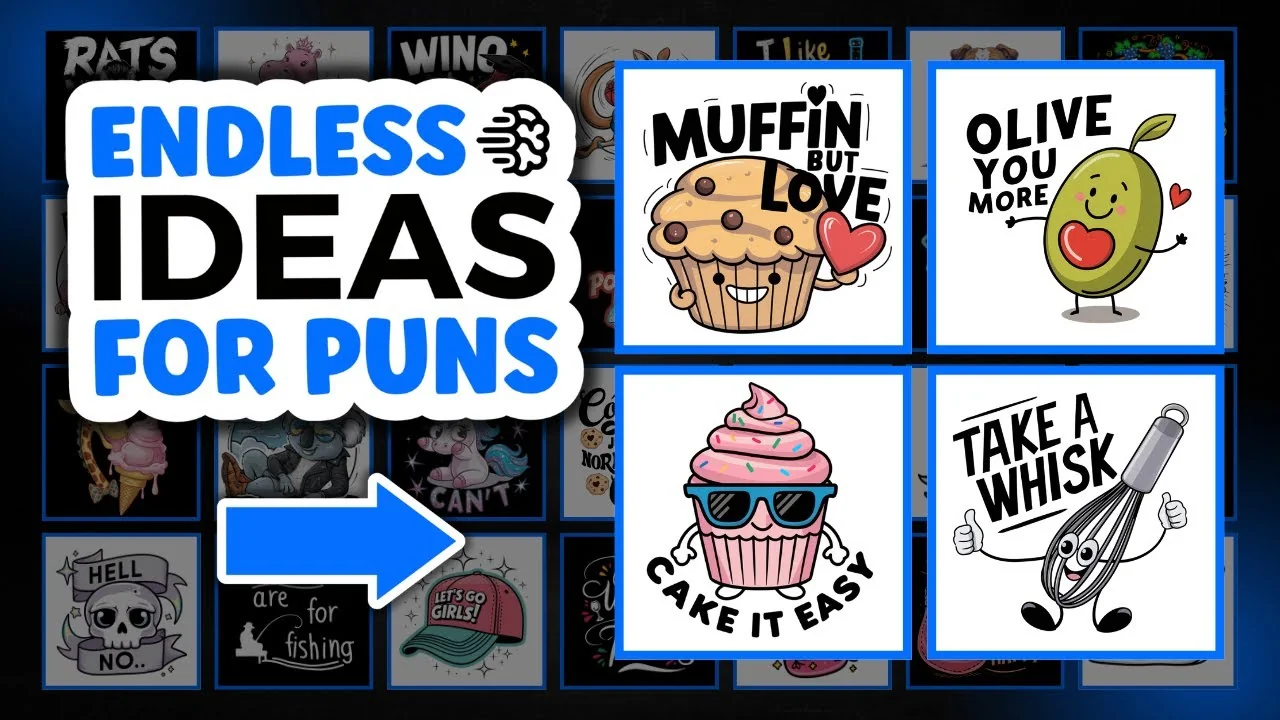
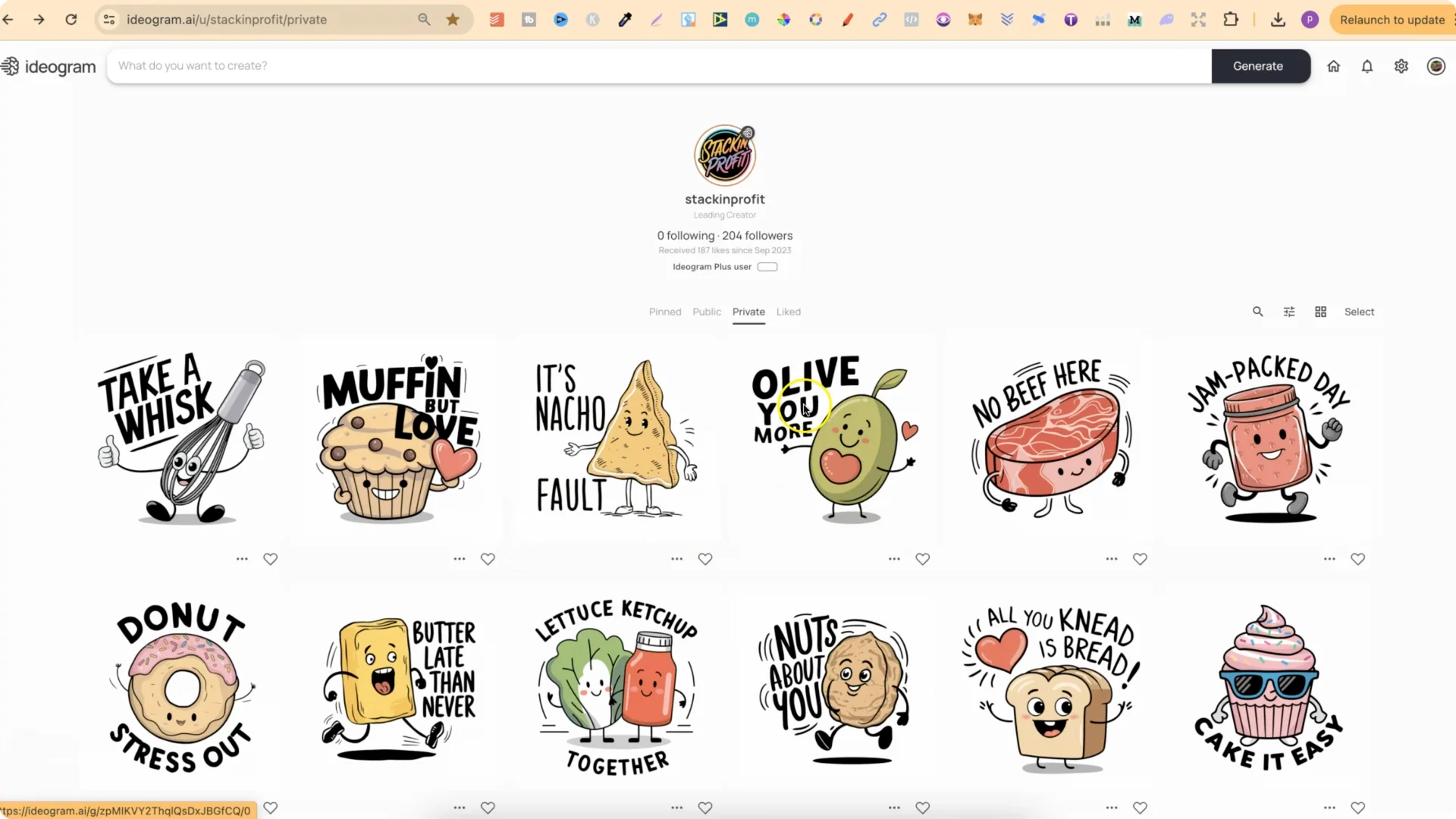
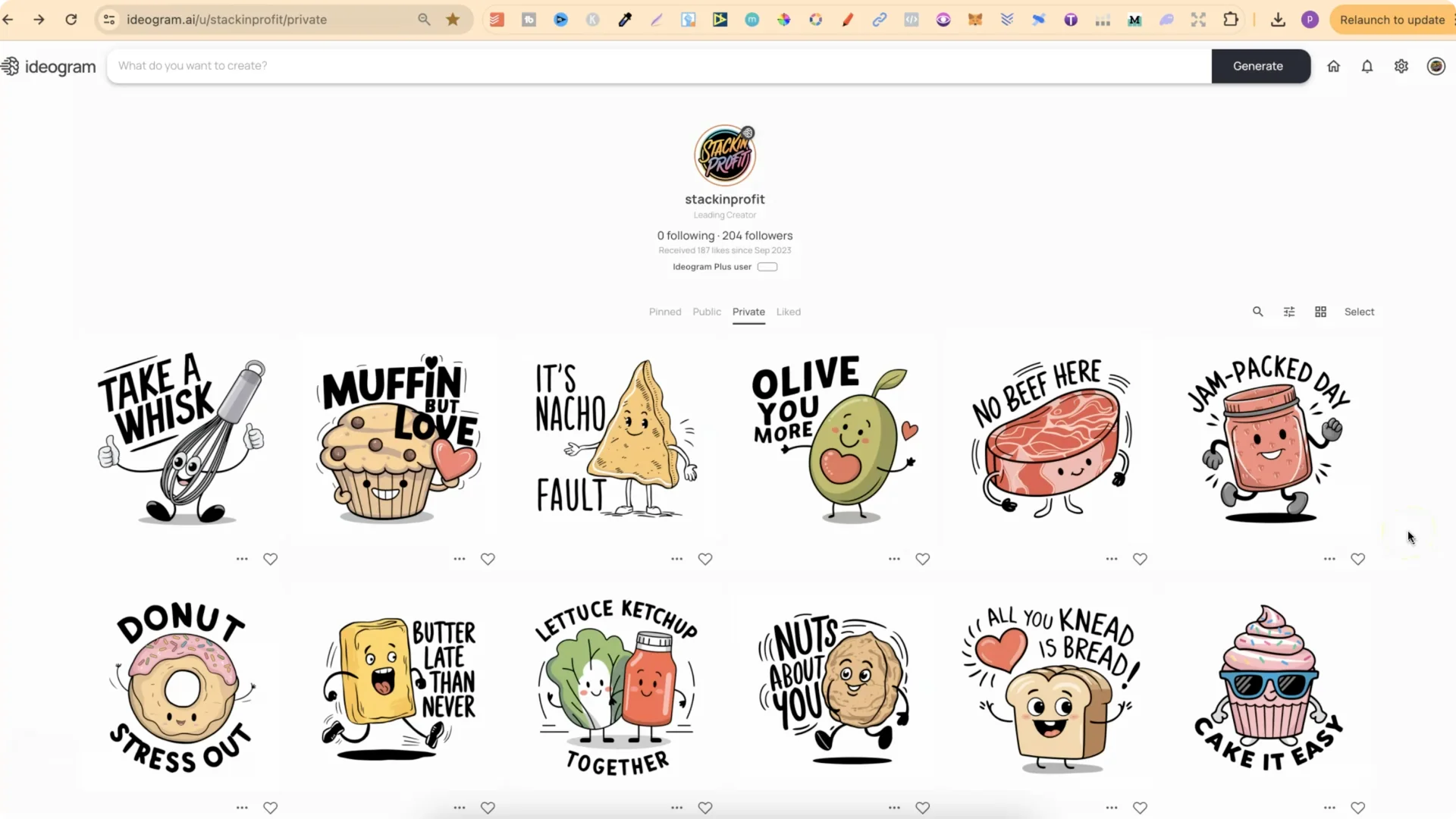
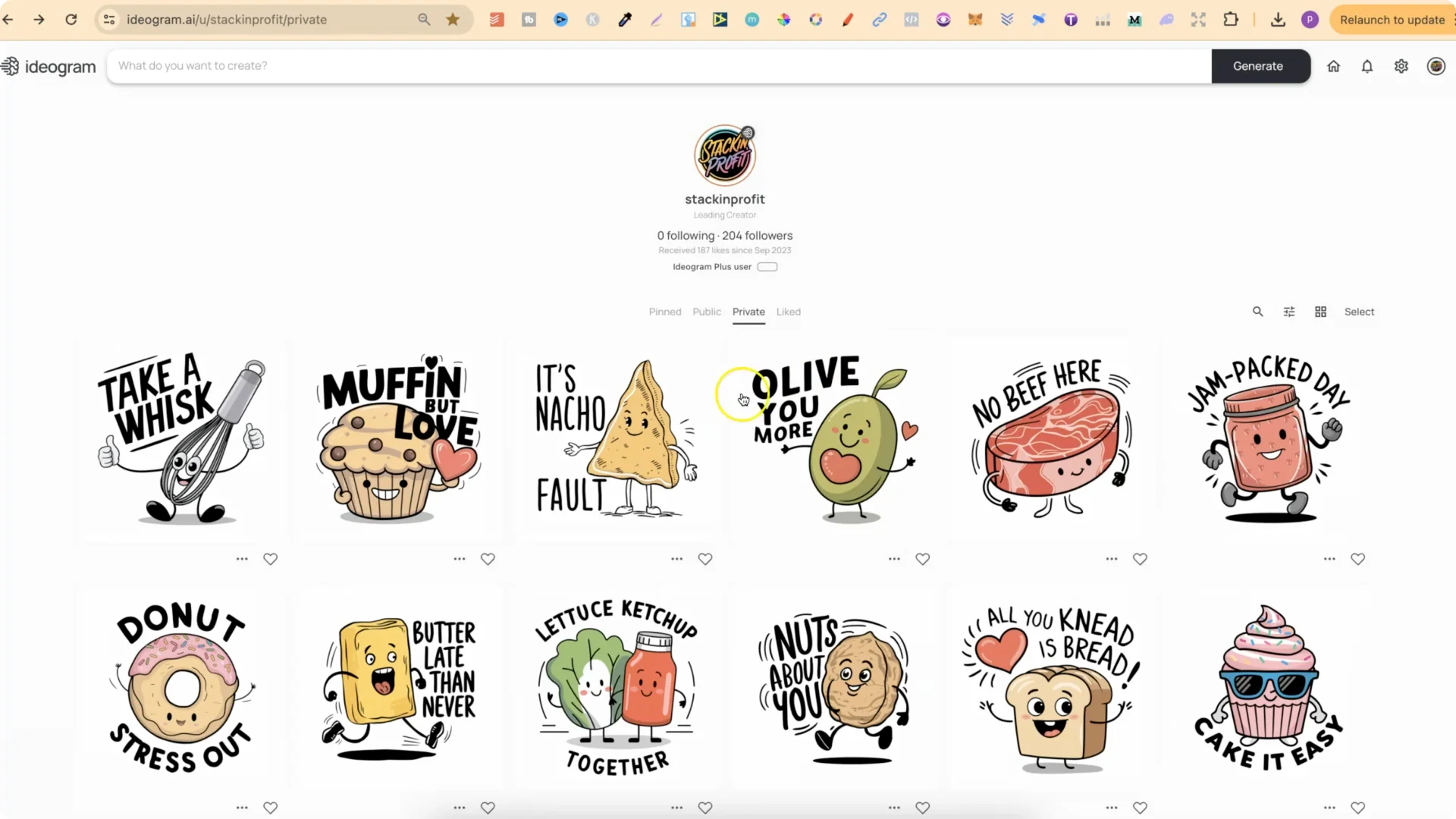
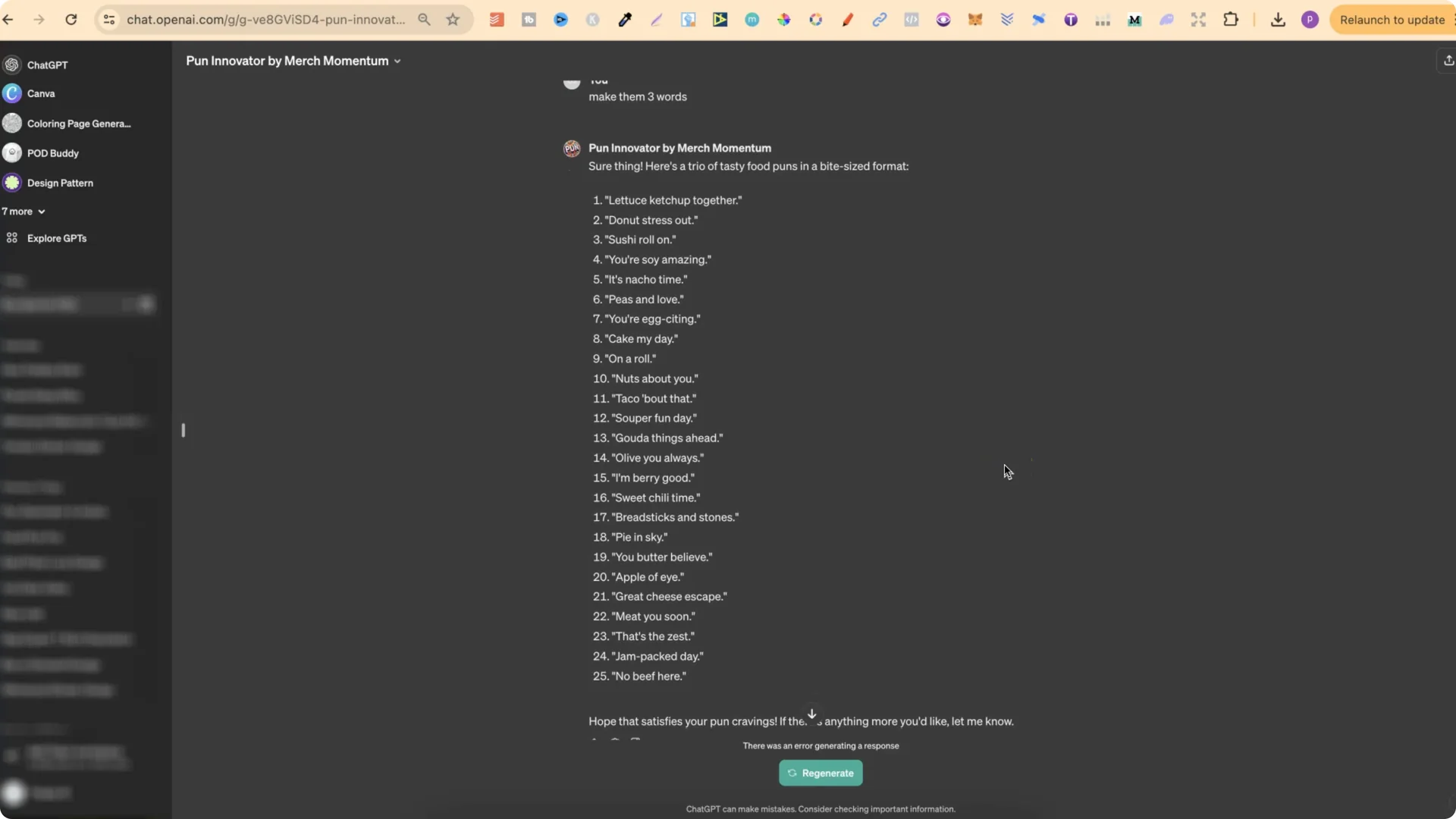
I’ve been creating some fun pun stickers. This one says Take a Whisk, Muffin But Love, It’s Nacho Fault, Olive You More, and they do look pretty good. How did I get the puns for these stickers? I used a GPT.
POD Pun Generation: Getting Started in the GPT Store
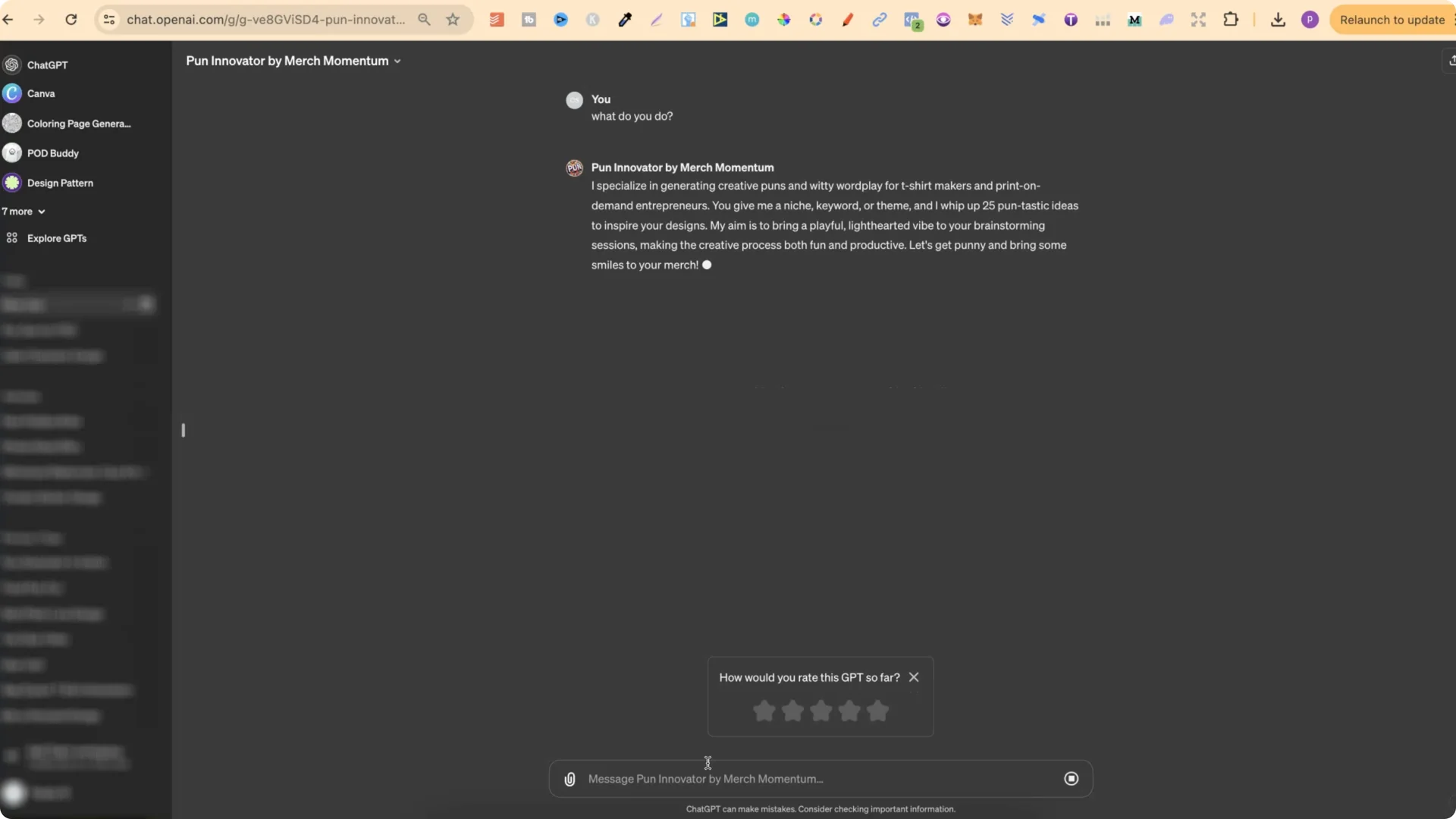
POD Pun Generation for Any Niche
You can use this pun generator for any niche you want. It doesn’t have to be food. You could put, Give me puns for cats, for dogs, for animals, for sports, hobbies, whatever you can think of. This pun generator will give you those specific puns. It gave me 25 puns related to cats.
POD Pun Generation: Expand Variations From a Favorite
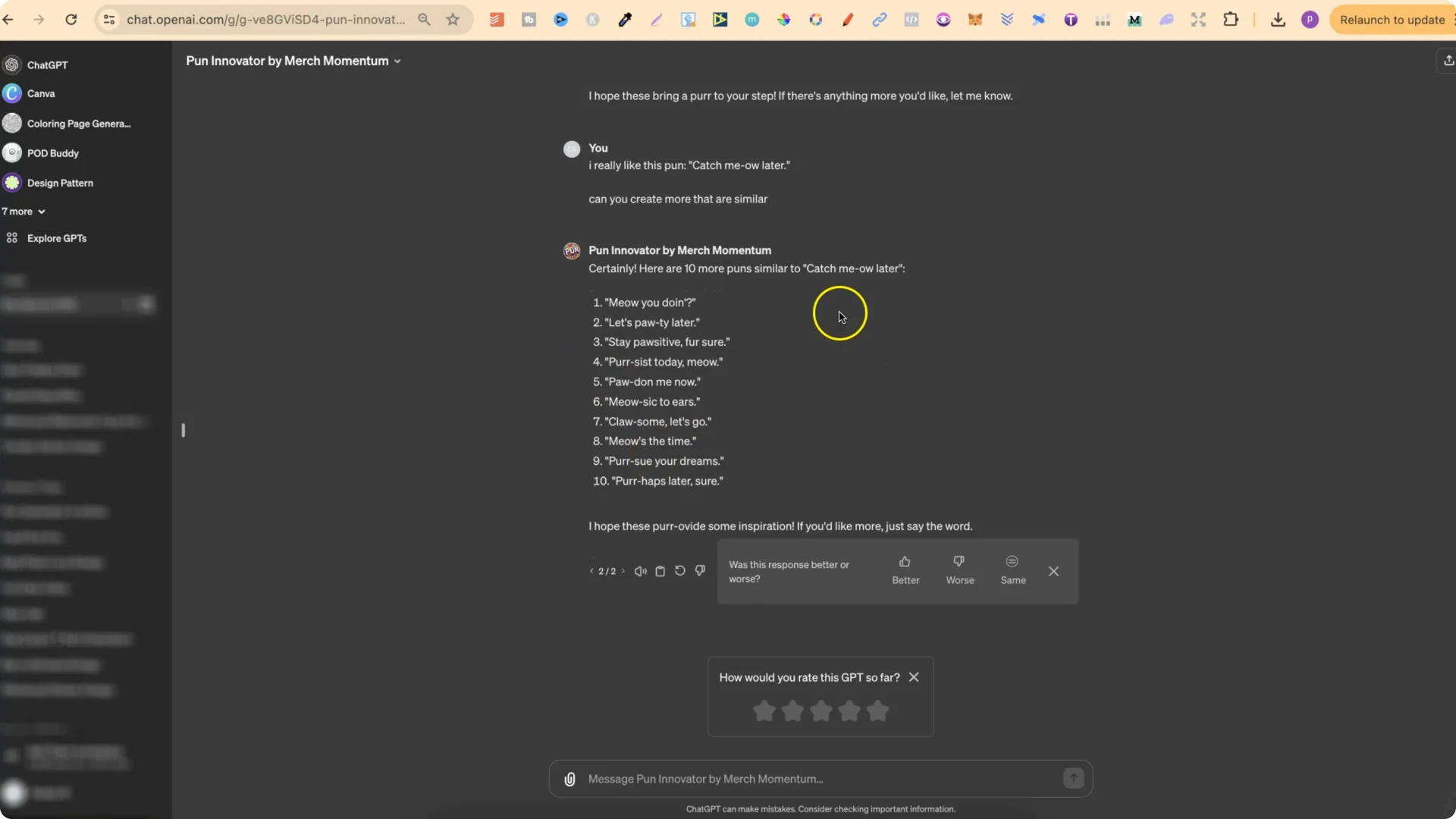
Another thing you can do is say, I really like this pun, put the pun from the list, then ask, Create more that are similar. You’ll get more puns related to that pun.
POD Pun Generation: Trademark Checks
When you’re doing anything quote related, always remember to check for trademarks to make sure it’s not actually trademarked.
Turning Puns Into Designs With Ideogram for POD Pun Generation
For me it’s relatively easy to take these puns and turn them into designs or prompts for Ideogram because I now personally have a t-shirt prompt generator for Ideogram and I also have a sticker prompt generator as well. These two GPTs aren’t available in the store, so you’re not going to be able to find them, but they are going to be released in my brand new course which is called Ideo Mastery coming out this Friday.
I used my sticker prompt generator to give me prompts for stickers based on that list of puns. For It’s Nacho Fault, I said, Please give me a prompt for this quote. I did it for Muffin But Love, Take a Whisk, and others, and those produced the designs you see here.
Avoid the White Outline in POD Pun Generation Prompts
One thing I always do: instead of having the word sticker, I change it to design. When you have the sticker keyword in your prompt, you’re going to get an actual sticker with a white outline. With these designs, we don’t have that white outline around the outside because the keyword sticker isn’t in the prompt. If you include sticker, it just takes longer to edit.
A Reusable Prompt Structure for POD Pun Generation
Use this structure and swap a few keywords to fit your pun.
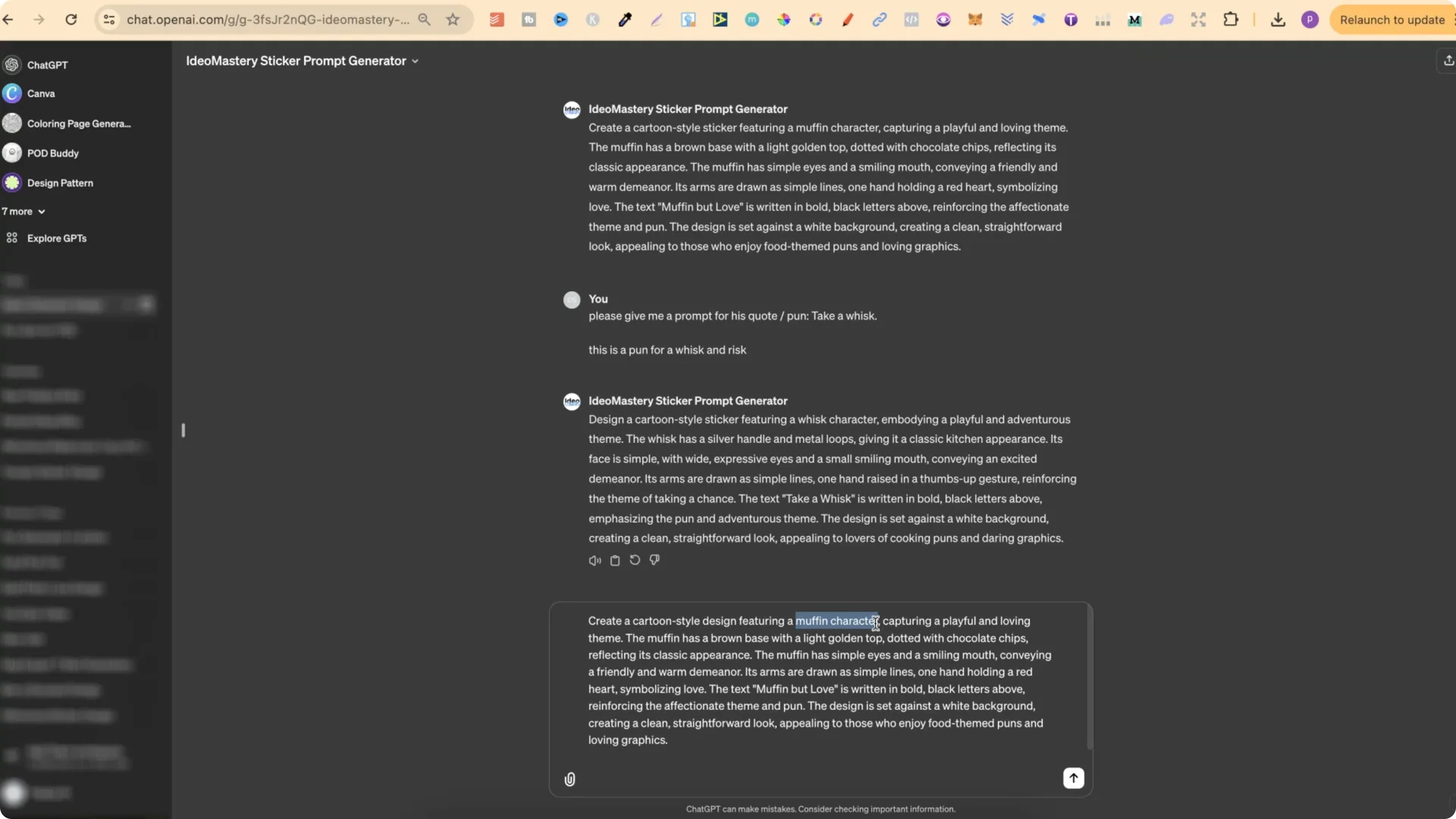
– Change [subject] to fit your pun. If it’s for bread, change this to bread. If it’s for an apple, change it to apple.
– Keep playful if it suits your style, and change the second adjective. Loving can be changed to adventurous, for example.
– Example for a muffin: The muffin has a brown base with a light golden top.
– Example for an apple: The apple has a green or red base with a leafy top.
– Simple limbs work well. Its arms are drawn in simple lines, one hand holding a red heart symbolizing love. You can change this prop to fit the pun.
– You can change the font to a sans serif or a bold font and specify the color.
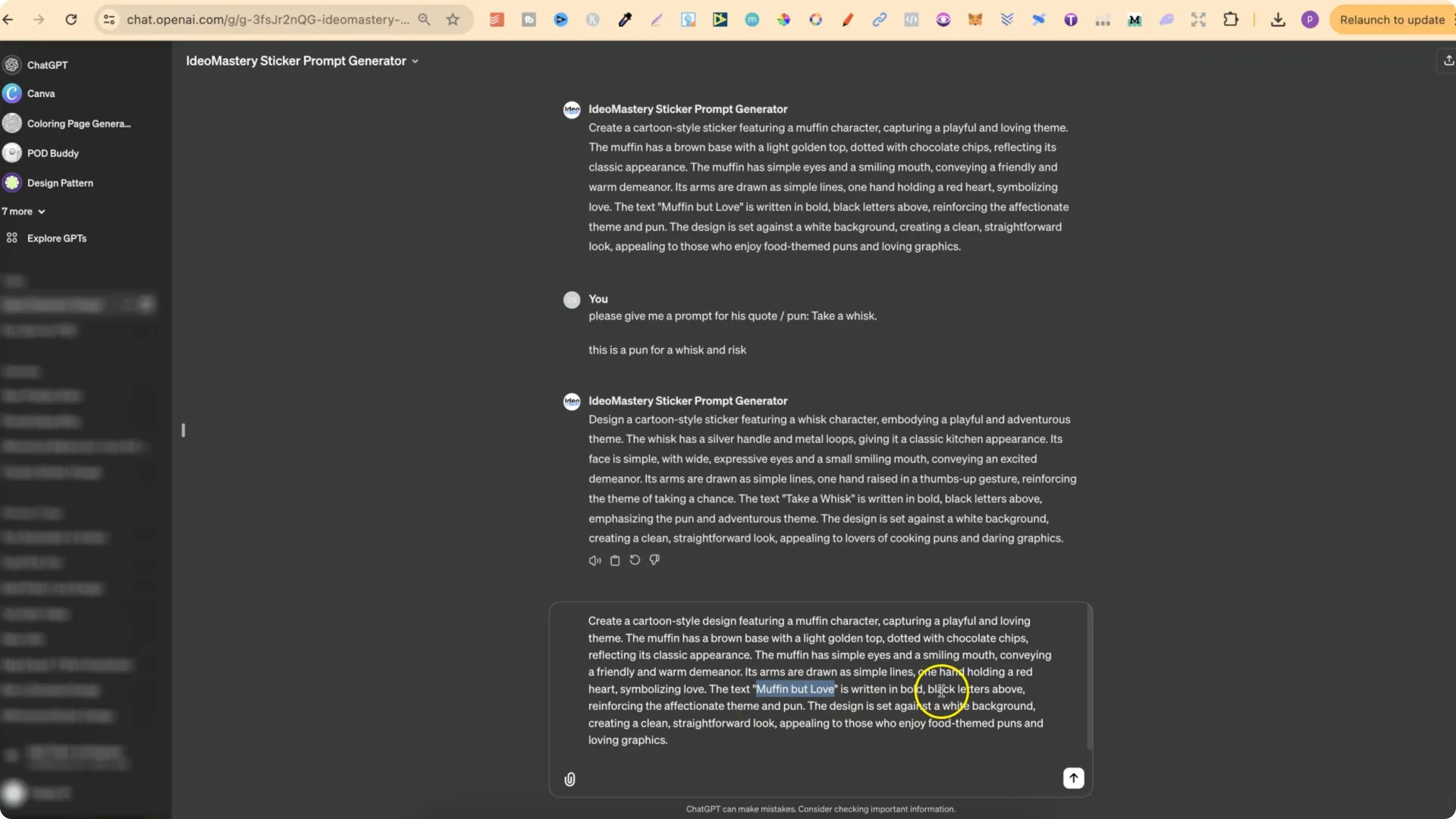
Play around with this prompt structure for your puns to see what you can create. If you create good prompts, then you can create good designs.
POD Pun Generation: Quick Recap
Final Thoughts
POD pun generation makes it fast to come up with fun, niche-ready lines like It’s Nacho Fault, Muffin But Love, Take a Whisk, and Olive You More. Build clear prompts, tailor the subject and theme to your pun, and you’ll turn short, punchy wordplay into clean, print-ready sticker and t-shirt designs.