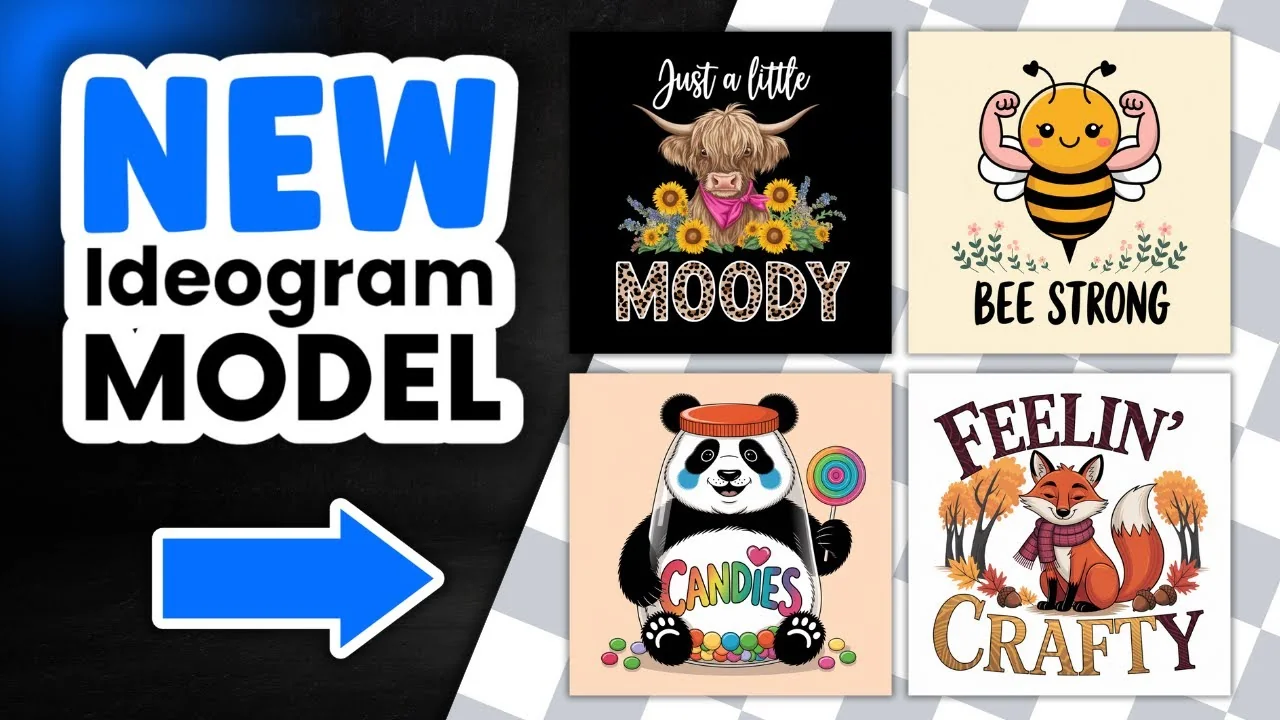
Ideogram has released version 2A, and it does a fantastic job at creating t-shirt designs and sticker designs. As far as I’m aware, 2A has been better optimized for graphic design and anything related to photographs. I don’t do anything related to photographs, just graphic design, so that’s what I’m using here. I created six designs in total – three t-shirts and three stickers – to see how 2A performs.
I already have a bunch of prompts I like to work with. This is part of my freebie with 100 Ideogram prompts for stickers and t-shirts – 50 of each – along with notes on how to customize them. For this test, I pulled prompts directly from that set.
Ideogram 2A Prompt Testing: Quick Setup
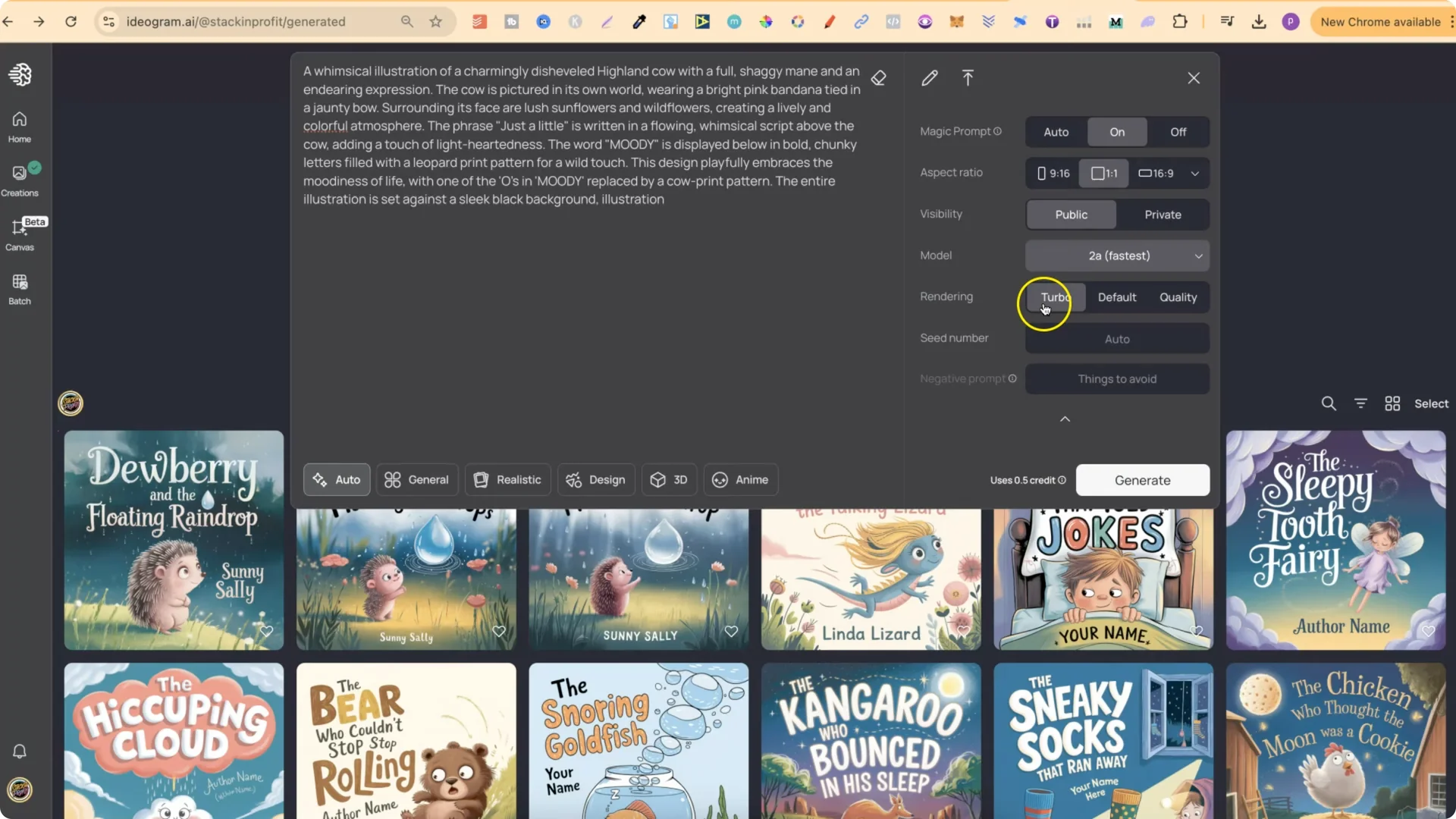
– Turbo – 0.5 credit per generation
– Default – 1 credit
– Quality – 1.5 credits
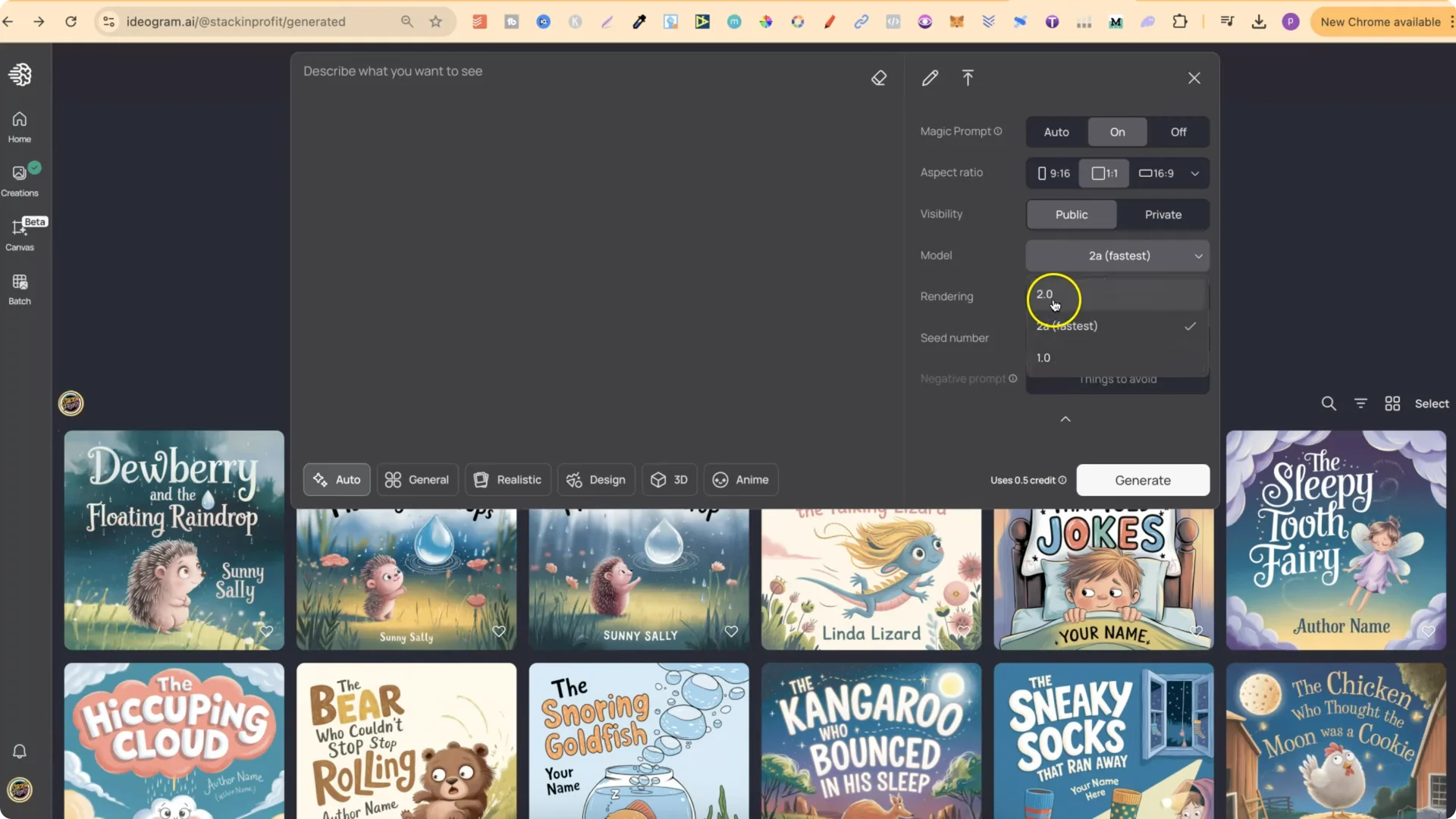
2A is more cost effective when you use Turbo, since it only uses half a credit per generation.
Ideogram 2A Prompt Testing: T-shirt Design Results
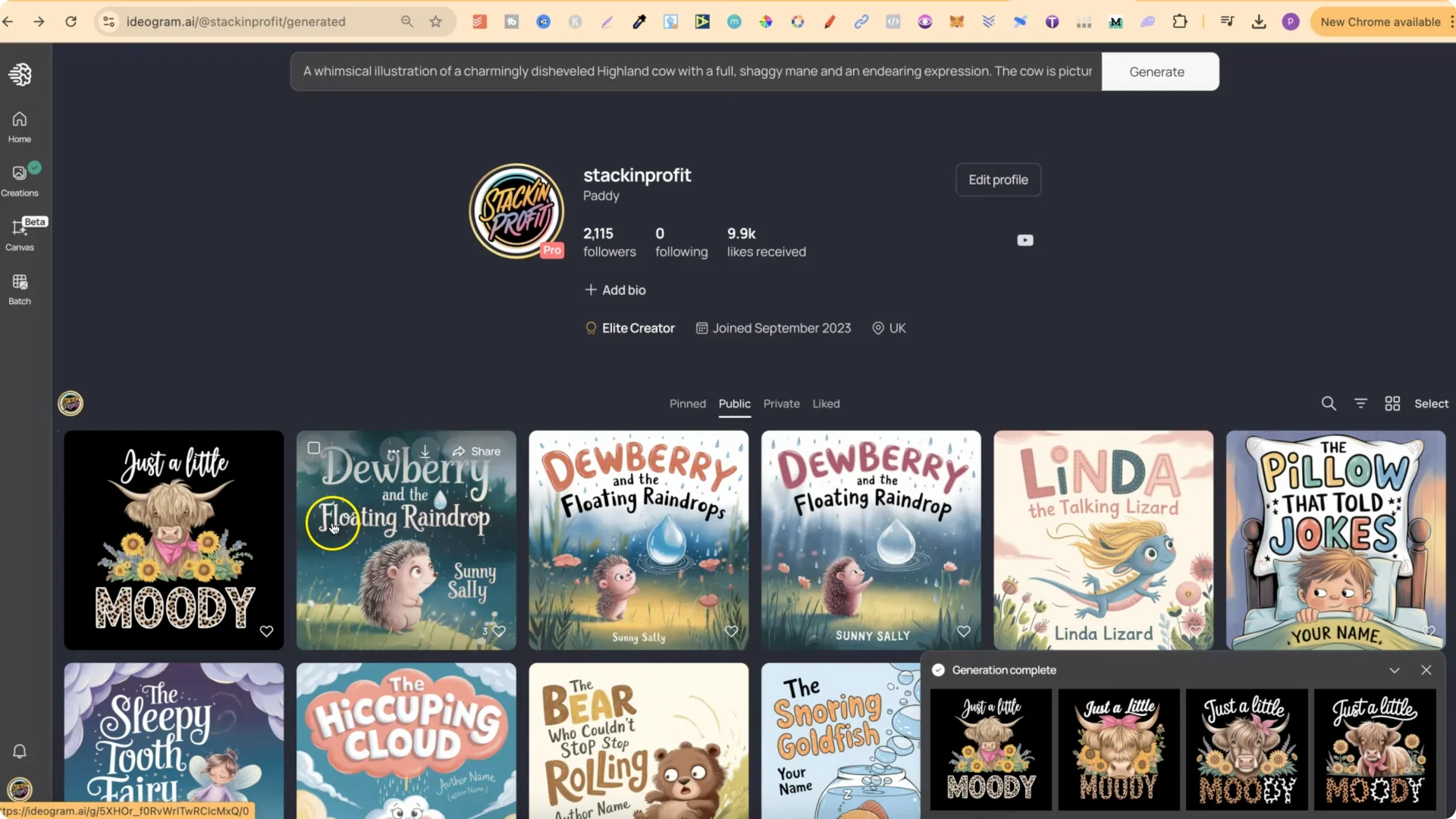
Test 1
The first result looked amazing – absolutely perfect for a t-shirt. The variations were strong across the board, and one stood out as my favorite.
Observations:
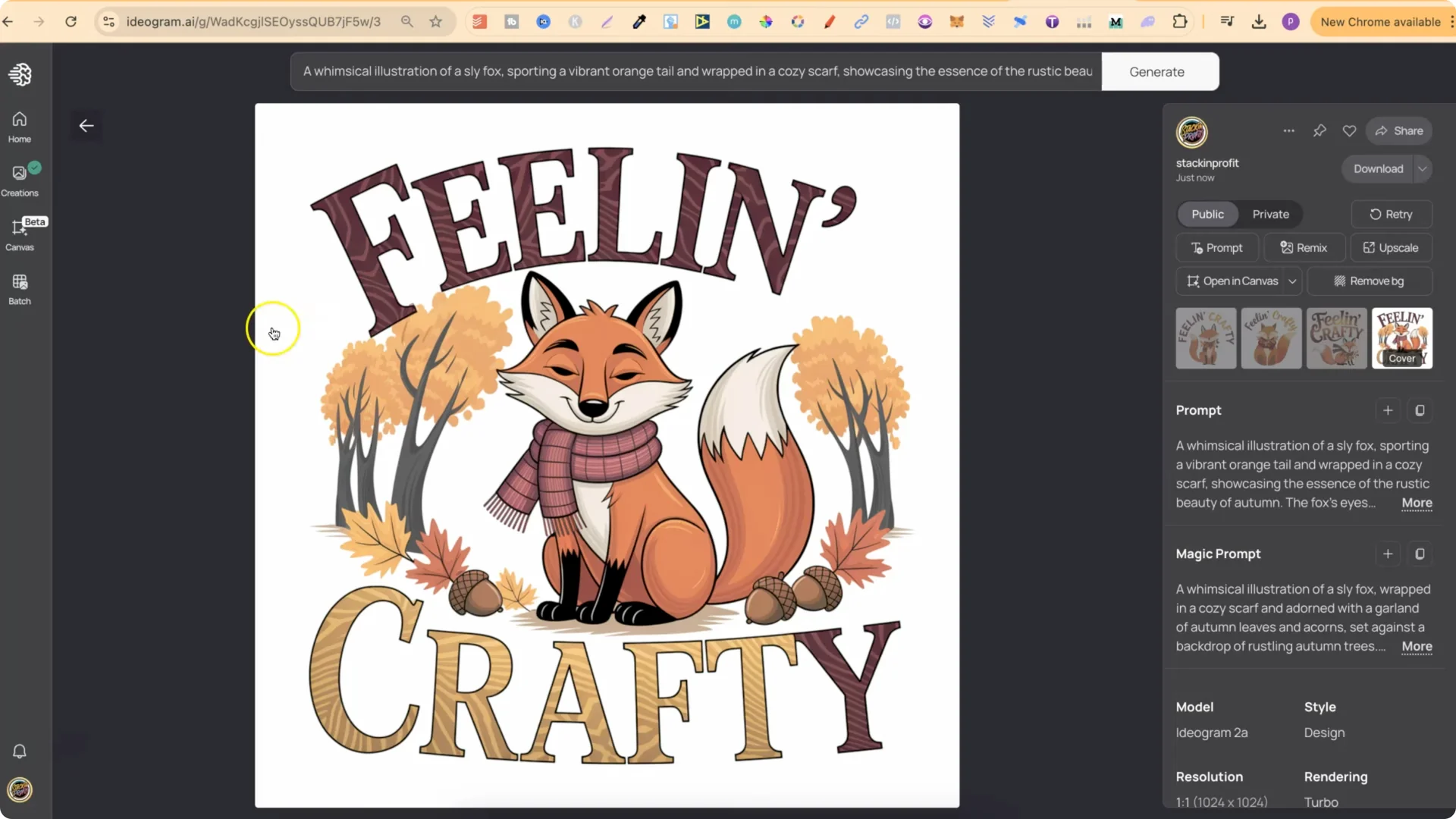
Test 2 – “Feeling crafty”
This set came out really well too. One variation had a great gradient that worked nicely with the design. I was really happy with the results, and one of the outputs looked absolutely perfect.
Observations:
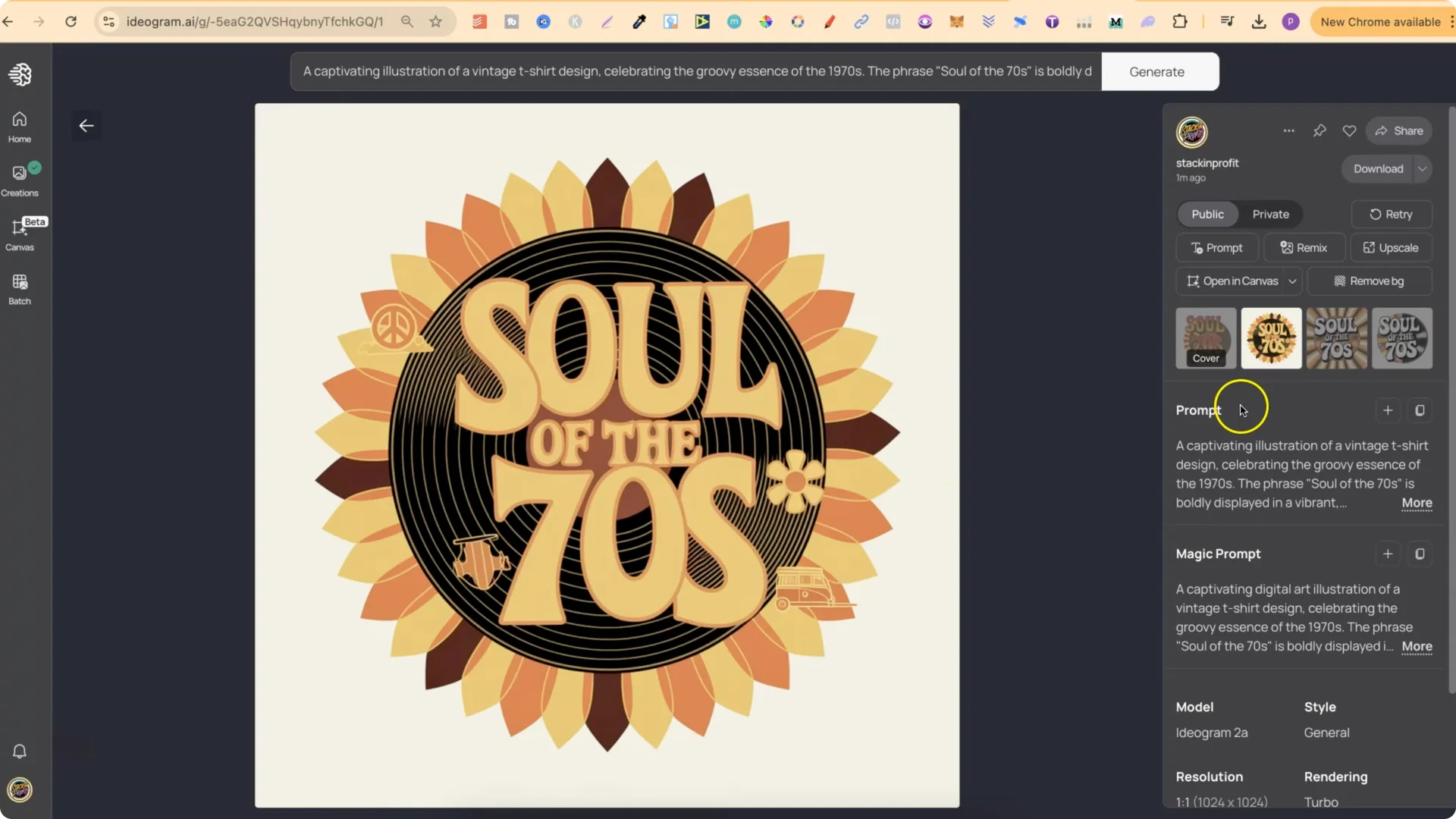
Test 3
This batch looked pretty good, with a couple of small errors in some versions. One variation didn’t look quite right around the outside, but another one looked absolutely perfect. I still preferred one of the earlier t-shirt designs overall, but this set was solid.
Observations:
Ideogram 2A Prompt Testing: Sticker Design Results
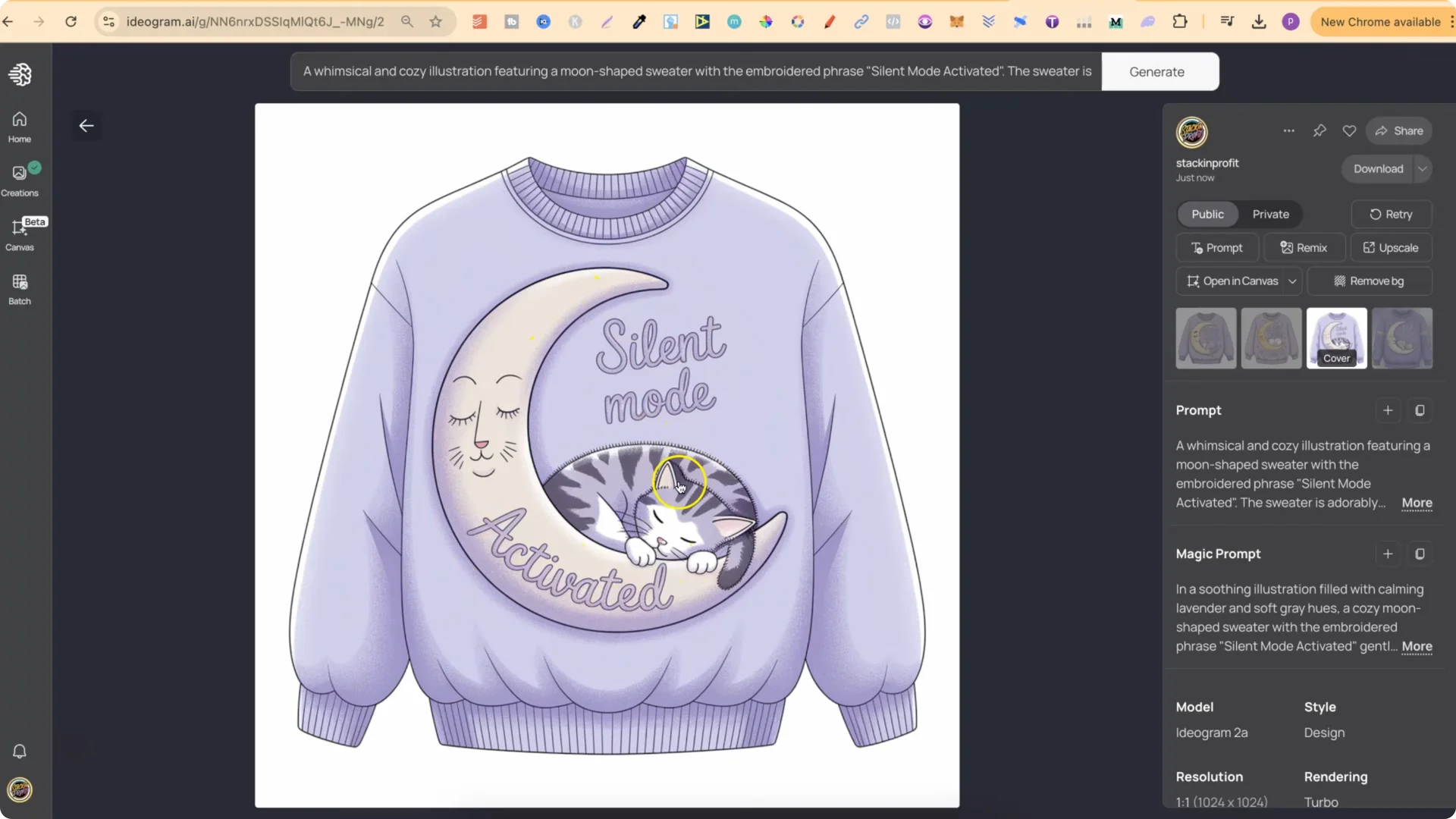
Test 1
This prompt produced a set of stickers that looked pretty good. I really liked several of them. One read “Silent mode activated” with a moon and a cat – that looked perfect. I compared it to a 2.0 version and went back and forth on which I preferred, but I did quite like one of the 2A options.
Observations:
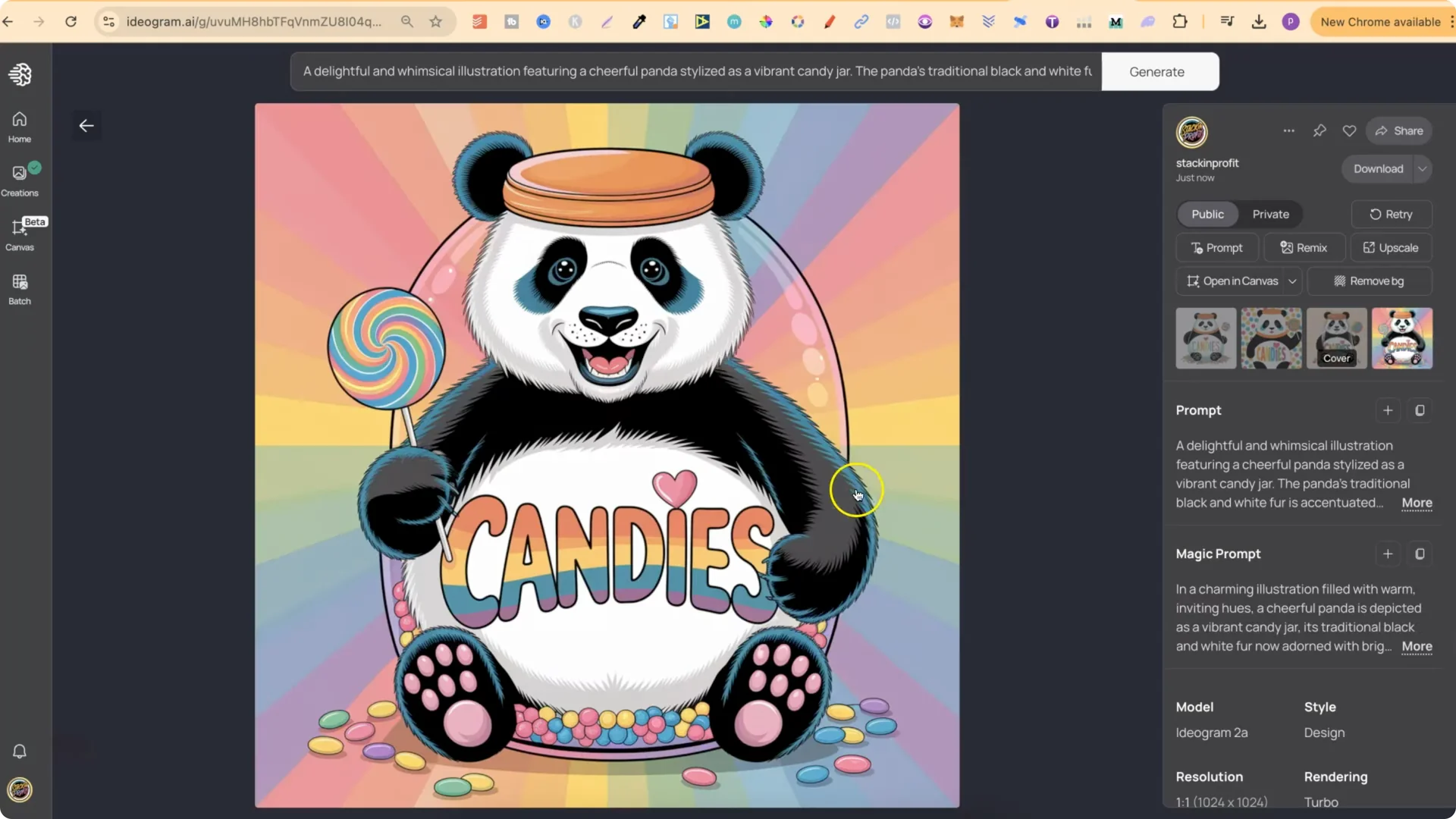
Test 2
I really liked one of the outputs here, and even though the background wasn’t on white, that’s easy to remove. One version had a messy background, but again, that can be fixed. Another variation looked really good. Compared to the original 2.0, I preferred the original for this specific prompt, though I still liked one of the 2A versions.
Observations:
Test 3 – “Be strong”
“Be strong” produced several excellent options. I didn’t like one version because of the round area around the design, but another looked really good – the flowers were spot on, the wording was clean, and the bee looked great. Another version had no flowers, which matched the original prompt text more closely. The original 2.0 looked good and I liked the big arms on that one, but I love how 2A added the floral elements, and some versions even had little hearts on the arms. That 2A design is a million times better for this concept.
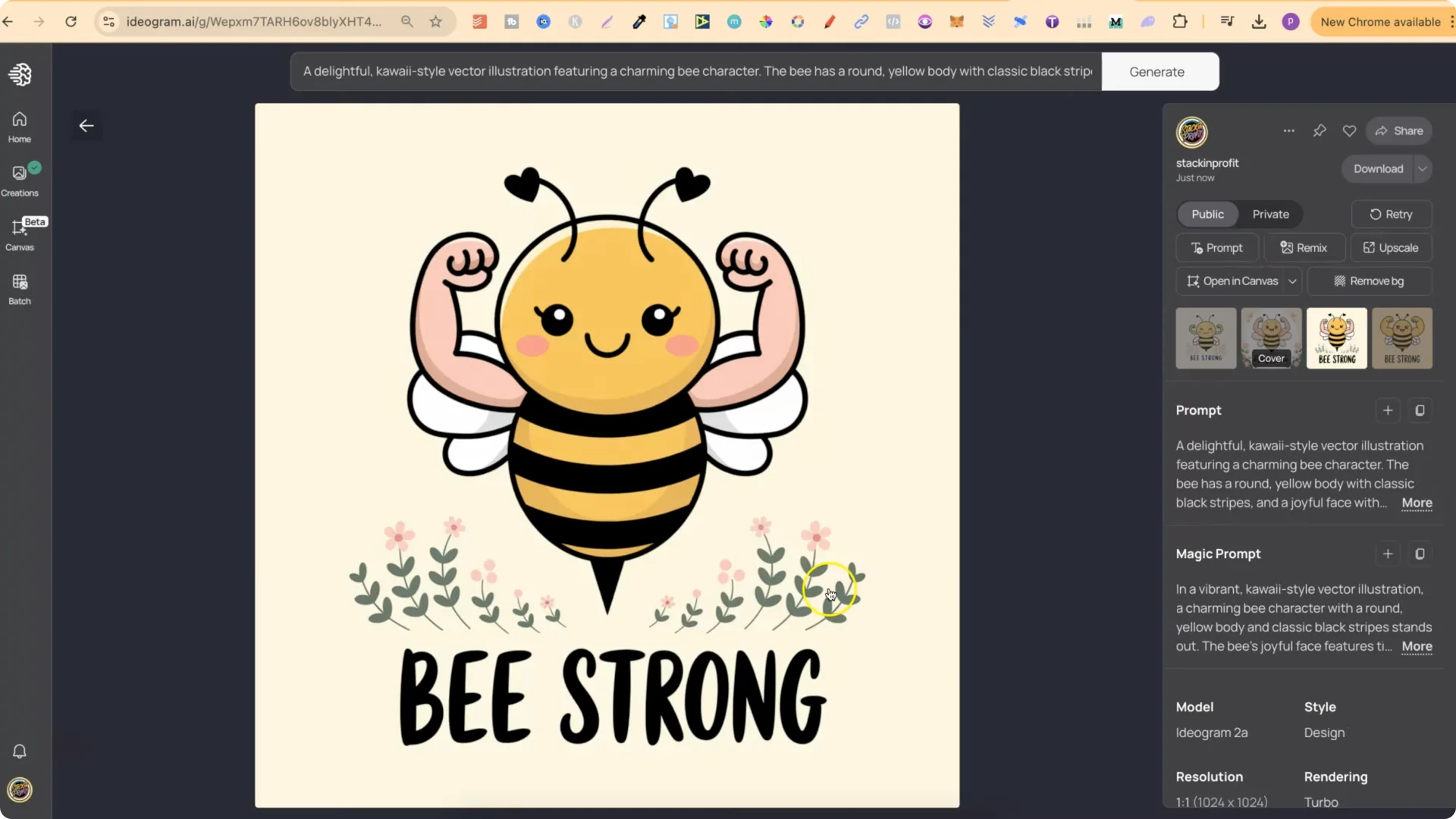
Observations:
Ideogram 2A Prompt Testing: Overall Impressions
Looking at all six together, one sticker didn’t match the style of the others, so I’m less sure about that one. The rest, especially one of the t-shirts and the floral “Be strong” sticker, look amazing. 2A feels like a slight improvement for t-shirt designs, sticker designs, and related graphic work. I’m really enjoying it and plan to keep experimenting with more prompts over the next few days.
Final Thoughts
If you work on t-shirt and sticker concepts, 2A is well worth testing with a variety of prompts.