Here is how to pin and unpin images on Ideogram. You can only pin or unpin images in My Creations. You can also like images, including your own and other creators’ images.
Pin Images from My Creations
Step-by-step:
- Go to My Creations on the left and find the images you want to pin.
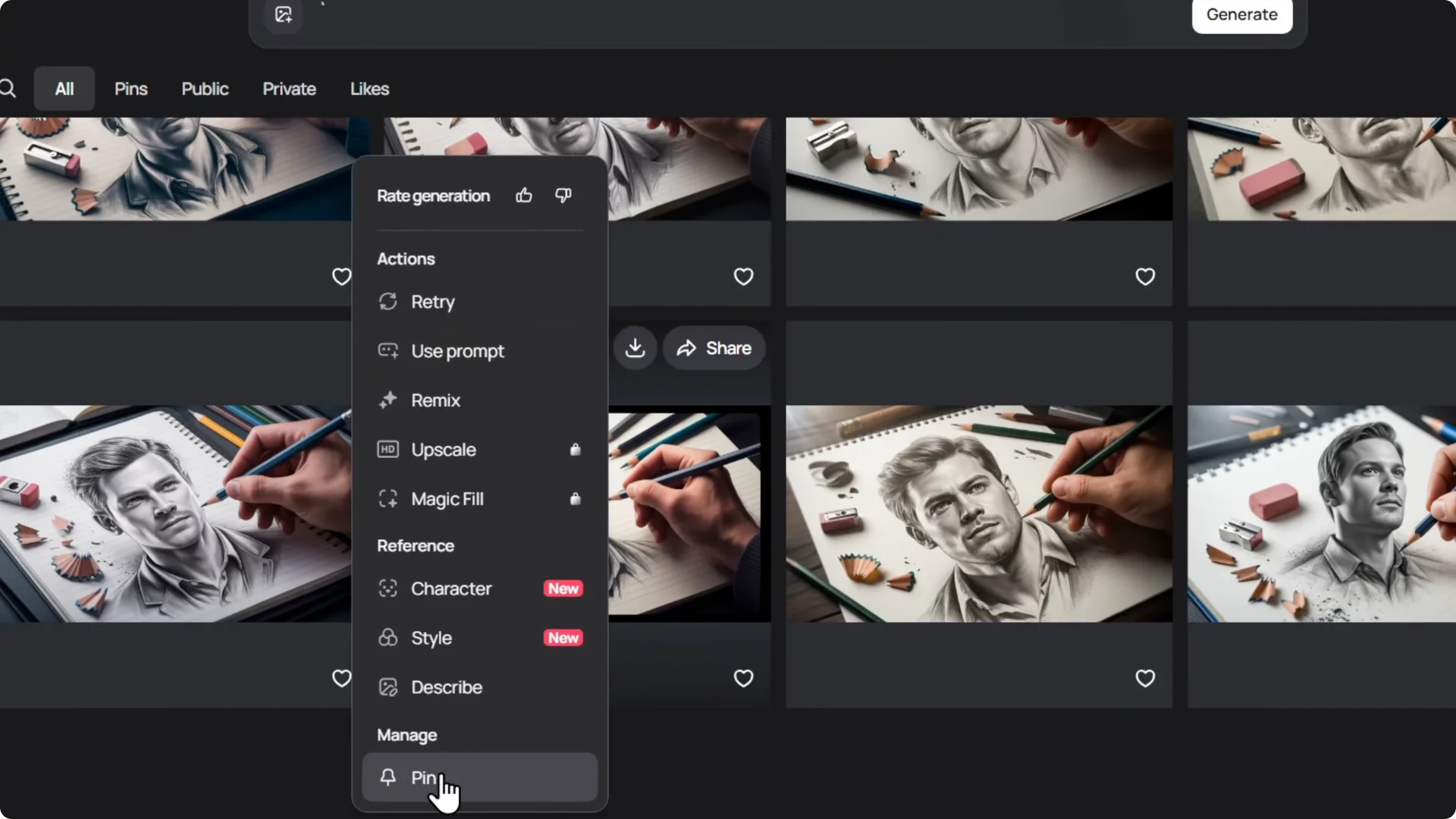
- Click the three dots on top of the image.
- Click Pin.
Access Pinned Images
Once you pin them, you can find them in the Pins section.
This gives you quick access to the images you saved.
Ideogram Image Pinning: Like Images
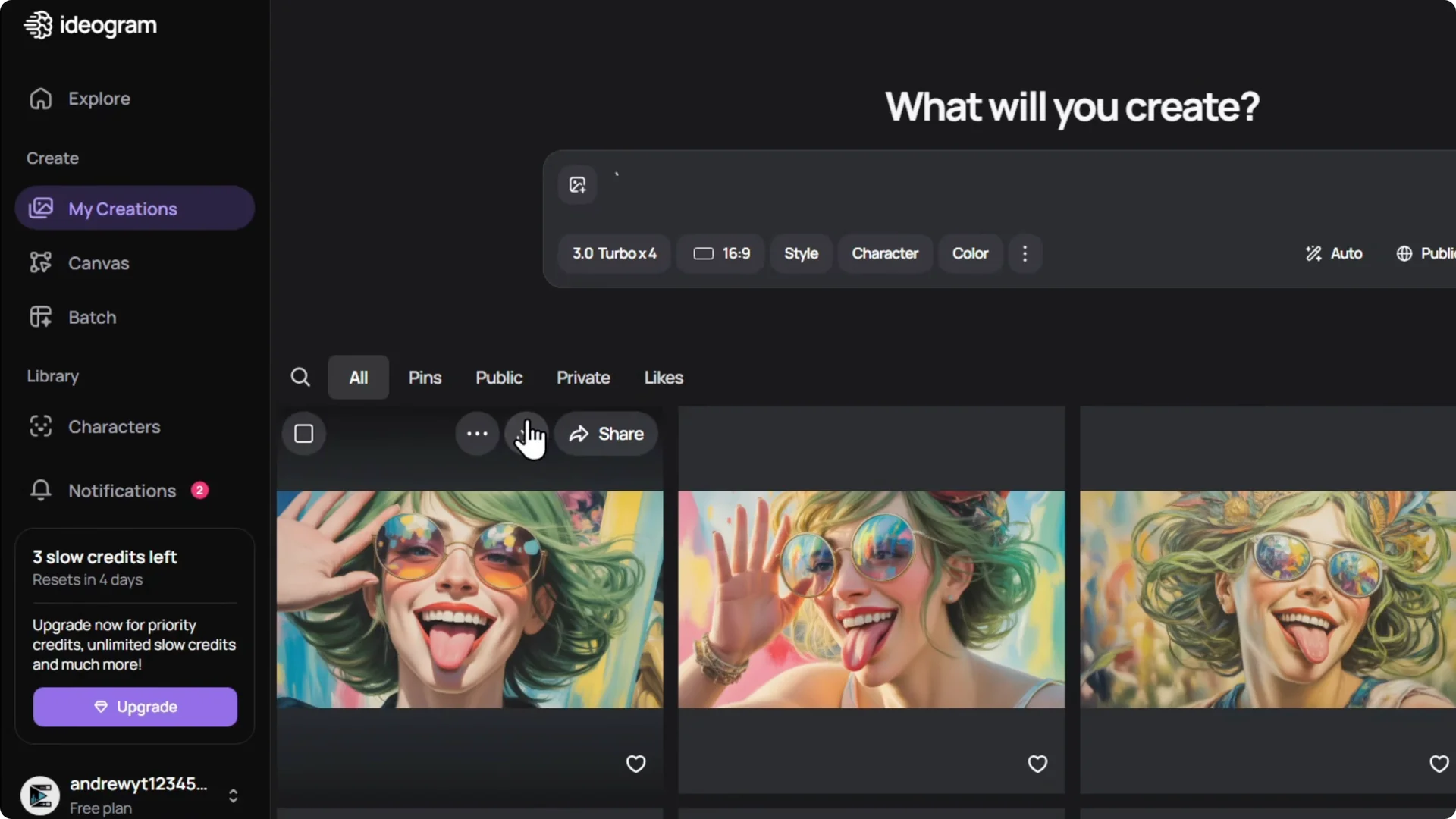
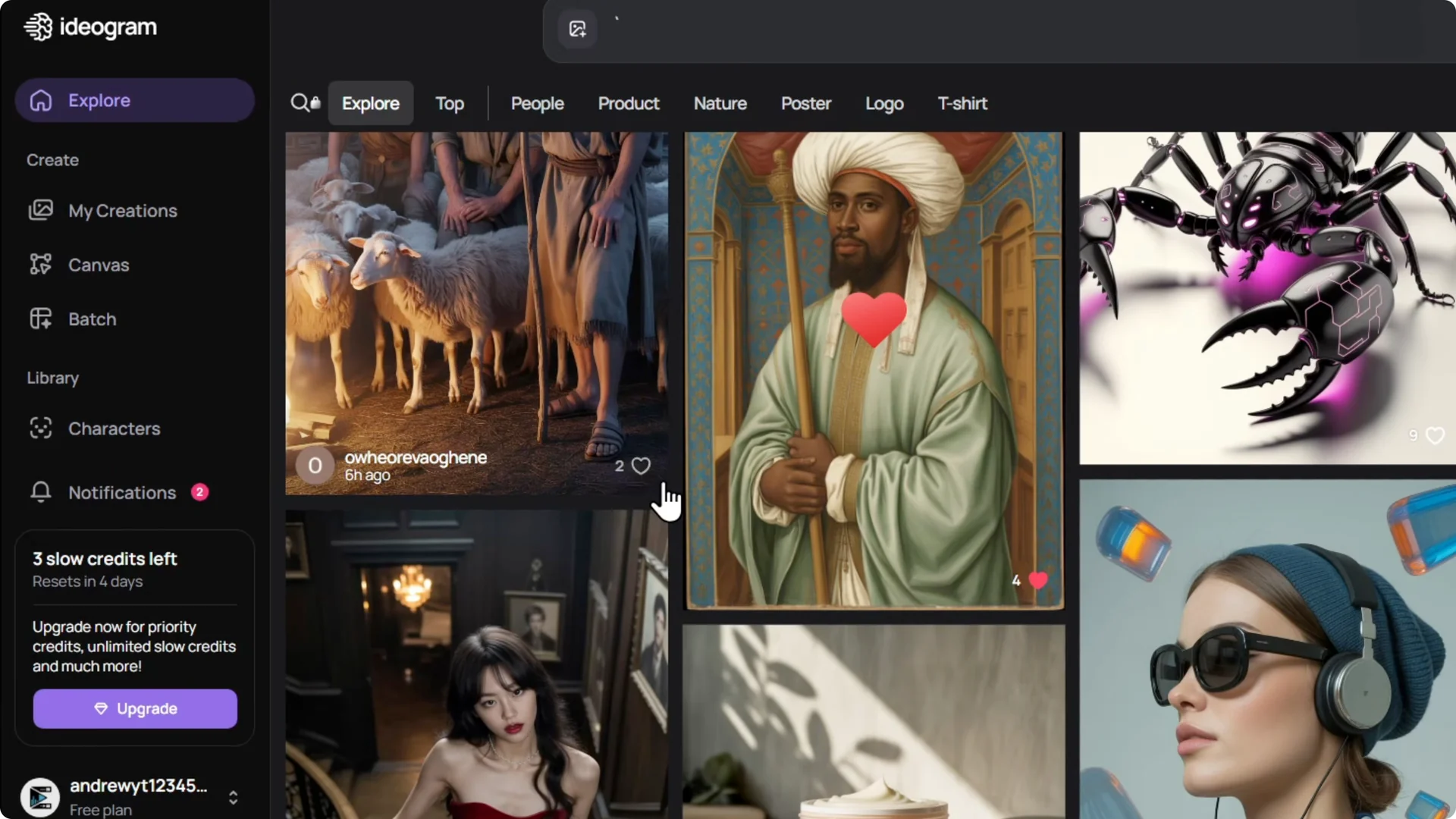
You can also like images. If the image is yours, you can like it.
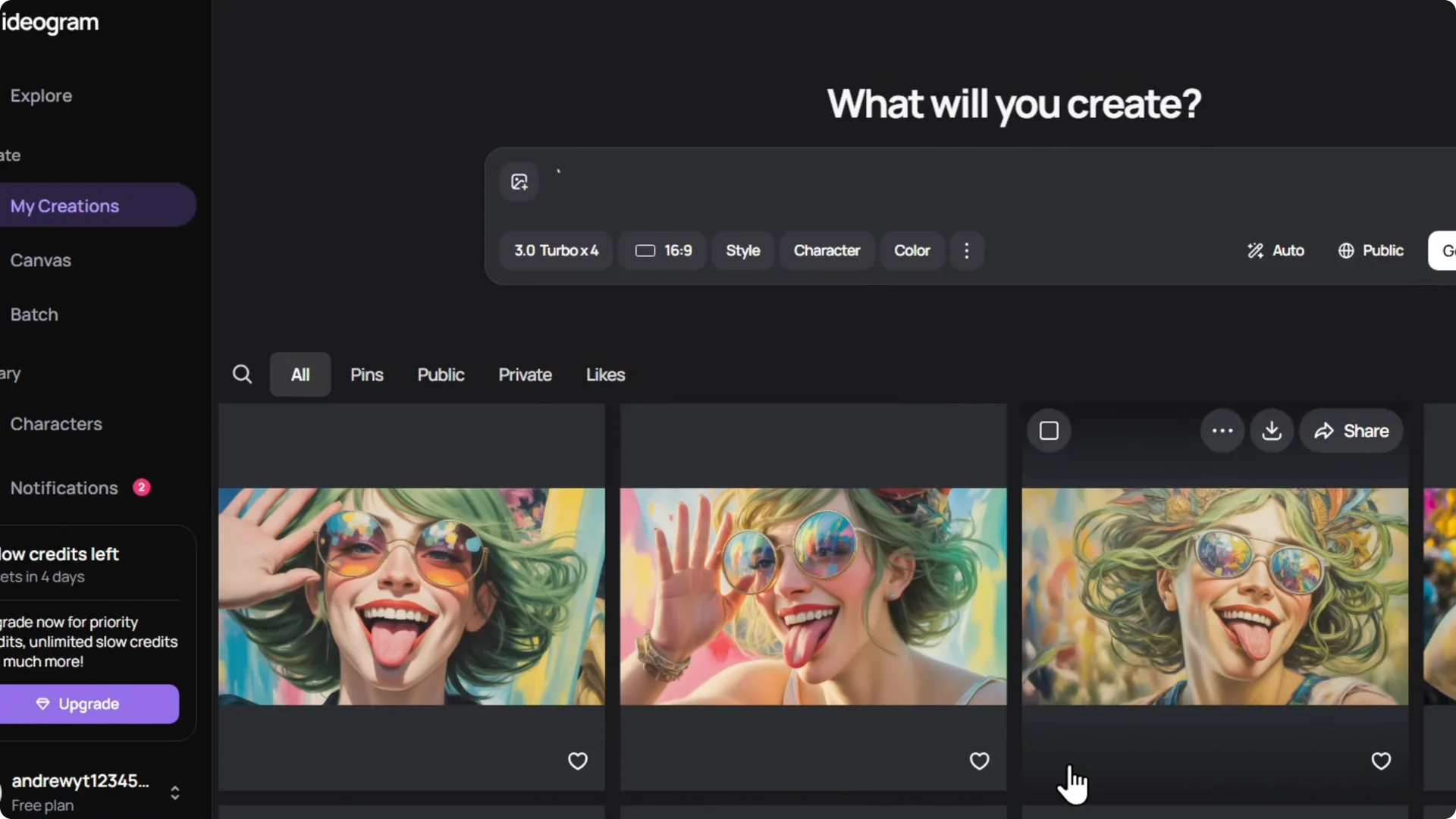
Liking is not limited to your images.
Scroll through other creators’ images and click the heart on the lower right to like those as well.
Unpin and Find Your Likes
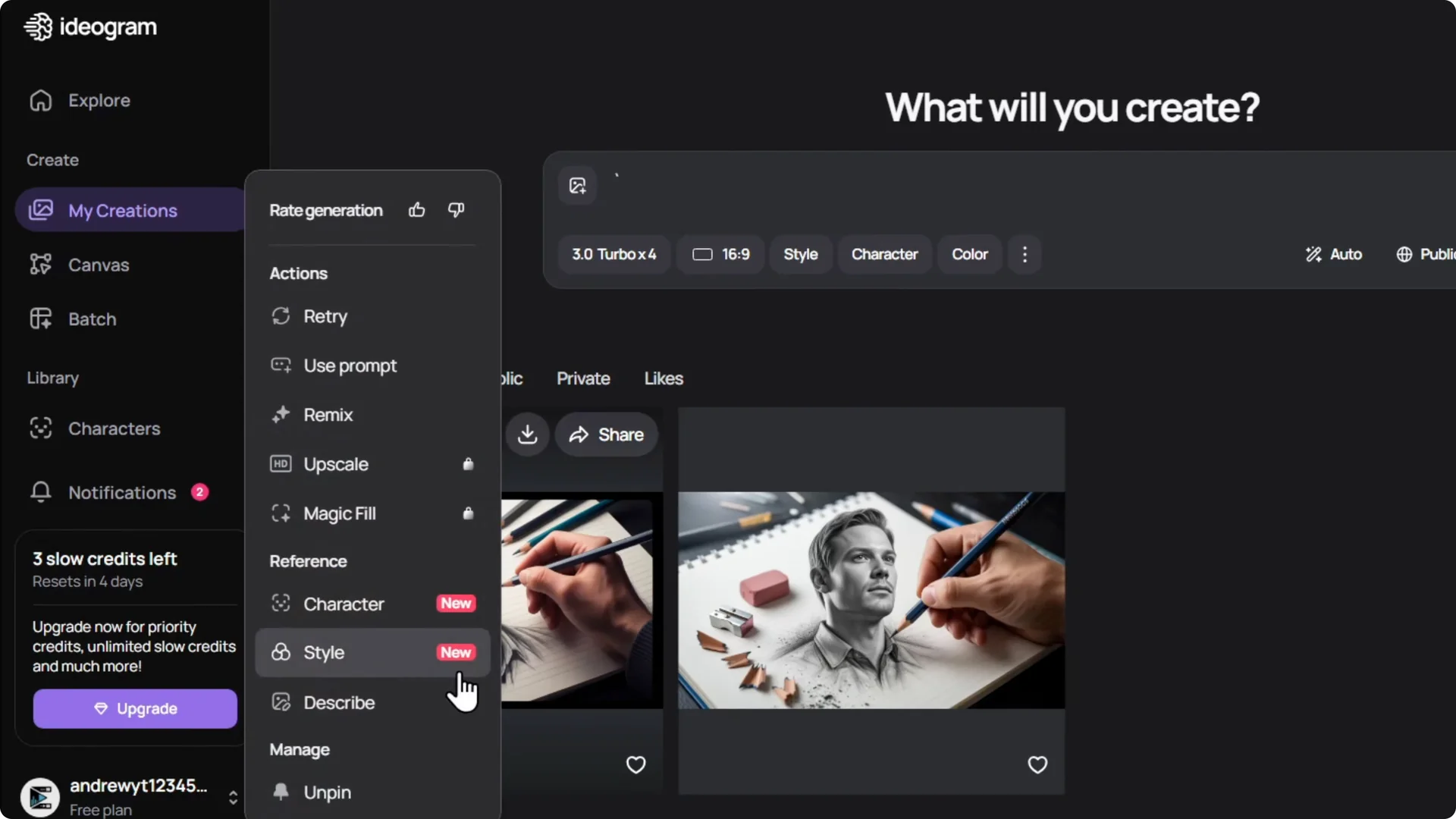
Step-by-step to unpin:
- Go back to My Creations and open Pins.
- Click the three dots on the top of the image.
- Click Unpin.
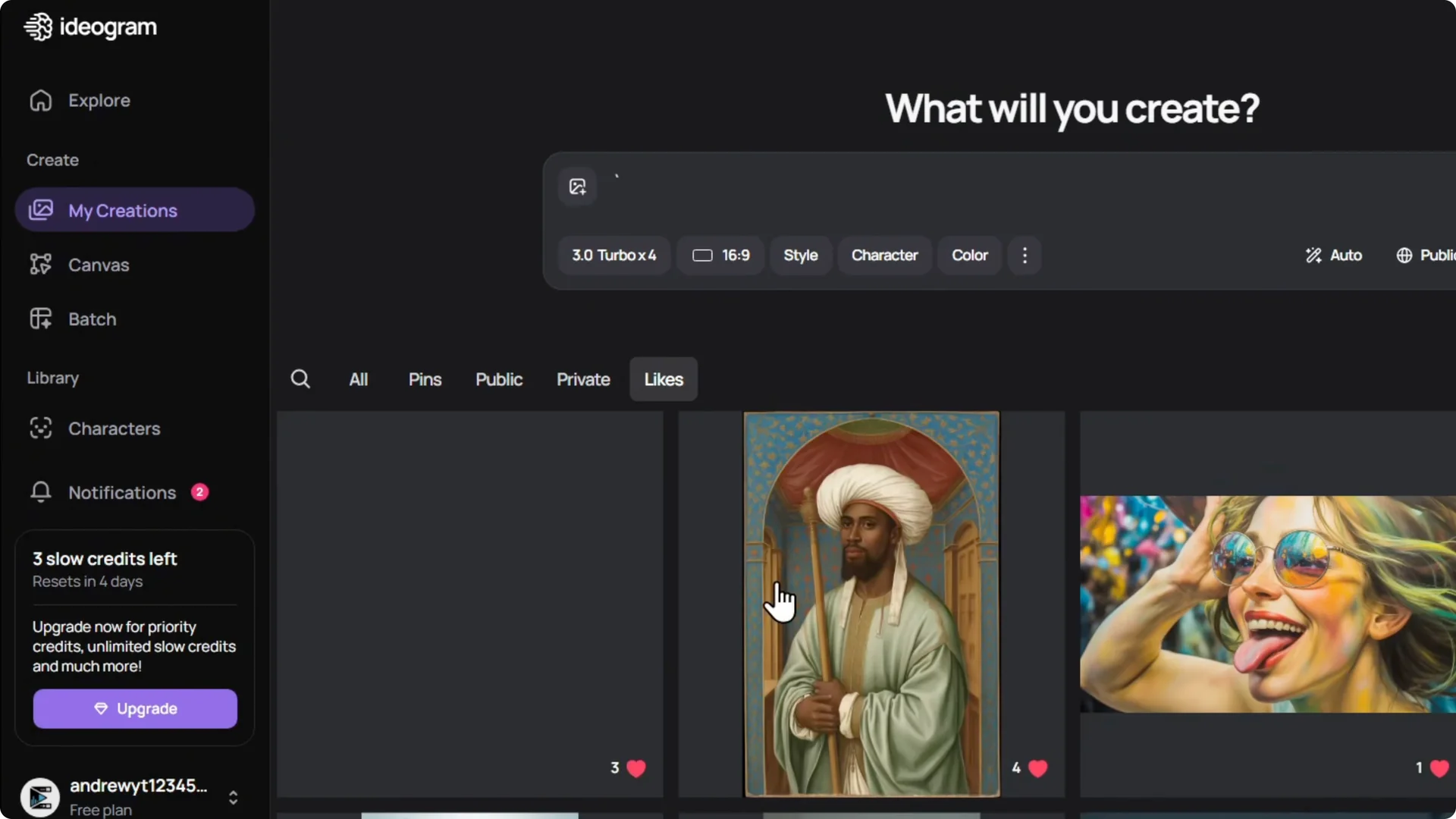
You can find your likes here as well and easily find those images.
Final Thoughts
Pin images from My Creations to keep them in the Pins section for quick access. You can like your own images and other creators’ images using the heart on the lower right, and unpin any image from Pins when you need to.