Are you still creating Instagram posts the old way? If you are still using tools like Photoshop or even Illustrator, you’re being left behind. You can create amazing Instagram posts and ads using AI tools in seconds.
The tool I’m using here is Idog AI. It is not a free tool, but it is very helpful for this kind of work. The first thing I’ll show is how to create a basic Instagram post.
Getting Started with Ideogram Instagram Ad Creation
Before doing anything, set the correct aspect ratio for Instagram posts. The aspect ratio is 1:1. Turn off the Magic Prompt option because we don’t need that.
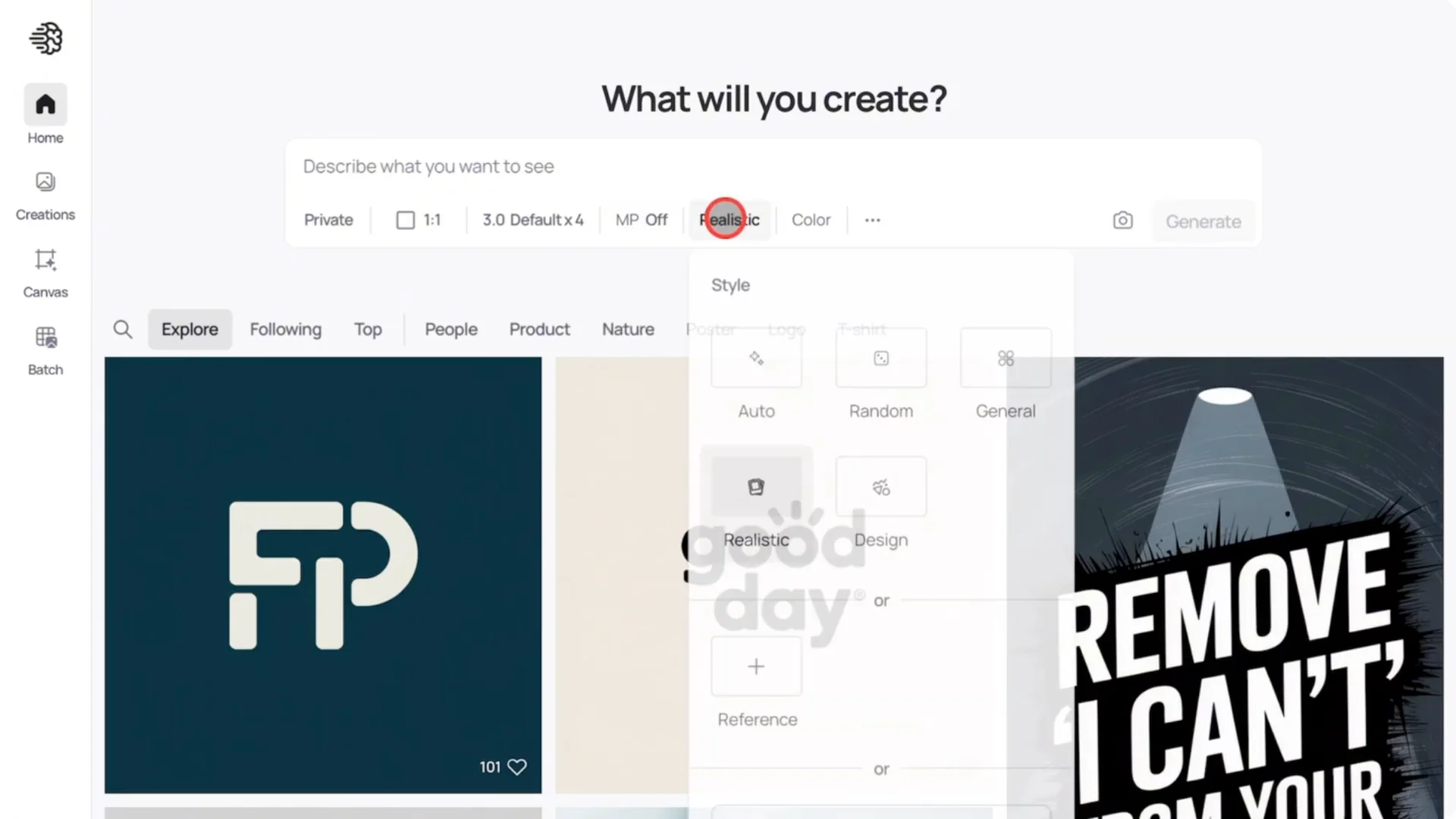
Set the style to realistic since we want it to look very real. For colors, you can use the default palettes, add colors in your prompt, or use your own custom palettes. In this case, I’m going to use my own custom palette, which I’ll paste here.
Enter the prompt and hit enter. It generates a photo, text, your brand name, your website name, and even a slogan. If you tried to create this with Photoshop or even Canva, it could easily take you an hour to create just one of these kinds of images.
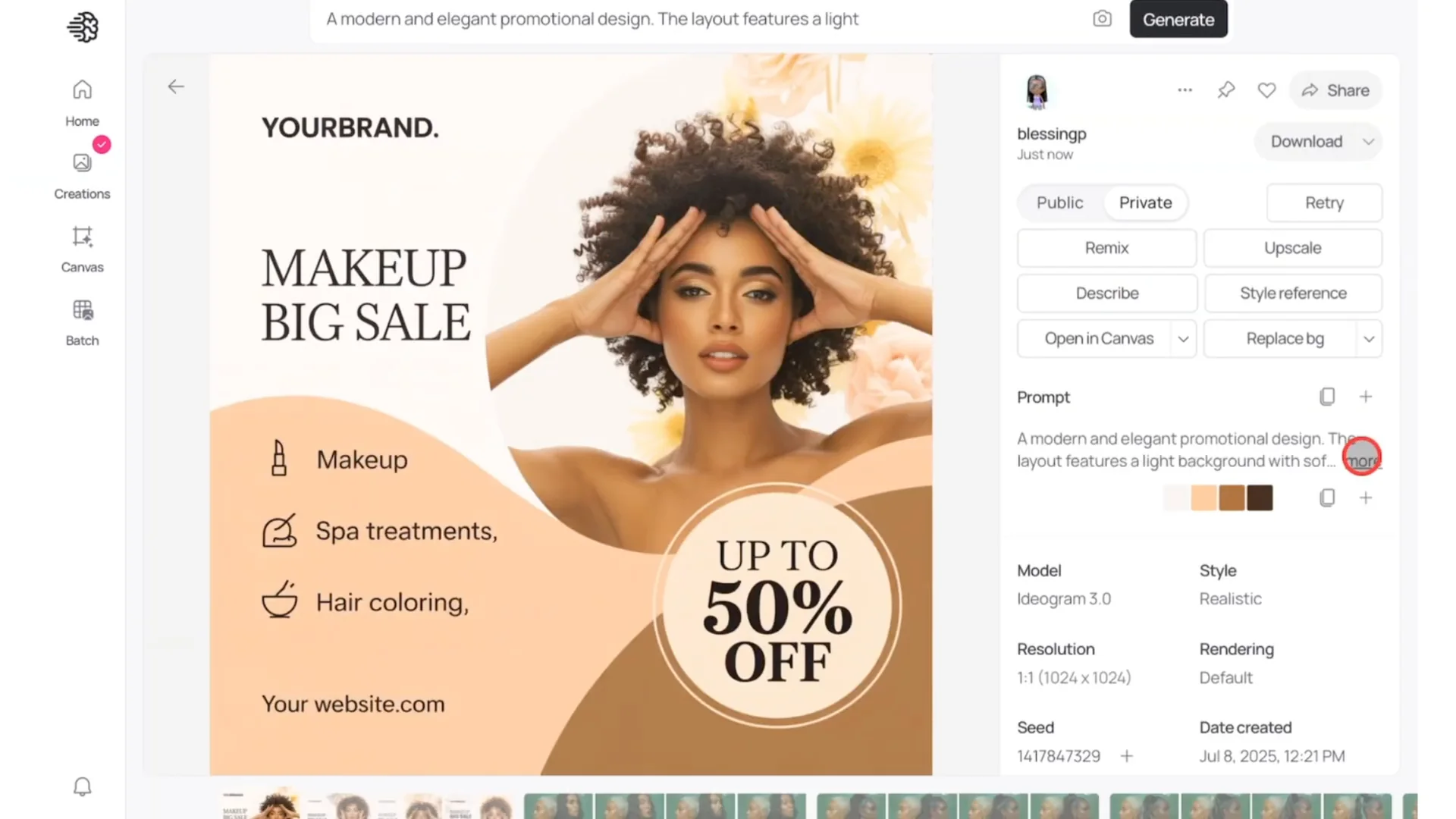
The photos look amazing and very real. No one would guess this was created with AI. The real magic in creating this kind of content lies in using the right prompts.
Feature a Specific Product with Ideogram Instagram Ad Creation
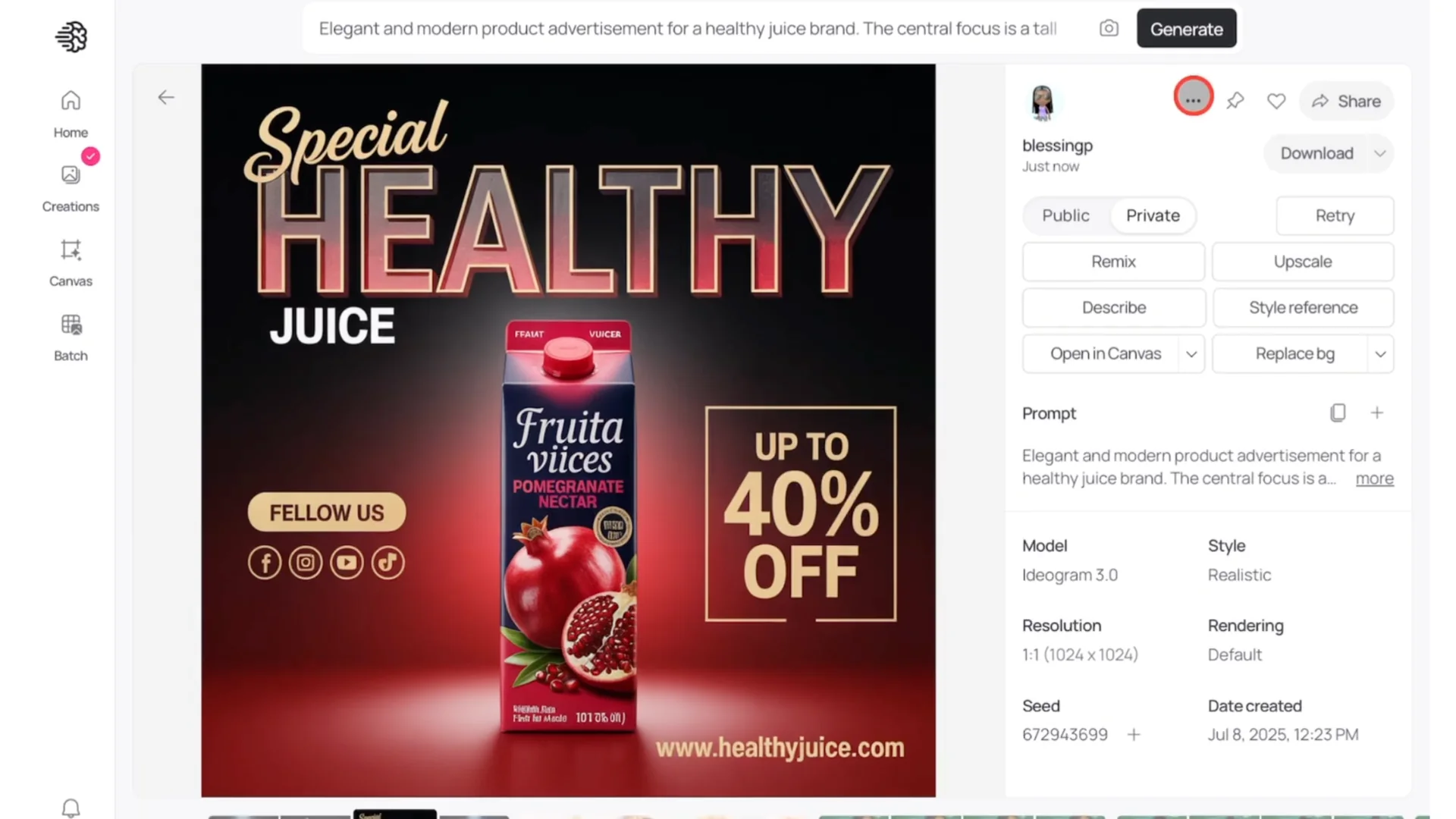
This is where things can get a bit tricky, but I’ll show you how to easily get it done. First, generate the base image. I’m using a simple prompt for a juice Instagram ad, and I will not use a color palette for this example.
Review the results and pick the one you like. Most of the text is good and social media icons are present. I think this one is amazing, and that’s the one I’ll use.
Open in Canvas and Position Your Product
Click on Open in canvas. It will take you to a new page. Upload the photo of your product.
Position it properly next to the original image. Use the Arrange option to move the image backward so you can place it as close as possible to the original. Make sure the alignment feels natural.
Use Magic Fill to Replace the Product
Click on Magic fill. You will see two tools at the top, the square tool and the lasso tool. Use either of them to make a selection around what you want to change or replace with your brand product.
Click Next. A pink box will appear. Adjust the box to make sure both images, the original and your product, are inside it.
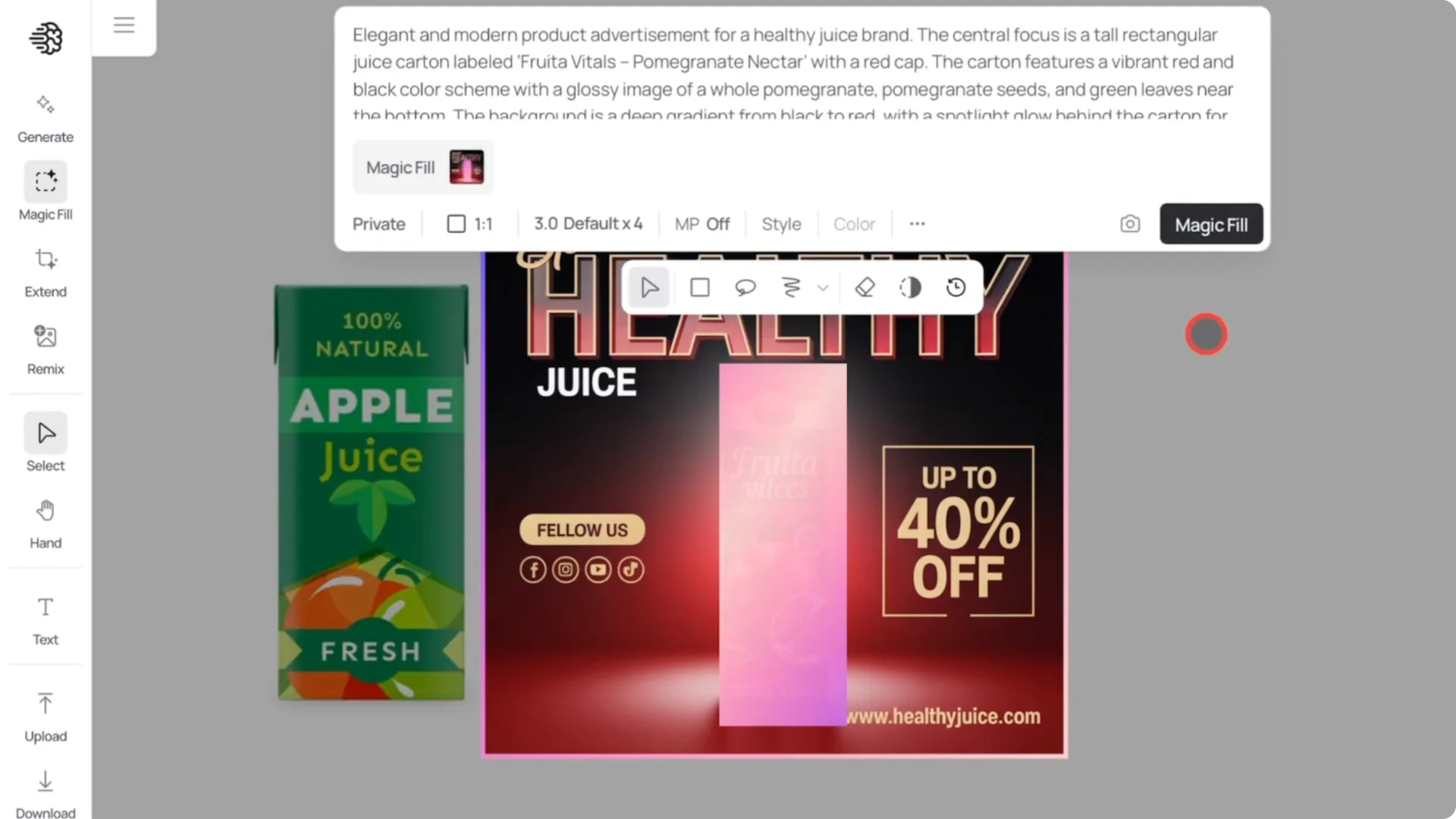
Try to make the box as small as possible because the AI will focus only on this fixed area. The smaller the box, the better the details. Keep your selection tight and accurate.
Edit the Prompt, Generate, and Pick the Best Result
Go back up to the prompt. You don’t have to write a new prompt. Edit only the part that describes what you want to change.
In this case, I’m replacing pomegranate juice carton with apple juice. Click on Magic fill. Once that’s done, click on the selected area again.
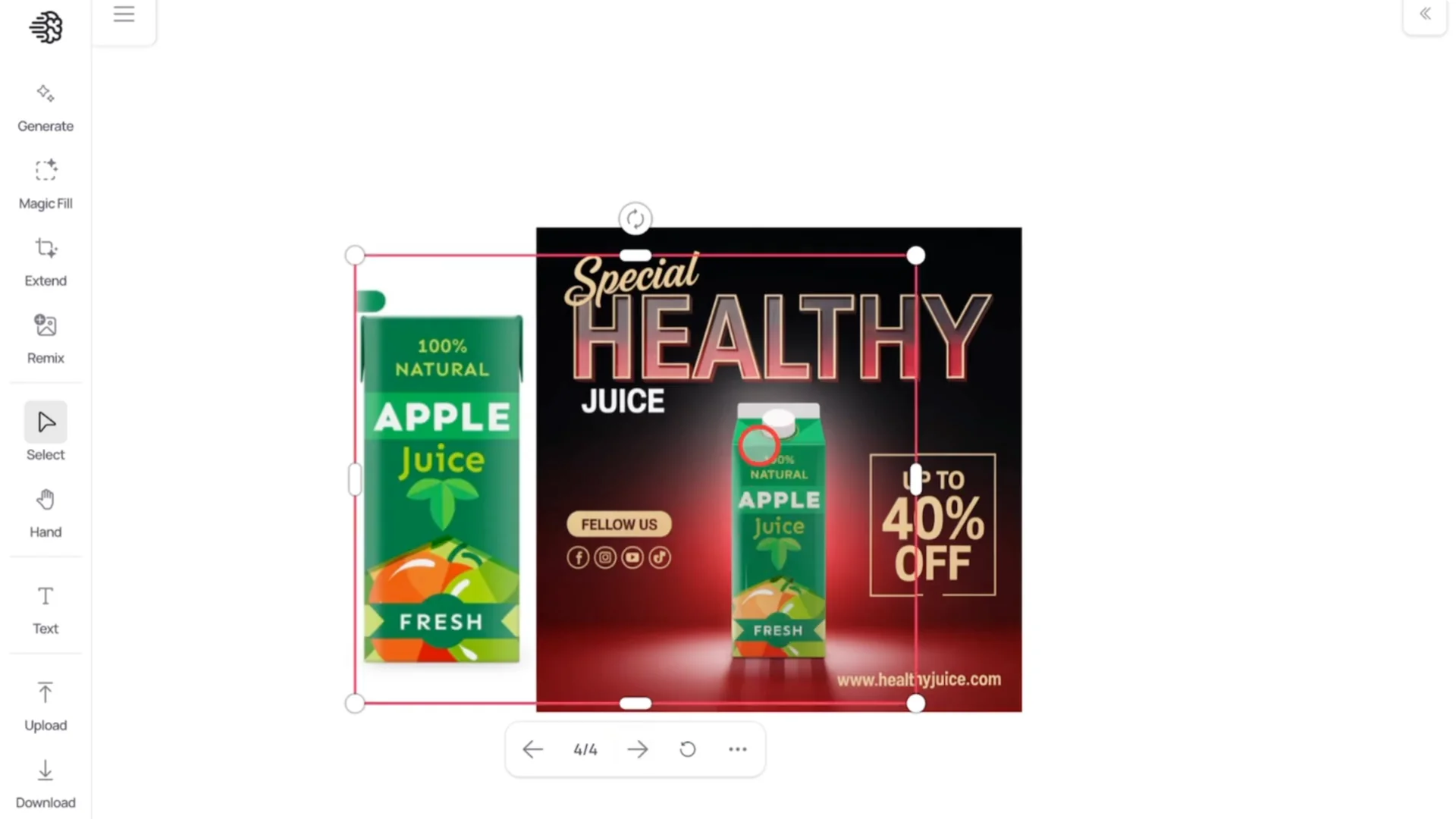
You will see an option for viewing the four generated images. Use the arrows to preview them. It might not work perfectly the first time, but you can always run it again.
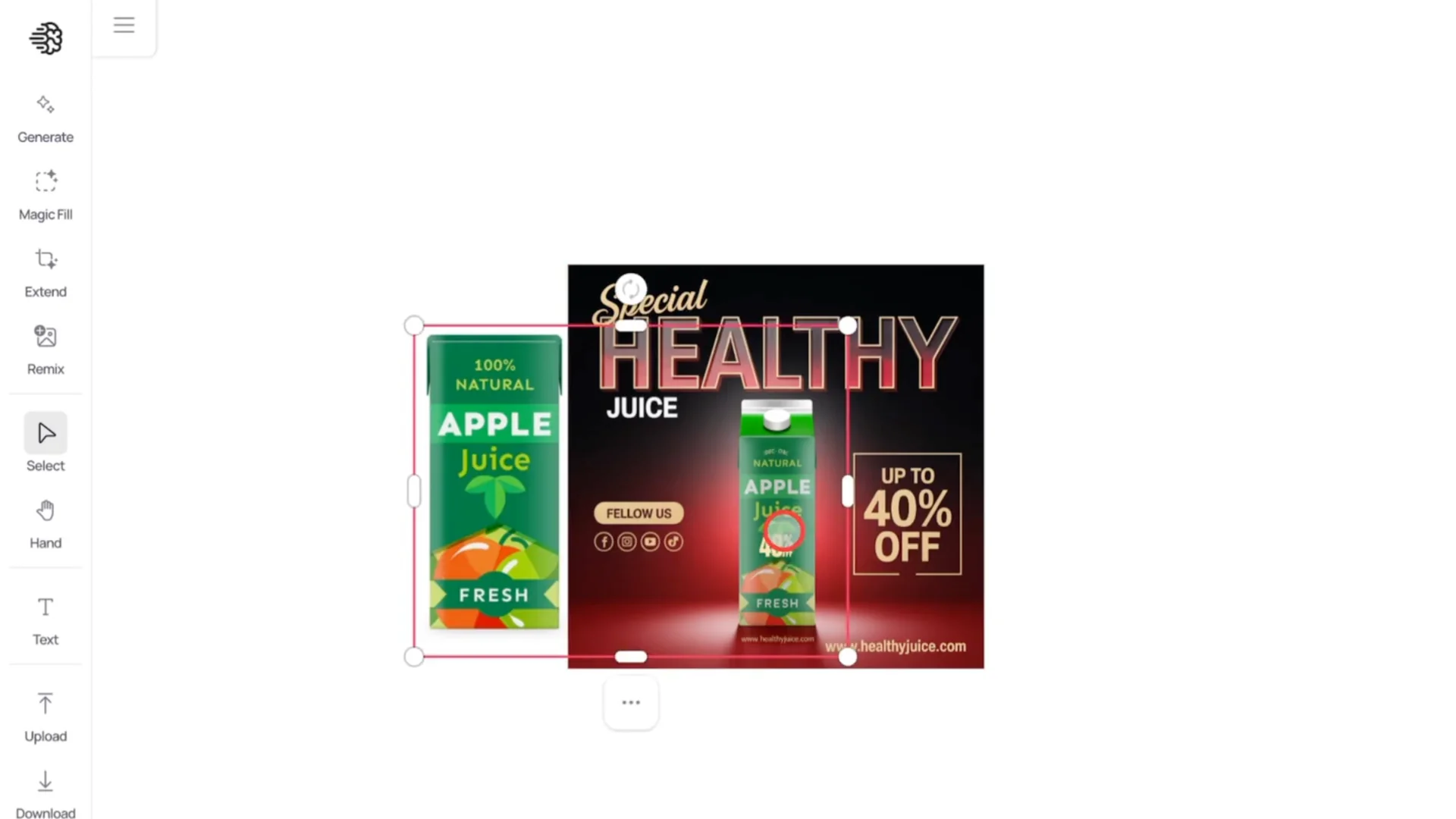
That’s what I did here. Finally, I got the one I like. The text, the font, everything matches, and this juice box is perfect.
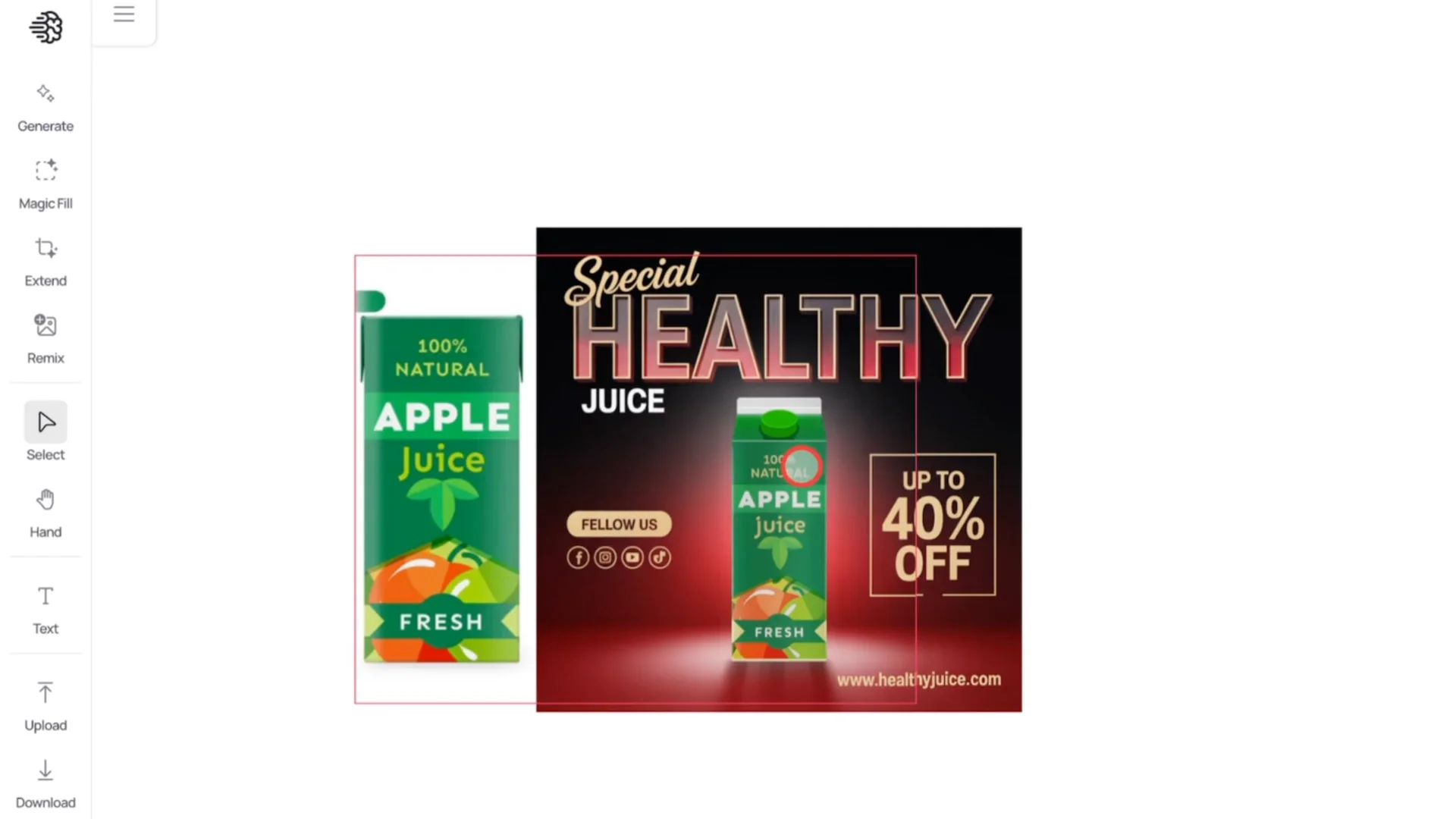
Save Immediately After You Find Your Design
Here is something very important you must know. As soon as you are done and you find the design you like, download it immediately. Idog AI doesn’t store the changes in canvas.
Go to the Download option. Make sure the area you want is selected and download it. Once you download it, you will have your new Instagram ad ready to upload.
More Accurate Replacements for Ideogram Instagram Ad Creation
If this method doesn’t work for your products and you want something more accurate, use other AI tools. I’ve tried many, and the one that works really well is Chat GPT. It is currently free, so you don’t have to pay extra.
Product Swap in Chat GPT
I uploaded both images to Chat GPT. I told it to replace the pomegranate juice box with an apple juice box. I used GPTO3 model and this is the result I got.
The design isn’t perfect because the lighting changed. The juice box itself is spot-on and looks exactly how I wanted it. The design just lost a bit of the lighting effect, but otherwise everything else works fine.
Product Replacement in Canva AI Tools
Head over to canva.com and create a new design with a 1:1 aspect ratio. Import both images and place them in the canvas. Scale the original image to fit the canvas.
Use the Background Remover at the top to delete the background from your product design. Click on the original image. Go to Edit and select Magic Grab.
Click on the juice box, then click Grab. The AI will remove the juice box from the design. Place your new product design in the space where the juice box used to be.
Once you’re happy with it, delete the old juice box and adjust your new product image to fit. Reduce the transparency slightly, maybe by 5 percent, so the lighting matches better. Go to Elements, type shadows, and pick one of the first few options.
Place it behind the juice box. Adjust the transparency to create a nice diffused shadow lighting effect. This helps the product sit naturally in the scene.
If you notice a spelling error in the design, it is an easy fix. Click on the original image. Go to Edit, then select Text Grab.
Click on the text and then Grab. Adjust the text as you wish. Save your final version at full quality.
Final Results and Ideogram Instagram Ad Creation Takeaways
Here is the final result using all three tools. All three look very professional. You can use them for your brand’s Instagram ads, and no one will know you used AI.
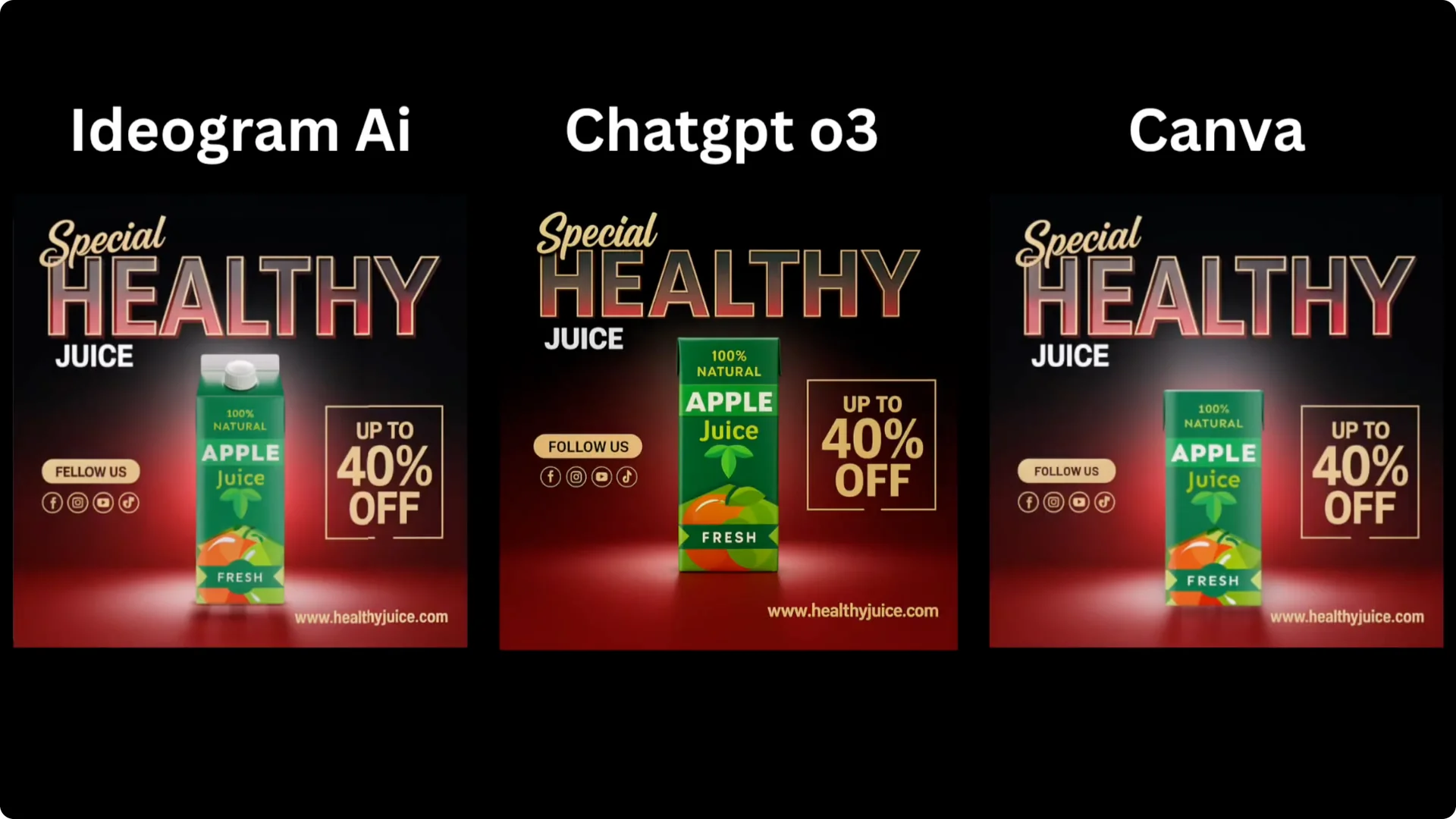
Idog AI is fast for creating full layouts and product swaps when it recognizes your design well. Chat GPT can swap products with high accuracy, though you might need to correct lighting. Canva gives you precise manual control for cleanup, lighting, shadows, and text fixes.