Ideogram now lets you generate consistent characters quickly and easily.
Getting Started with Ideogram Character Consistency
On the front page, you’ll see an icon labeled character. Click it.
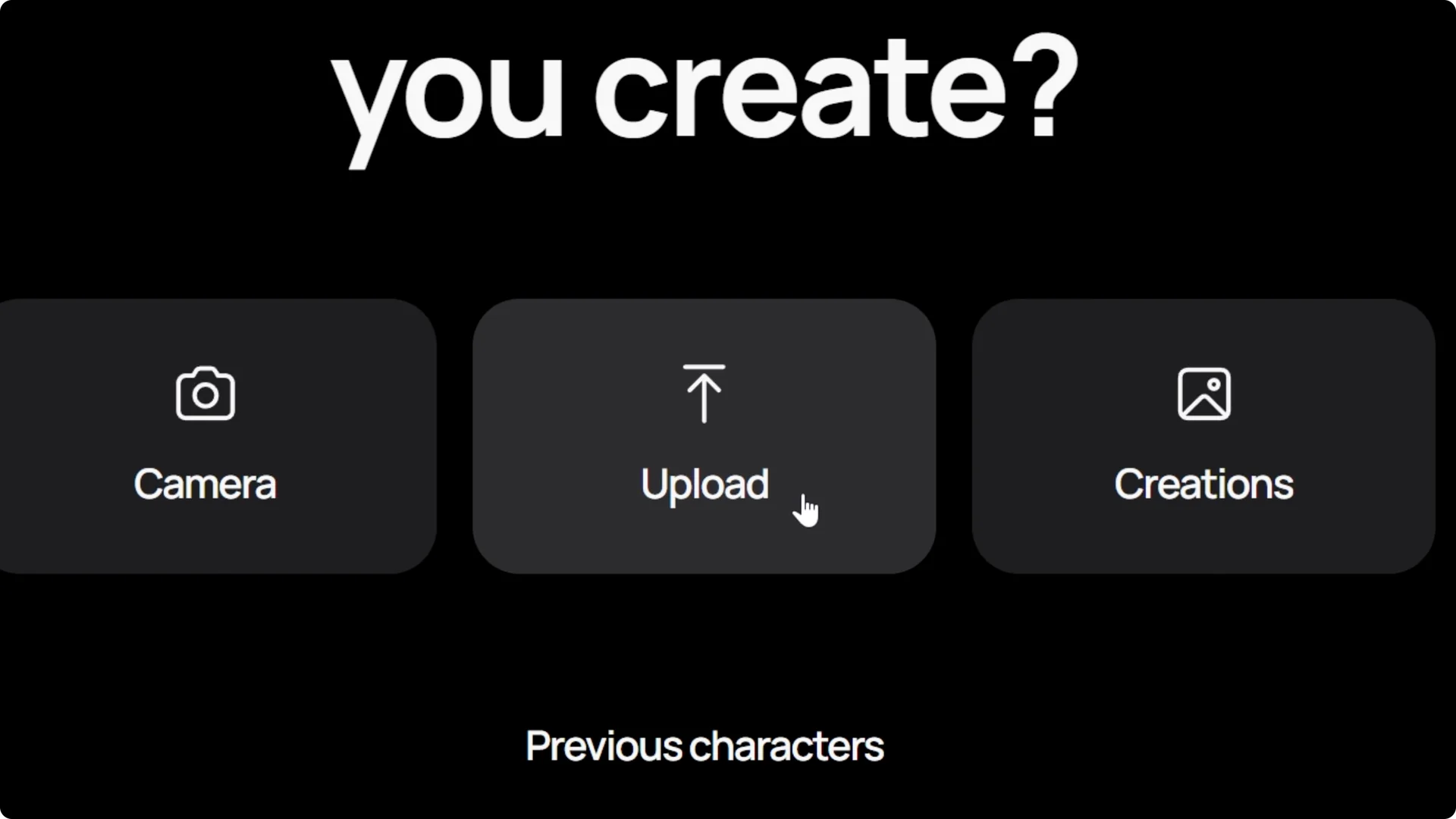
To bring in the image of your character, press upload and find your file, or you can just drag and drop.
And I’m going to be using this woman as my consistent character.
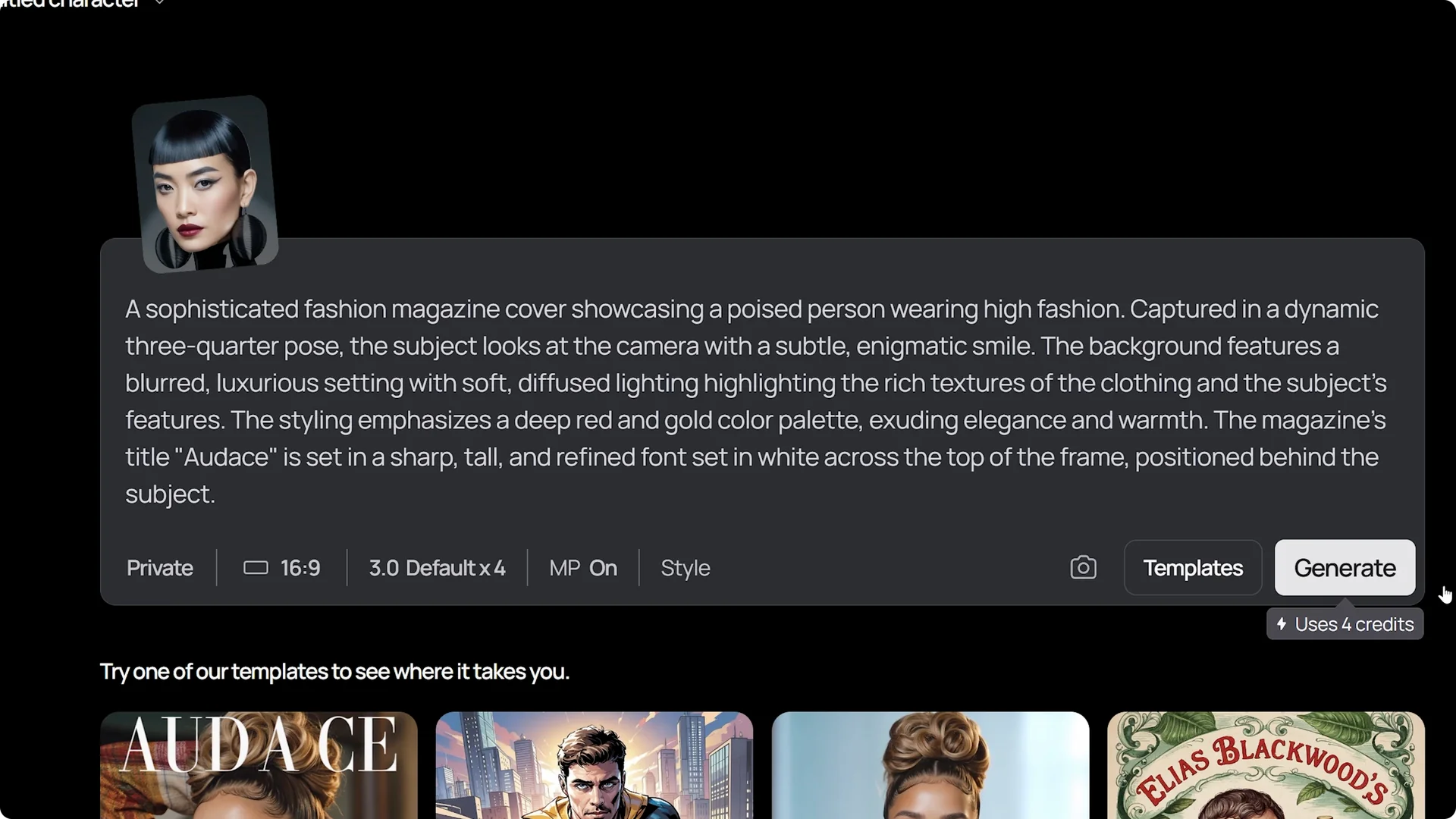
From here, you can describe what you want your character to be doing, where they should be, and what they should be wearing.
Or you can choose from the various templates we have by clicking on the template button, which will open a window with several options to choose from.

Once you’ve chosen one, it will enter the prompt automatically for you.
When you’re ready to go, generate.
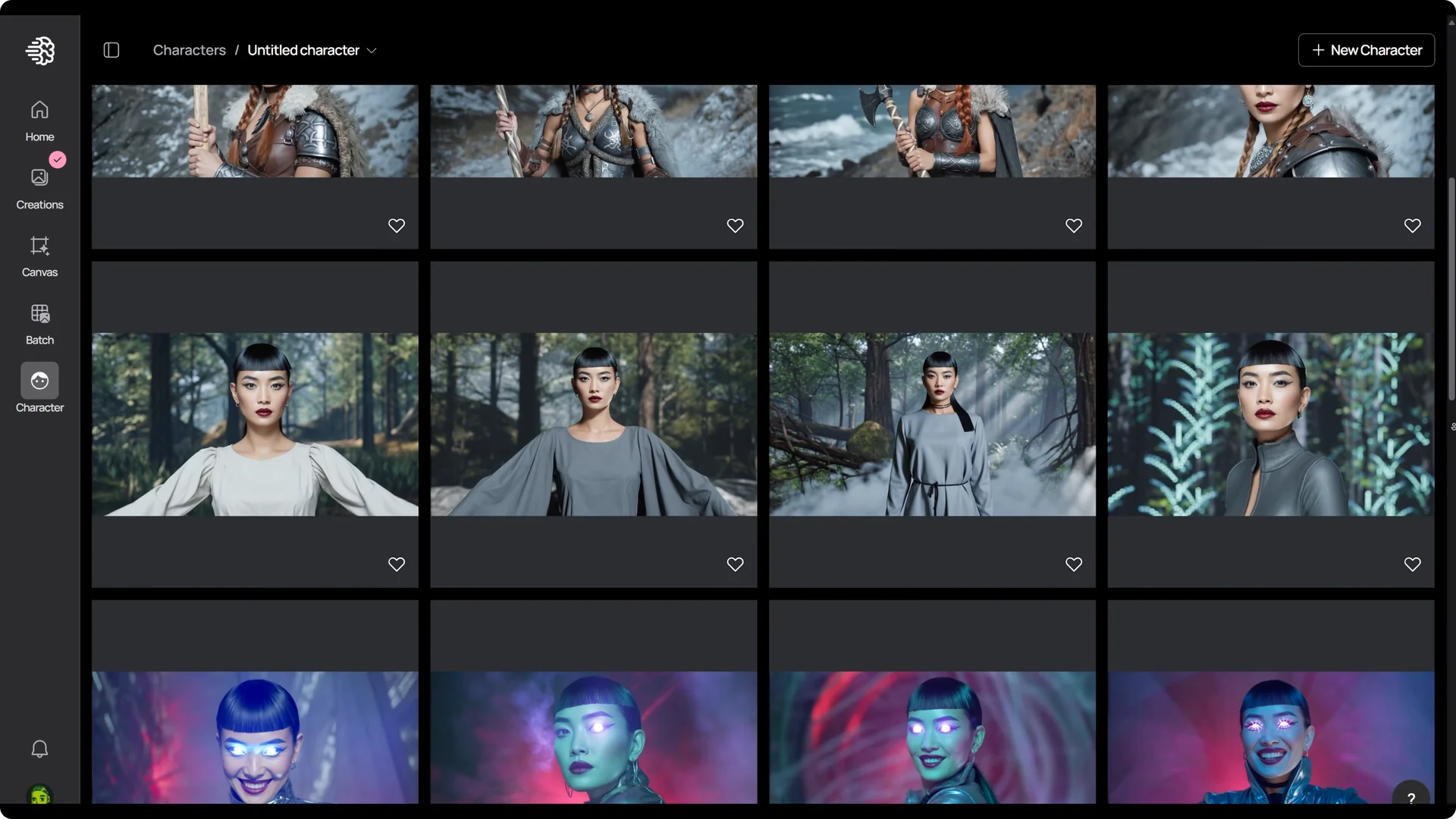
You get the same person in different outfits and environments.
Face Replacement with Ideogram Character Consistency
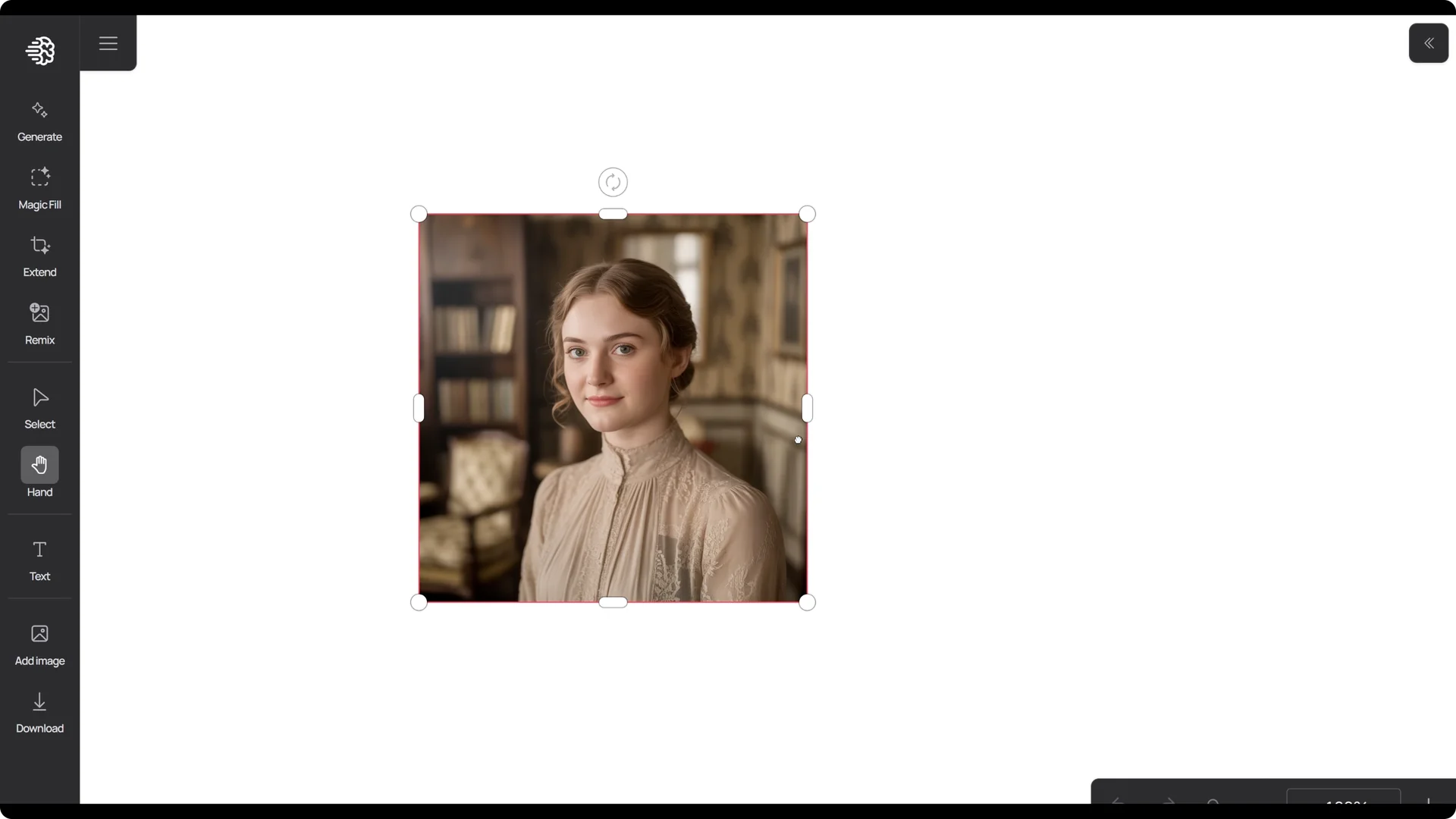
You can also do face replacement very easily, too. You can head into canvas and upload your own image.
Use one of your previous creations, or do what I did and grab one from the explore page.
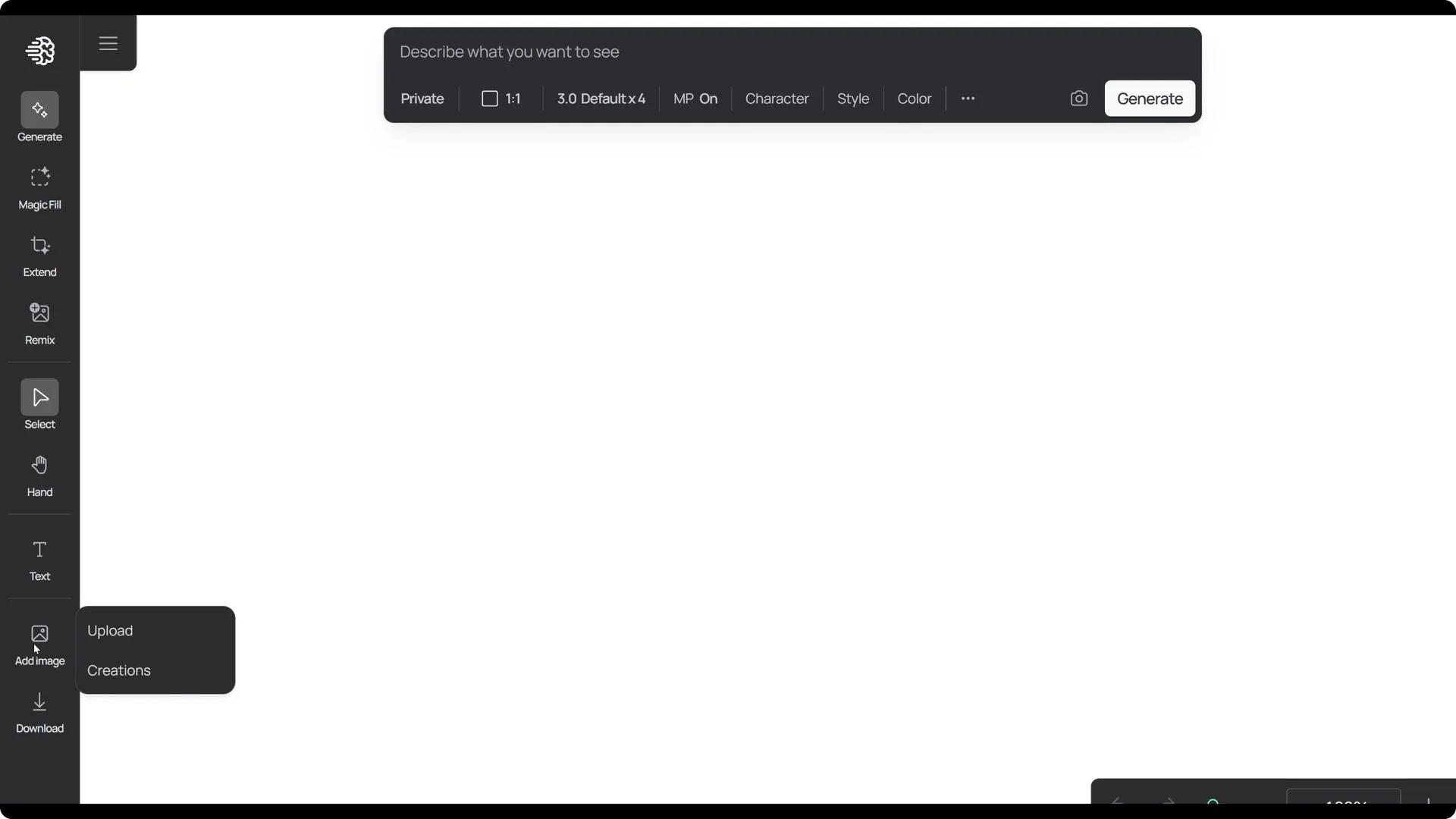
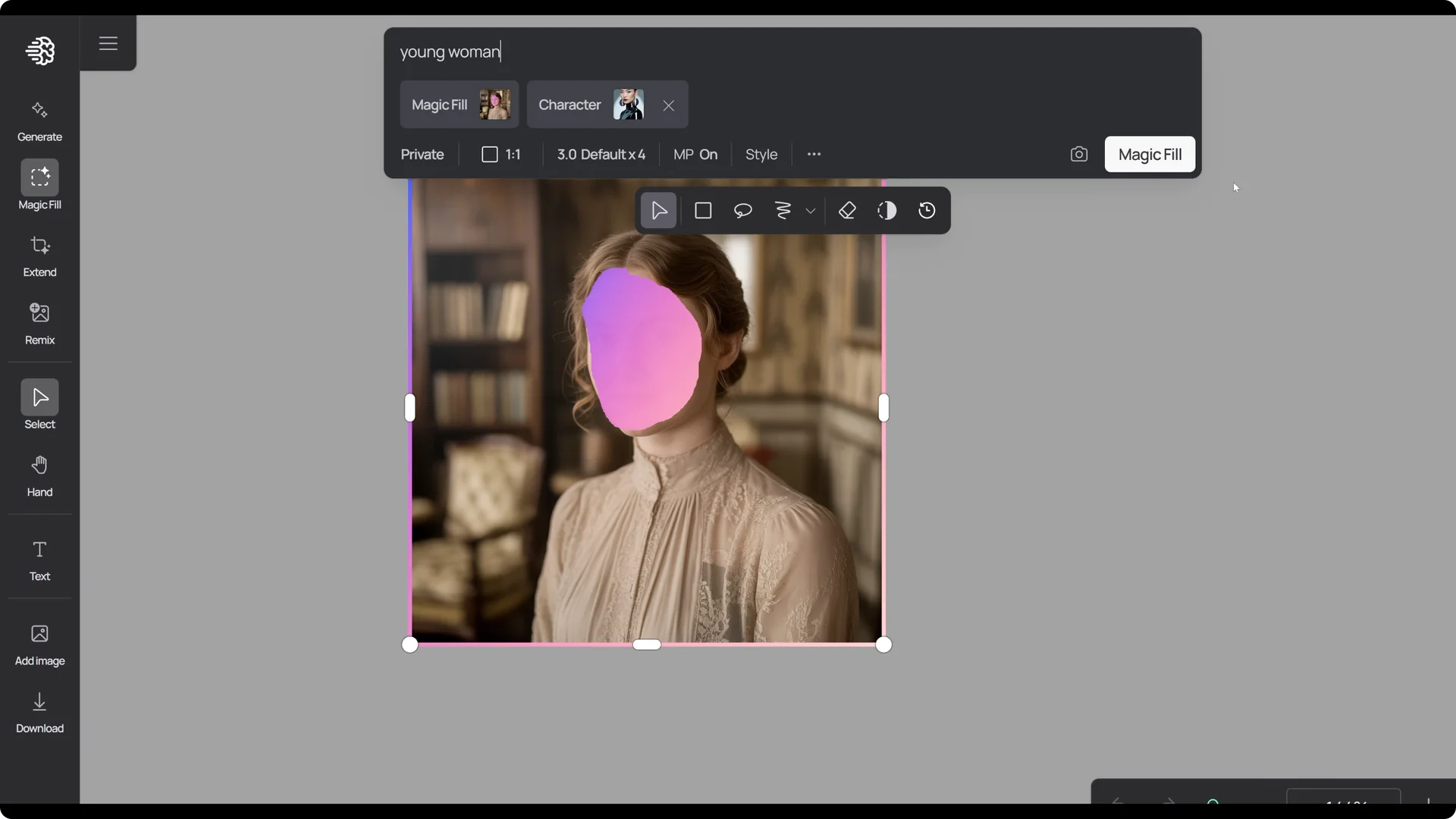
From here, we can use the magic fill tool and select the area of the face and press next.
Then, click on this character button and either use the character you’ve already used before or upload a new character.
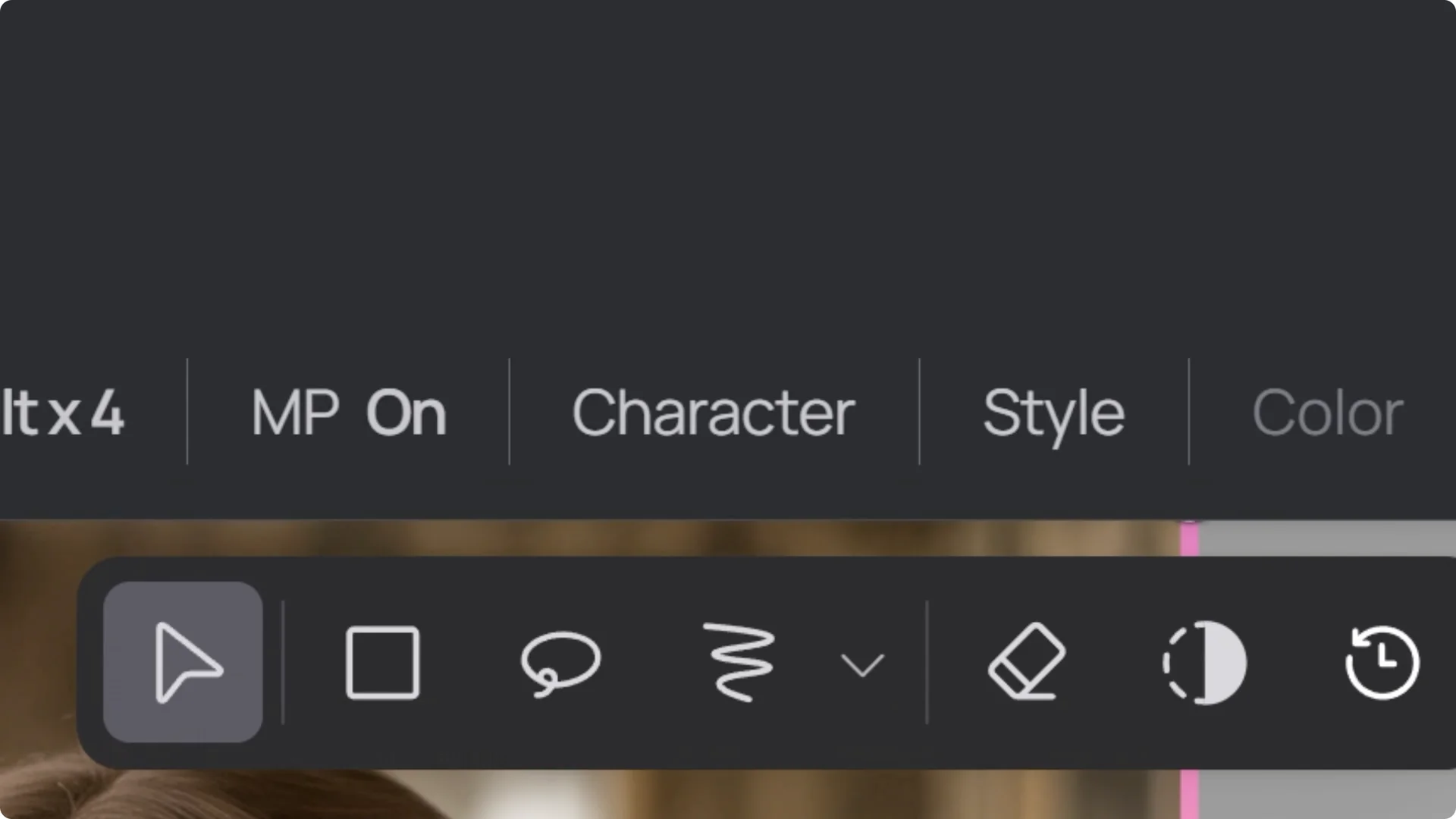
Once you’ve done that, enter your prompt and click magic fill.
You should see the new face replace the original.
Final Thoughts
We provided plenty of options to help you create consistent characters. And this is just the beginning. We got more features coming very soon.