How to Keep Your Images Private on Ideogram: A Simple Guide

How to Keep Your Images Private on Ideogram: A Simple Guide - Featured Image
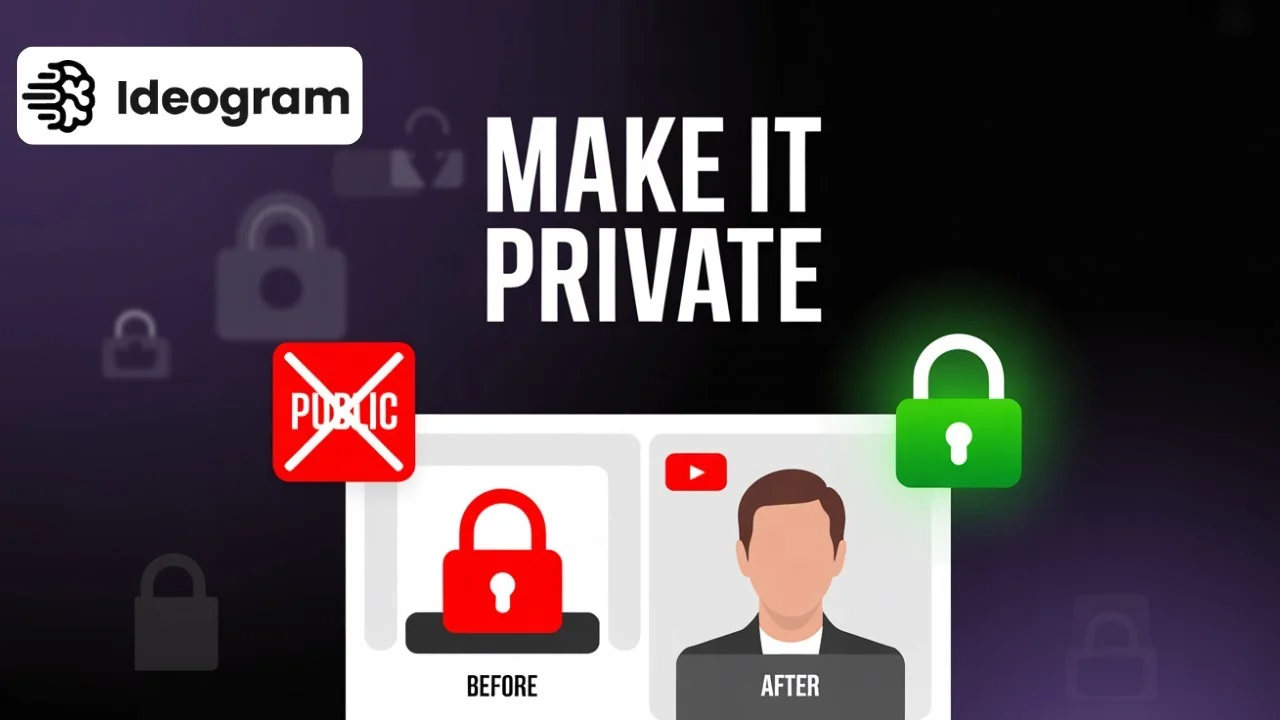
You can make your images private on Ideogram. If you have a Plus subscription, you can change the visibility of existing creations or set privacy before generating. Ideogram Image Privacy To make an existing image private, go to My Creations on the left side and find the image you want to change. Click the image, … Read more
How to Pin and Unpin Images on Ideogram Quickly Explained

How to Pin and Unpin Images on Ideogram Quickly Explained - Featured Image

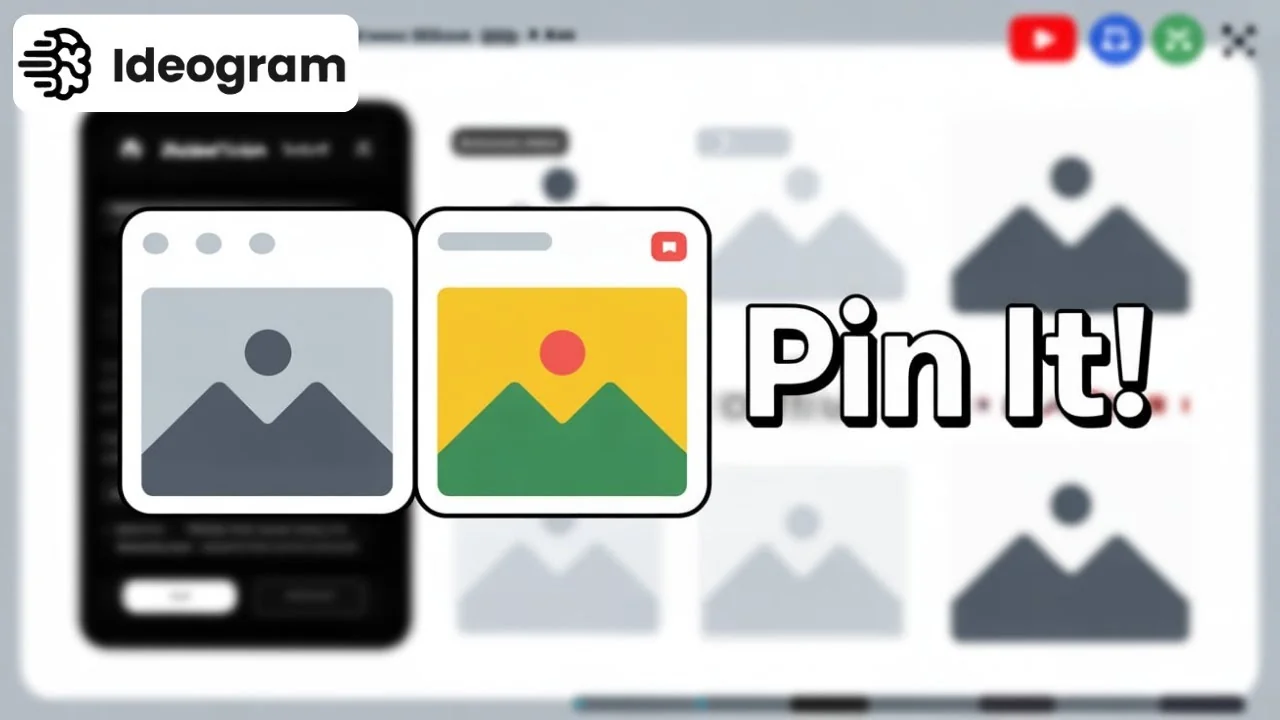
Here is how to pin and unpin images on Ideogram. You can only pin or unpin images in My Creations. You can also like images, including your own and other creators’ images. Pin Images from My Creations Step-by-step: Access Pinned Images Once you pin them, you can find them in the Pins section. This gives … Read more

How to Easily Reuse a Creator Prompt on Ideogram

How to Easily Reuse a Creator Prompt on Ideogram - Featured Image

Here is how to use a prompt from a design or creator on Ideogram. If you’re scrolling through the Explore page and you find a design you like, you can reuse the creator’s prompt to generate your own images. Ideogram Prompt Reuse Use a creator’s prompt from the Explore page Generate multiple variations with the … Read more

Boost Creativity: 10 Free Ideogram Prompts to Try Today

Boost Creativity: 10 Free Ideogram Prompts to Try Today - Featured Image

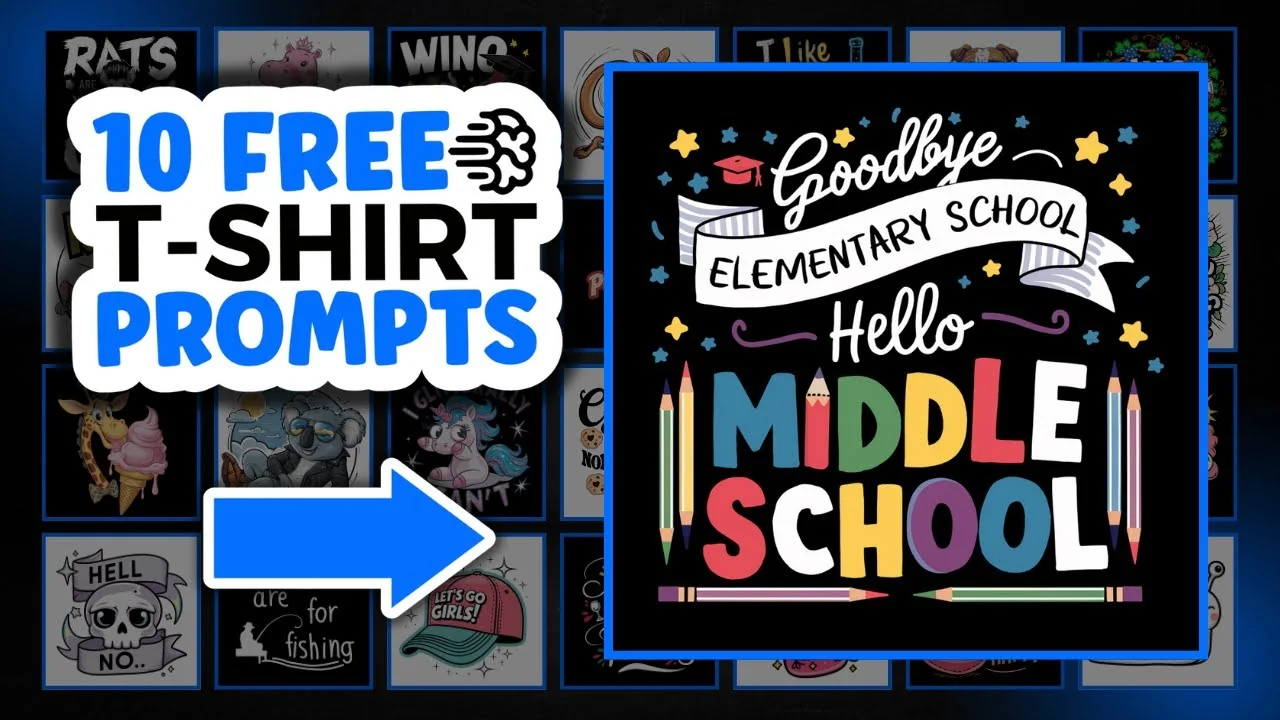
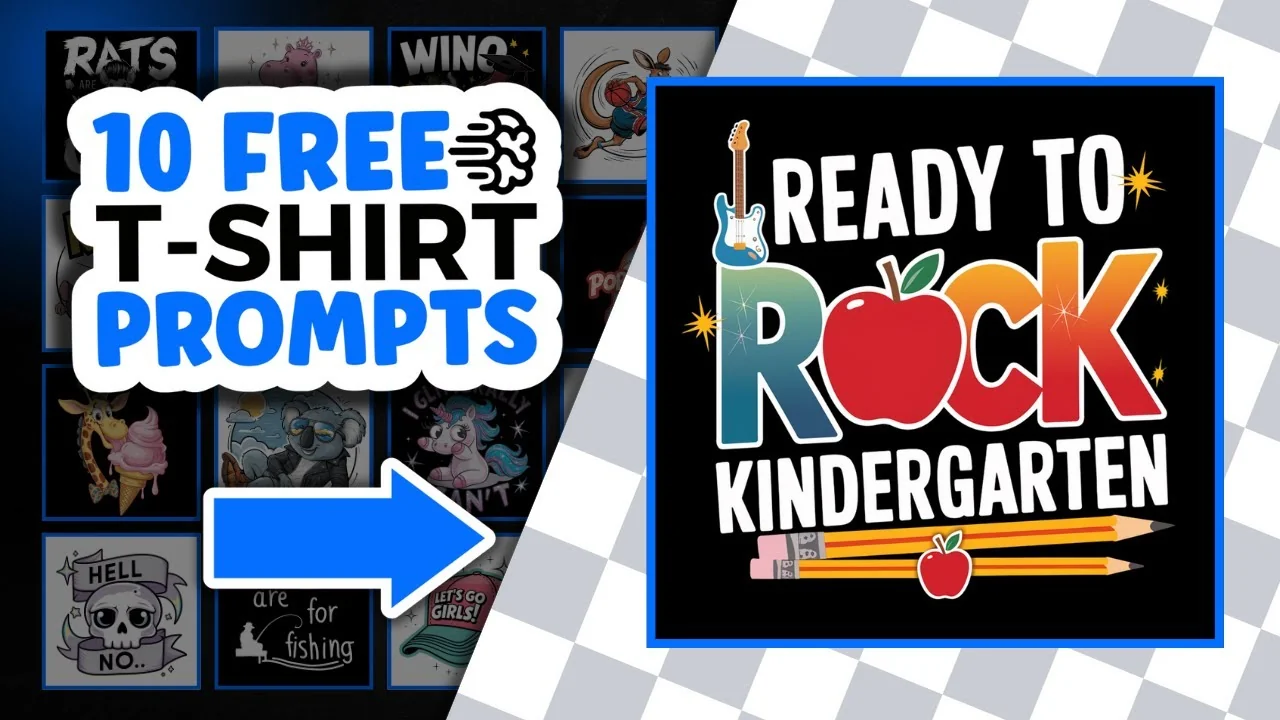
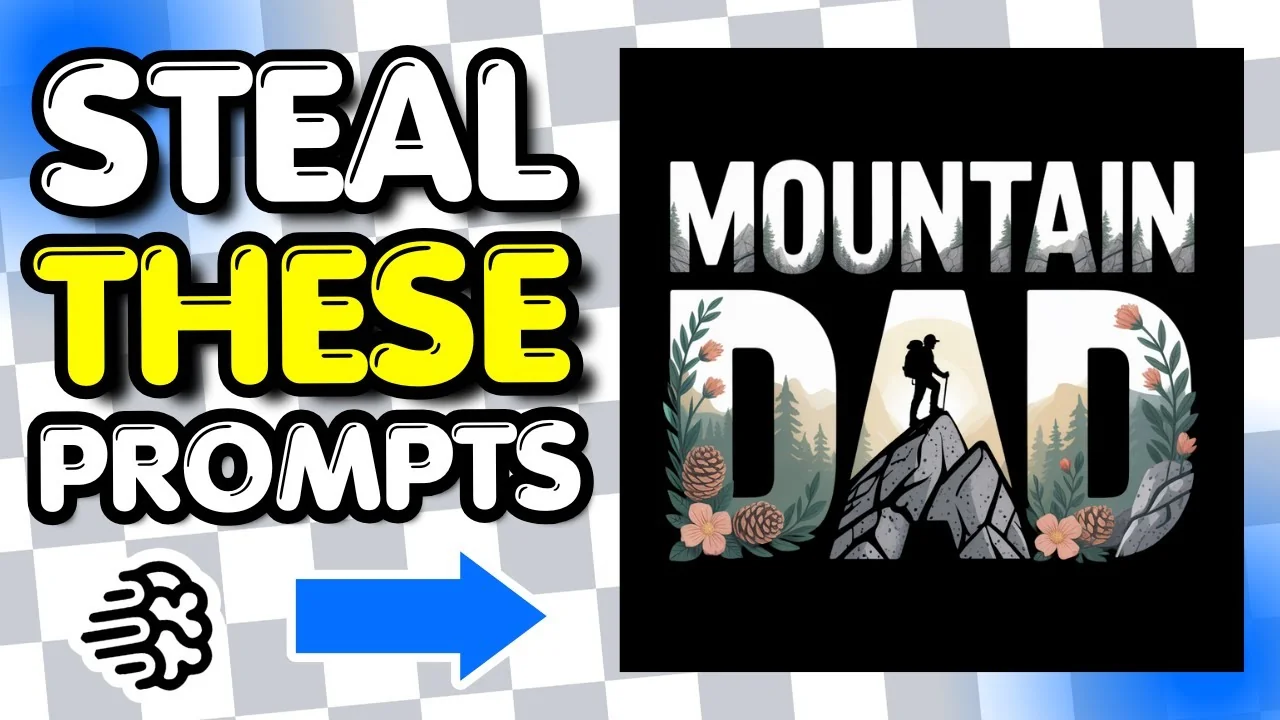
I have a bunch of back to school designs created with Ideogram. All of the prompts I share were created with my two prompt generators. Please do not copy and paste the prompts. Edit them by changing the quotes and changing the colors so you can create completely different designs. Back to School Ideogram Prompts: … Read more

Inside My Method for Organizing IDEOGRAM AI Creations

Inside My Method for Organizing IDEOGRAM AI Creations - Featured Image

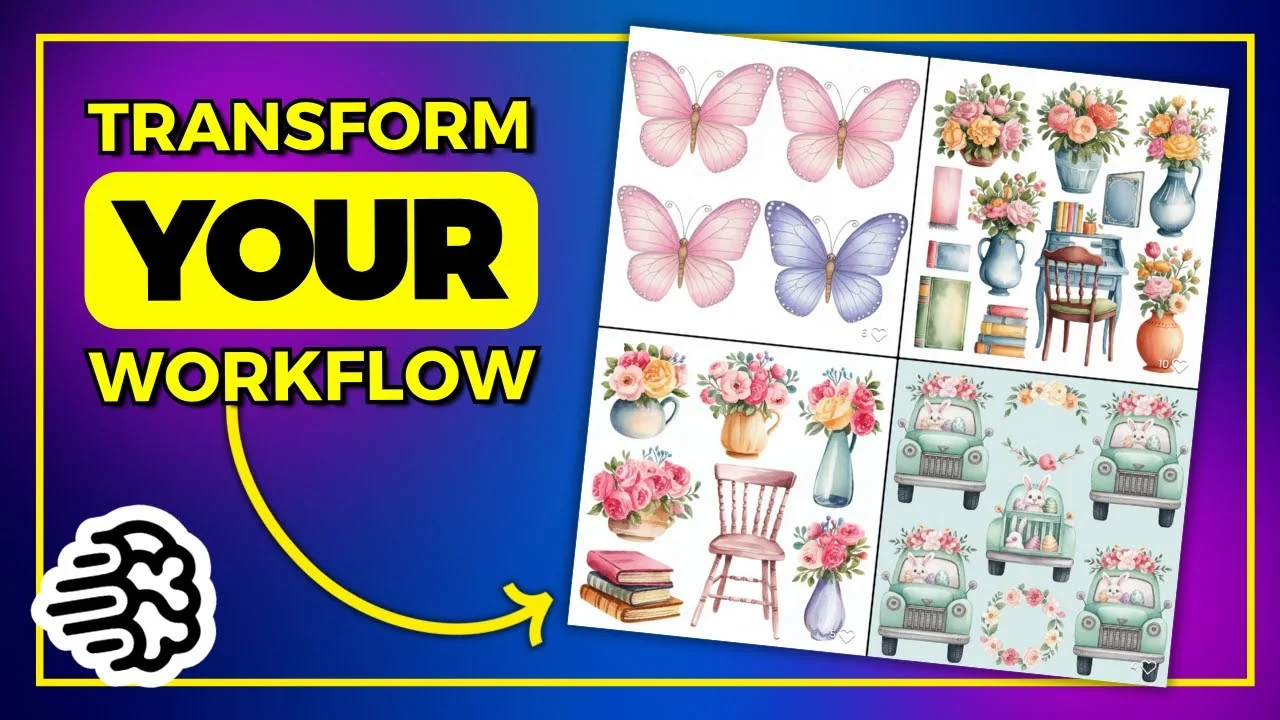
I have a lot of designs on my Ideogram public profile – clip art sets, Valentine’s Day, St Patrick’s Day, and lots of coloring pages. If you click into one, you will often see Image Weight 100 but no parent image. I do this on purpose to keep everything more organized. I get asked why … Read more

Discover This Powerful Free Background Remover Tool

Discover This Powerful Free Background Remover Tool - Featured Image

Background removers are plentiful. Some are better than others, and some are not that great. PhotoRoom’s background remover is pretty great. One of my favorites is ClipDrop, but unless you pay for ClipDrop you’re limited to what you can do – I believe you can only use it 10 times per day. At PhotoRoom, the … Read more

How to Find and Edit AI T-Shirt Designs with IDEOGRAM AI?

How to Find and Edit AI T-Shirt Designs with IDEOGRAM AI? - Featured Image

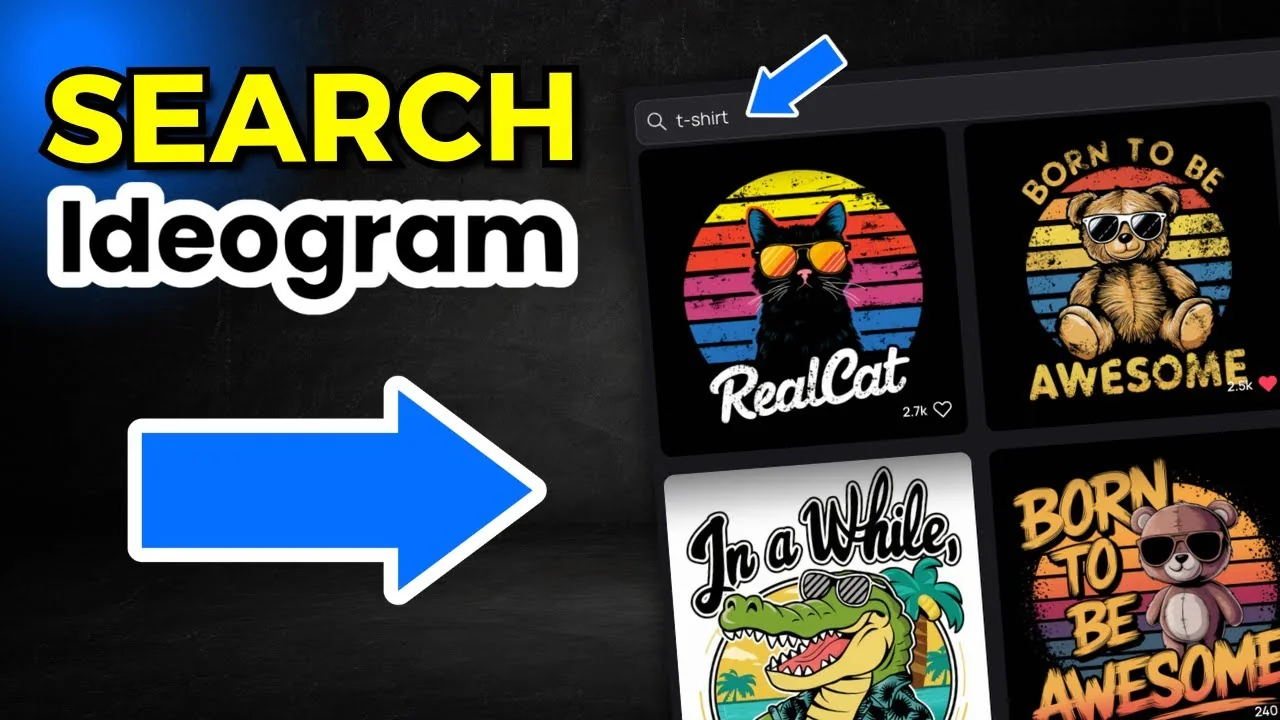
If you have a paid plan in Ideogram, you can use the search function, find t-shirt designs, edit and modify the prompts, and create brand new designs. Ideogram makes this easy. You do have to have a paid plan. You can’t use this on the free version. Ideogram T-Shirt Prompt Editing: How to Access Ideogram’s … Read more