I’m excited to introduce Ideogram’s new batch generation feature. This tool lets you create images in bulk by allowing multiple images to be created in one go, reducing the need to manually re-enter prompts and start each generation separately.
Upload a spreadsheet with your prompts and settings and let the system handle the rest.
When you return, you’ll have a batch of images ready. This feature is exclusively available on Ideogram Pro.
Setup: Ideogram ChatGPT Prompt Automation
Click Batch in the left menu to begin. To make setup effortless, we provided a template you can download.
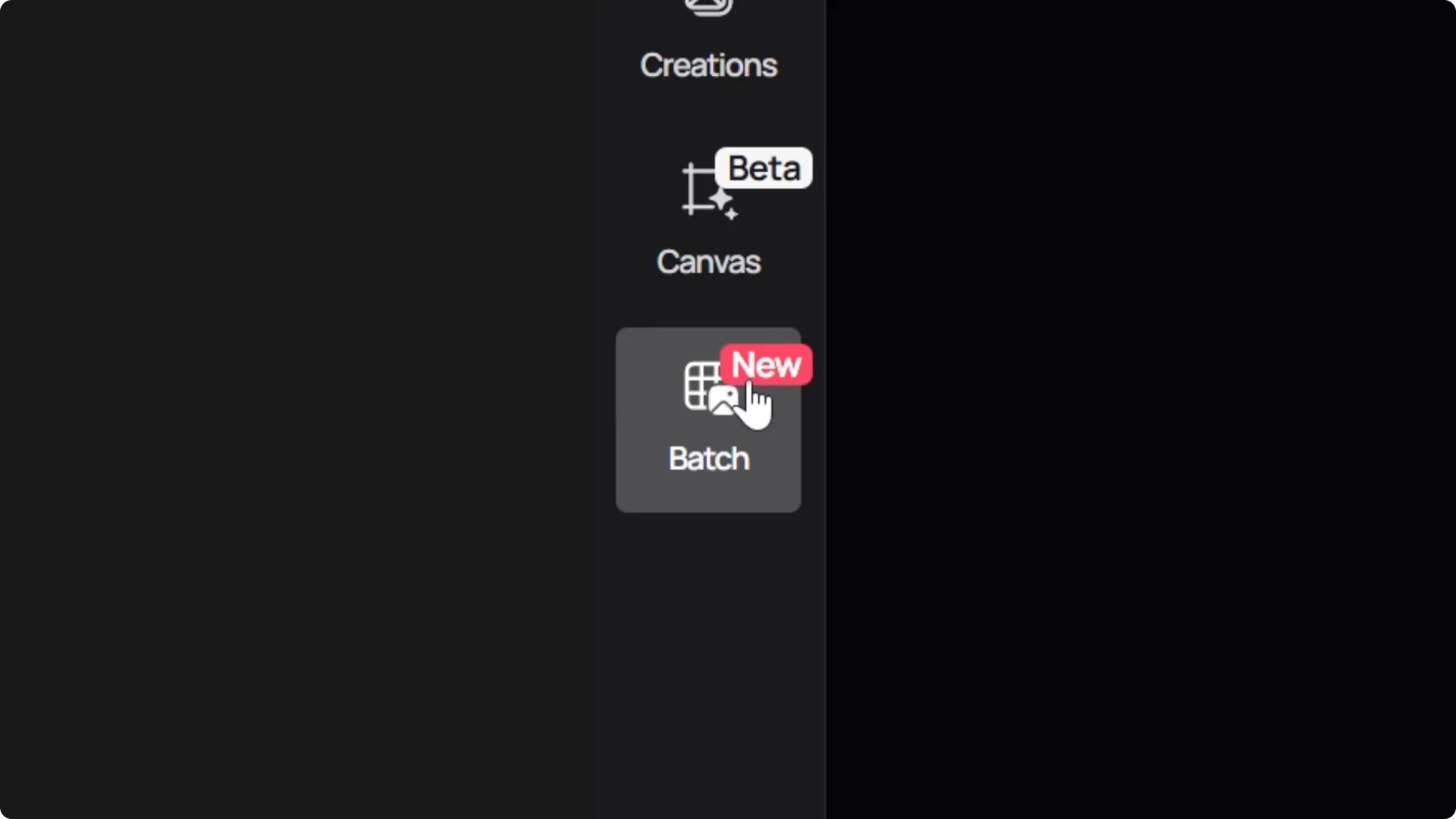
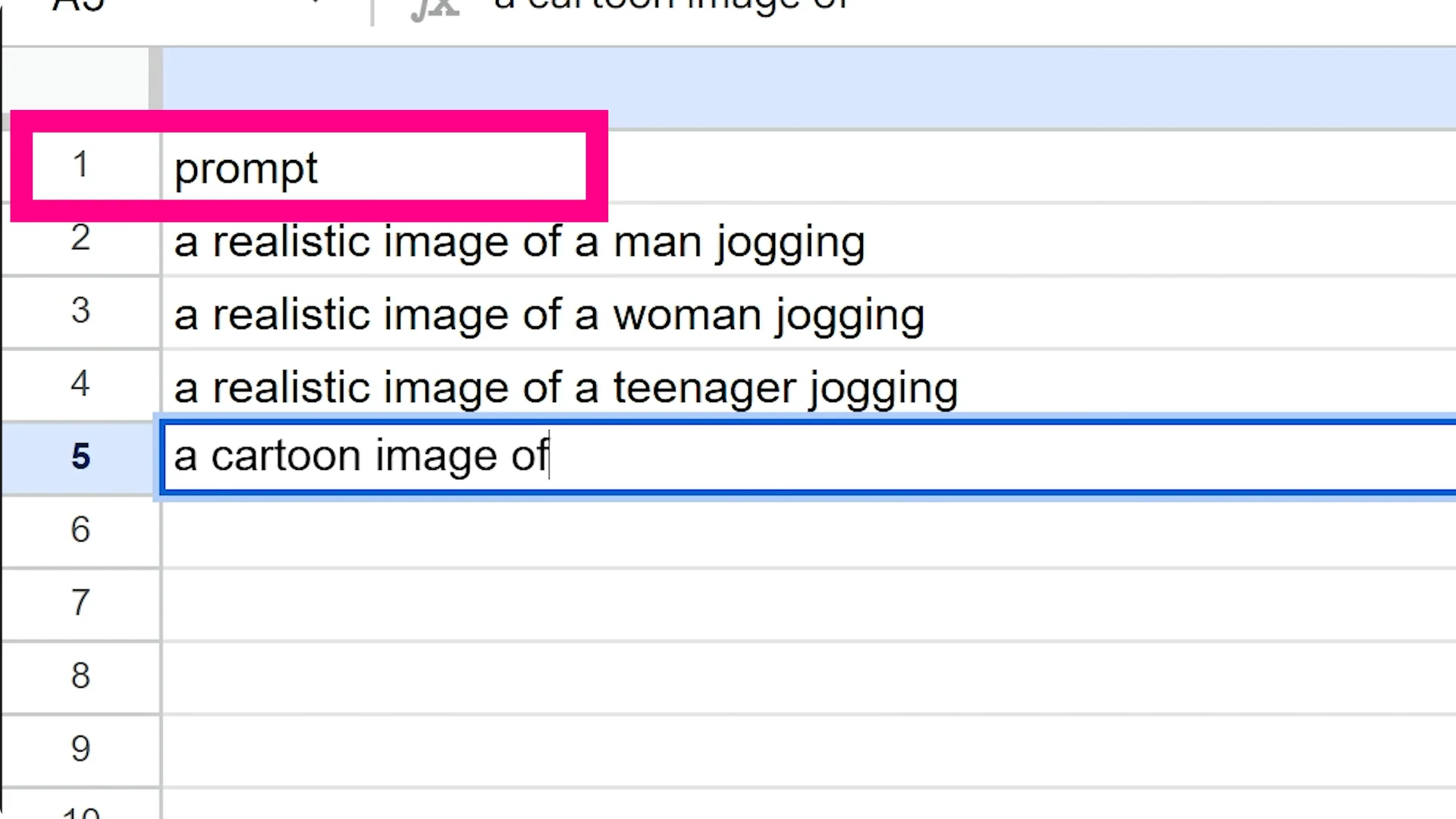
You can start with a simple template that only requires prompt, visibility, aspect ratio, and if you want Magic Prompt enabled or not.
You can also use a full template that offers more control.
Simple template
The simple template focuses on the basics.
Enter your prompt, set visibility, choose an aspect ratio, and toggle Magic Prompt on or off.
This is a fast way to get going if you already know your core settings.
Full template
The full template lets you specify prompts, visibility, aspect ratio, model type, c number, negative prompts, styles, and color palettes.
It provides helpful descriptions at the top of each column explaining what each field does.
For details on the latest model, see key features.
Prompts with ChatGPT
For prompts, you can enter them manually, which is great if you have specific ideas and want each row to have different settings.
You can also use an AI assistant like ChatGPT to generate creative and diverse prompts and fill out the spreadsheet for you.
If you want another prompt workflow, check our short tshirt guide.
Step-by-step setup
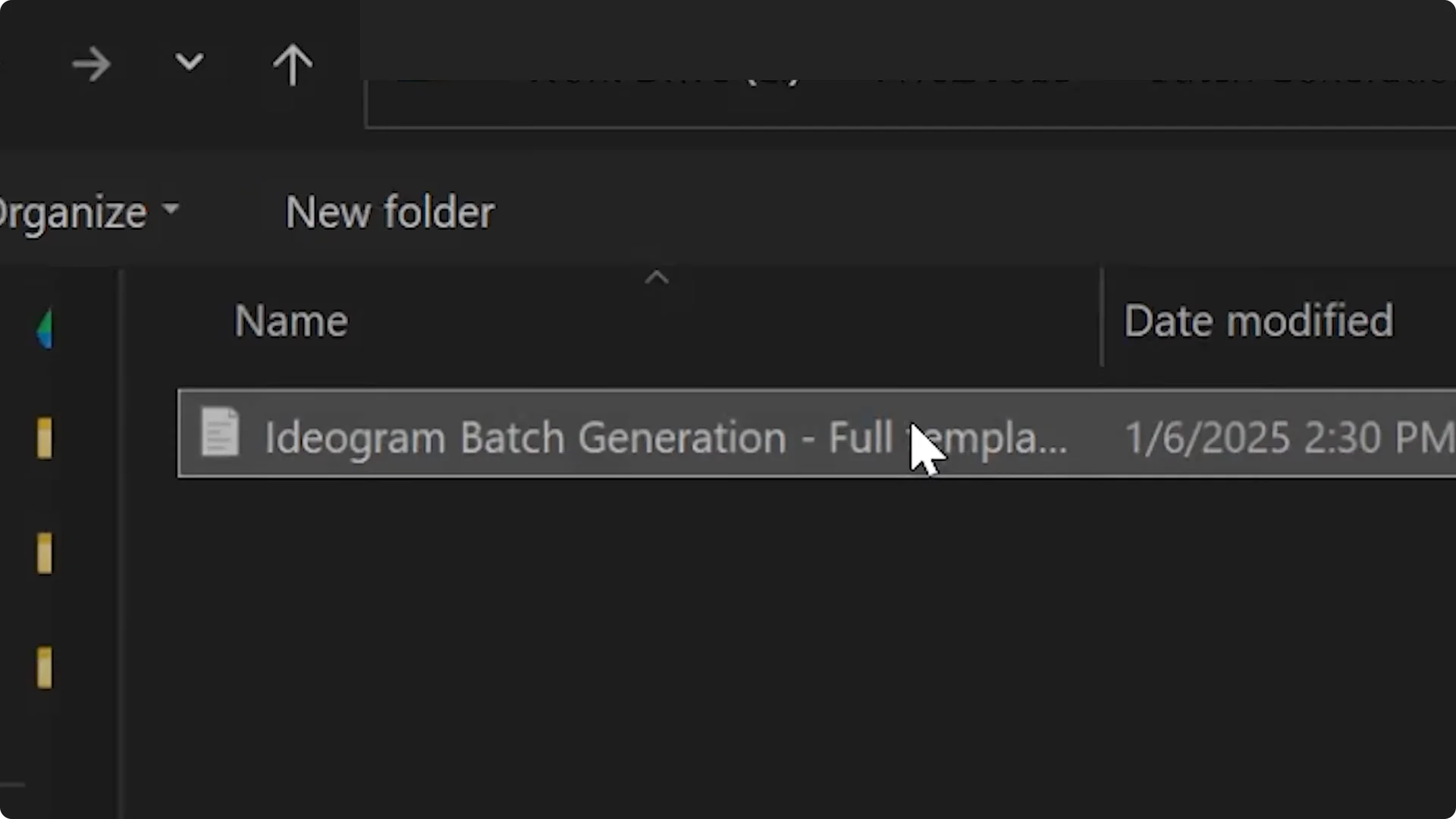
Step 1: Upload one of the templates. In this example, I will be using the full template.
Step 2: In your AI assistant, set a task such as: generate a CSV file with 10 prompts following the template of the provided CSV file.
Add context like: the prompts will be used to create a design for sneaker ads.
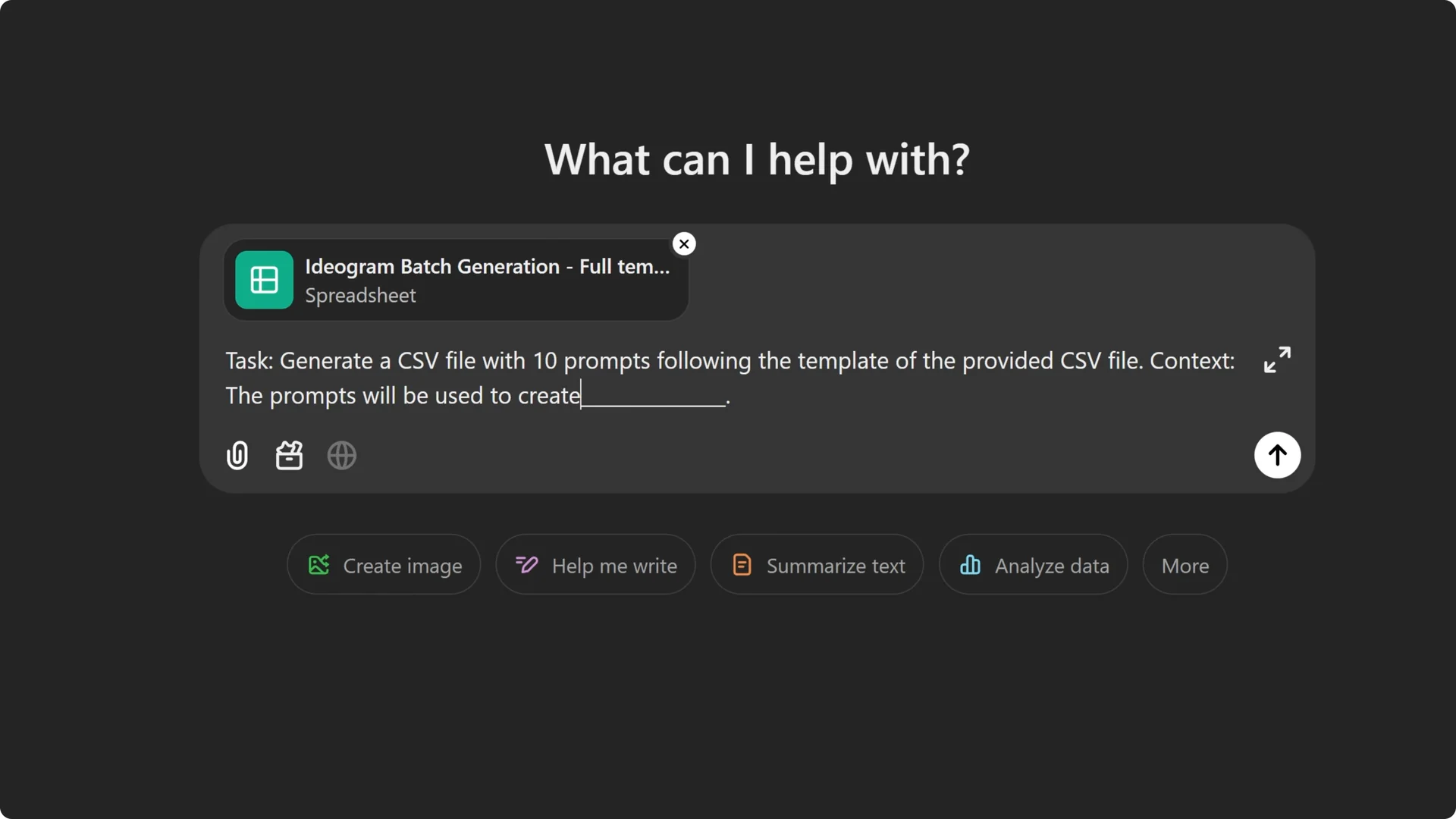
Step 3: Ask for variety, for example: ensure the prompts are diverse, creative, and engaging. This keeps the batch interesting and useful.
Step 4: Set your defaults. For this case, I’m using a 1 by 1 aspect ratio, visibility set to private, model 2.0 which is the latest model at the moment, rendering set to default, Magic Prompt on, and style set to Auto.
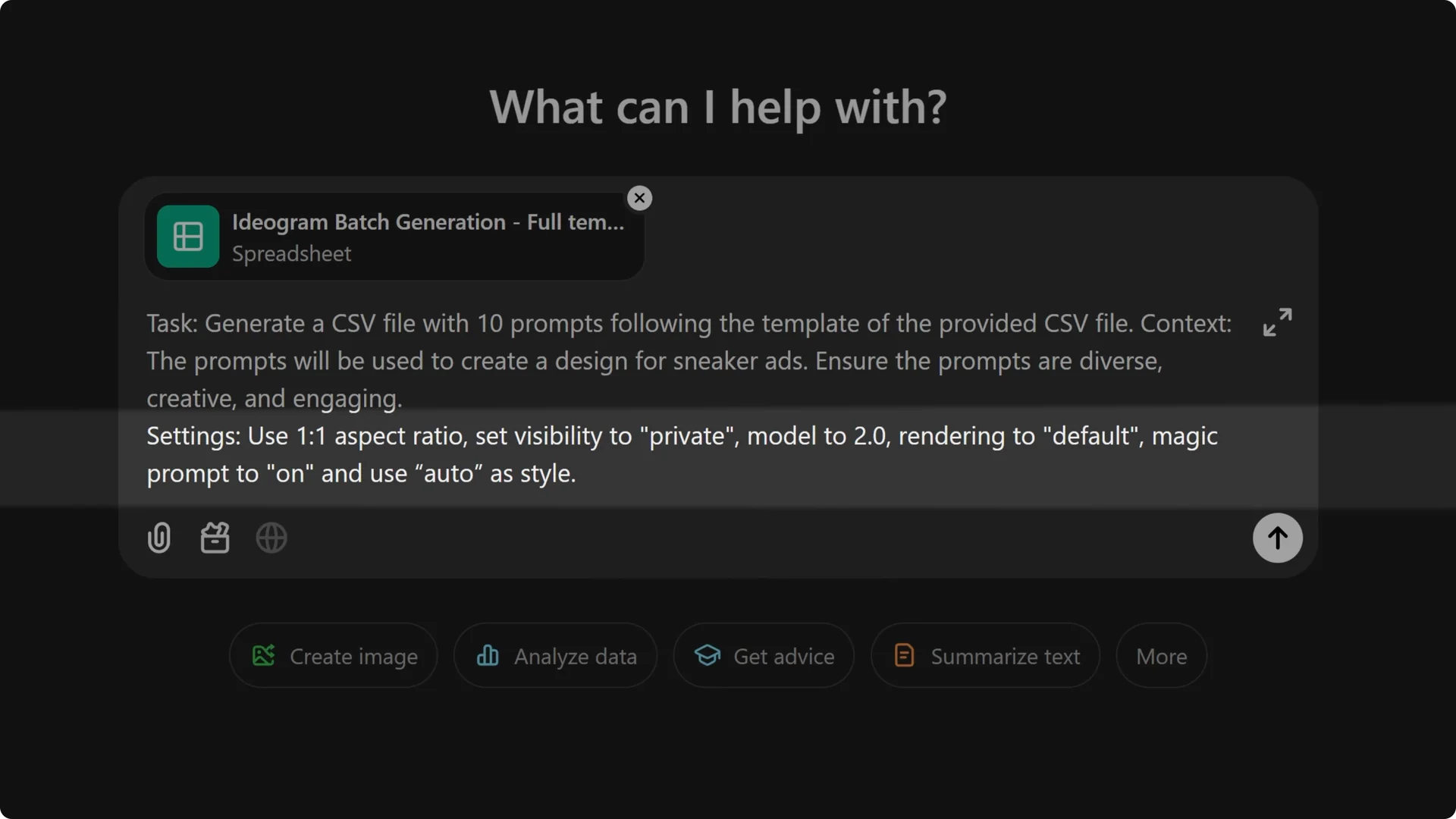
Step 5: Have ChatGPT create the prompts for you based on the description you set up earlier. If you want very specific prompts, list them and have ChatGPT place them into the spreadsheet for you.
Step 6: Once complete, you’ll get a download link for a new file containing all prompts and information formatted exactly as requested. Save that CSV.
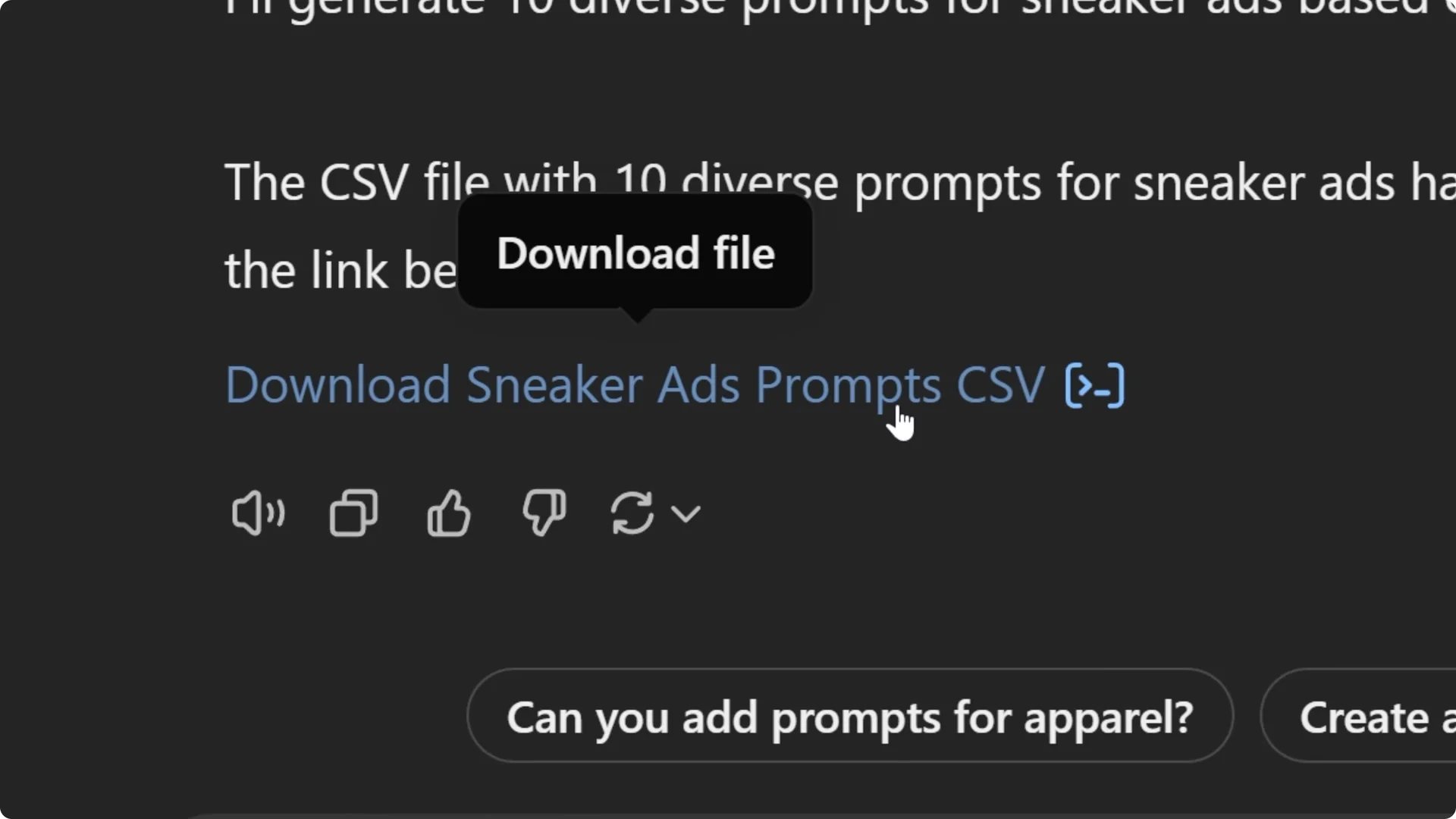
Upload and generate your batch
Once the prompts are ready, upload the file on the same page where you downloaded the templates.
Each prompt will generate four images, so 10 prompts will produce 40 images.
After uploading, a summary window will appear showing the number of images to be generated, the number of credits required, and a preview of the settings for your batch.
If everything looks good, start the batch generation process.
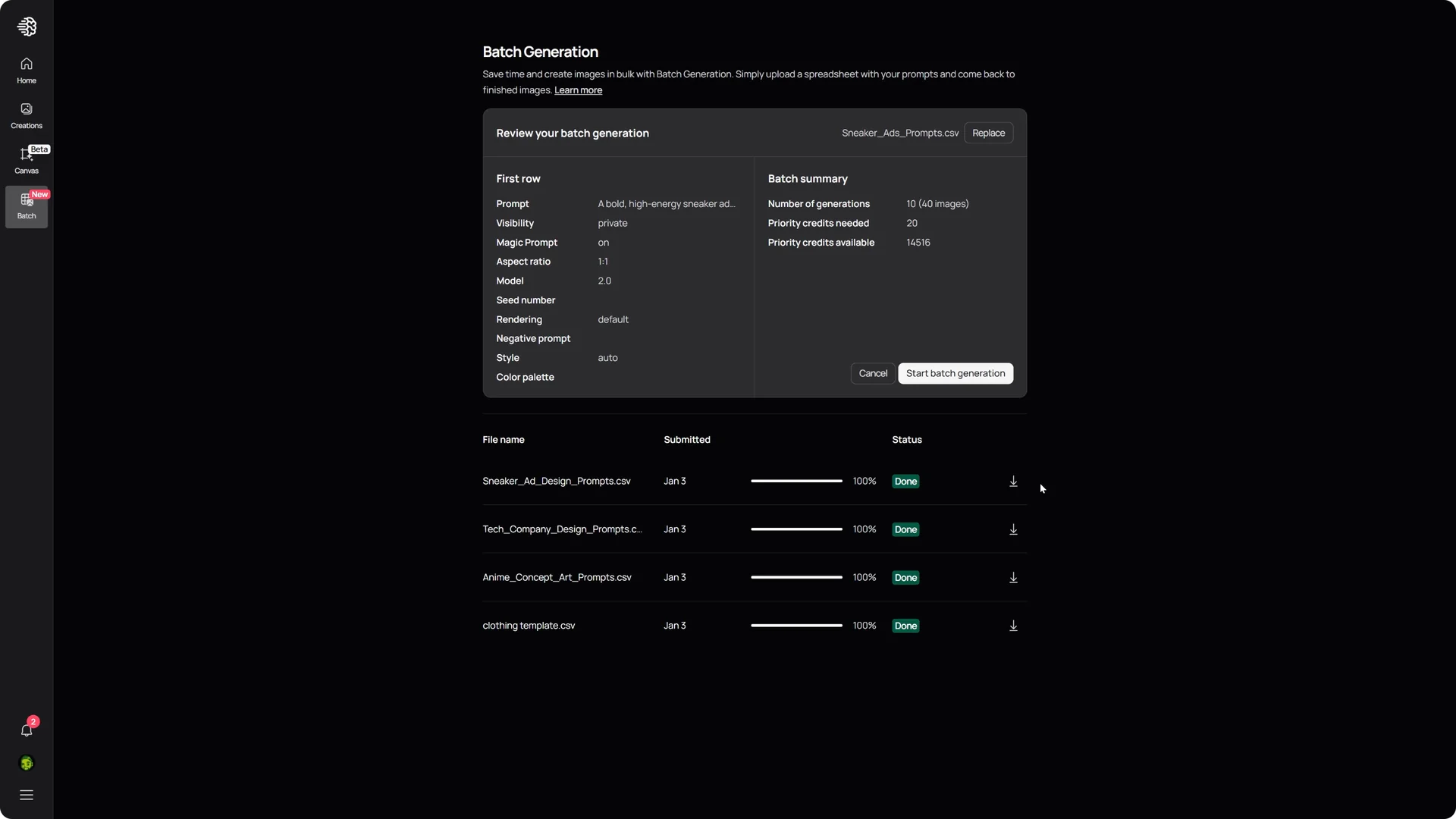
The time required depends on the number of prompts you provided.
While Ideogram works, you can focus on other tasks.
Review results and download
Once your images are generated, you can download the entire batch as a zip file or view the results directly in the creation section on the website.
I often generate a wide variety of creative designs while I take a quick coffee break or catch up on emails.
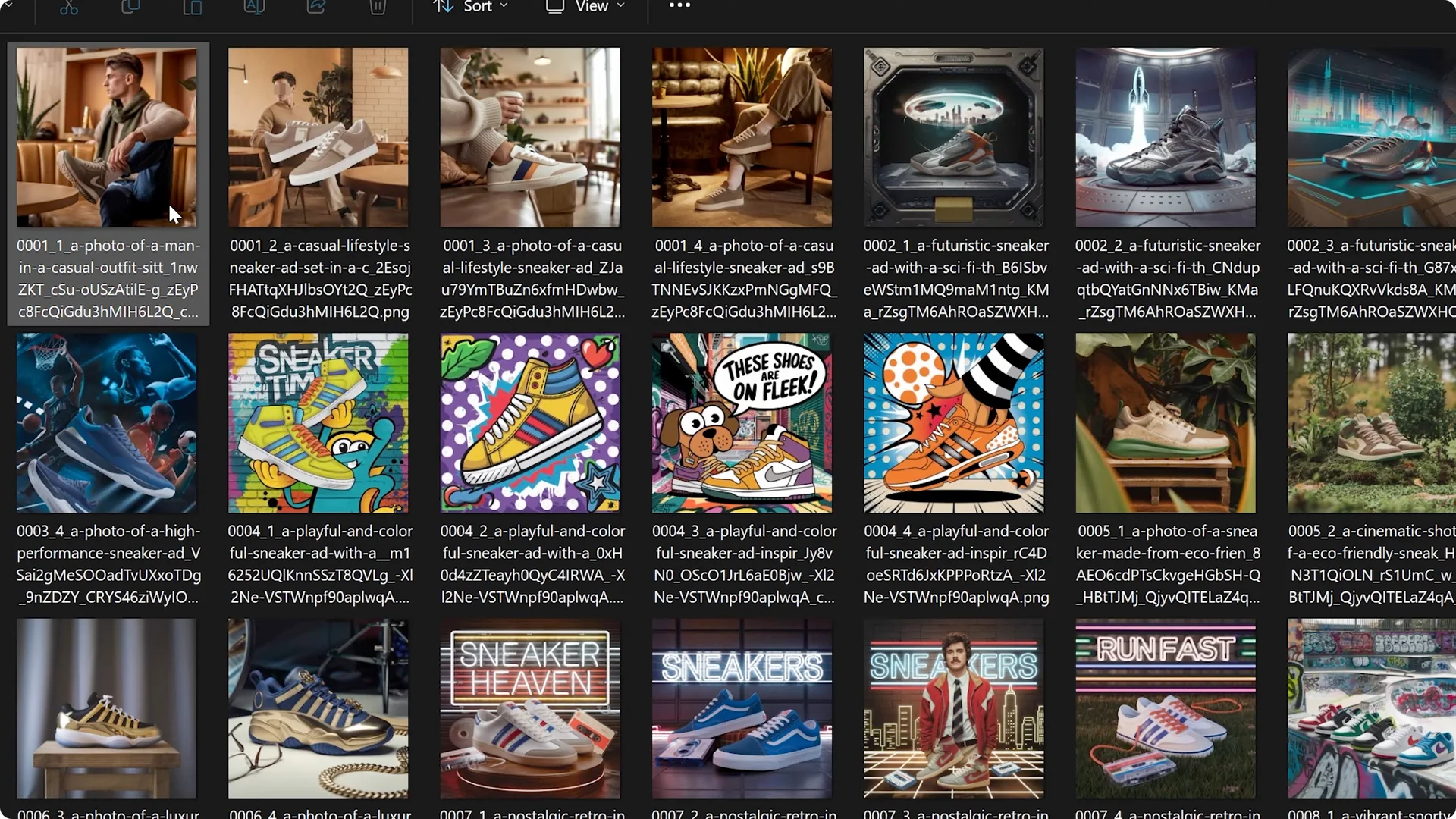
These images can serve as inspiration, help refine the direction of your project, or diversify your promotional content.
For related editing workflows, see quick face swaps.
Scale up with Ideogram ChatGPT Prompt Automation
This demonstration used 10 prompts, but you can go bigger. With a limit of 500 rows per batch, the potential for creativity is immense.
Picture uploading hundreds of prompts, shutting down your computer, and waking up to hundreds or even thousands of generated images ready for you to explore and use.
Who benefits
Batch generation is a great tool for anyone looking to speed up the creative process. It helps if you’re a designer, a marketer, or just someone with a lot of ideas.
Give it a try and see how much time and energy you can save.
Final thoughts
Ideogram’s batch generation lets you upload a CSV with prompts and settings, generate four images per prompt, preview credits, and download everything in a zip. Using ChatGPT to create and format prompts can make setup fast and consistent.
With support for up to 500 rows and the latest 2.0 model, you can execute large runs with minimal effort. For more on the platform’s capabilities, review the key features.