Chat GPT now has a new update that is taking over the internet. But does that make it better than Ideogram AI?
As we all know, Ideogram AI is the best AI for making any design with text, including t-shirt designs, and Chat GPT is now challenging it.
I’m going to go over eight different points to compare the difference between Chat GPT and Ideogram AI for making designs for t-shirts and other print on demand products.
If you’re making t-shirt or print on demand designs with AI, you don’t need to buy every tool. You want to know which AI tool is the best option for you.
My goal is to explore each feature of both tools to see which one is better for making your t-shirt designs fast.
AI T-Shirt Design Comparison: Chat GPT vs Ideogram AI
Basic Design
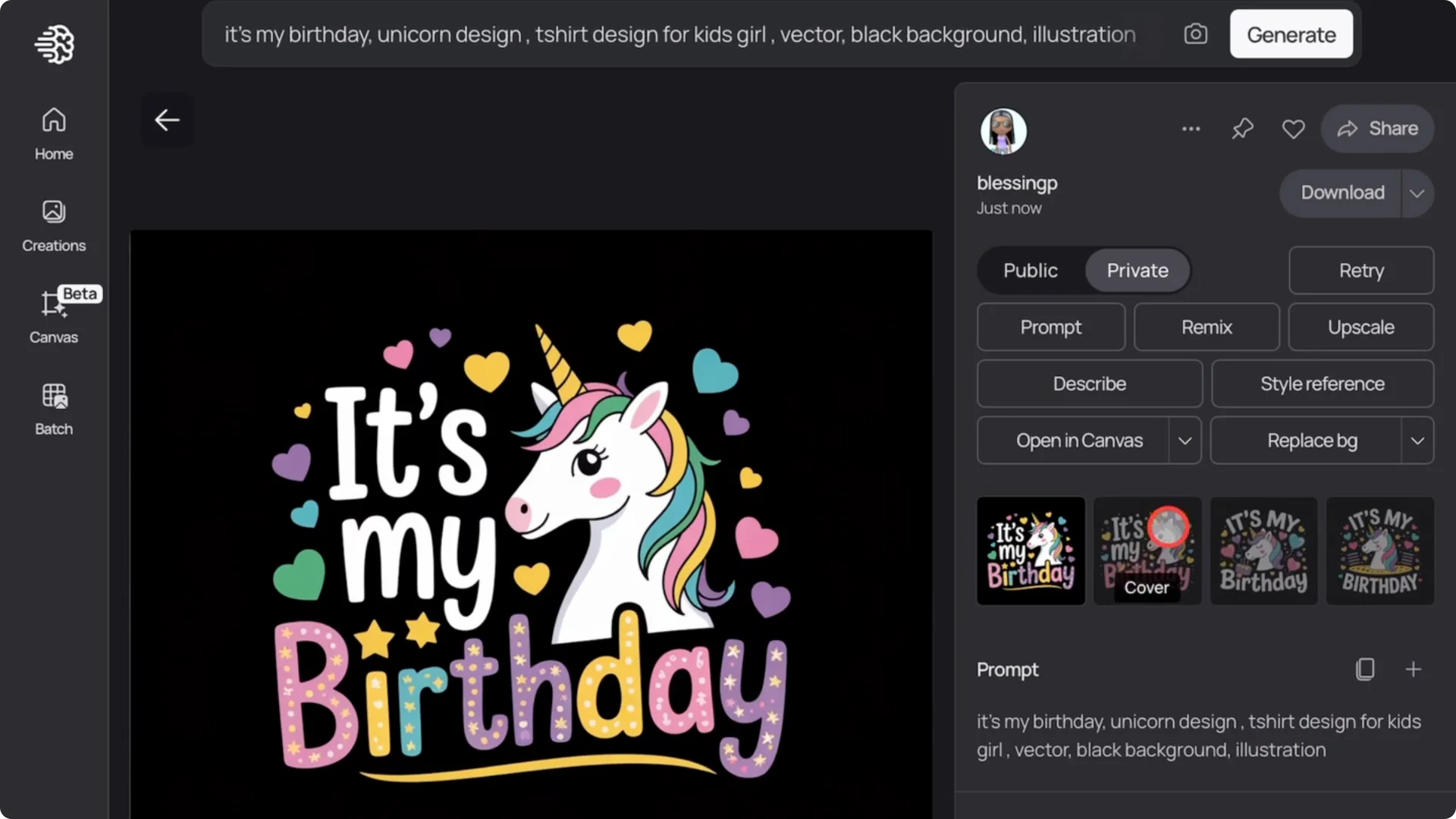
To start with Ideogram AI, I adjust the settings, set the aspect ratio, and tweak other options. I add the prompt and the designs came out great.
That is typical of what you get with Ideogram AI.
I did the same with Chat GPT using the same prompt.
You don’t need to adjust any settings, but it only creates one image at a time. Ideogram AI lets you select how many images you want, but Chat GPT doesn’t give that option.
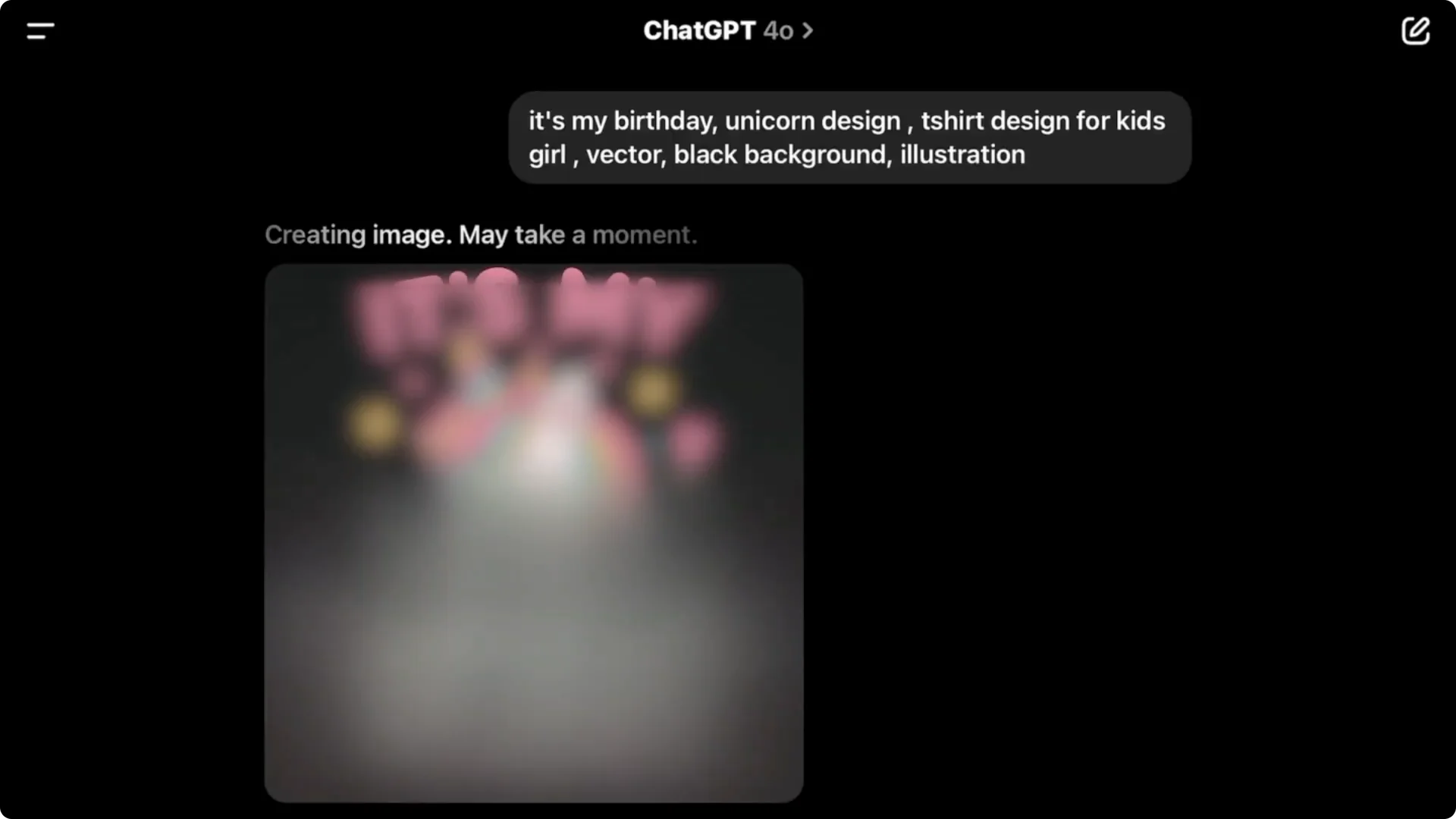
It did get the design details right, but it’s just one image per prompt.
Chat GPT usually creates square images and you can’t control the aspect ratio, which might be an issue for some people.
Complex T-Shirt Designs
I created a hard design style to see what Ideogram AI generates. This design might look simple to you, but for most AIs, it’s very difficult to create.
If you try to make this design with Midjourney or other tools, it won’t come out great.
Ideogram AI is just that good with text. You can easily create designs like this with a detailed prompt. I tried it with Chat GPT and it can do it.
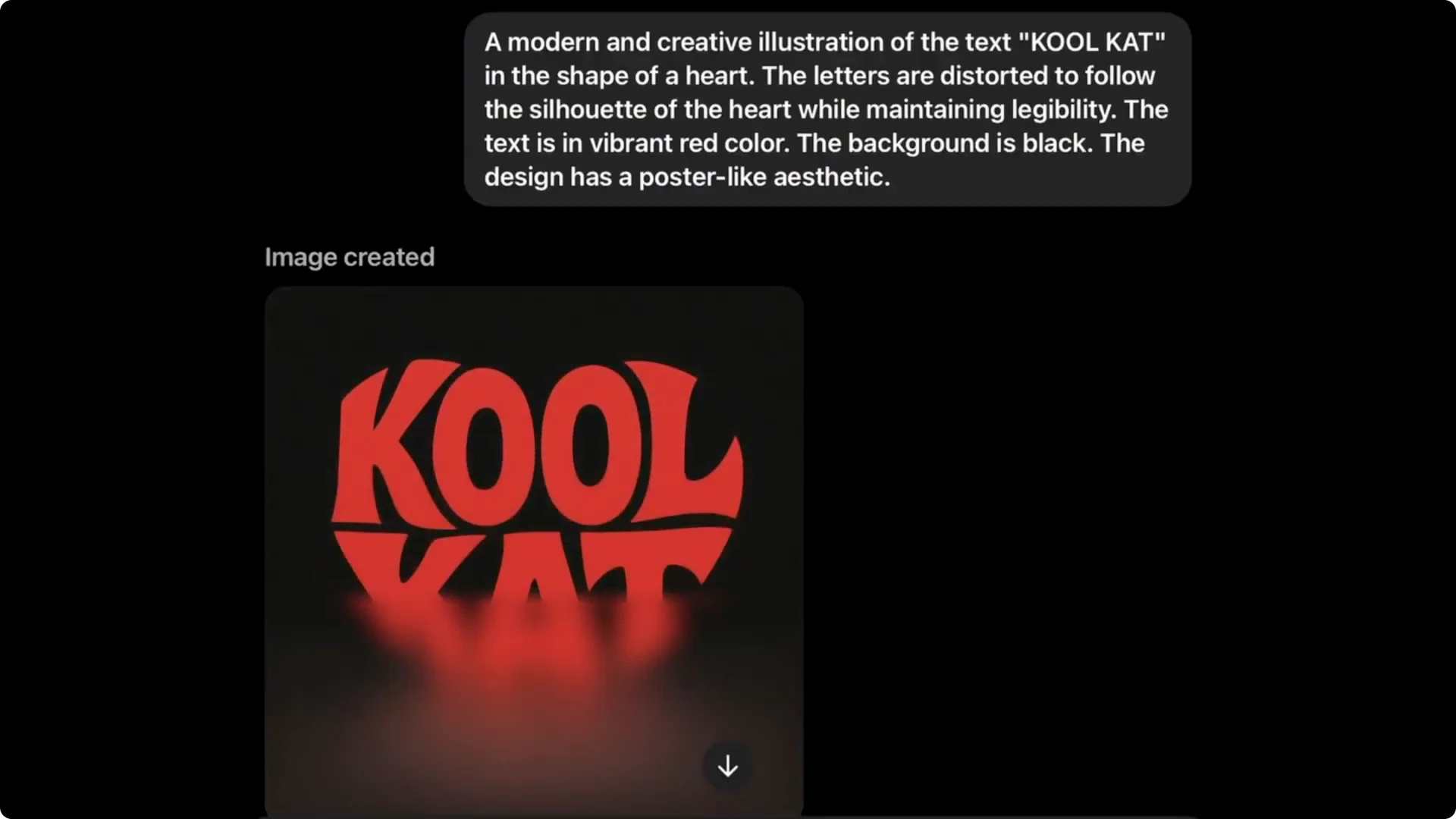
It’s giving Ideogram a run for its money. It can create the same kind of design. For simple or complex designs, both tools are capable of getting the job done.
Pricing
Pricing is a big deal for most people. You can create designs with Chat GPT for free using the basic version, but you’re limited to around 5 to 7 image generations per day. If you want more, you’ll need the $20 per month plan.
With Ideogram AI, you get about 10 free credits or three images per week, which really isn’t enough to create anything meaningful.
The paid version starts at around $8 per month. The downside is if you’re on the cheaper basic plan, your designs are public and other users can find and download them.
If you want to create professional exclusive t-shirt designs with Ideogram AI, you’ll need the $20 per month option. While it may seem that Ideogram AI is somewhat cheaper than Chat GPT, both cost about the same if you want full functionality.
Background Removal
Removing backgrounds is something most AI tools can now do.
In Ideogram AI, all you have to do is click on the image, go to the background option, and click remove background. It’s that simple.
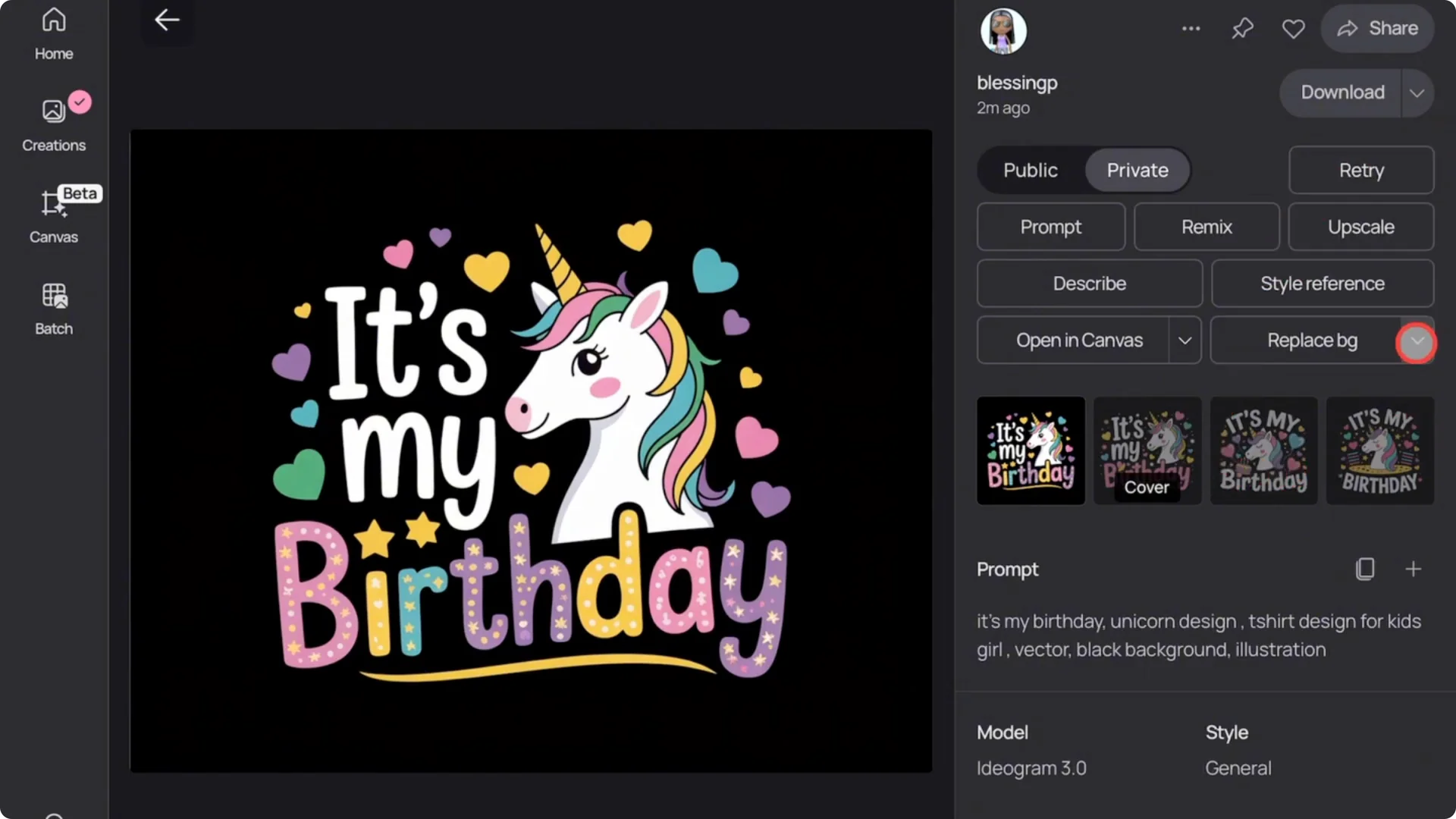
With Chat GPT, you just type a prompt asking it to remove the background and it does it. Both Chat GPT and Ideogram AI can remove backgrounds from images one at a time.
Image Editing
Here is how to edit images in Ideogram AI. Use the canvas feature to try replacing the unicorn in a design. If you go to the creations tab, you’ll see all four options.
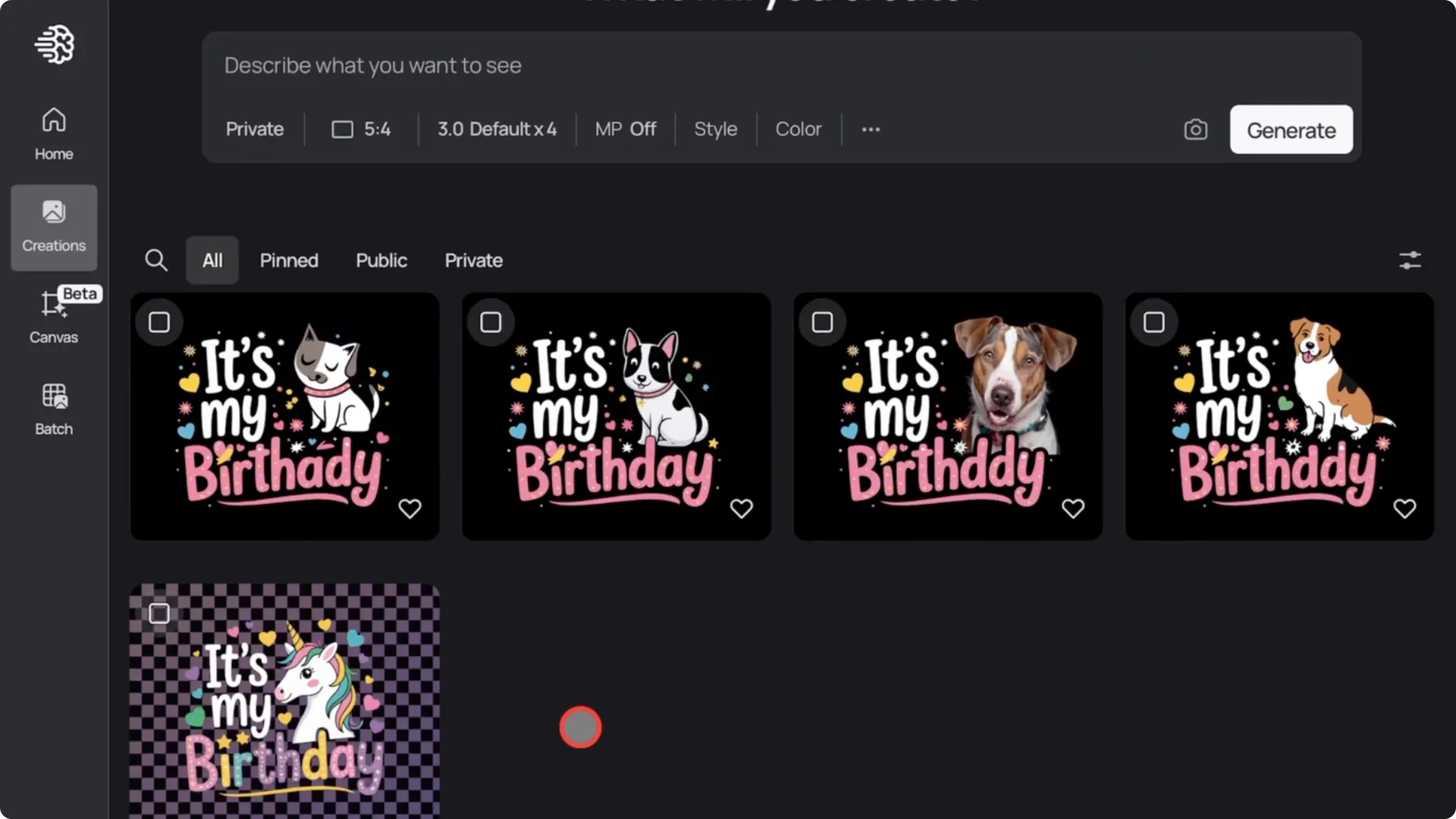
I tried the same with Chat GPT. I actually like Chat GPT’s output better, except for the fact that it gave the puppy a unicorn horn, but it’s still very straightforward to use for edits.
That said, Ideogram has more editing tools like erasers, cropping, text tools, and more.
When it comes to in-depth editing, Ideogram is the clear winner. It’s not just about changing characters or text color.
You can do a lot more with the canvas feature.
Ease of Download
With Ideogram, downloading is very simple. You can bulk download your images by selecting them in the creation panel and clicking the download button.
You can also download individual images in JPEG or PNG format.
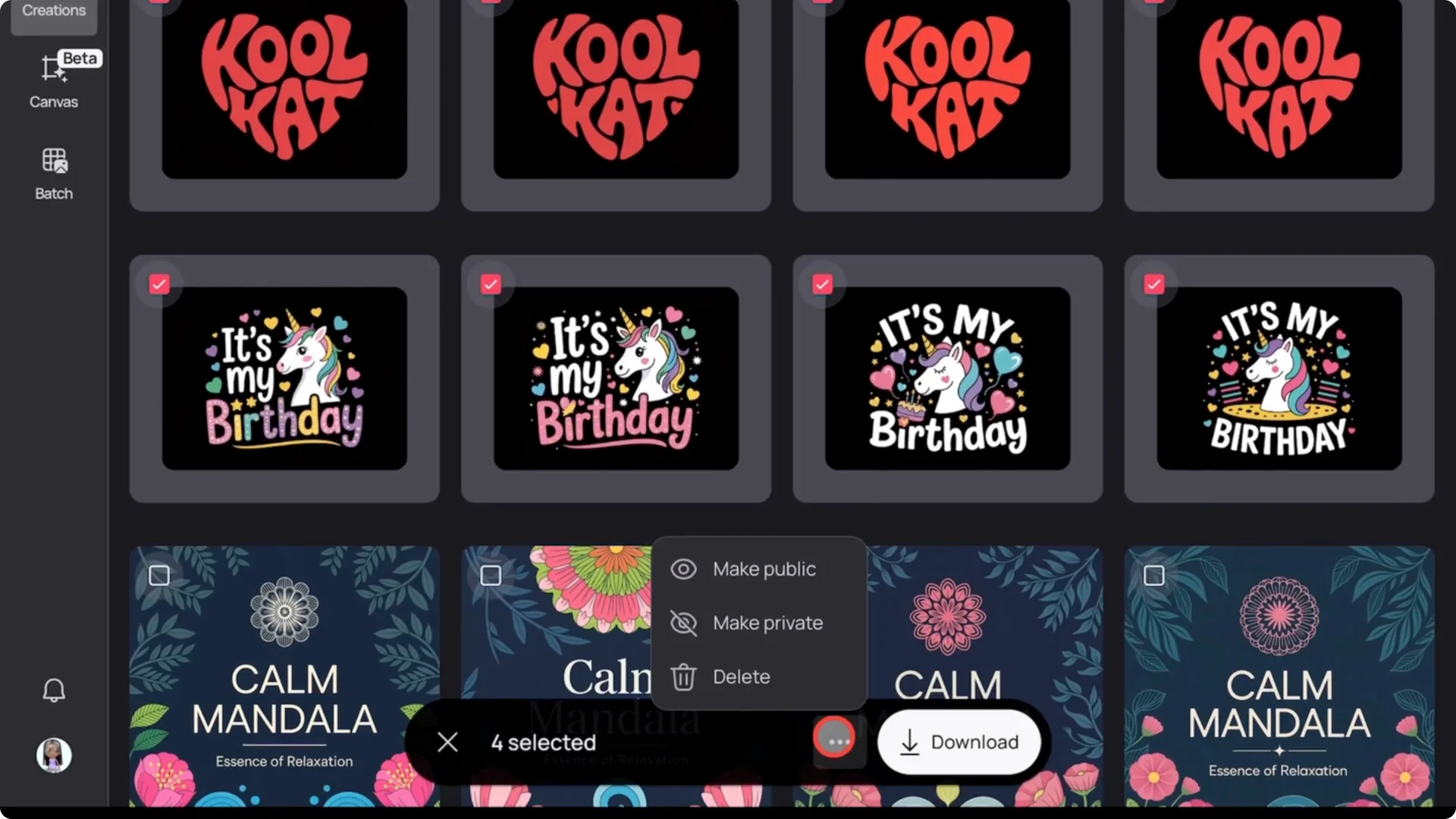
With Chat GPT, you can only download one image at a time by clicking and saving it manually. If you’re working with lots of designs, Ideogram wins this round for sure. Bulk downloads and format choices make a huge difference.
Upscaling
Ideogram has a clear upscale button. The default image size is about 1,000 pixels, and with the upscale button, you can go up to 2,000 pixels. Chat GPT doesn’t offer an upscale feature at all.
Only Ideogram has it. Even 2,000 pixels isn’t enough for high quality t-shirt printing. You need around 4500 pixels, so you’ll still need a third-party tool to upscale to print size, and this may not be a dealbreaker.
Bulk Designs
If you want to make real money from t-shirts, you need to create a lot of designs. Chat GPT doesn’t support bulk generation. You have to make each image one at a time.
Ideogram AI has a feature called batch. You can upload a CSV file filled with your prompts and it will generate all your designs at once. They have templates you can download, fill out, upload, and generate designs in bulk, then click download when you’re done.
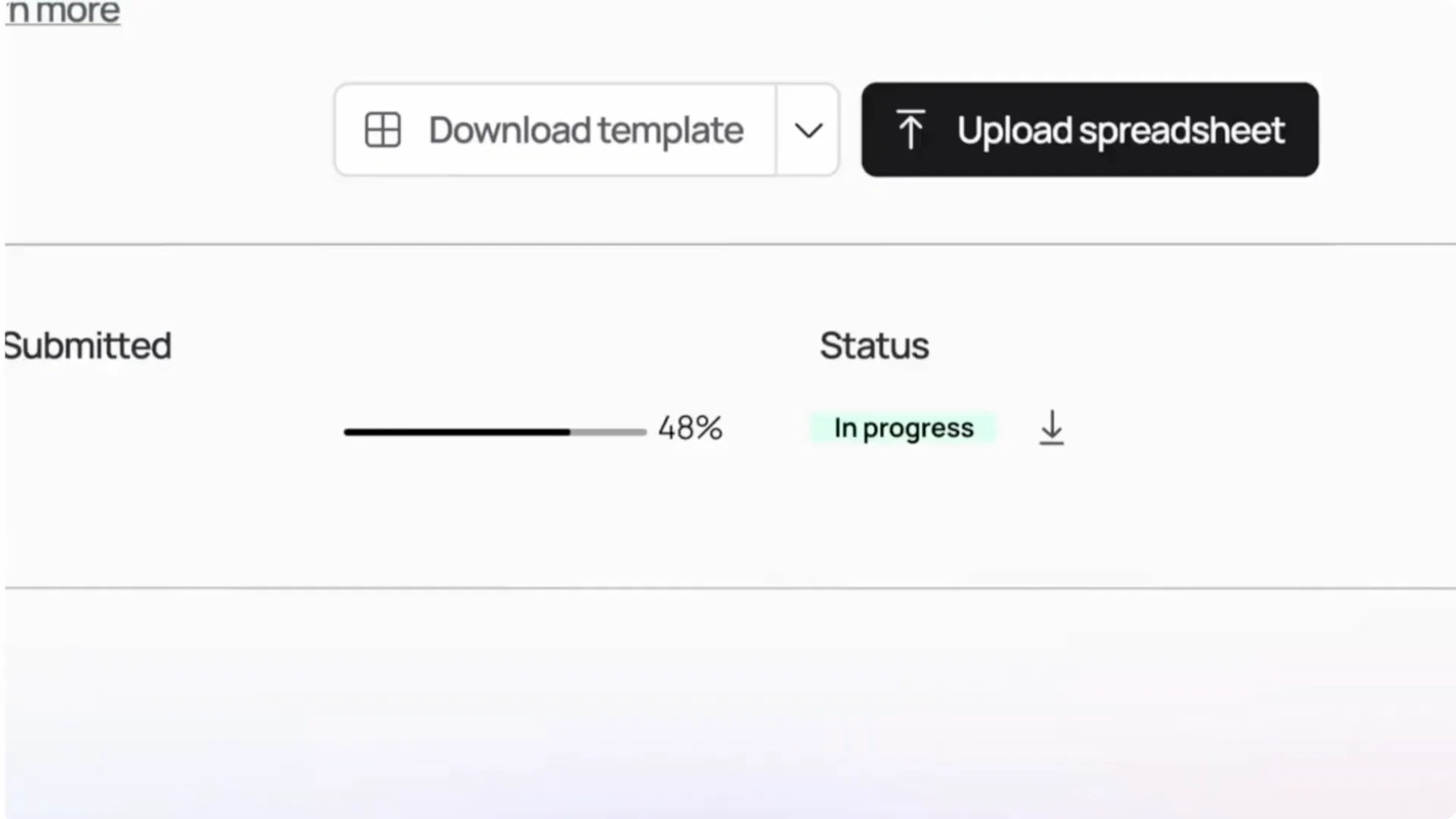
In this category, Ideogram is the clear winner.
Final Thoughts
You can clearly see the differences and benefits of each tool for making t-shirt designs. If you already have Chat GPT and use it for writing or other tasks, it’s worth using it for designing, too. It takes a bit more time, but you won’t be spending extra money.
If your main goal is to create t-shirt or print on demand designs professionally, I definitely recommend Ideogram AI. It has everything you need, including bulk generation, background removal, editing tools, easy downloads, and great results. The price is about the same.
This doesn’t mean everyone must use Ideogram AI. If your goal is to focus on print on demand designs, you should choose Ideogram AI. If you already have Chat GPT, you can use that too just to avoid extra costs.