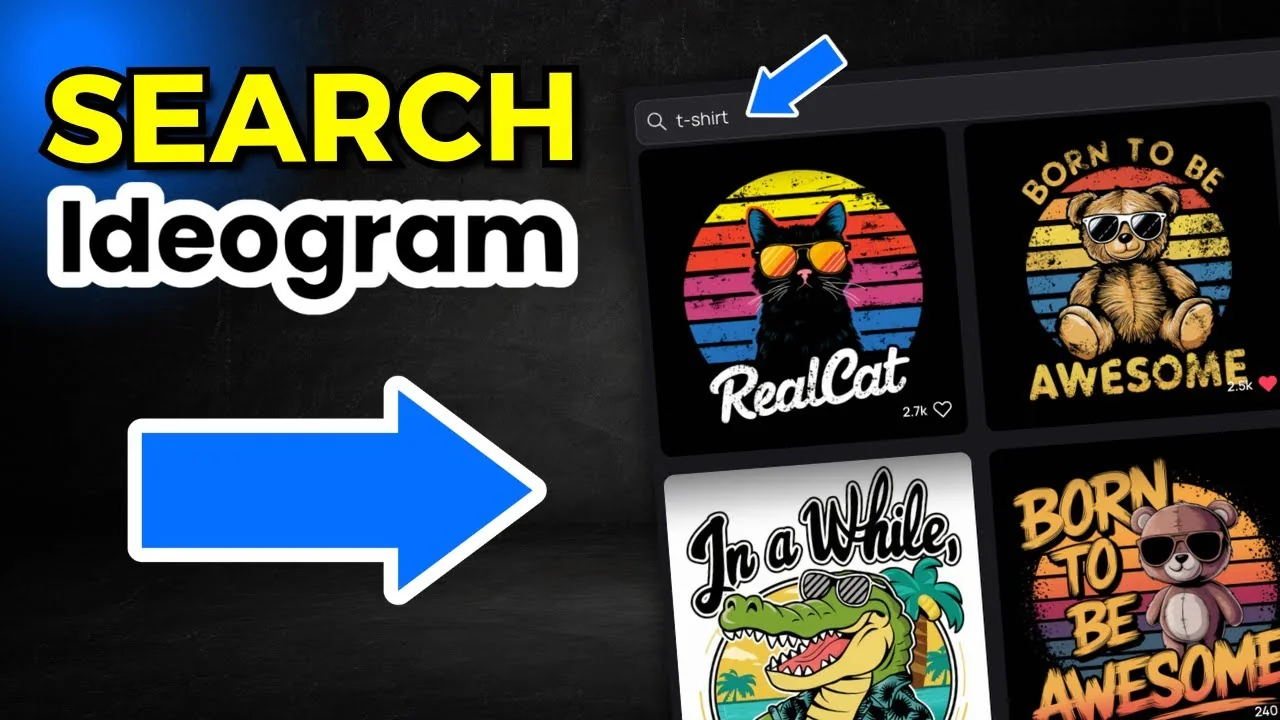
How to Find and Edit AI T-Shirt Designs with IDEOGRAM AI?

If you have a paid plan in Ideogram, you can use the search function, find t-shirt designs, edit and modify the prompts, and create brand new designs.

Ideogram makes this easy. You do have to have a paid plan. You can’t use this on the free version.

Ideogram T-Shirt Prompt Editing: How to Access Ideogram’s Search Feature (Paid Plan Required)

On the pricing page for Ideogram, it says search community images. Find inspiration from fellow Ideogram creators. You do have to have a paid plan to access this.
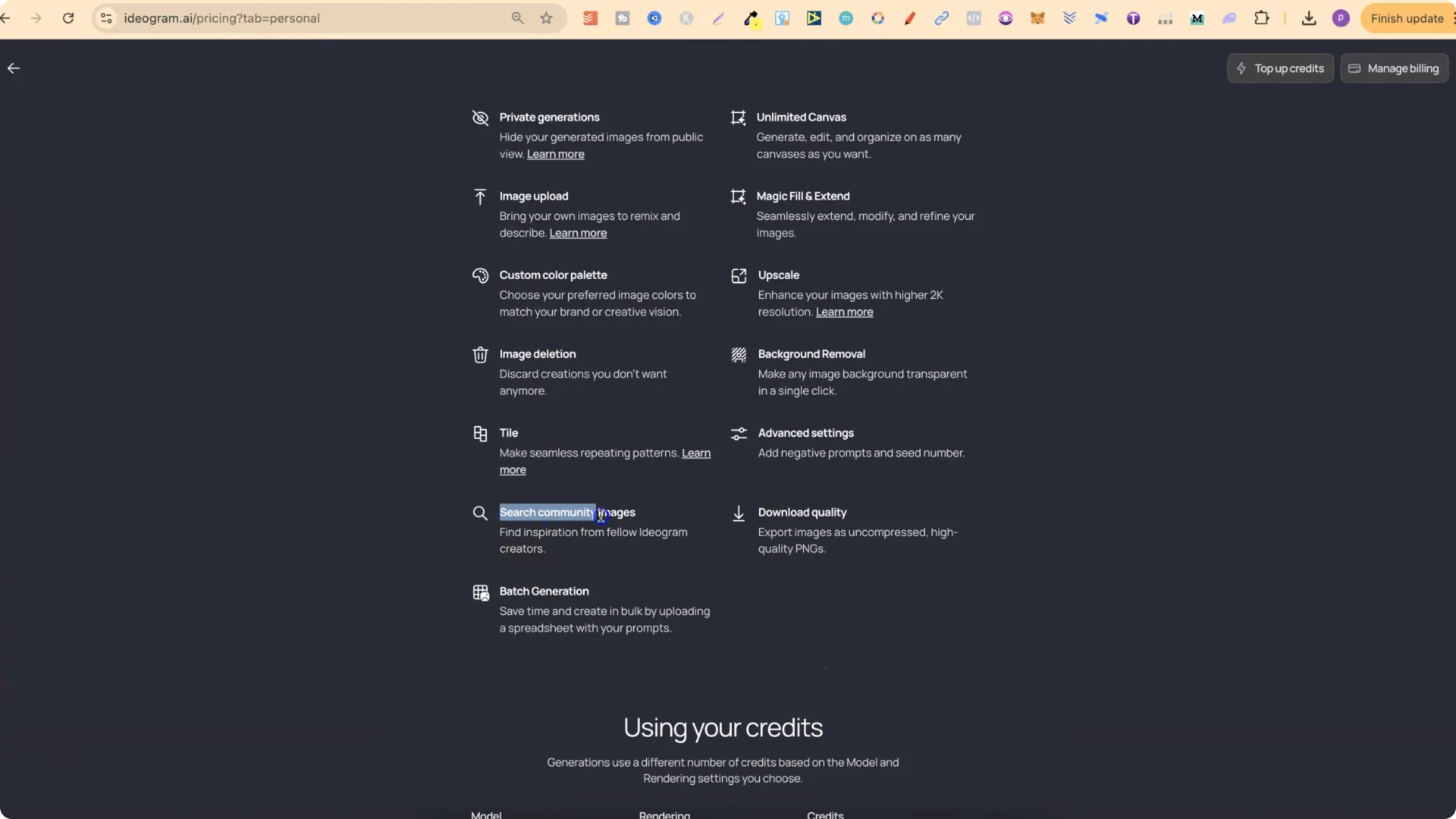
How to Find and Edit AI T-Shirt Designs with IDEOGRAM AI? screenshot 1

Step-by-step: Access the search and find designs
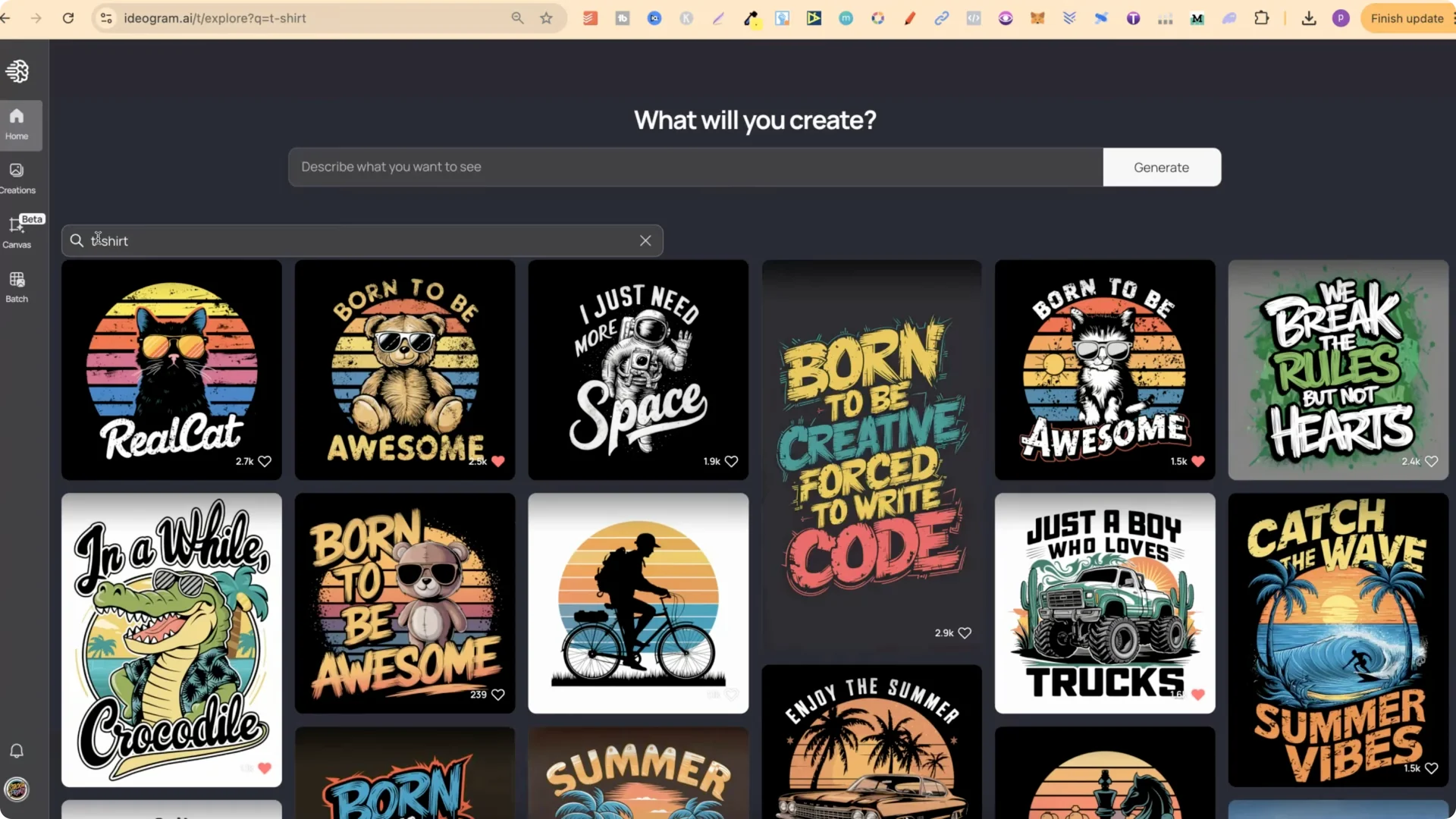
  • Log in and go to the Home tab.
  • Click the search icon.
  • Type in any keywords you want. For example, put t-shirt.
  • Press Enter to see t-shirt designs creators have made public. You won’t be able to find people’s private images, only public ones.
  • Play around with keywords like shirt, t-shirt, and t-shirt design to see what pops up.
  • How to Find and Edit AI T-Shirt Designs with IDEOGRAM AI? screenshot 2

    Ideogram T-Shirt Prompt Editing: Finding and Modifying T-Shirt Design Prompts

    Once you have a design that you like, take the prompt and use it as a base to create new and unique designs.
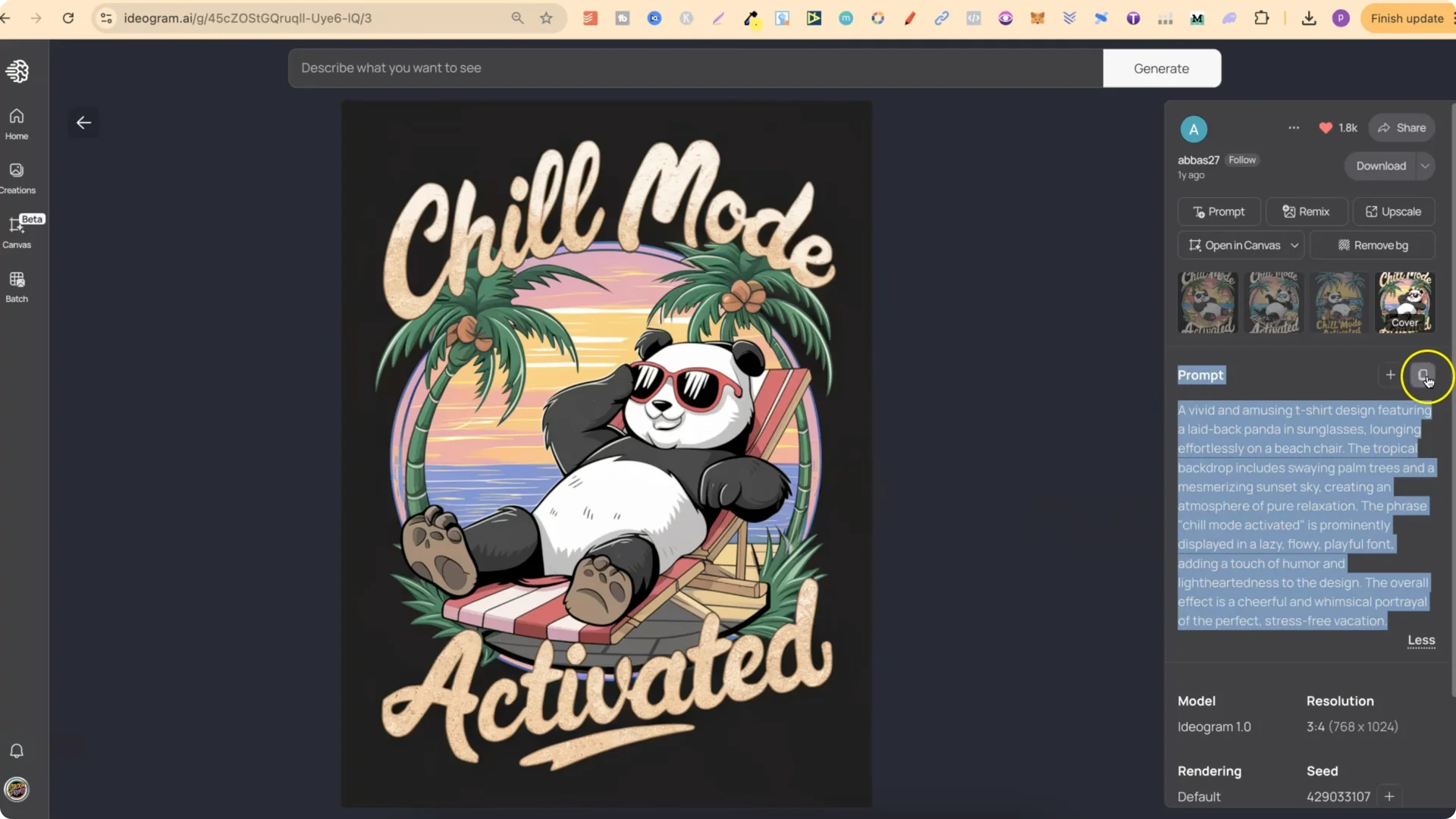
  • First, look at the prompt that created the design.
  • Copy the prompt.
  • How to Find and Edit AI T-Shirt Designs with IDEOGRAM AI? screenshot 3

    Ideogram T-Shirt Prompt Editing: Using ChatGPT to Refine Ideogram Prompts

    Come over to the free version of ChatGPT and use a simple instruction to keep the structure of the prompt intact while swapping key elements. For example:
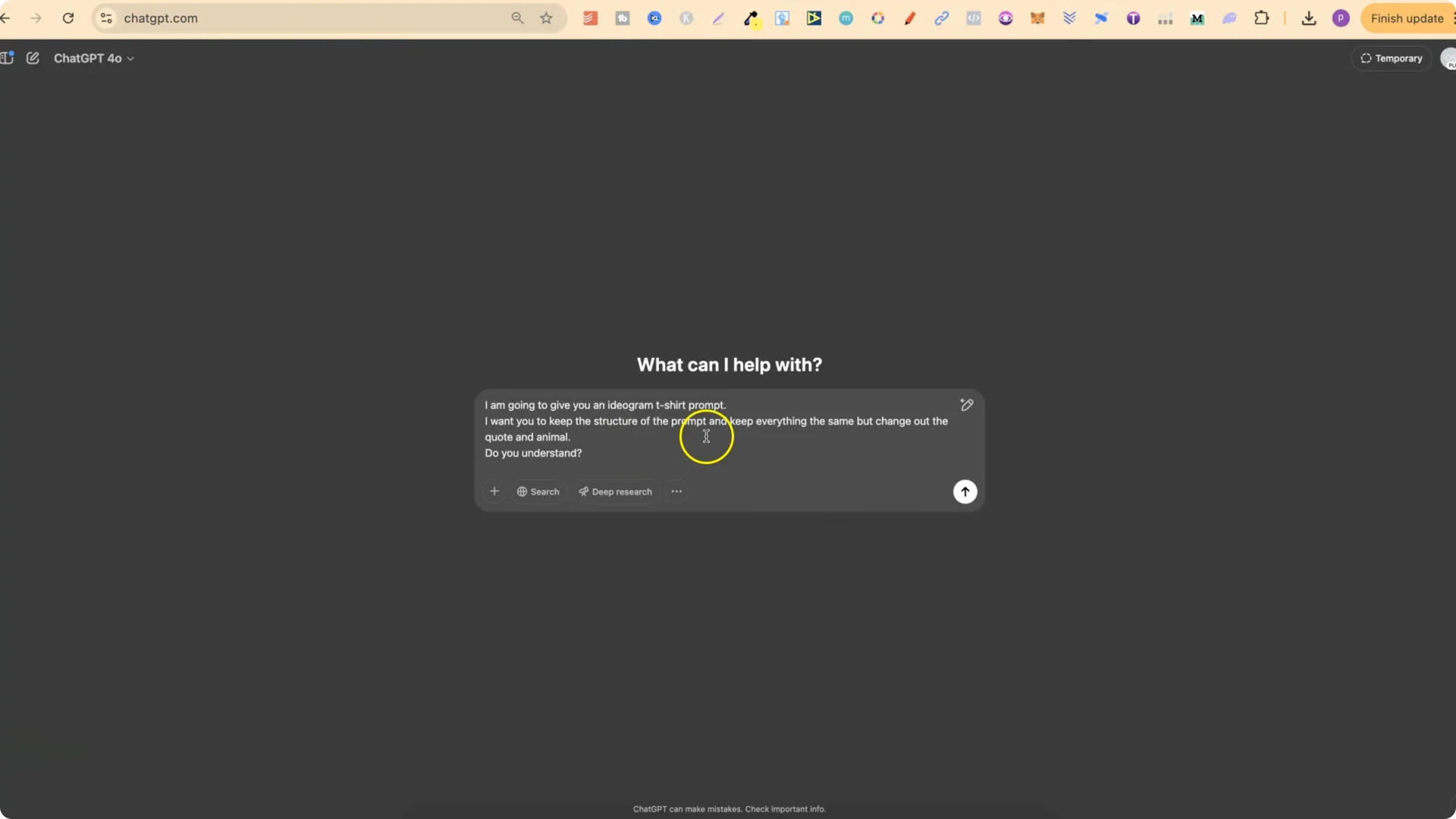
  • I’m going to give you an Ideogram t-shirt prompt. I want you to keep the structure of the prompt and keep everything the same, but change out the quote and animal.
  • How to Find and Edit AI T-Shirt Designs with IDEOGRAM AI? screenshot 4

    Depending on the design, there might not be an animal, so you might not have to put animal. Use this as a base so that you can take other people’s prompts and create new and unique designs.

    Please be aware that you do want to check your quotes to make sure they aren’t trademarked.

    Ideogram T-Shirt Prompt Editing: Generating New Designs with Magic Prompt and Turbo Mode

    Take the new prompt, copy it, come back over to Ideogram, and plug it in.

    Recommended settings:
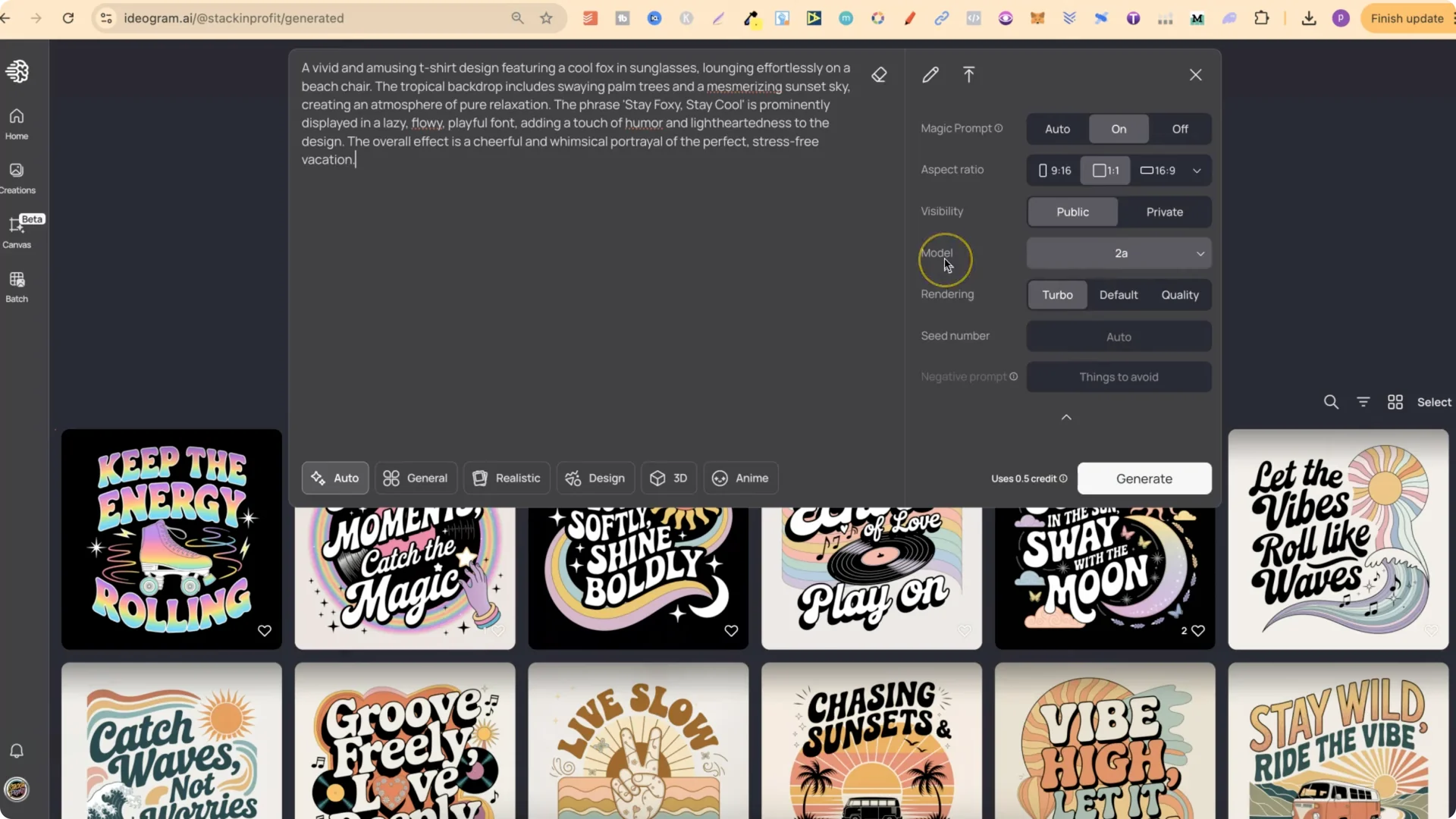
  • Turn Magic Prompt on. This enhances your prompts and will give you variations.
  • Use the latest model 2A, which has been better optimized for graphic design and also photography.
  • Use rendering Turbo. I like using Turbo because it uses the least amount of credits. With 2A, it only uses half a credit.
  • How to Find and Edit AI T-Shirt Designs with IDEOGRAM AI? screenshot 5

    Click Generate and review the results.

    Ideogram T-Shirt Prompt Editing: Analyzing Generated T-Shirt Designs and Making Improvements

    Here’s how I evaluate and iterate:
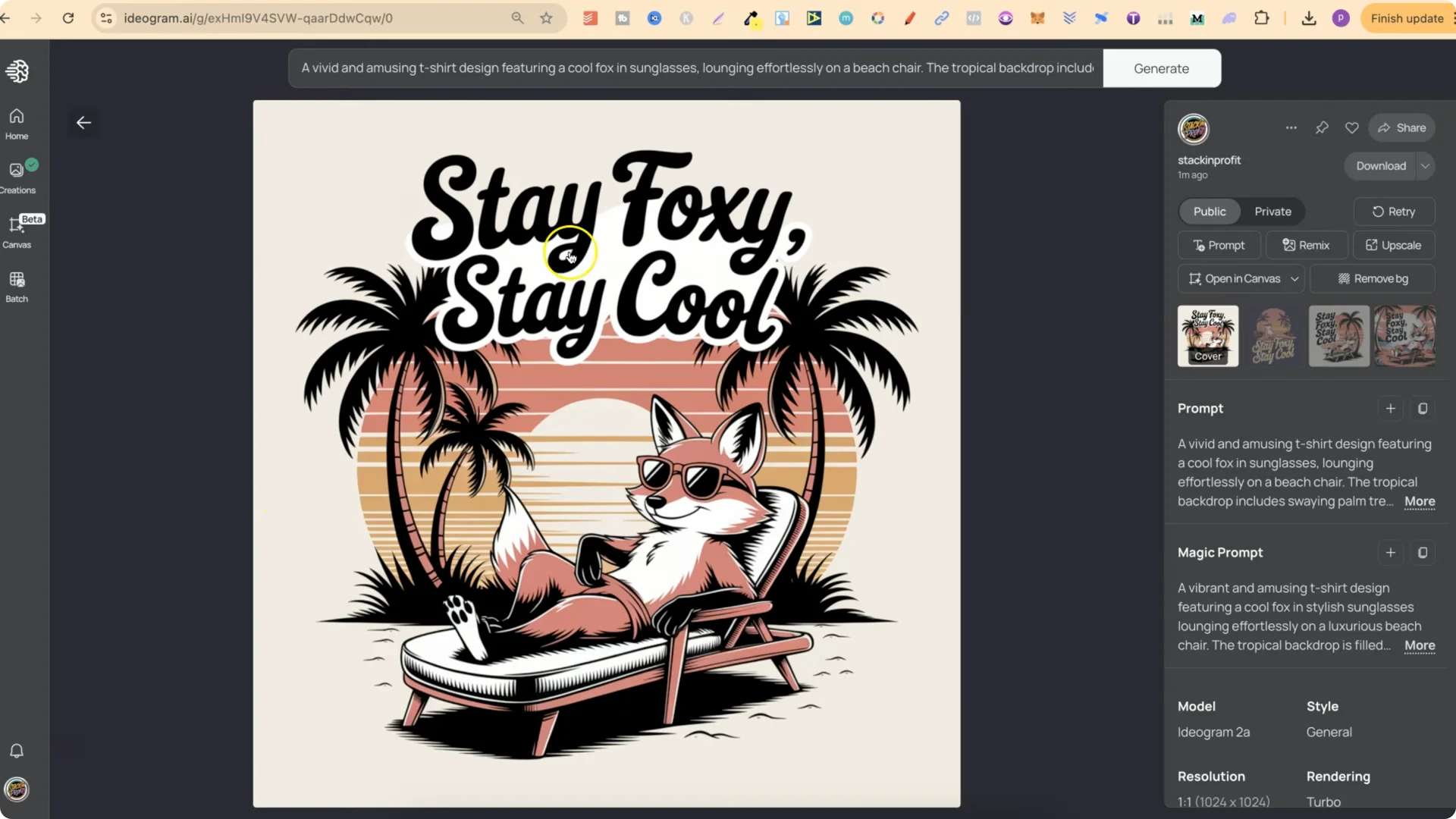
  • Example outcomes included phrases like Stay foxy. Stay cool. Some looked pretty good, some not as good, and some weren’t really t-shirt designs. Pick the strongest one to move forward.
  • Come over to ChatGPT again and ask for another, but also change up the color combination.
  • Copy the updated prompt, paste it into Ideogram, and generate again.
  • How to Find and Edit AI T-Shirt Designs with IDEOGRAM AI? screenshot 6

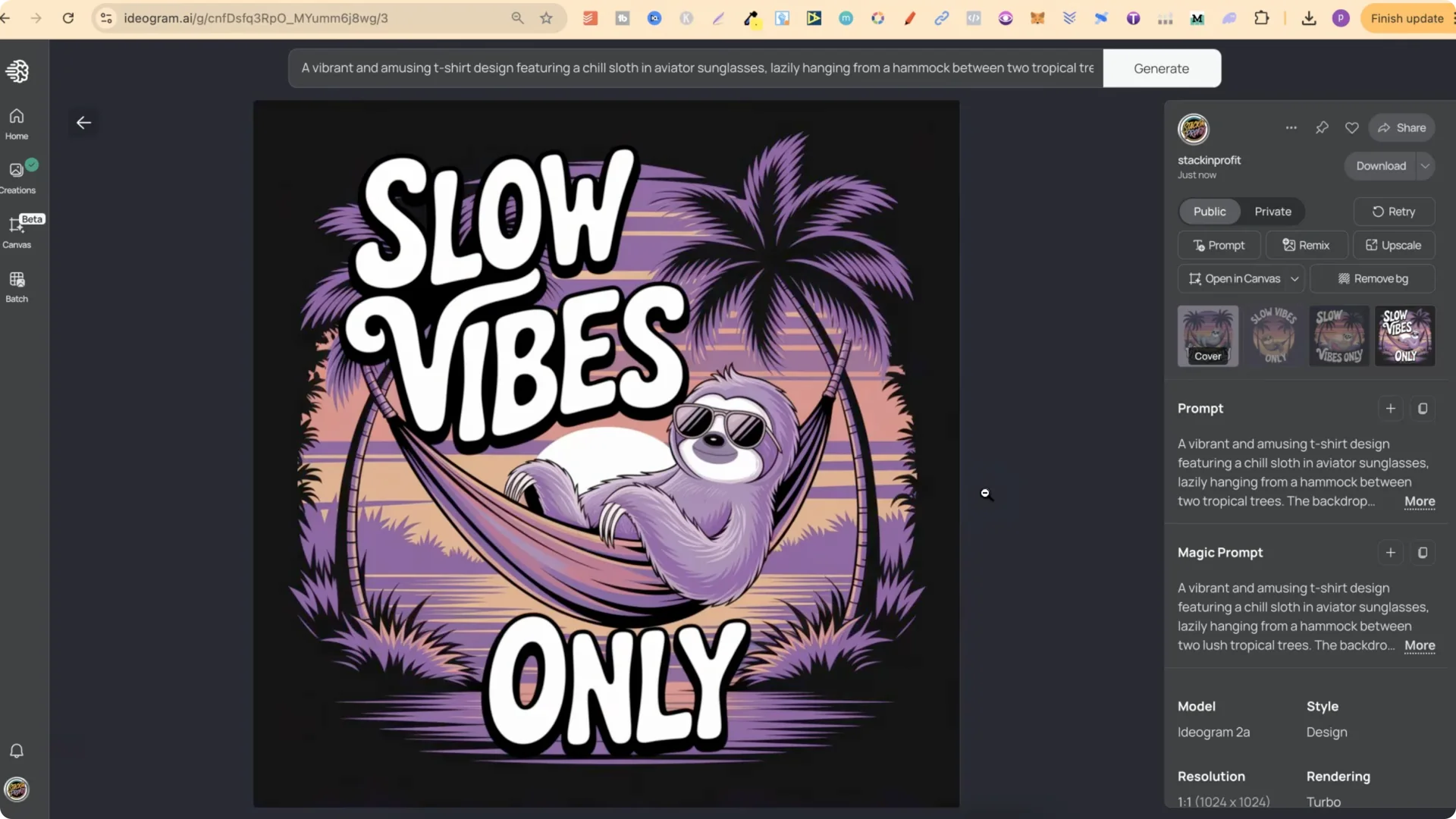
    New results can improve quickly. For example, Slow vibes only looked better, and some variations were even stronger.
    How to Find and Edit AI T-Shirt Designs with IDEOGRAM AI? screenshot 7

    Ideogram T-Shirt Prompt Editing: Adjusting Prompts for Backgrounds and Colors
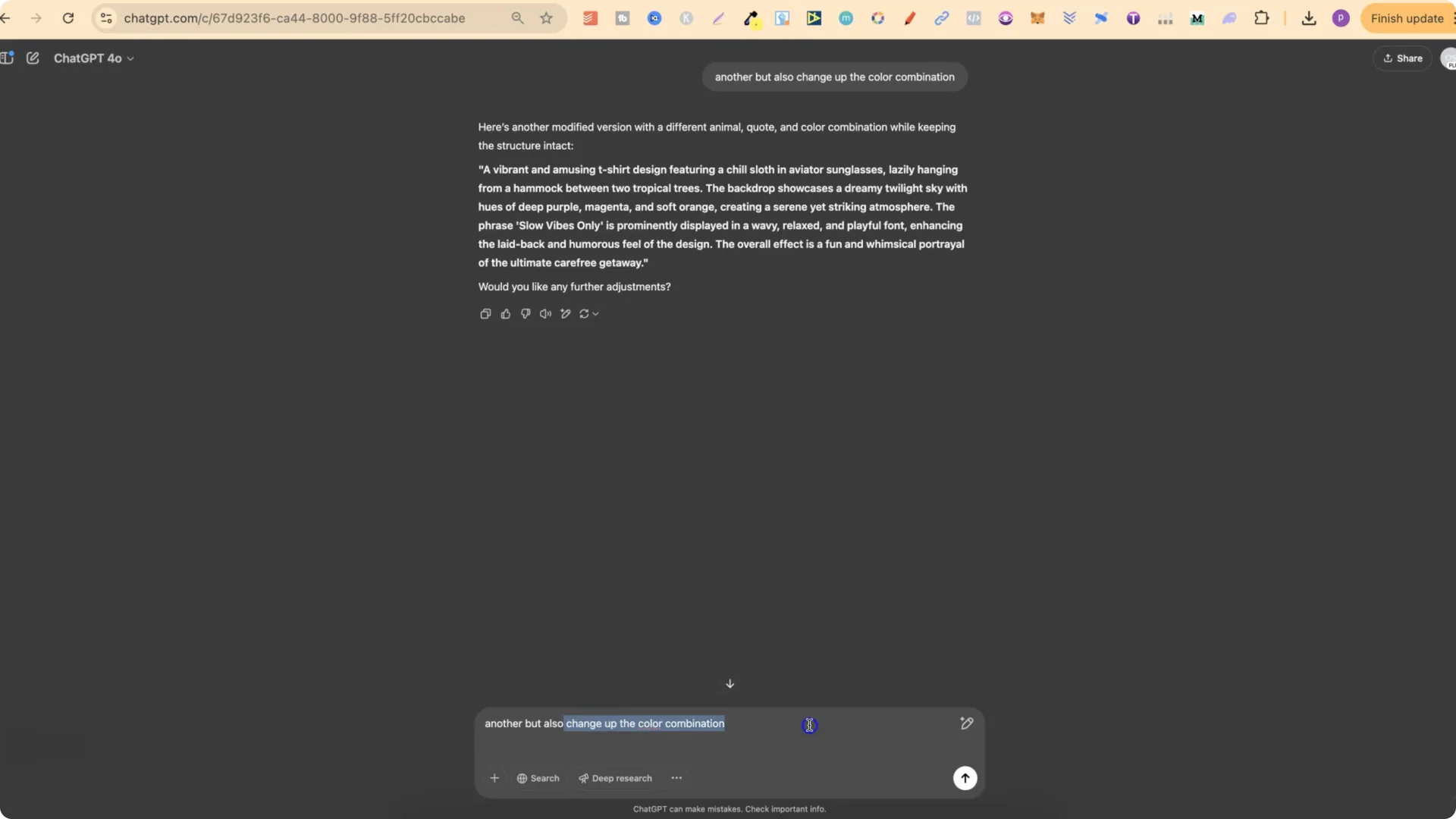
    How to Find and Edit AI T-Shirt Designs with IDEOGRAM AI? screenshot 8

    If you keep getting different color backgrounds and you want it on a black background, ask ChatGPT for another, but also make the background black. Paste the updated prompt into Ideogram and generate again. Not every variation will turn out right, but you’ll usually find one that looks okay or better.

    This is a real simple way to take other people’s designs available in Ideogram’s public gallery and then create more unique designs using the original prompt as a base. If you type in t-shirt in the search bar, there are many different types of designs you can do this on. You just need a paid plan in Ideogram.

    Ideogram T-Shirt Prompt Editing: Final Thoughts

  • Use Ideogram’s search on a paid plan to find public t-shirt prompts.
  • Copy a prompt you like and ask ChatGPT to keep the structure but change the quote and animal if applicable.
  • Check quotes to make sure they aren’t trademarked.
  • In Ideogram, turn on Magic Prompt, use model 2A, and render with Turbo to save credits.
  • Iterate on color combinations and backgrounds, and keep the best results.