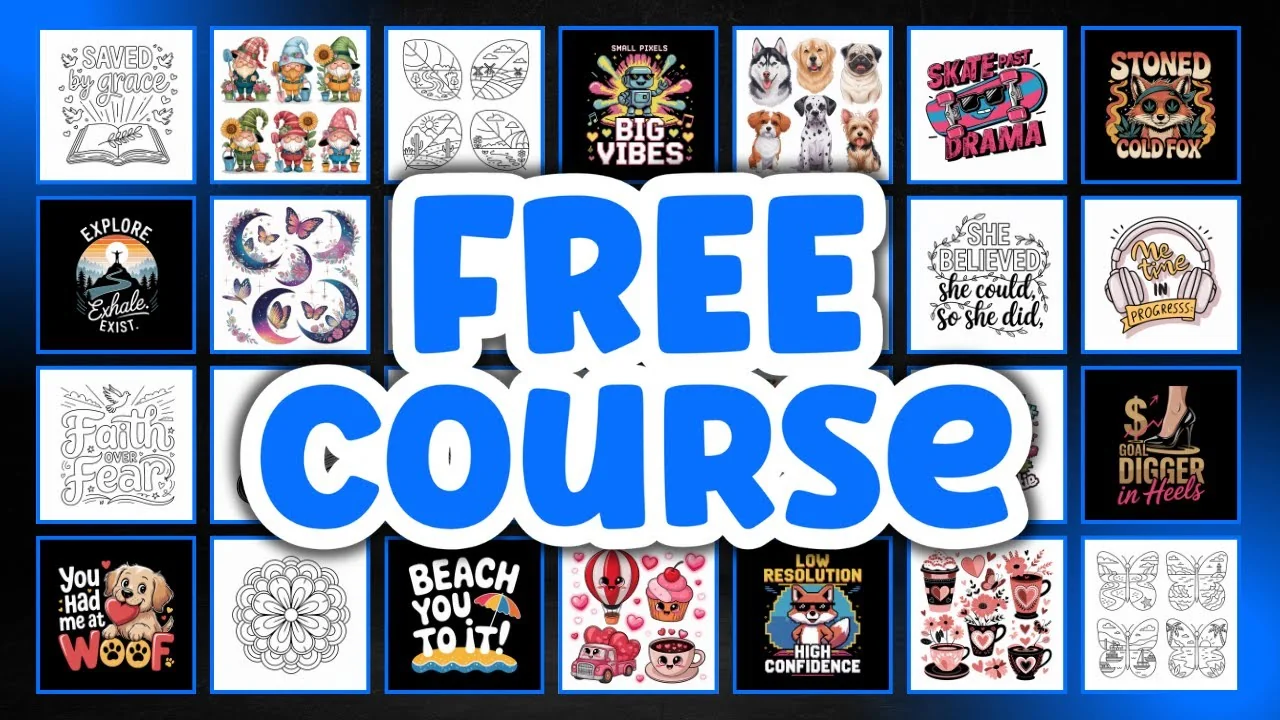
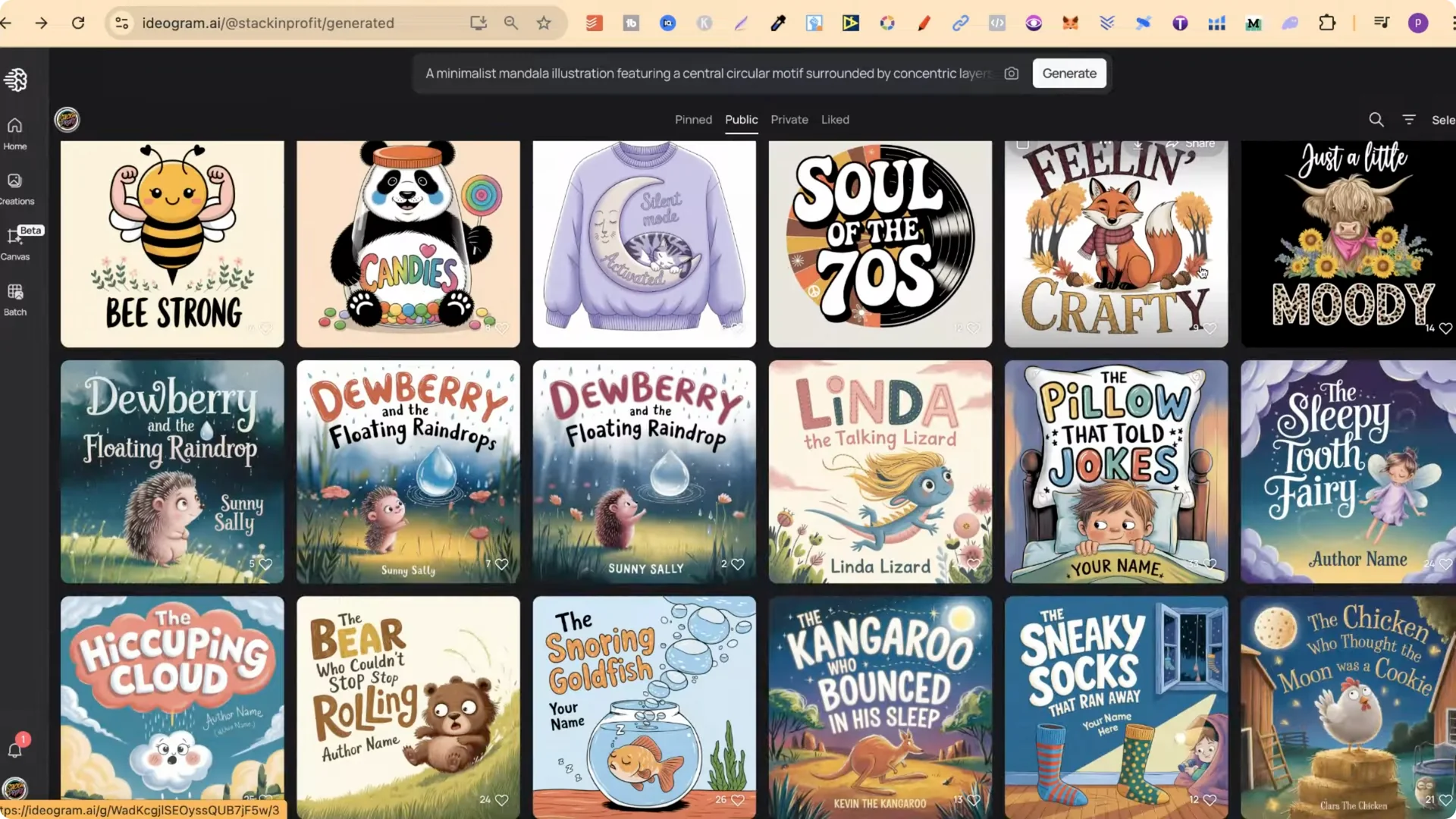
I have a public profile with lots of different design prompts you can use however you want. With any design that you find, it is really easy to use.
AI Design Prompt Expansion: How to Copy and Use Prompts
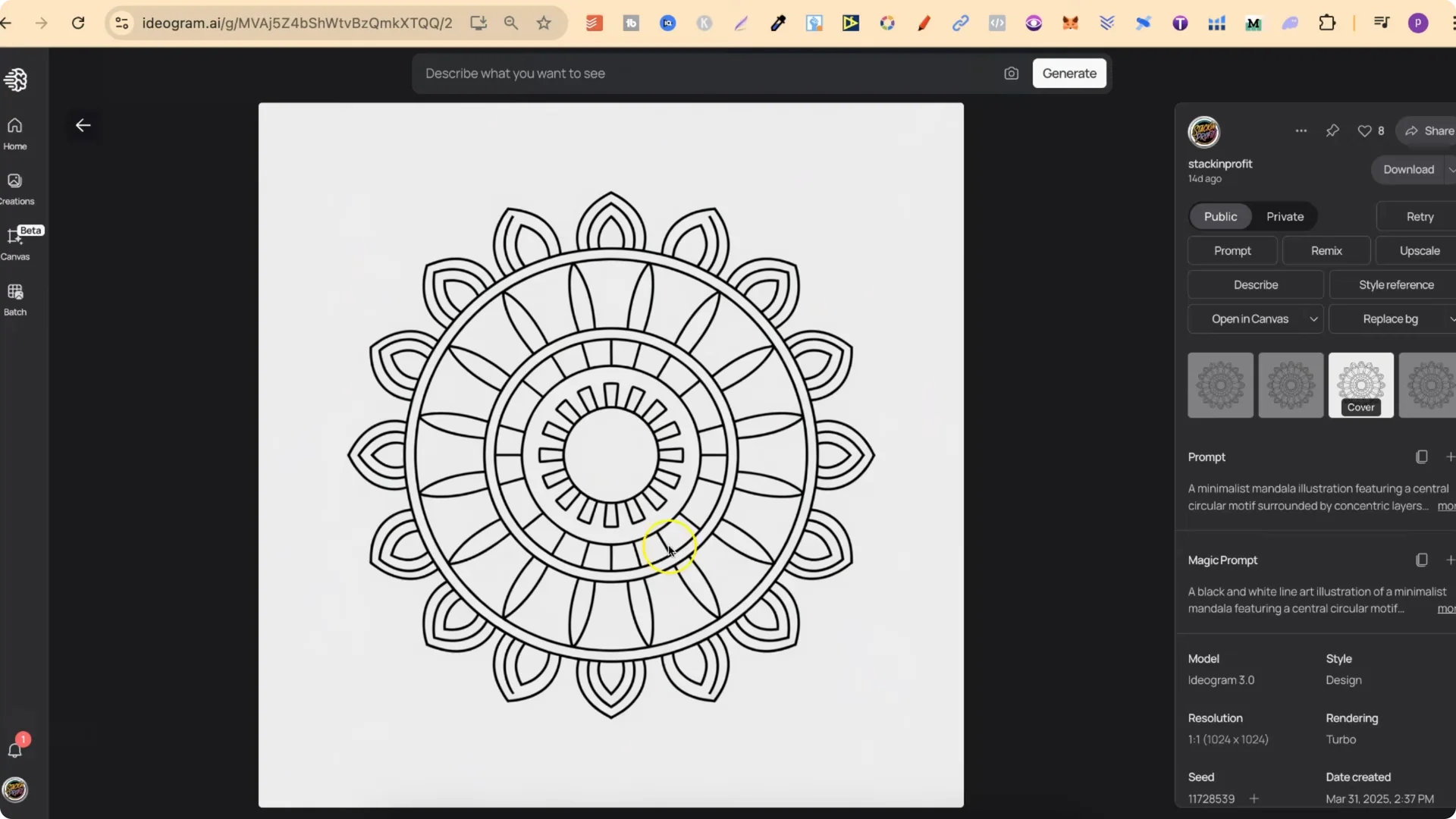
Follow these steps:
- Click the design you want.
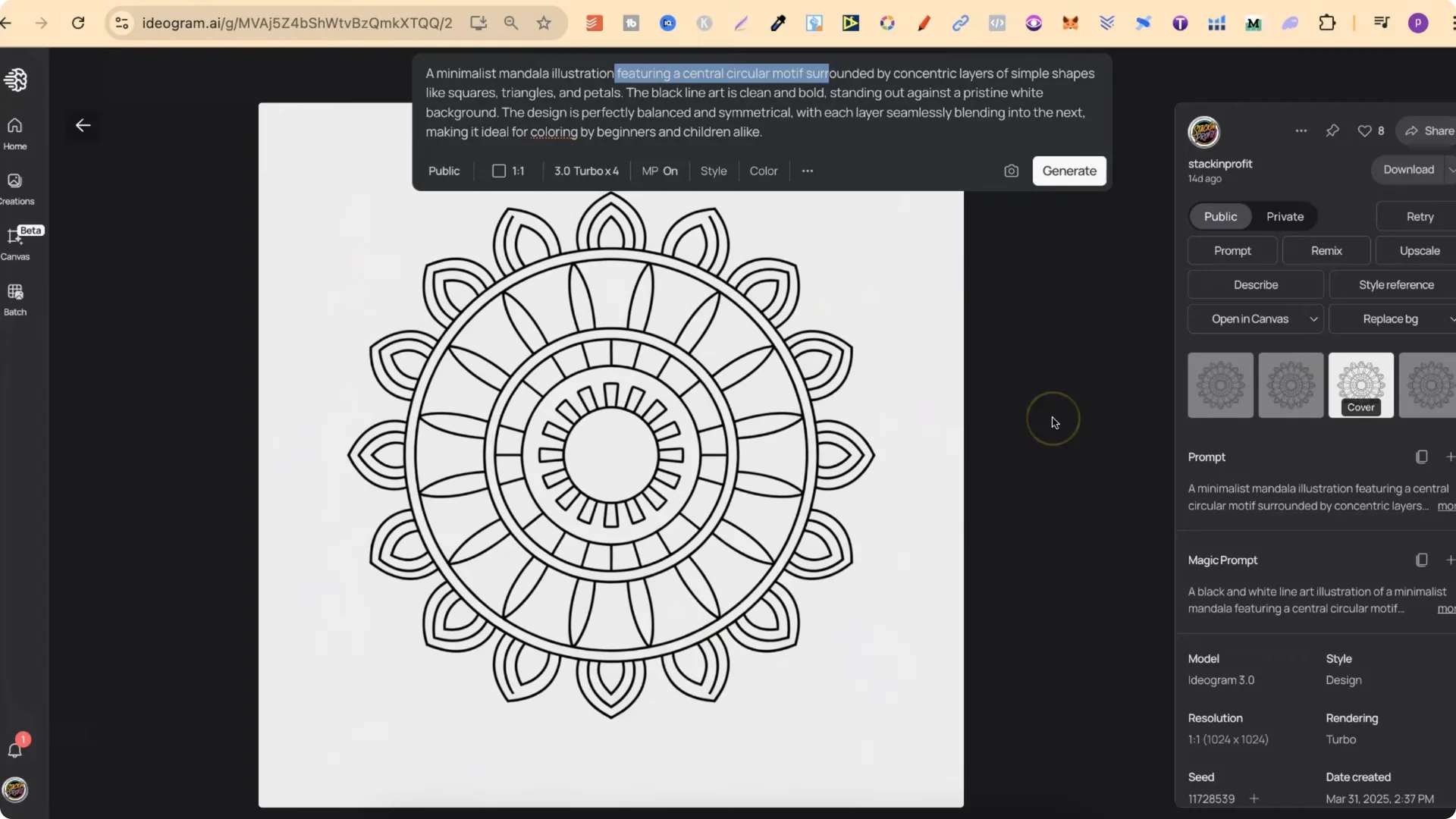
- Click Copy prompt.
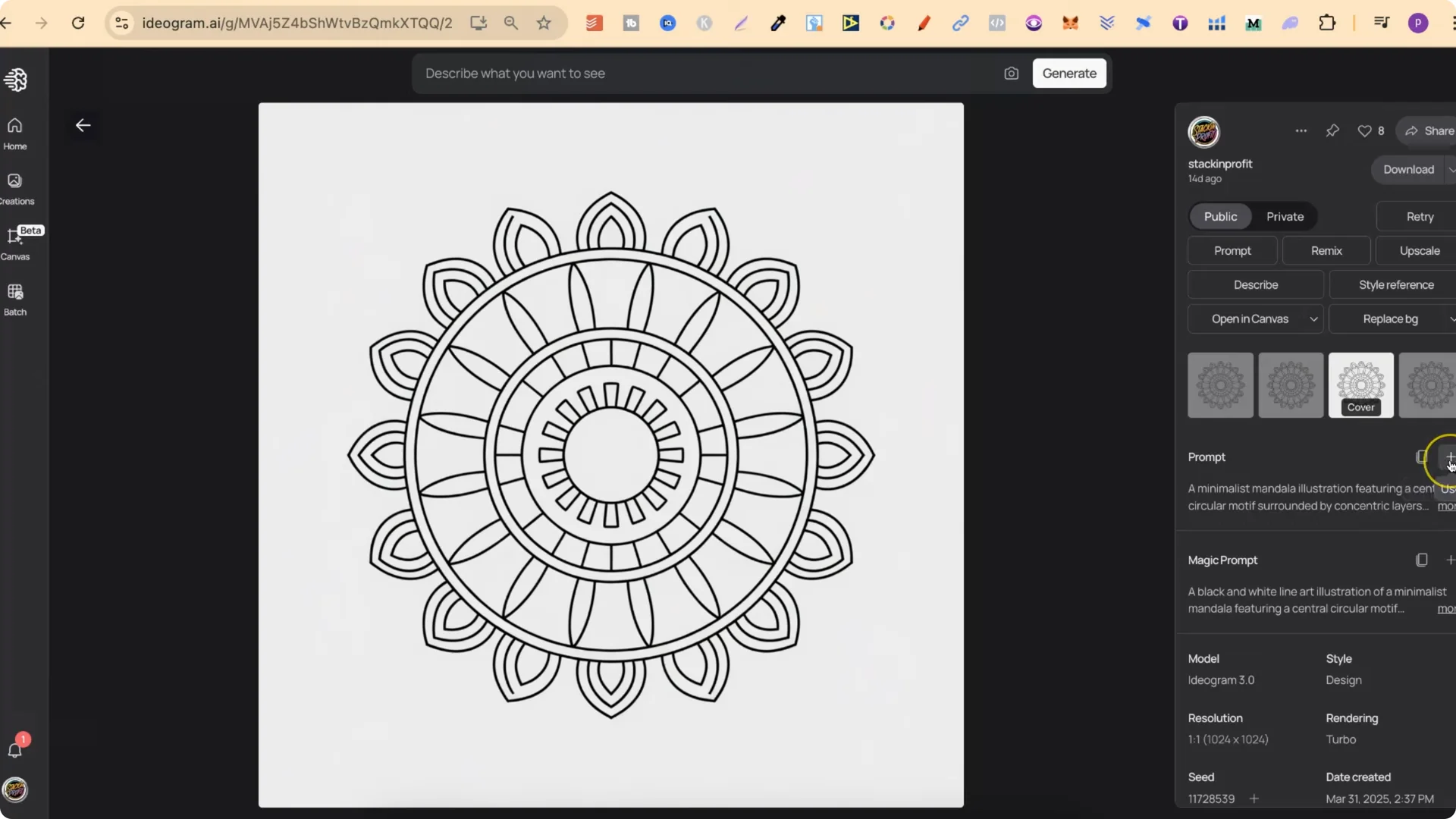
- Or click the plus icon.
- Add it to the search bar.
- Change what you want.
- Click Generate.
AI Design Prompt Expansion: Categories You Can Explore
I have designs for coloring pages. I also have lots of designs regarding print on demand, specifically t-shirts.
The further you go down my public profile, the more that you are going to find. I also have stuff for clip art and coloring pages.
AI Design Prompt Expansion: Free Prompt Playground Mini-Course
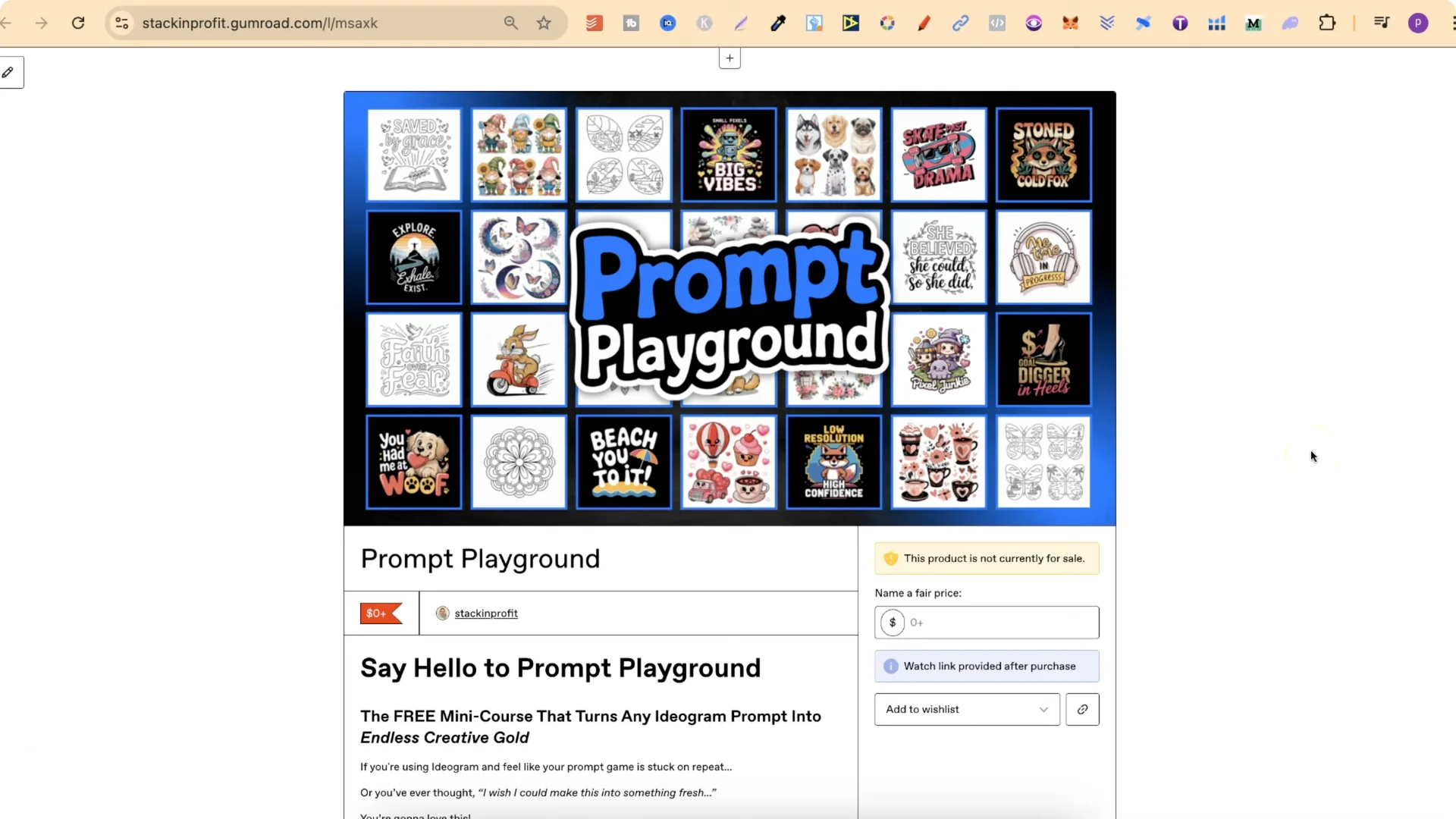
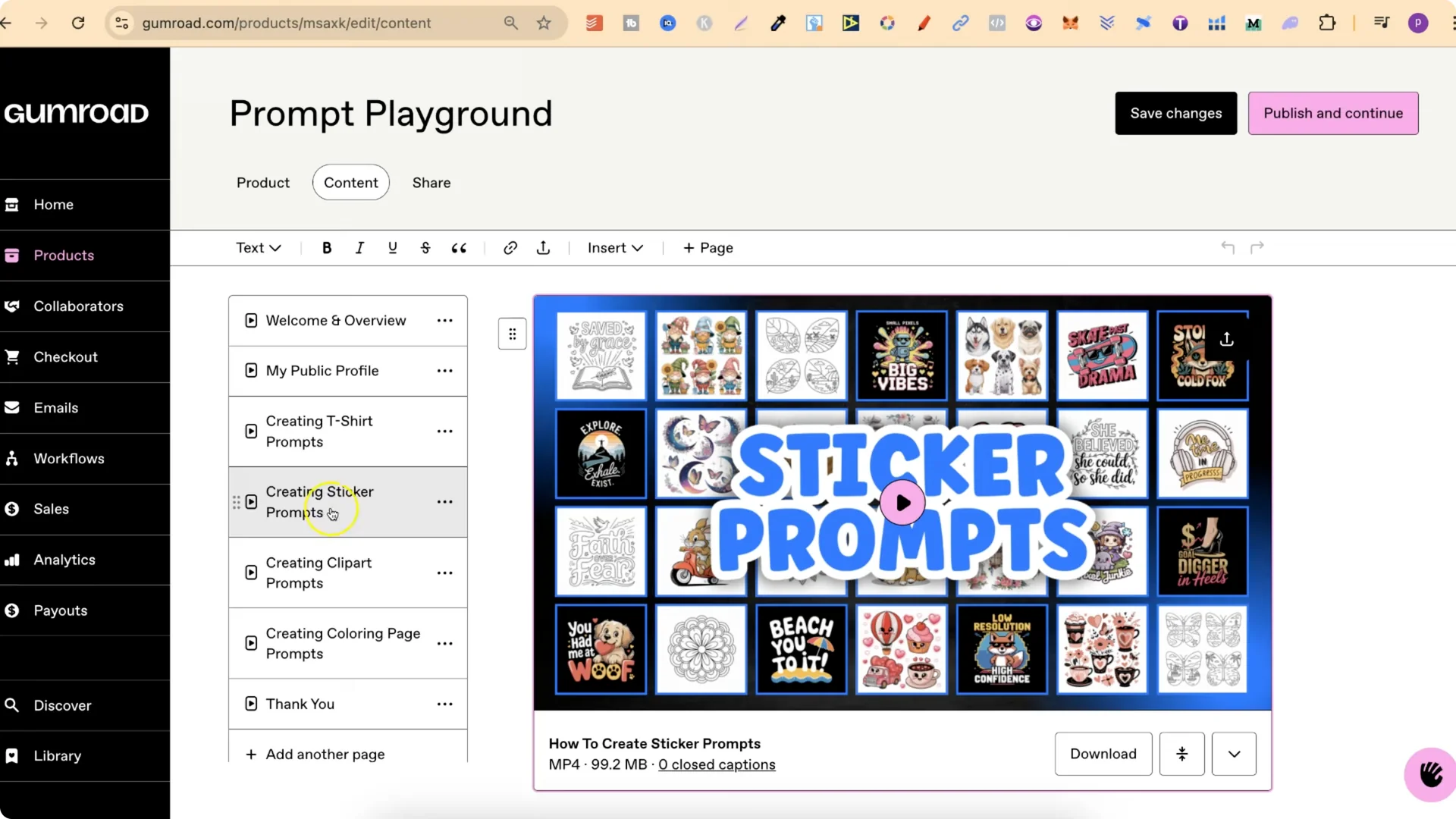
Because I have so many different prompts you can use, I wanted a way for you to use all of these prompts on my public profile and generate new prompts. I created a completely free little mini course called Prompt Playground.
You are going to be able to grab any prompt from my public profile or any Ideogram prompt, plug it into ChatGPT, and then get a stream of brand new ideas that all originate from that one prompt. Put zero to grab this completely for free.
Requirements
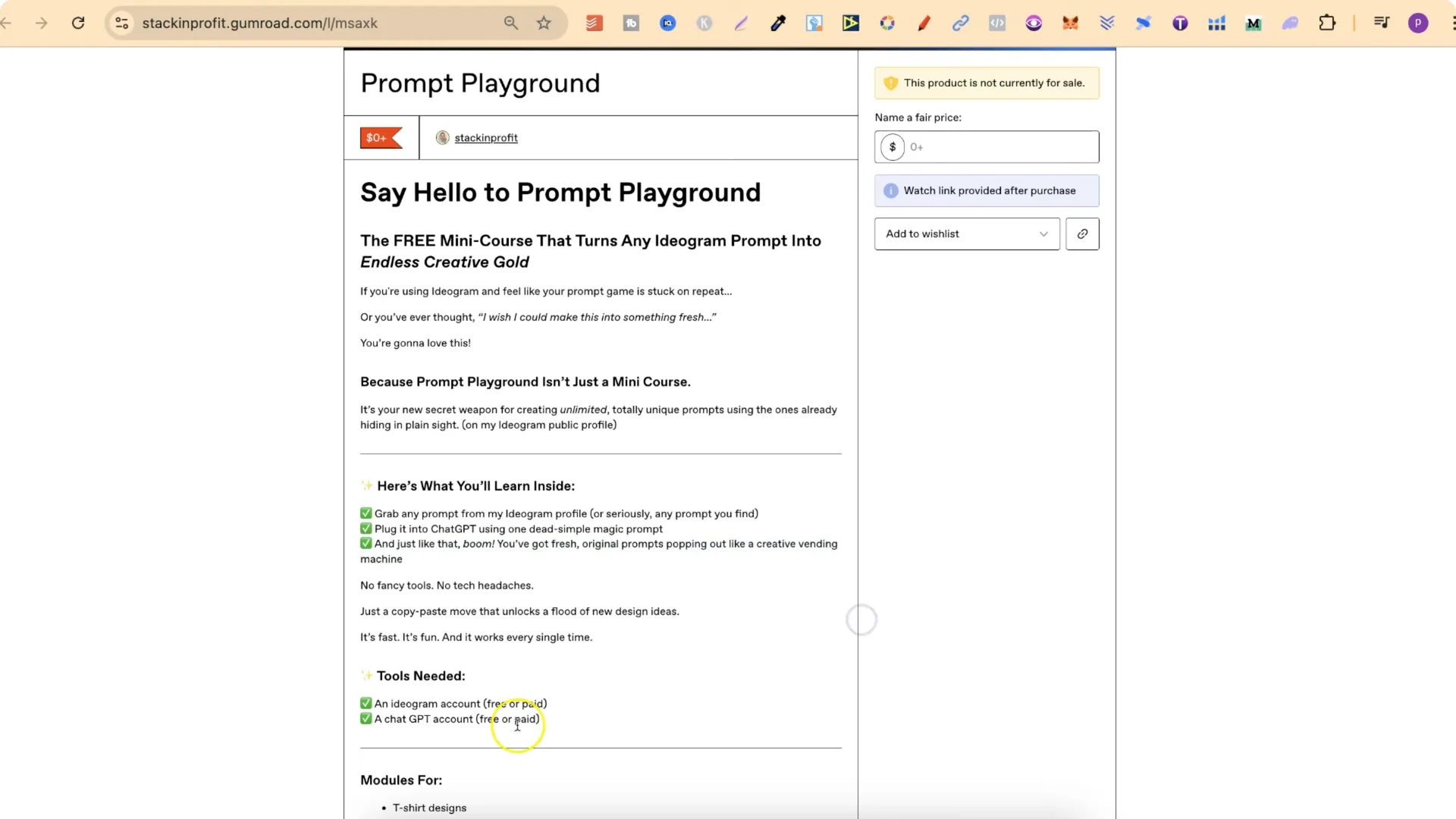
- Ideogram account
- ChatGPT account
What You Will Learn For Each Design Type
It is going to show you how to take any one of my t-shirt designs, plug it into ChatGPT, and then get new prompts based on that design.
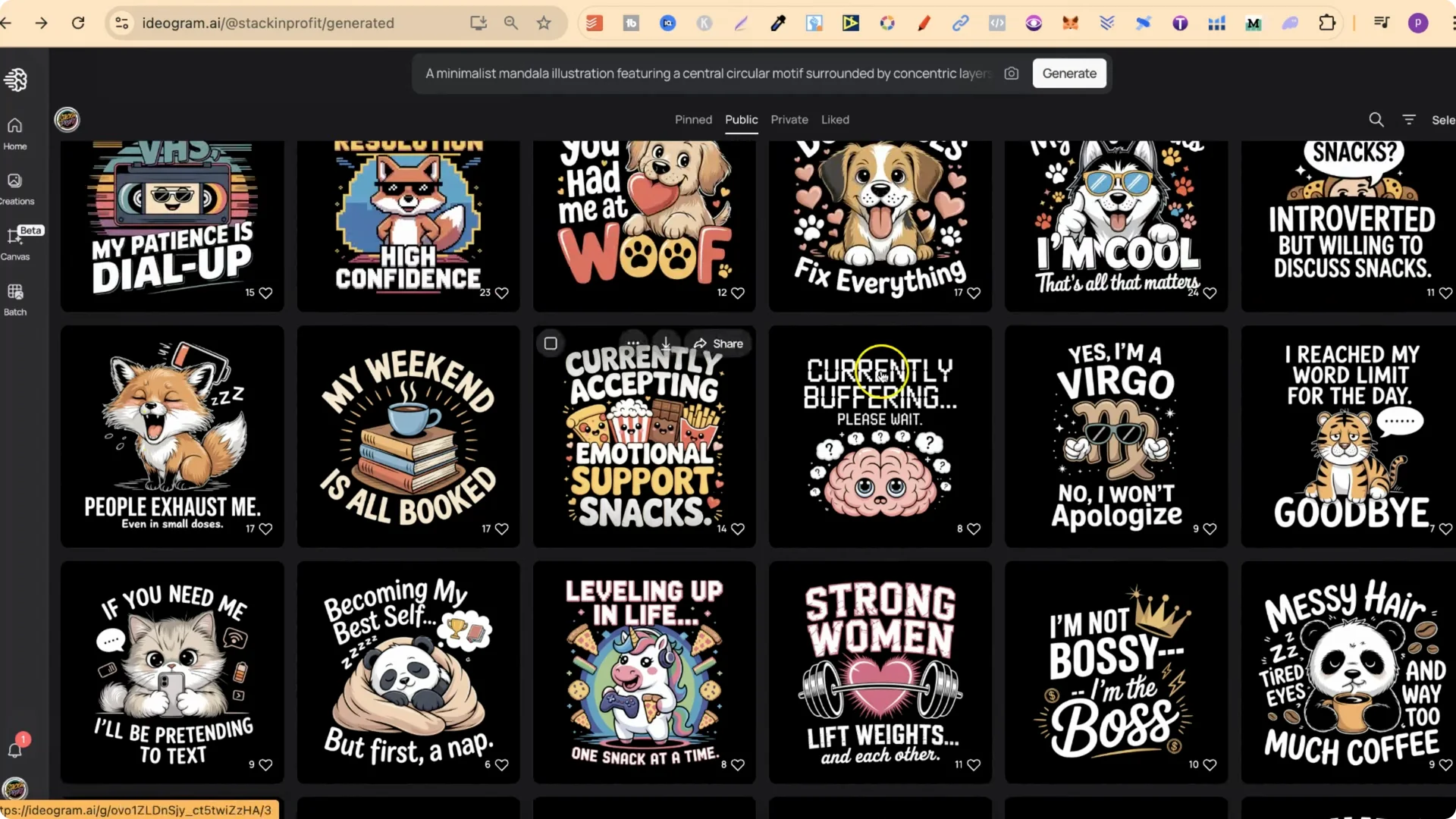
It will do the same for sticker designs, clip art designs, and coloring page designs. This is 100 percent free.
Modules Overview
- Welcome and overview
- My public profile
- T-shirt prompts
- Sticker prompts
- Clip art prompts
- Coloring page prompts
- Thank you video
Final Thoughts
It is going to show you how to take any one of my prompts on my public profile and create a stream of brand new ideas. If you are into creating coloring pages, t-shirt designs, stickers, or clip art, this gives you a clear way to expand your prompts and keep generating new concepts.