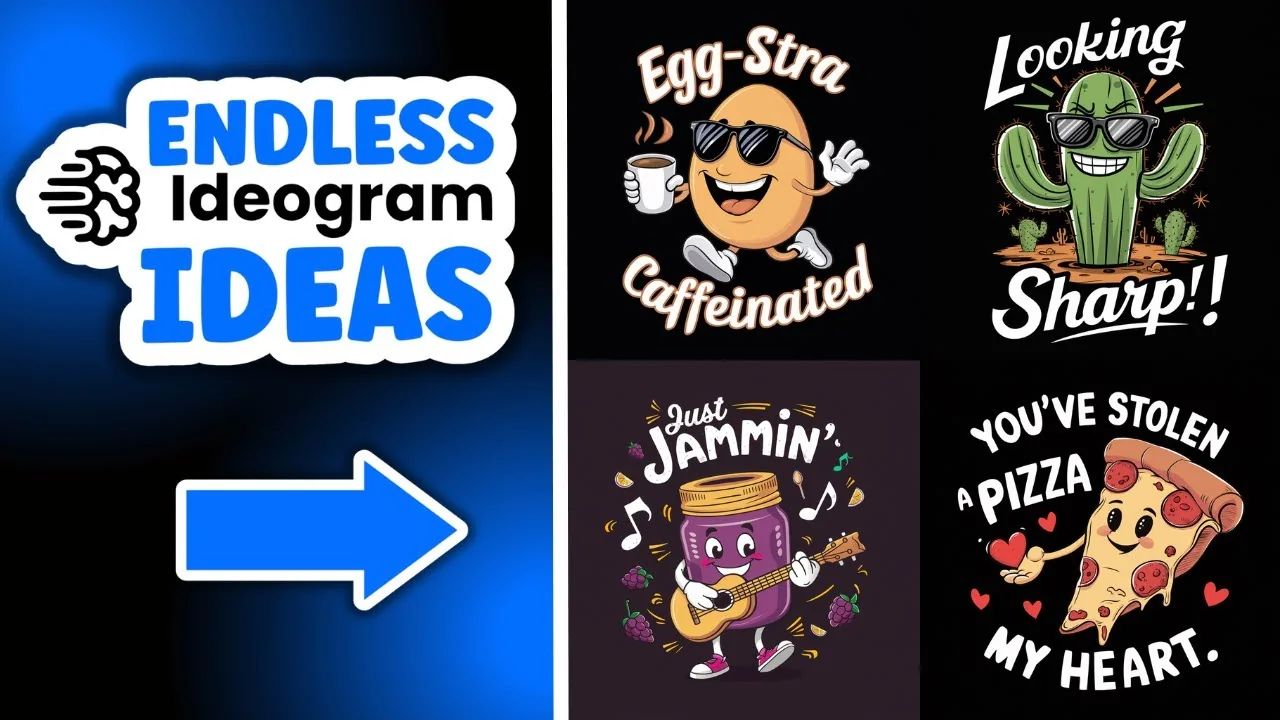
I currently have a brand new method which is helping me come up with a steady stream of brand new ideas for t-shirts and stickers. This method helped me create these designs: you’ve stolen a pizza my heart, extra caffeinated, just jamming, owl’s well that ends well, looking sharp, and steeping it real.
I run a certain design through my custom prompt generators. I have a sticker prompt generator and a t-shirt prompt generator. I took a design which I found over on Ideogram, ran it through my t-shirt prompt generator, asked a bunch of questions, then I got new ideas for the quotes, the puns, along with prompts that created these six new ideas.
Ideogram POD Idea Generation – Step-by-Step Workflow
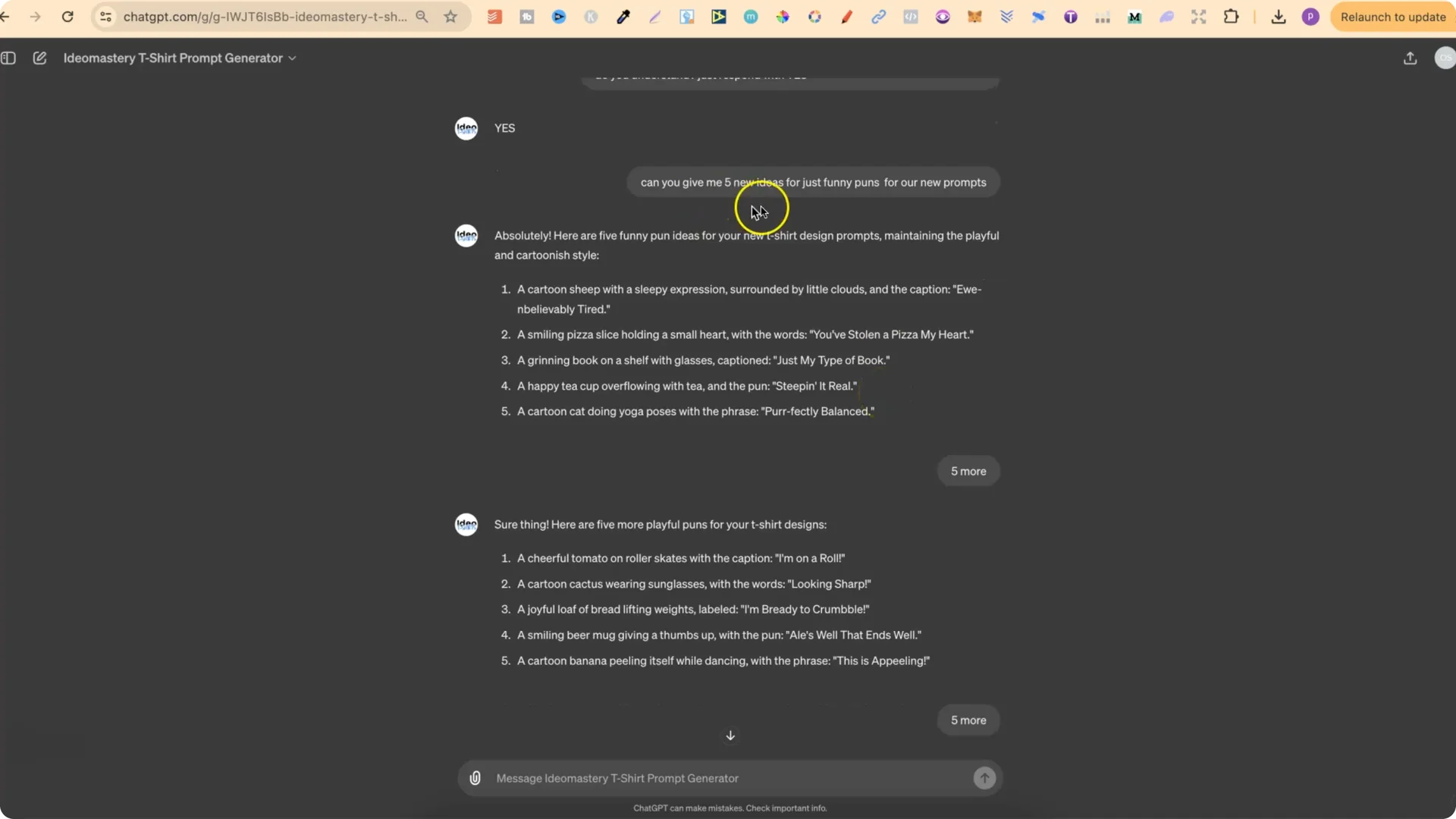
I do this because I get a very detailed description, and it then gives me a detailed description about the style as well. With this information we can create brand new designs.
Ideogram POD Idea Generation – Turning Puns Into Prompts
I asked for funny puns. It gave me a bunch. I didn’t really like the first one. The second one was “you’ve stolen a piece of my heart,” “just my type of book,” and “steeping it real,” which turned out to be one of my favorites. I asked for five more, then five more.
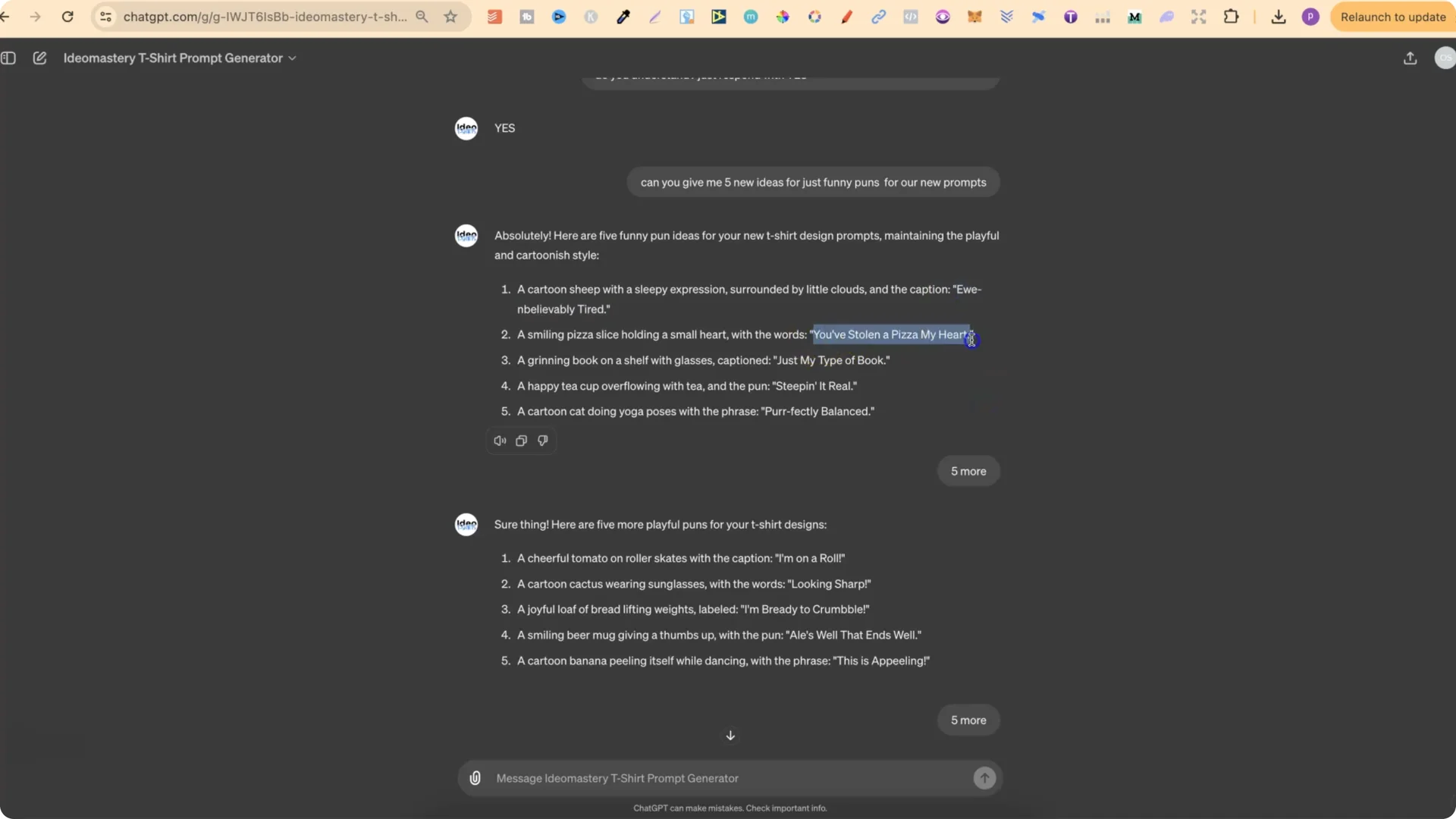
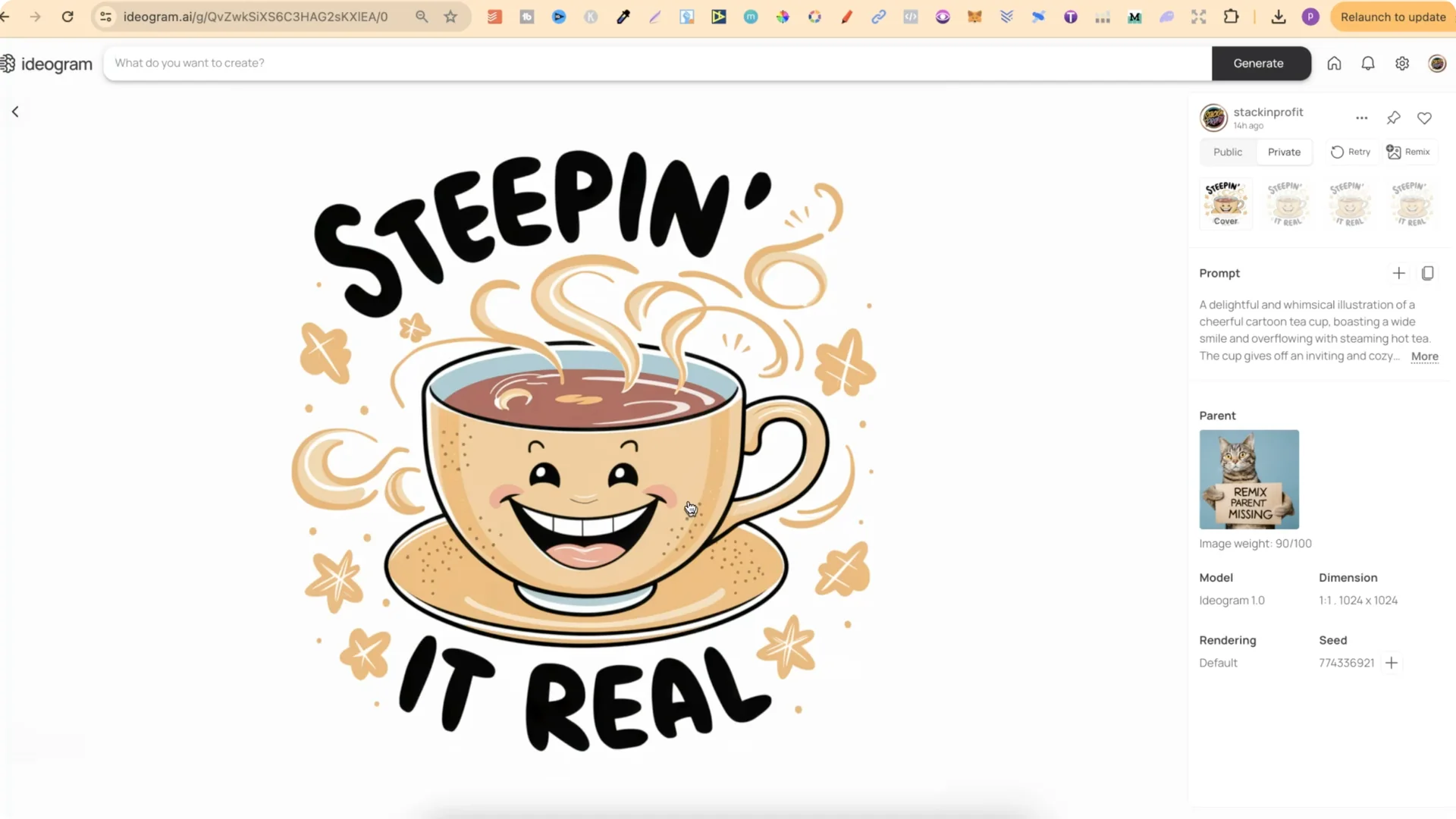
From there, I take one of the quotes or puns and get my custom GPT to create prompts based on that pun. For example, I asked: “Can you now give me a prompt for a happy teacup overflowing with tea and the pun steeping it real.”
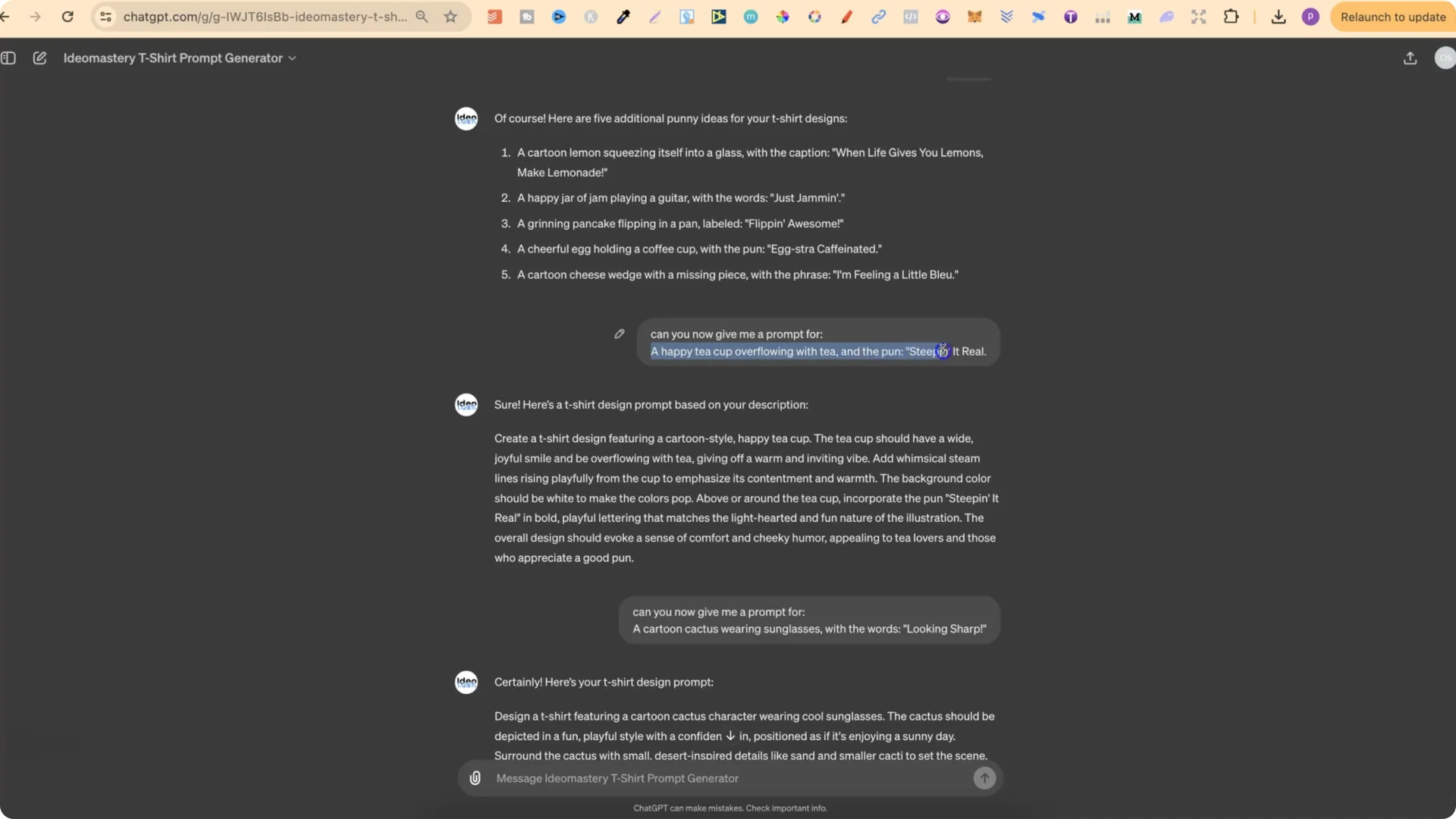
My GPT prompt generators are created through me training them on a lot of my own designs. This is why we get a highly detailed prompt.
Ideogram POD Idea Generation – Examples and Results
Winners
– Prompt theme: a happy teacup overflowing with tea paired with the pun.
– Result: a really nice design that keeps a playful whimsical style.
– Prompt theme: a cartoon cactus wearing sunglasses with the words “looking sharp.”
– Result: a really nice design in the same playful feel.
– Prompt theme: owl pun and illustration in the locked style.
– Result: a really nice design.
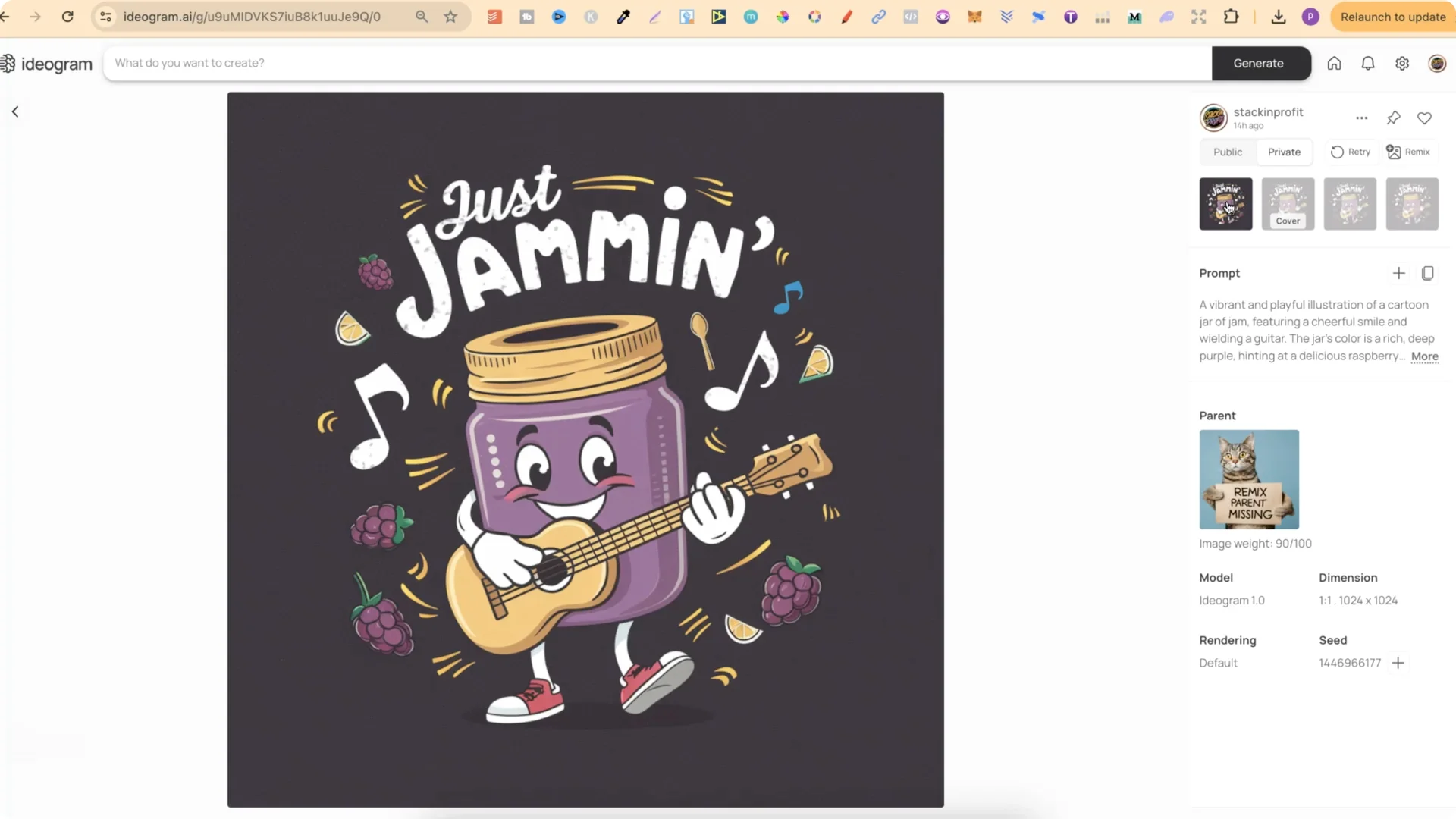
– Prompt theme: jam vibe in the same style.
– Result: the first variation looked the best. The lemons look good and the overall feel matches the original style.
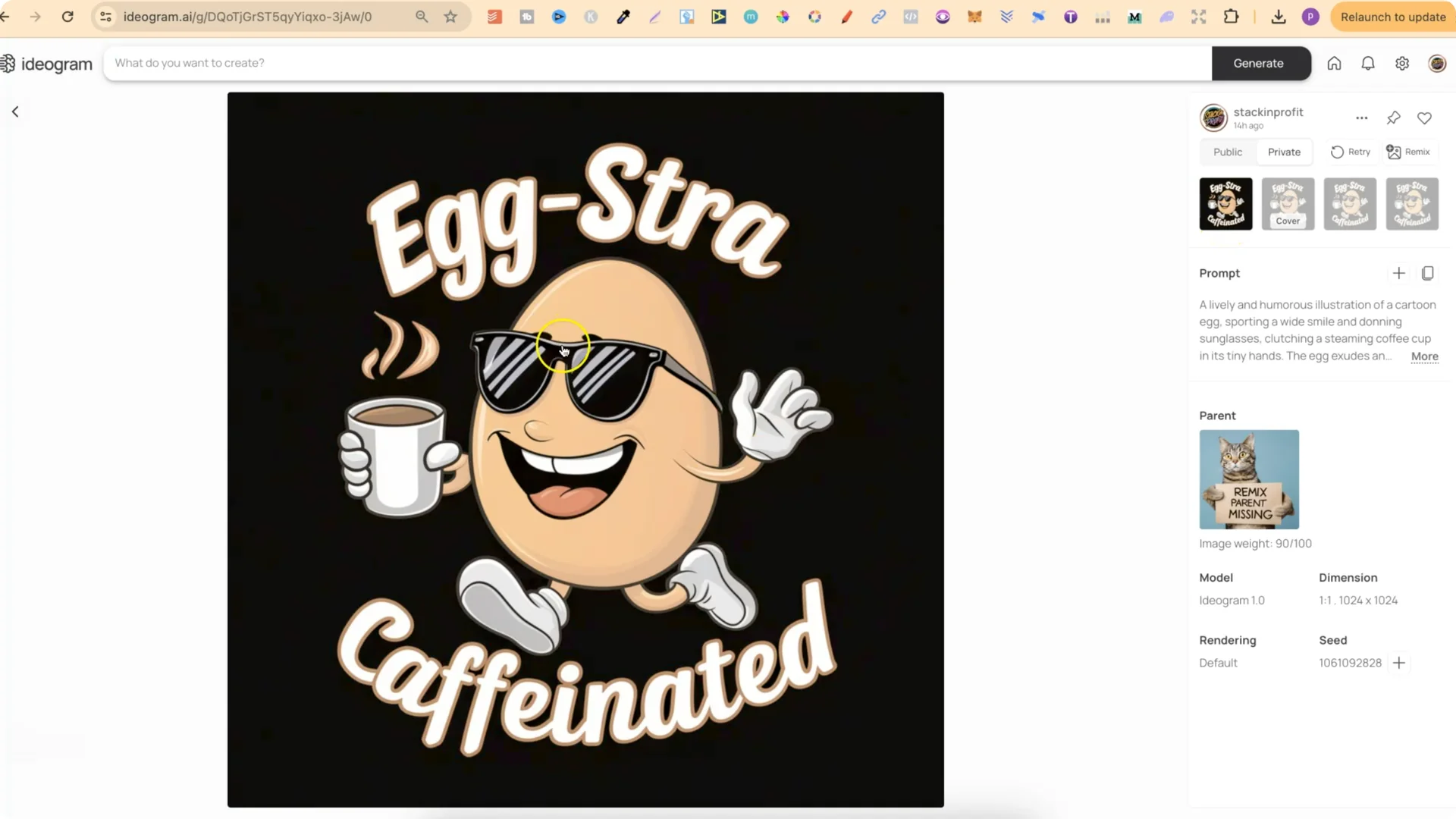
– Prompt theme: egg with sunglasses, a coffee cup, and the quote.
– Result: a strong design that fits the style.
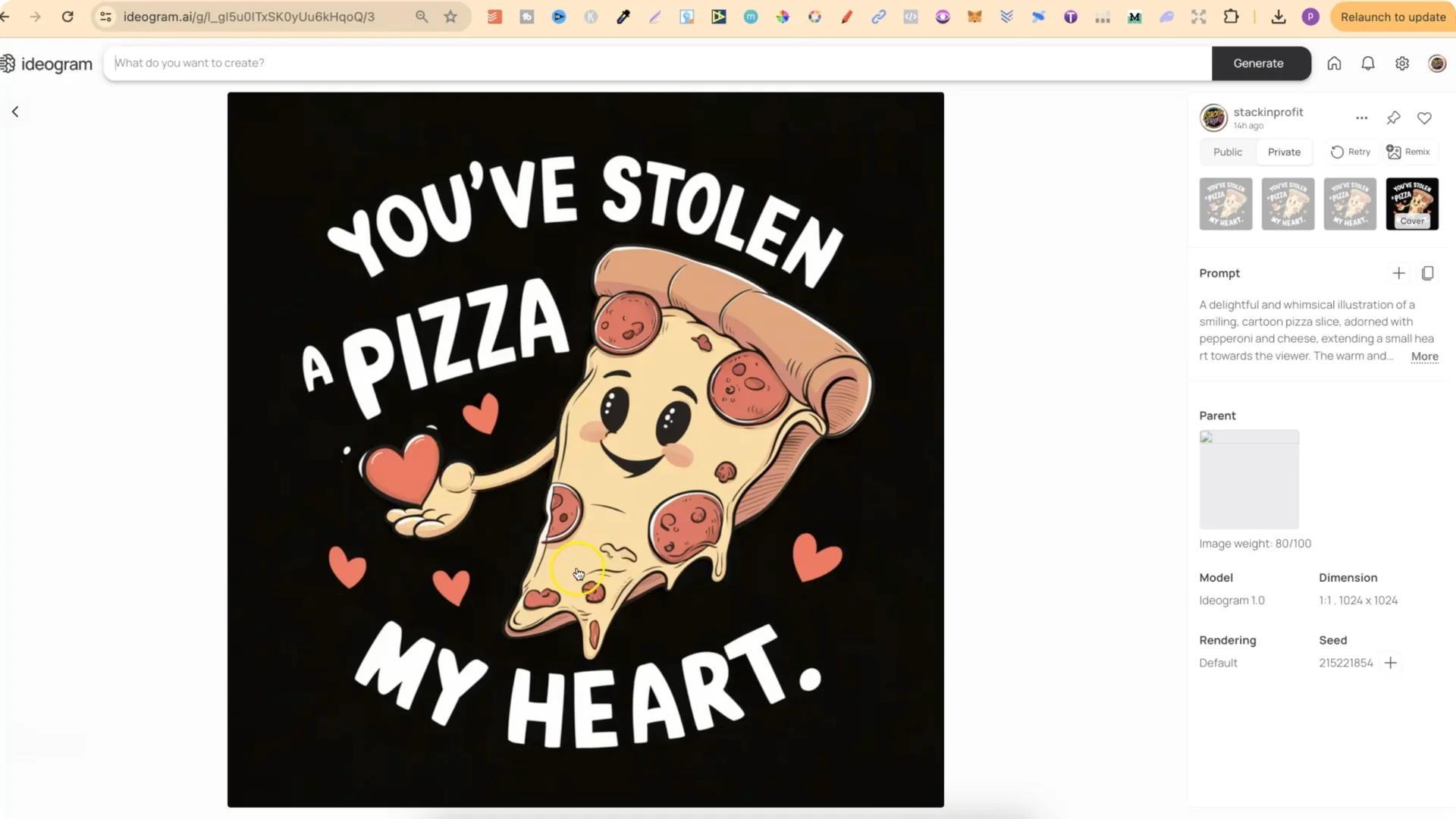
– Prompt theme: pizza with an arm and a hand holding a heart.
– Result: a design I really liked.
Attempts that didn’t land
– It just wasn’t creating a design that I liked, so I left that one alone.
– A banana peeling itself. Ideogram had issues with the peeled section not looking right, even after multiple runs.
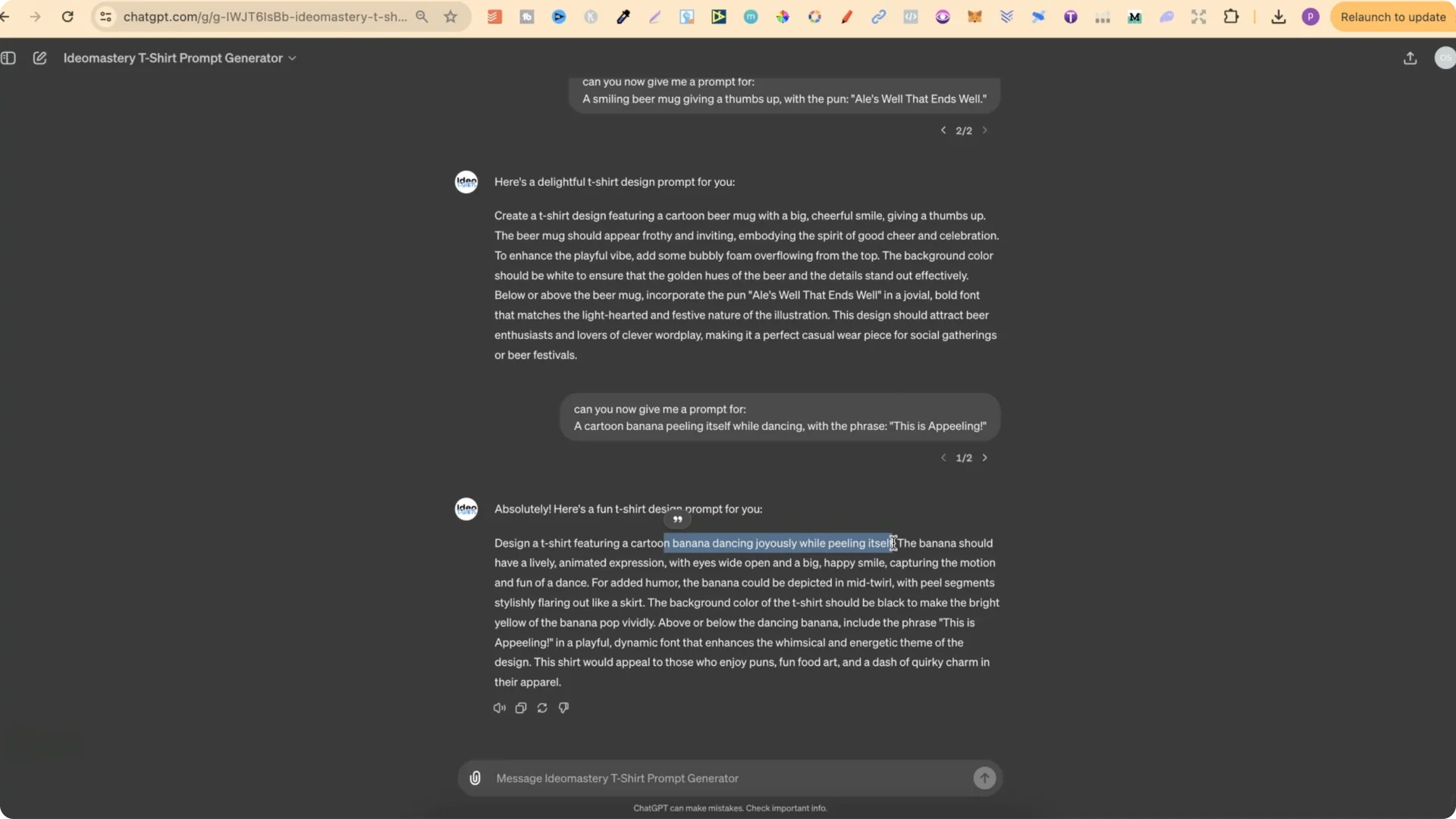
– It didn’t turn out right either.
Ideogram POD Idea Generation – Scaling the Process
This is what I’m doing to create a steady stream of new ideas because this is just one design. I can take other designs, upload them into my GPTs, and repeat.
Single or multiple reference designs
– Upload one reference.
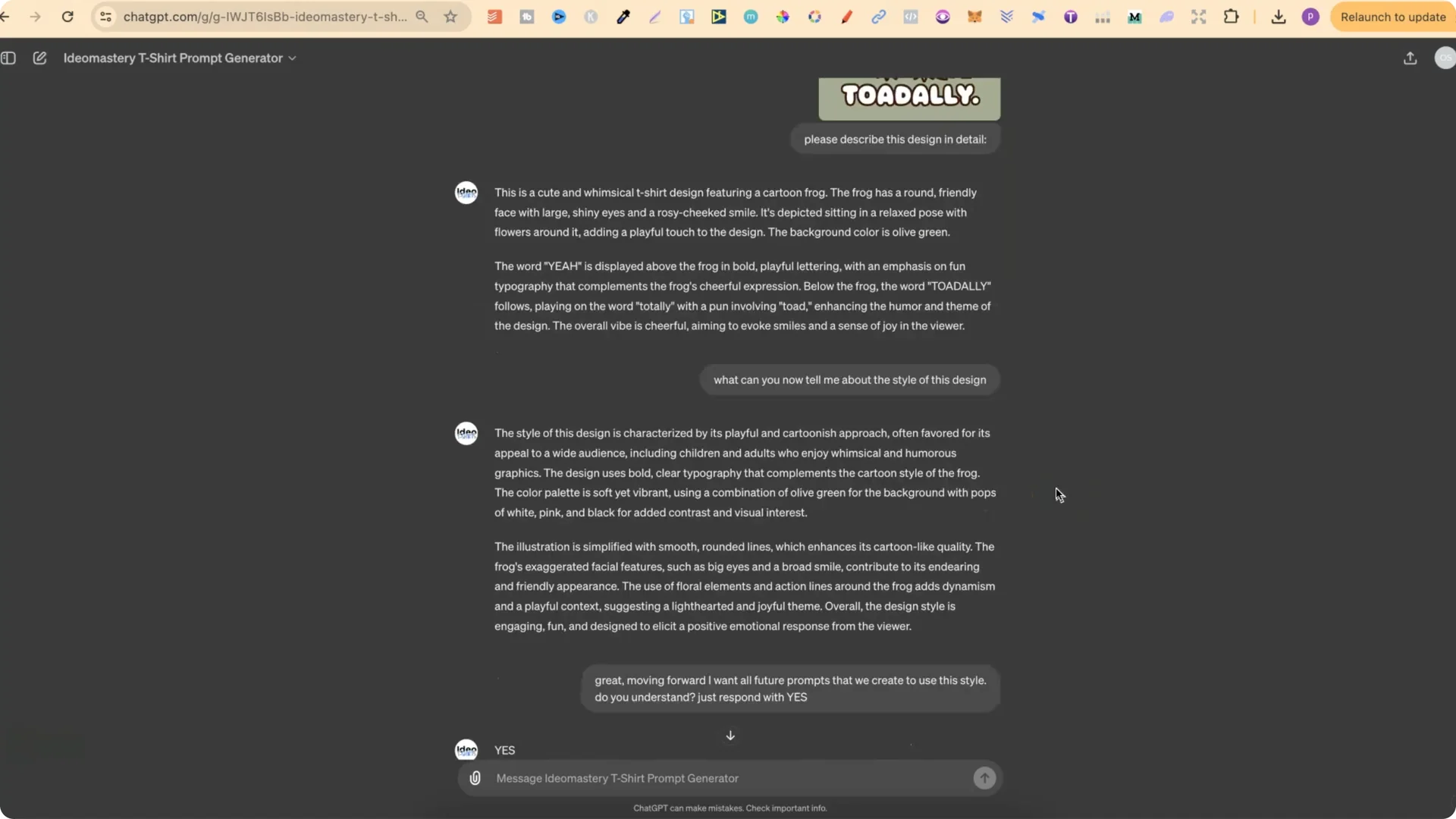
– Ask: “Please describe this design in detail.”
– Ask for the style description.
– Lock the style for all future prompts.
– Upload the first reference and get the detailed description and style.
– Upload the next reference and ask for the detailed description and style as well.
– Use those style notes to guide new puns and quotes.
From style to new designs
Final Thoughts
Describe the reference design, extract the style, lock it in, brainstorm puns, and turn those into detailed prompts. Run them in Ideogram, keep the strong results, skip what doesn’t work, and repeat. That’s the workflow I’m using to produce a steady flow of new t-shirt and sticker ideas.