I’m getting creative with Ideogram by trying the drawing tool. I start with a very rough drawing of a glass of orange juice, then use the Remix feature to add some magic to it.
If you’re curious about what’s new across the platform, see Ideogram 3.0 Is Here.
Ideogram 2.0 Drawing and Remixing: From Rough Sketch to Render
Sketch the glass
First I draw the outline of the glass with black. Hopefully it looks like a glass.
Next I select orange to fill it with orange juice.
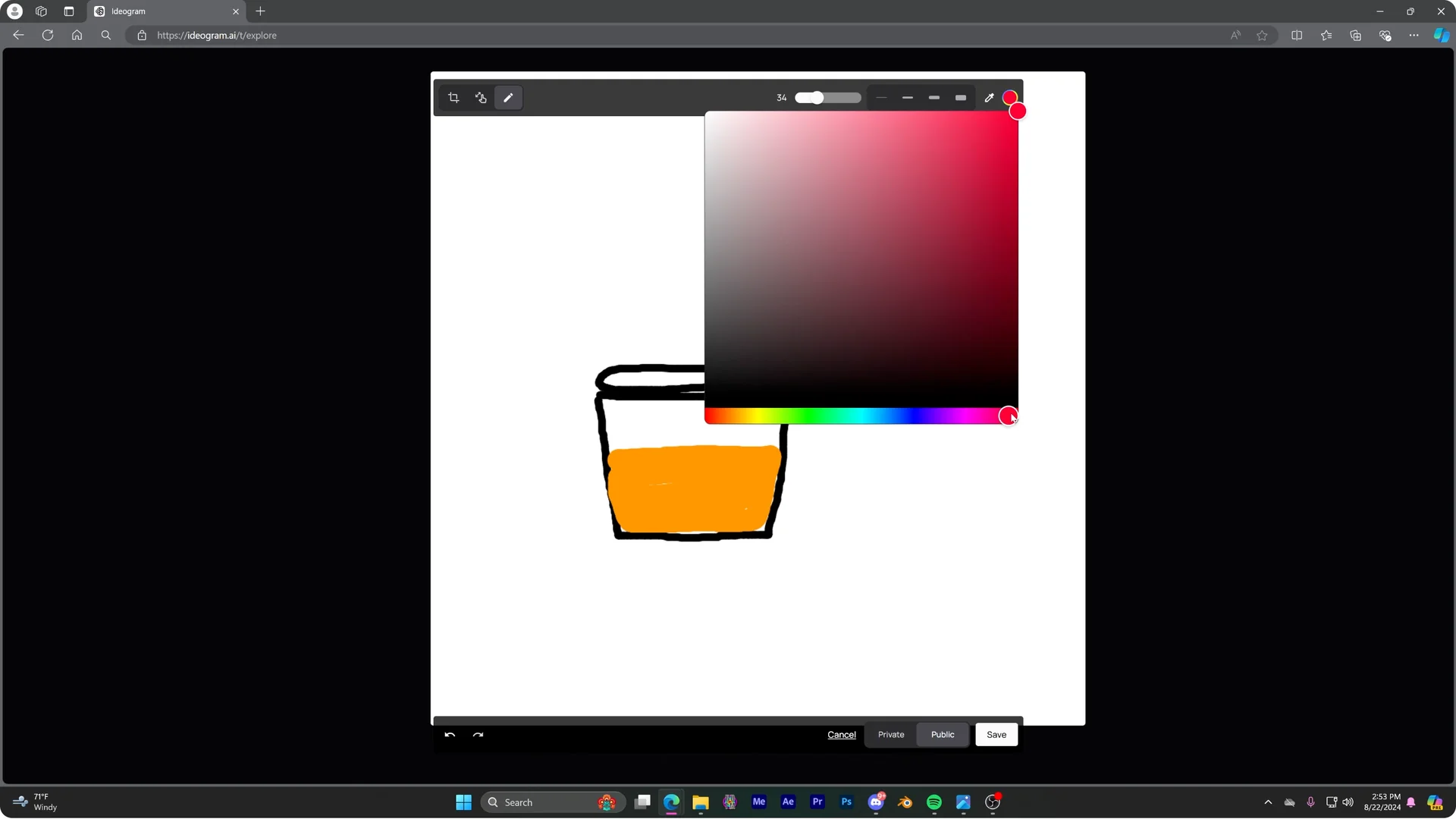
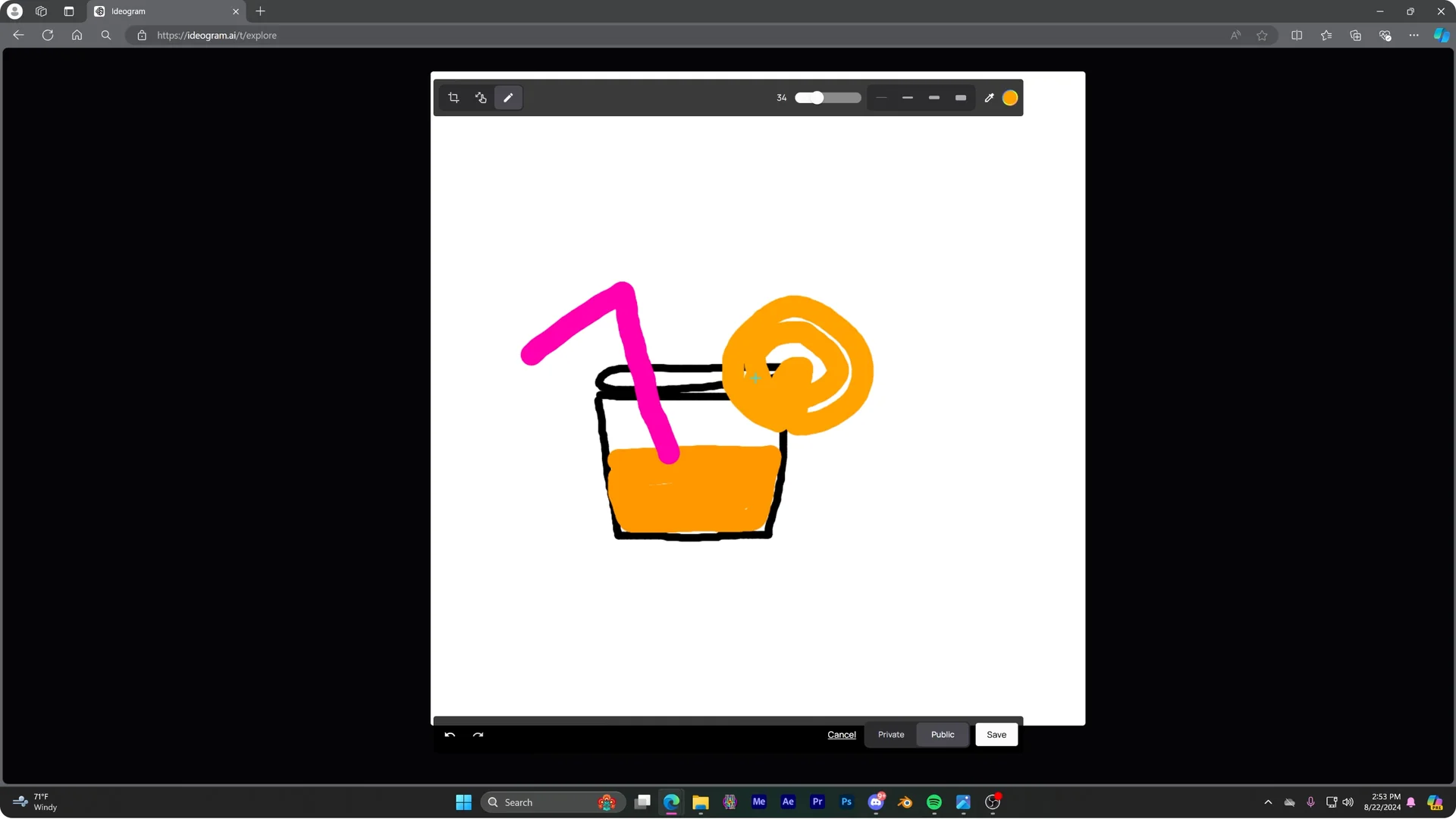
I add a pink straw.
I also add a slice of orange on the edge of the glass.
Time to remix it.
Remix into a photo prompt
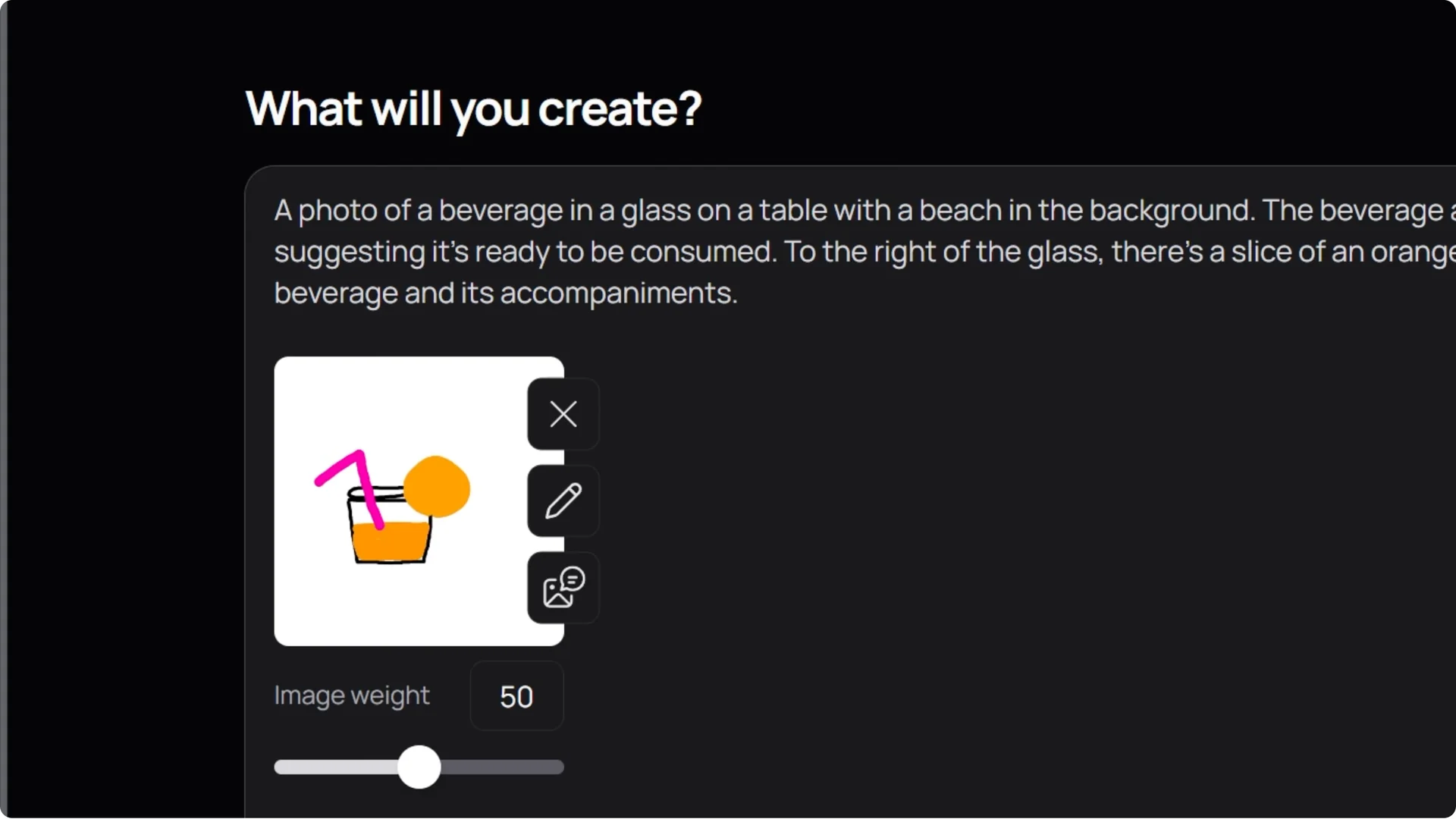
It gives me a description of what it thinks my drawing is, and it did a great job, even though my drawing is simple.
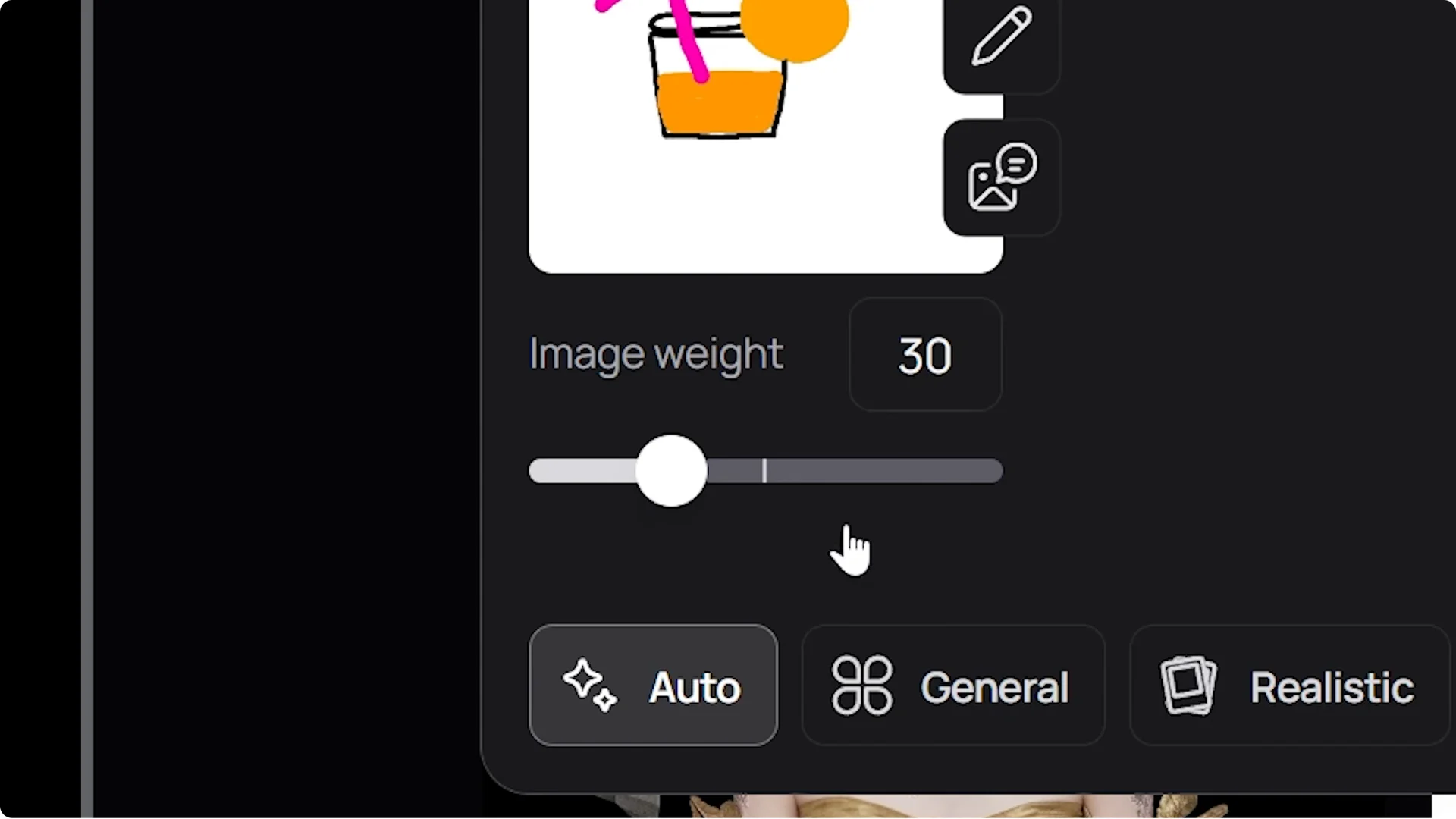
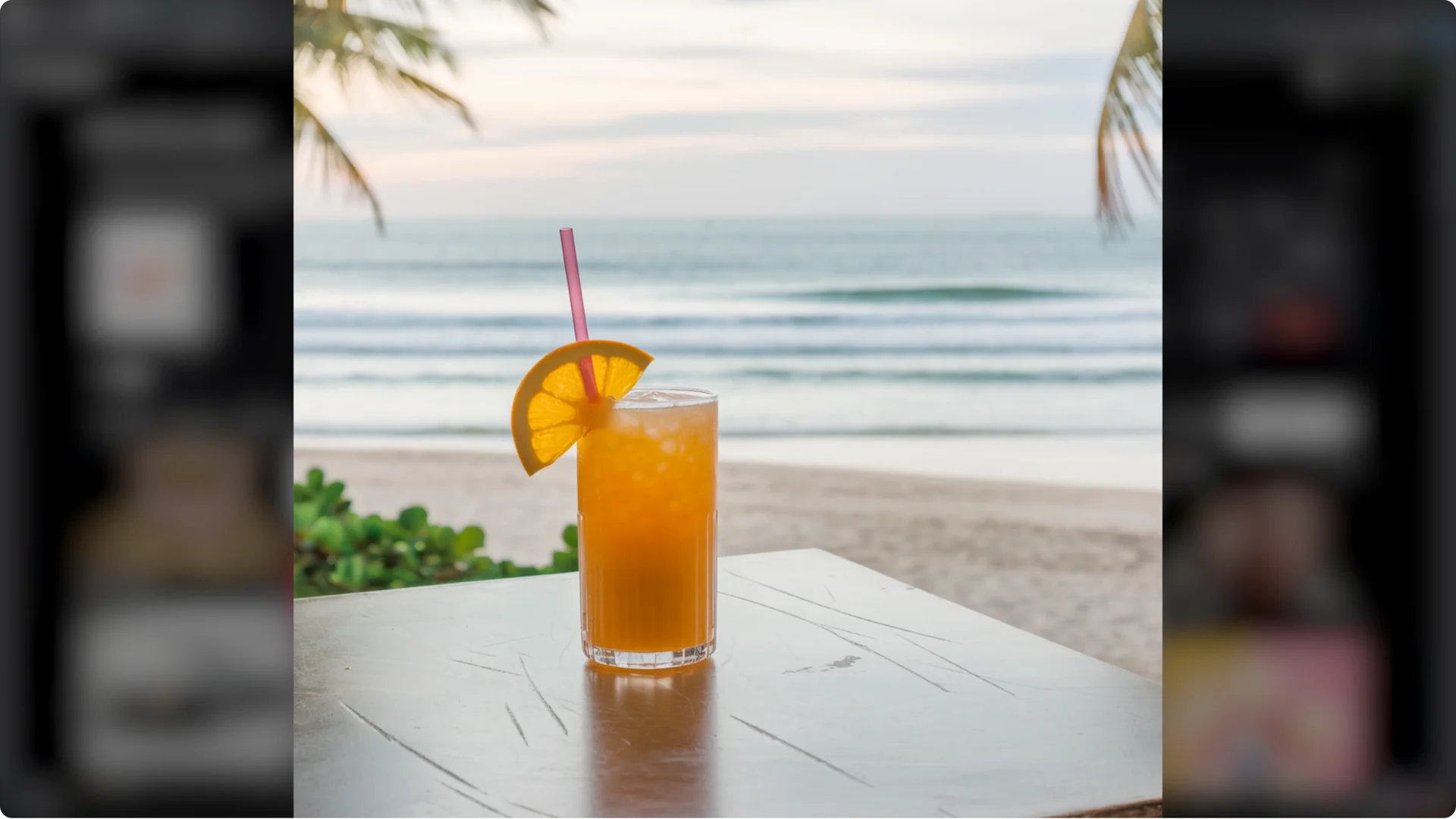
I change it to something like a photo of a beverage in a glass on a table with a beach in the background. I also lower the image weight to give the AI some creative liberties.
Not too bad.
If you want to turn one idea into many variations, check How To Turn 1 Prompt Into 100 New Designs Ideogram.
It pairs nicely with this remix workflow.
Tweak with color palettes
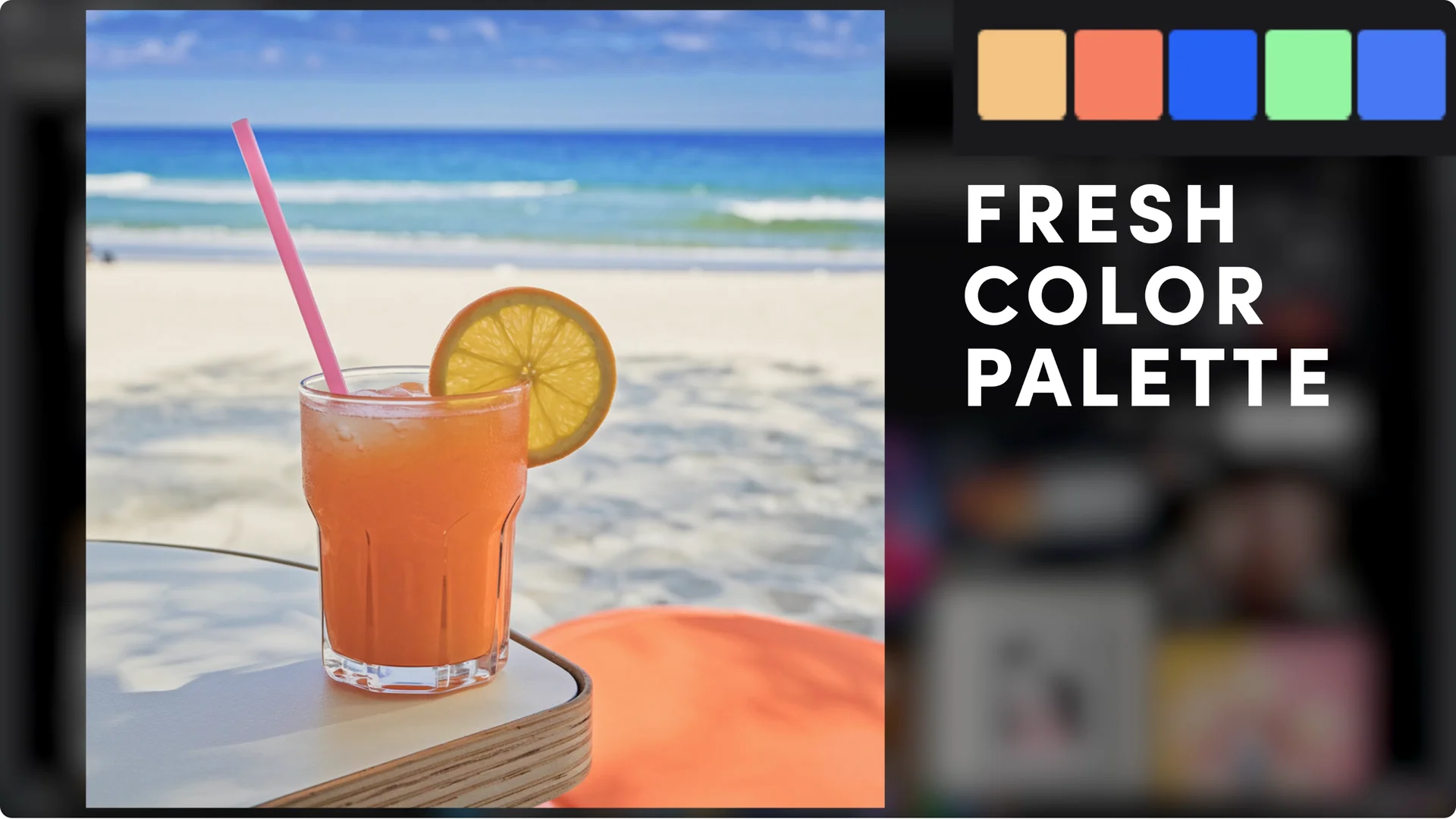
How about we try using one of the color palette options to see how it’s going to change the image.
I like these more saturated colors. I try something a little bit more extreme.
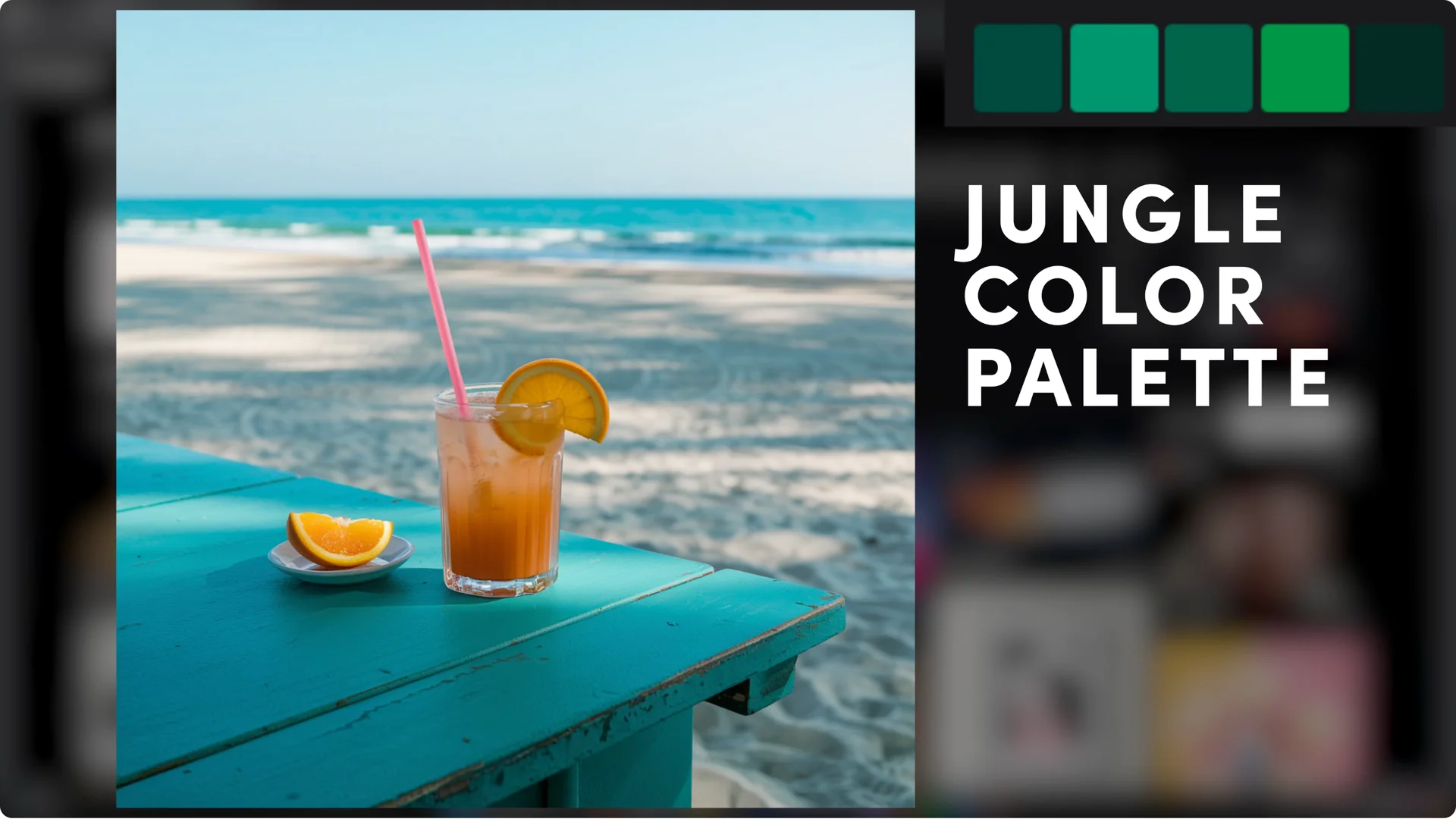
I try the jungle palette. It seems like the time of day and weather changed.
For translating prompt tweaks into production-ready mockups, see Transform Ideogram Prompts Into New Pod Designs.
Add text in the prompt
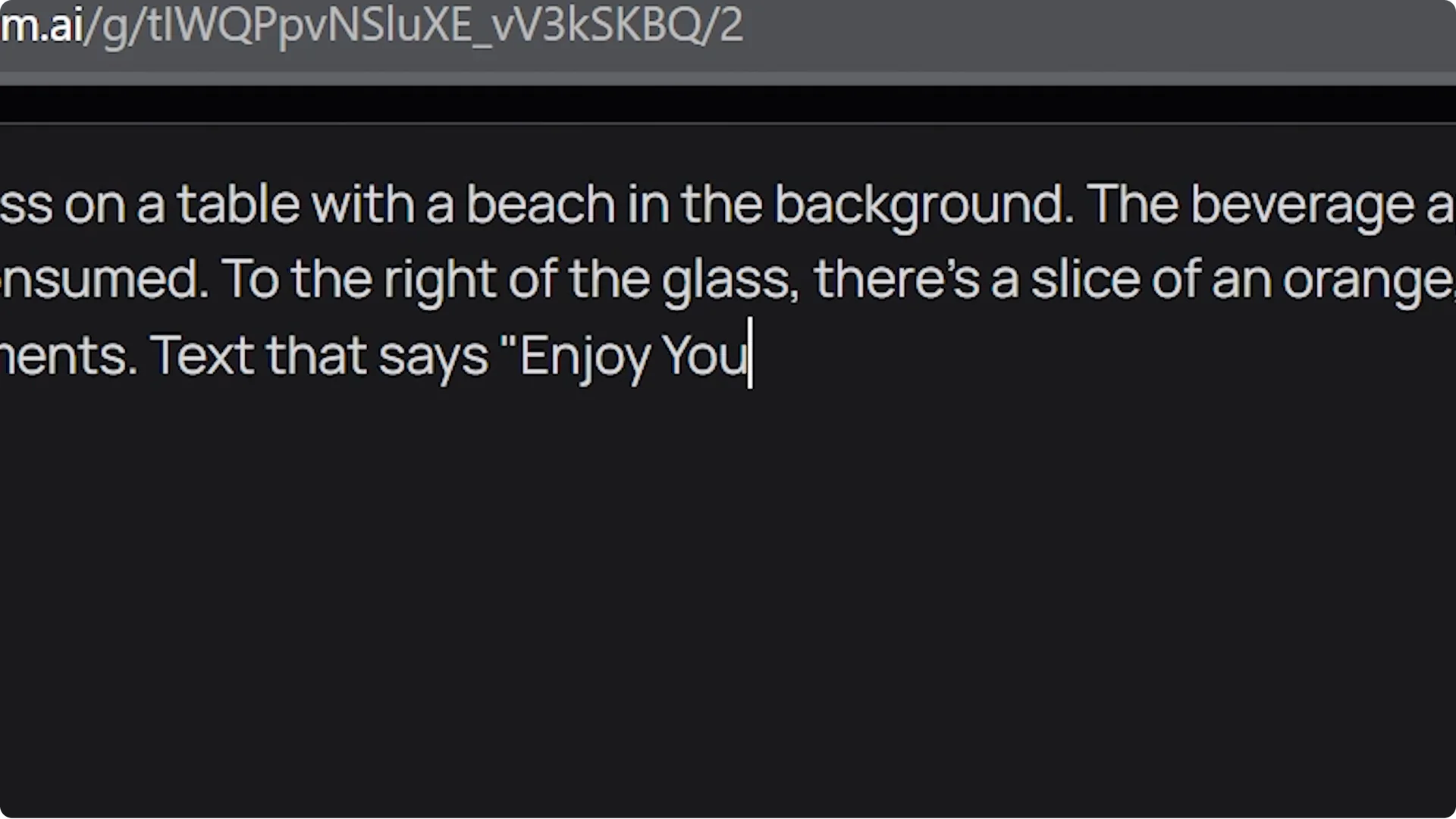
You can add text to an image by simply including what you want it to say in the prompt.
Let it say “Enjoy your summer,” and there you go. I have to say this is a very cool tool.
Final Thoughts
A rough sketch is all you need to kick off a polished image. The Remix description, a targeted photo-style prompt, image weight adjustments, and color palettes stack well for fast iteration. Adding text right in the prompt ties it all together.