Many people have been asking if Ideogram AI is a good tool for making story books. For a very long time, it wasn’t clear. But recently, Ideogram released a new consistent character feature, and that has changed everything.
I’m going to run an experiment to see if the new Ideogram AI consistent character feature actually improve storytelling. Storybooks need at least one consistent character to make the whole story work. We’re going to do the Alice in Wonderland theme storybook scenes to test if this feature really holds up to the hype.
Ideogram AI Character Consistency: Creating the Character
To begin, go to the Ideogram website. Once you log in, the first thing to do is create your character. You can adjust the settings if you want, but I won’t be doing that.
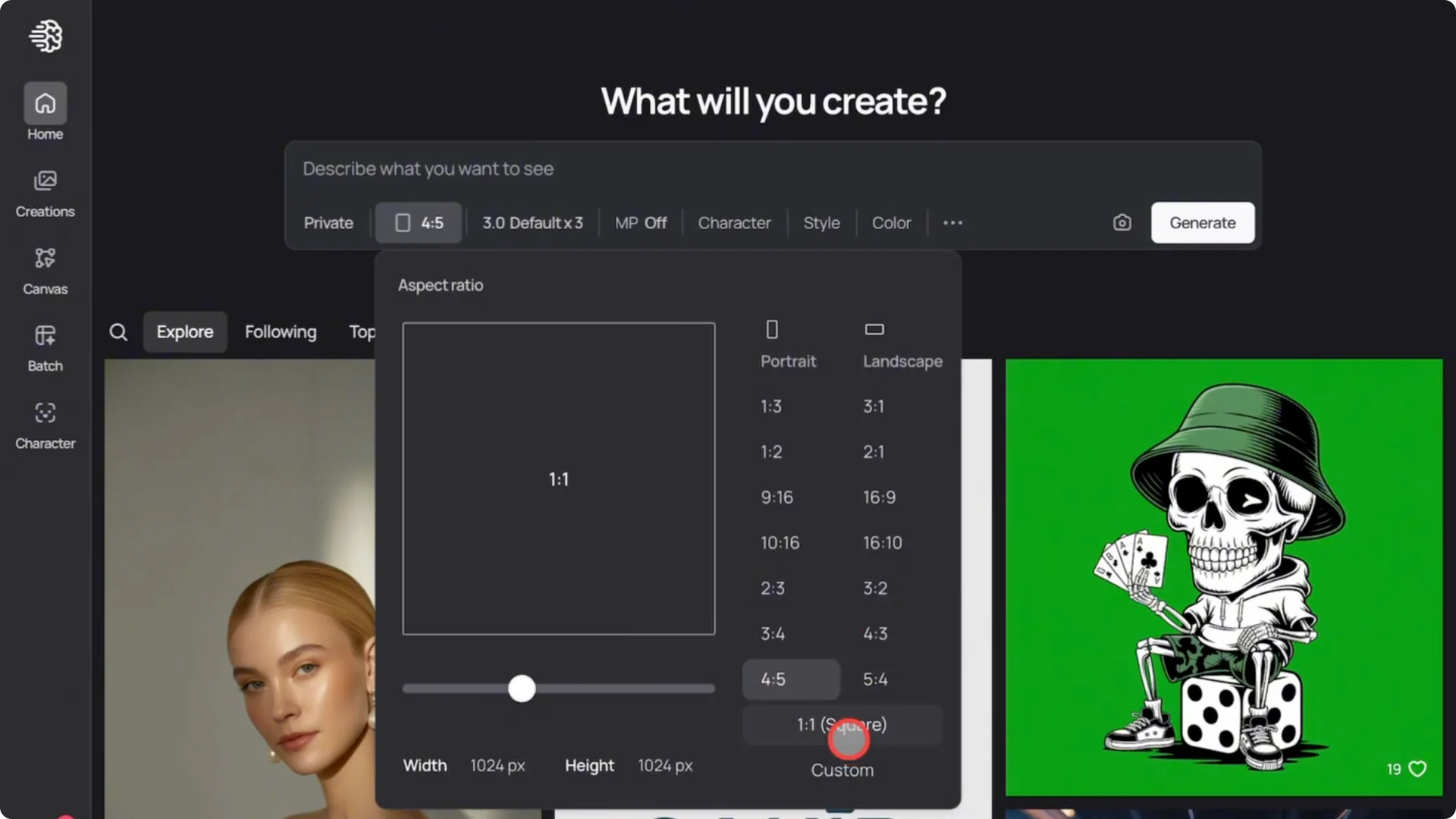
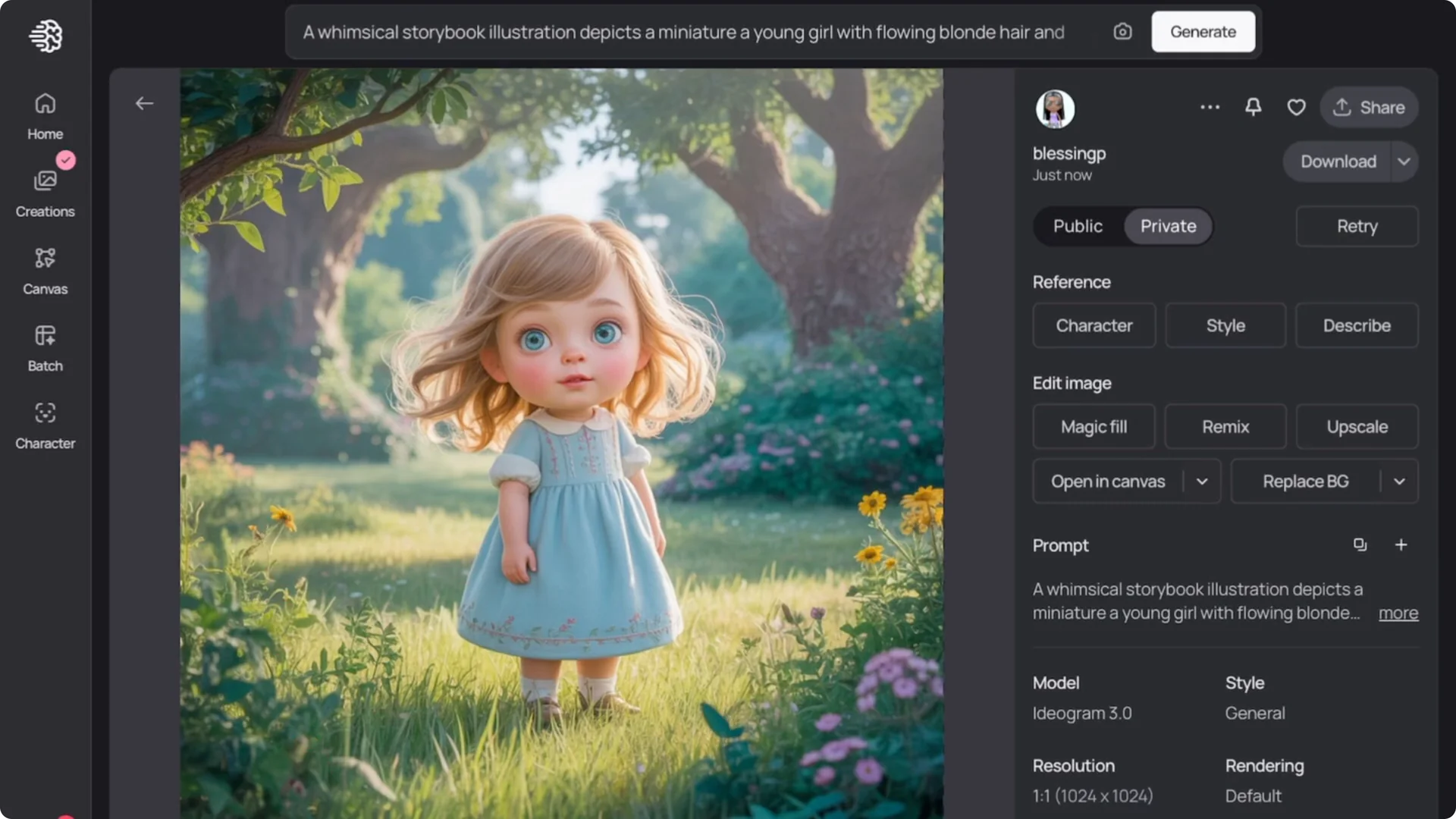
I’ll leave them as they are and just enter my prompt. Here’s the main character for our story. It generated three different styles.
It generated three different styles: a 3D style, a 2D style, and one with more saturated colors. I prefer the saturated one, so that’s the one I’ll use.
Ideogram AI Character Consistency: Testing Complex Scenes
Next, I go to the character page, click on creations, and select the character I just created. You can see it automatically added the prompt I used earlier, but I don’t want to use that same prompt again. I’ll enter a new one for another scene.
Keep in mind the scenes I’m testing are not just simple basic storybook scenes. They’re difficult complex scenes. Without changing the settings, I go ahead and create the next scene.
This is a very difficult scene to generate, but I really like the outcome. The character is consistent. The hair, the dress color, the facial expression, they’re all in line.
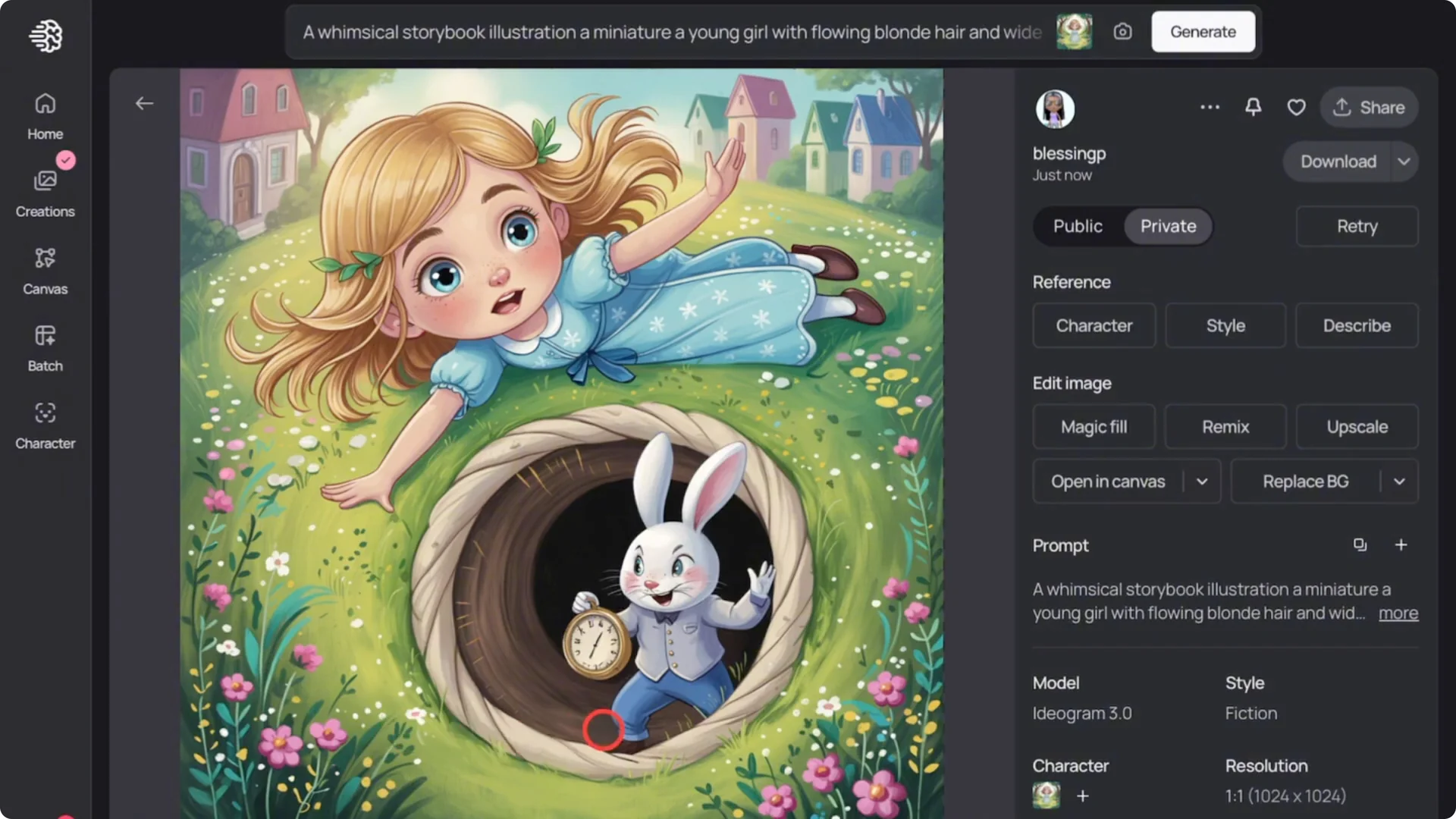
We’re essentially creating an Alice in Wonderland themed story book. I like this first image.
Adding More Characters and Changing Perspective
I move on to another scene with the same character, using a new prompt to add more characters and change the perspective. The character stayed consistent, though I noticed some changes in her dress. Since the dress had very detailed designs, that may explain why it shifted.
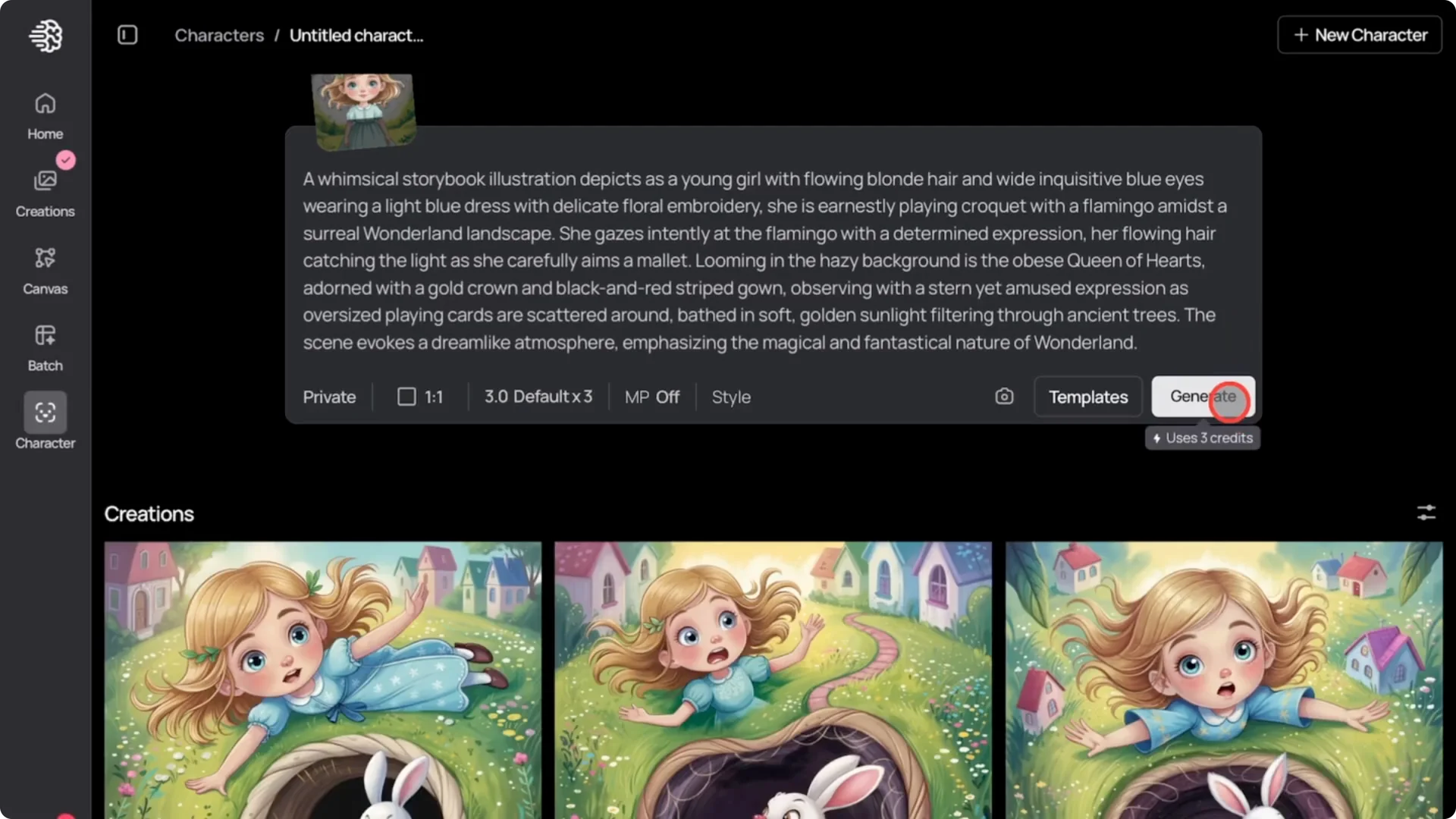
I advise that if you’re planning to use this for a story book you want to publish and sell, use characters with simpler clothing. Detailed outfits tend to change from scene to scene, but overall the character consistency is very good here. You can see it’s possible to use the same character in complex poses and settings.
Switching to a New Setting
I change the scene entirely to see if the character still remains consistent. Up until now, Alice has been in a forest setting. I switch it completely to something new with different colors.
I put in a new prompt for a very complex scene of Alice. Here’s the scene with Alice and the rabbit, plus the window outside. There are some errors here and there, but overall, it’s an impressive and very complex setup.
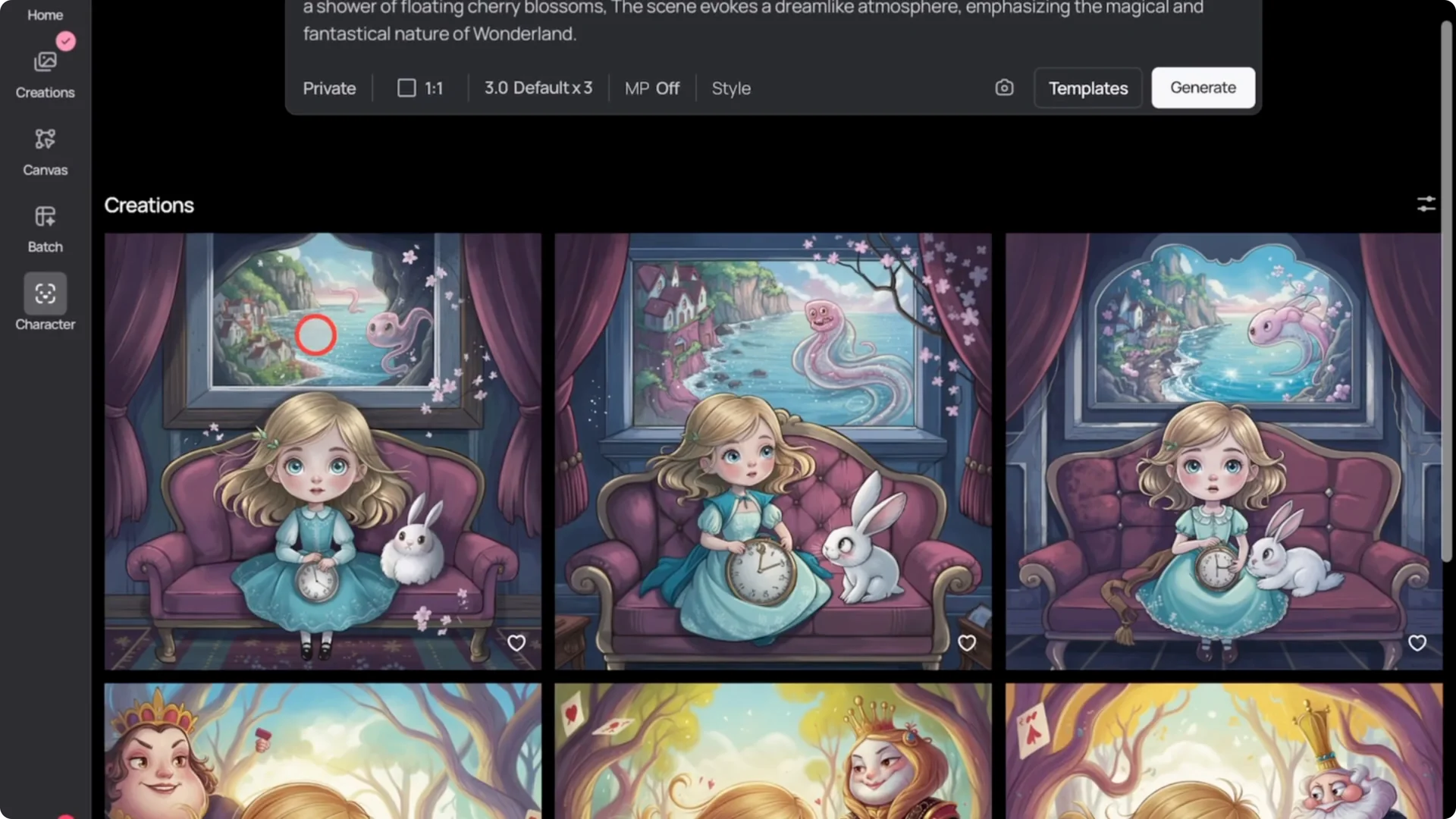
Most AI tools wouldn’t pull this off, but Ideogram AI managed to make it work. Alice looks similar, though I noticed the length of her hair changed. The dress details weren’t consistent either.
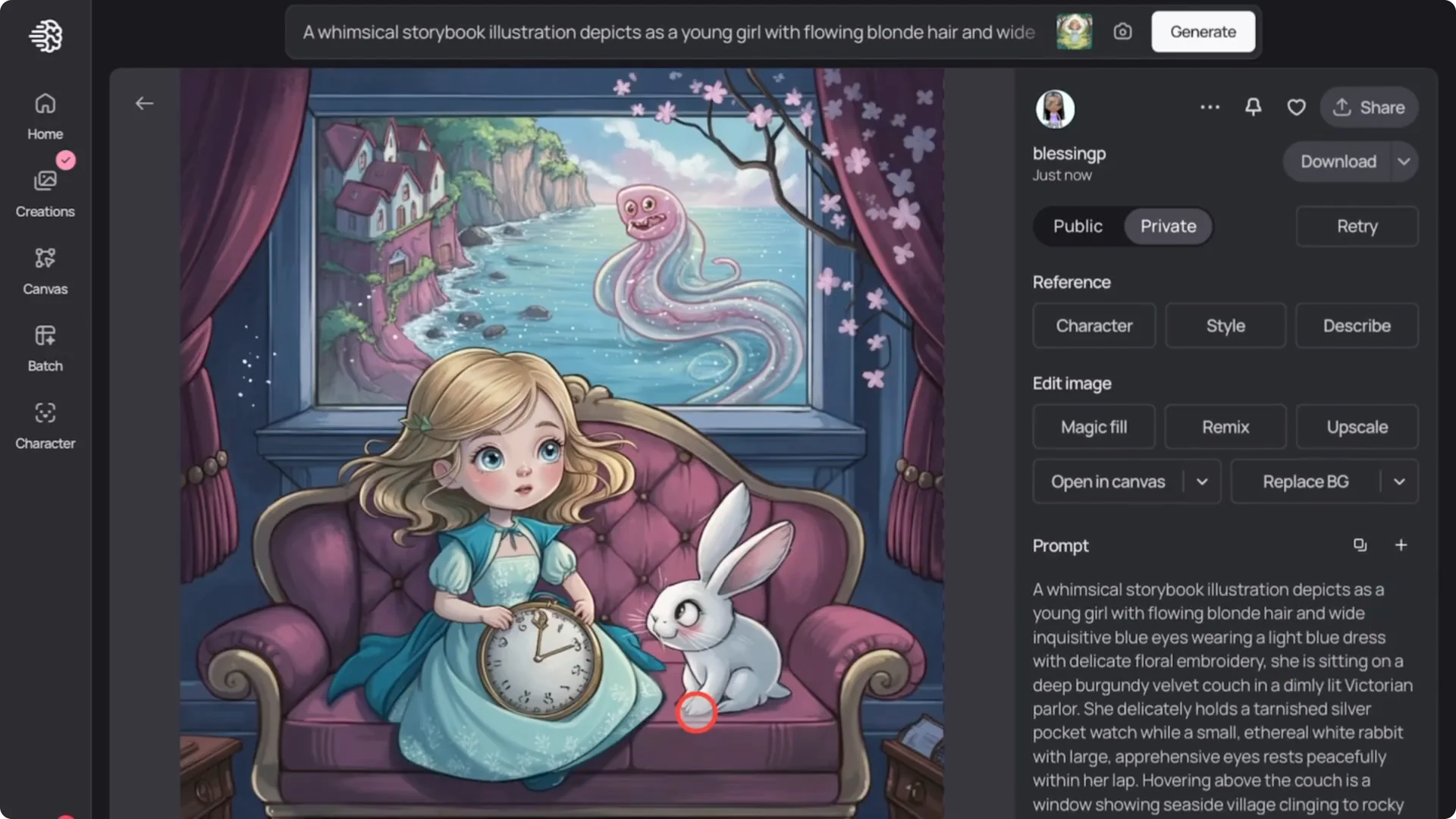
Even though the character resembles the original Alice, it’s not the same. There is a simple trick that can help us fix it.
Ideogram AI Character Consistency: Fixing Drift With Face Swap
This trick is the face swap option. Here is how it works.
First, I download the scene I want to edit. Then I go back to the character page.
I click the image icon to upload the image I just downloaded. Once it uploads, click on the magic fill option.
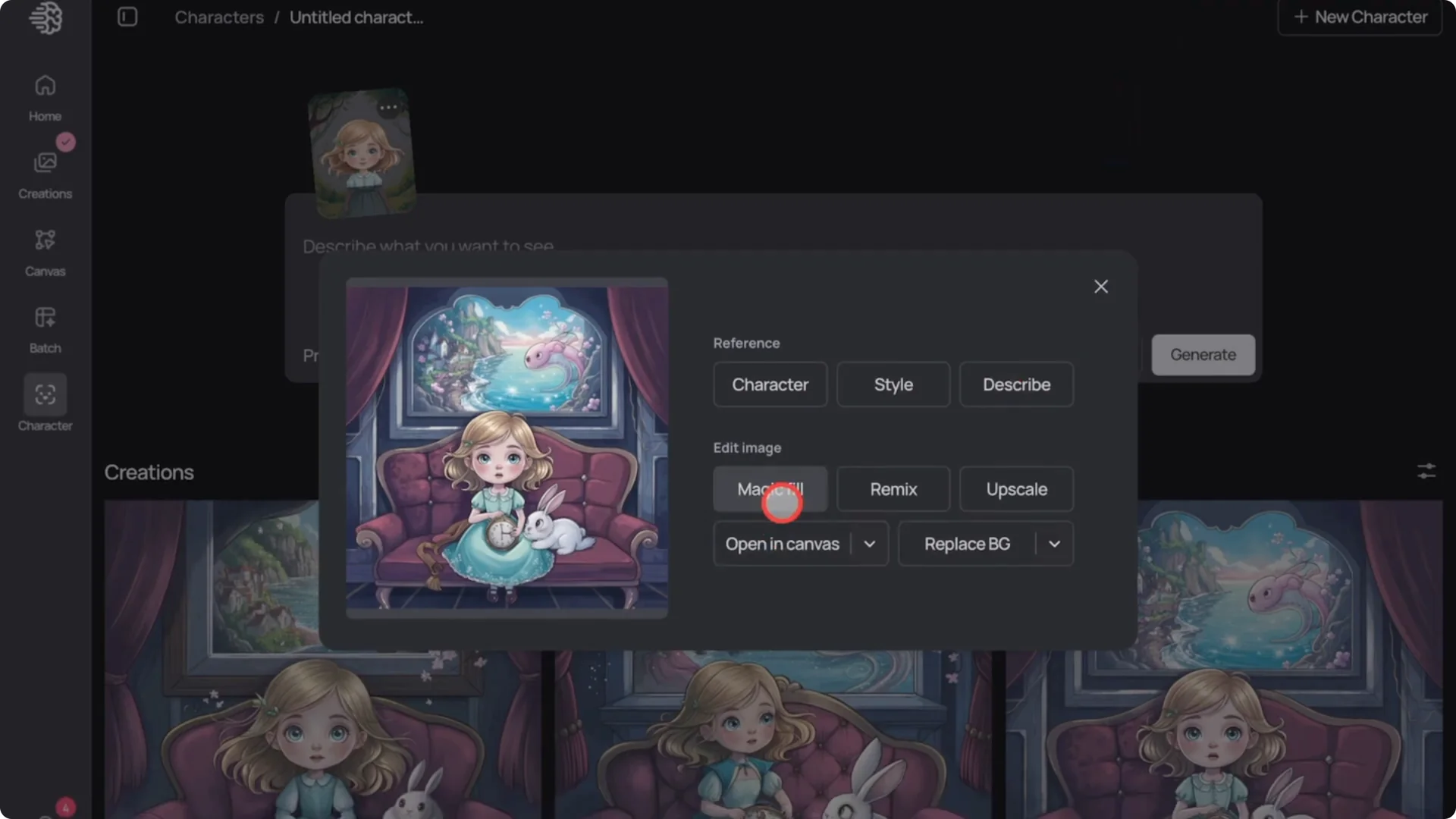
I select the character’s face and hair, then click Next. To keep things the same, I use the same prompt I used to generate the scene.
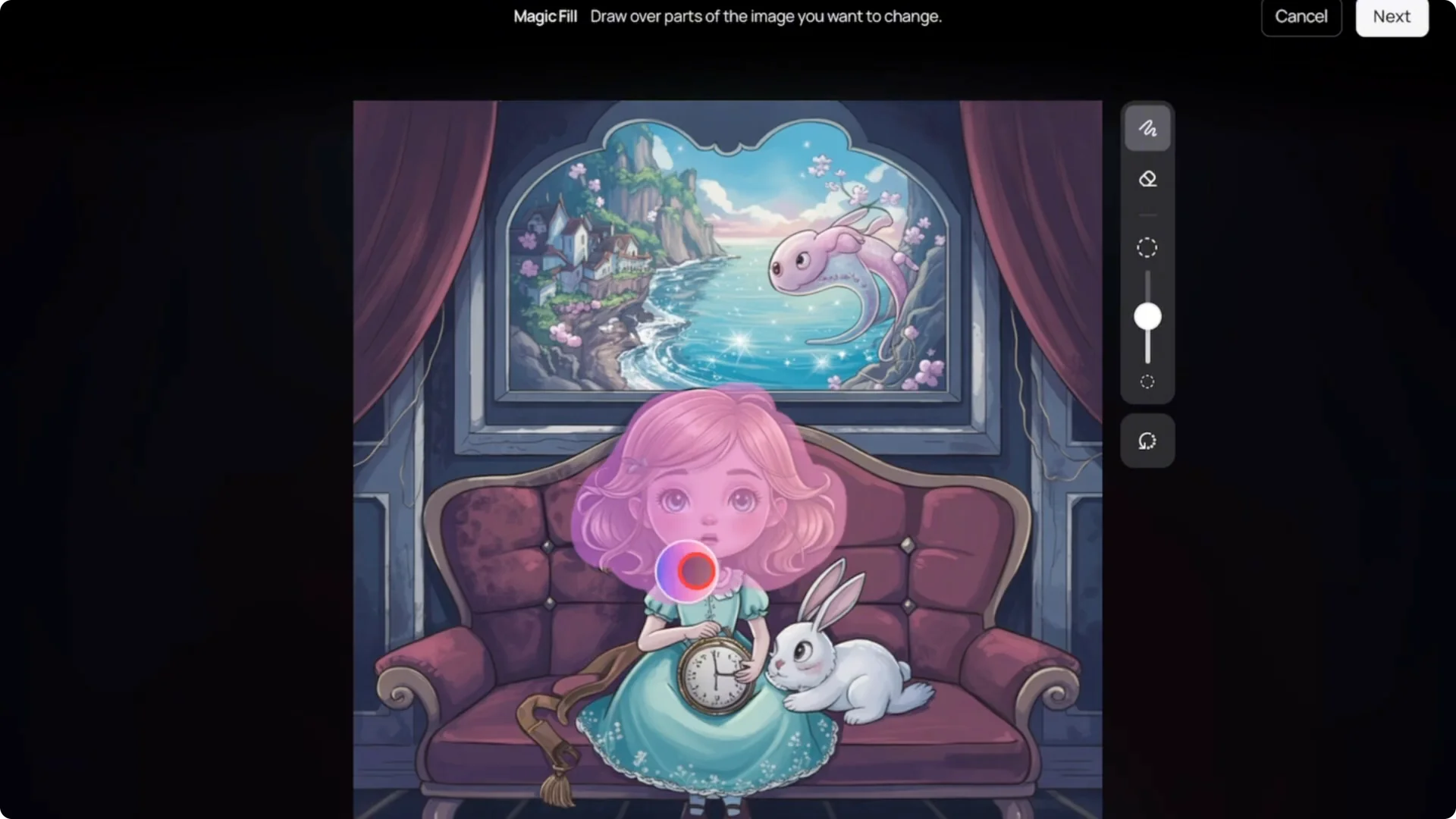
Click magic fill to regenerate.
And now you can see the difference. The character is back. It looks exactly like Alice again.
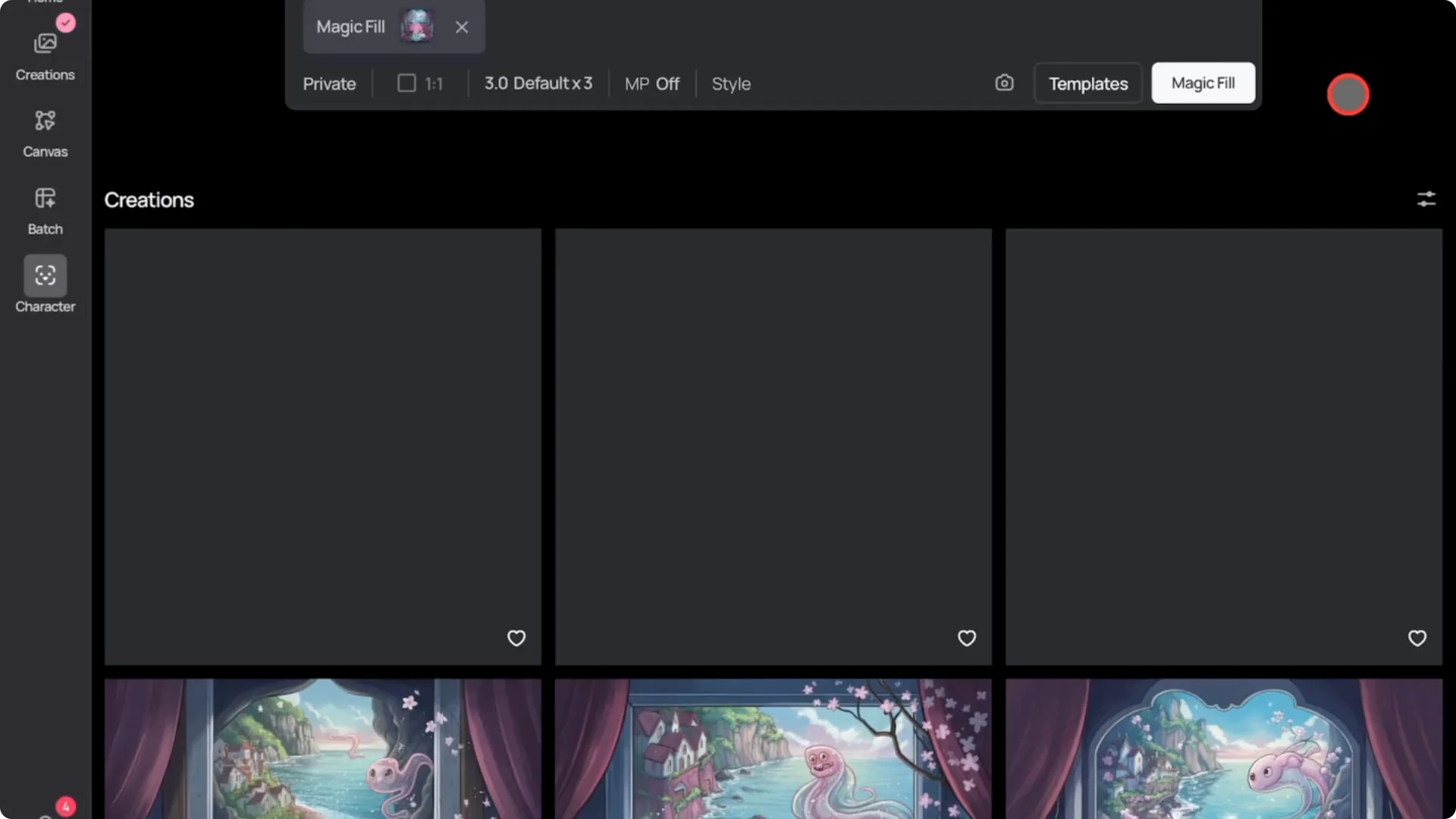
The resemblance is much stronger. Even though the scene and color tones are different, the face and hair of Alice remain the same. This shows how you can achieve a perfectly consistent character with Ideogram’s features.
There are still some issues with the details on the clothes because it changes. If your story book has a character that changes clothing every scene, this might not matter. But if you want perfection, you should keep the clothing simple.
That way, it stays consistent. And with the face swap feature, you can lock in the exact same character’s face, ensuring consistency across all scenes.
Final Thoughts
You can use Ideogram AI’s new consistent character and face swap features to create a character that stays the same throughout your story book. Keep the clothing simple for better consistency, and use face swap to correct any drift in the face and hair across complex scenes.