
Once you find a creator or a design that you don’t want to see, you can mute those creators on Ideogram.
Mute/Unmute Ideogram Creators
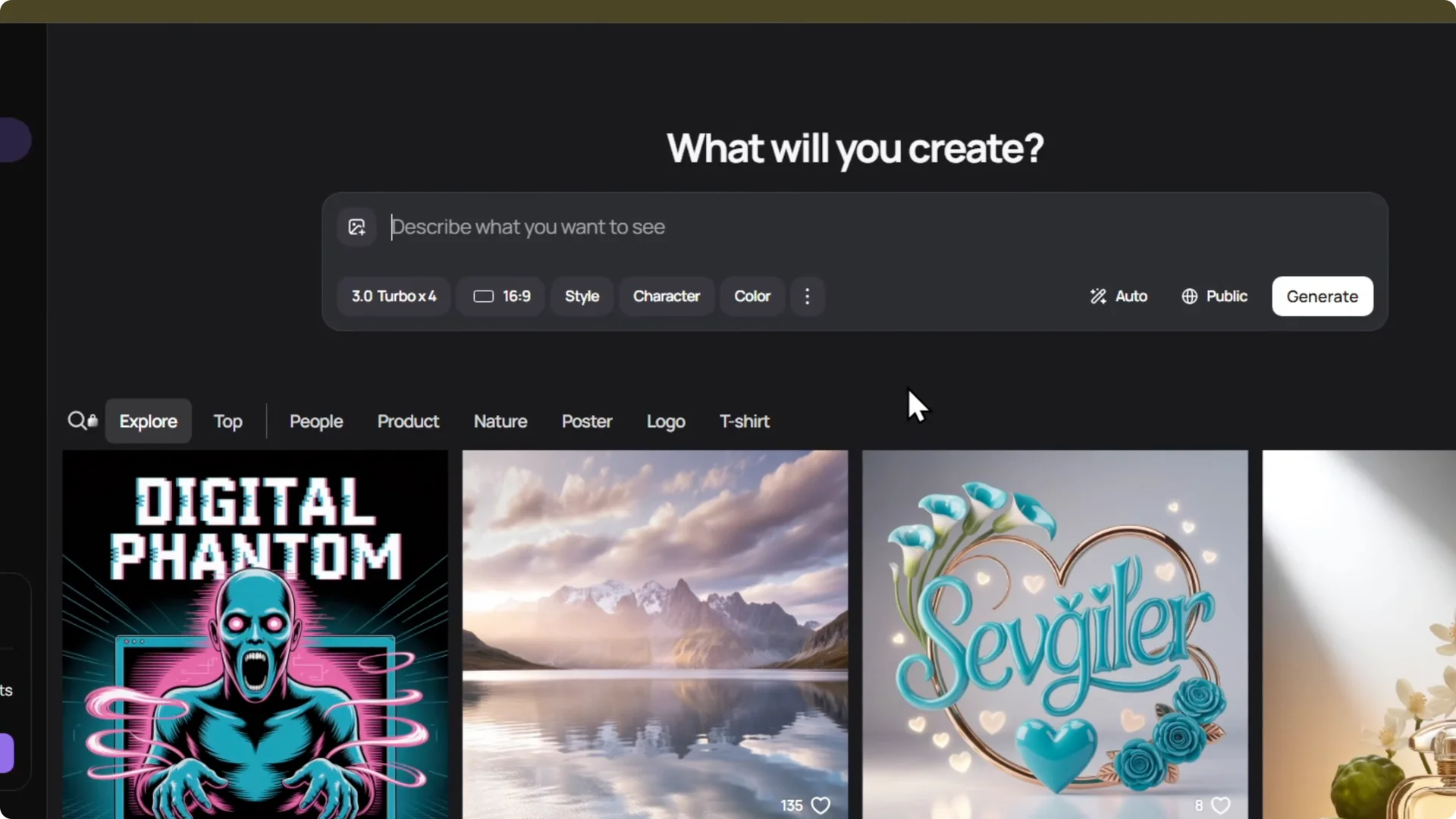
Mute creators
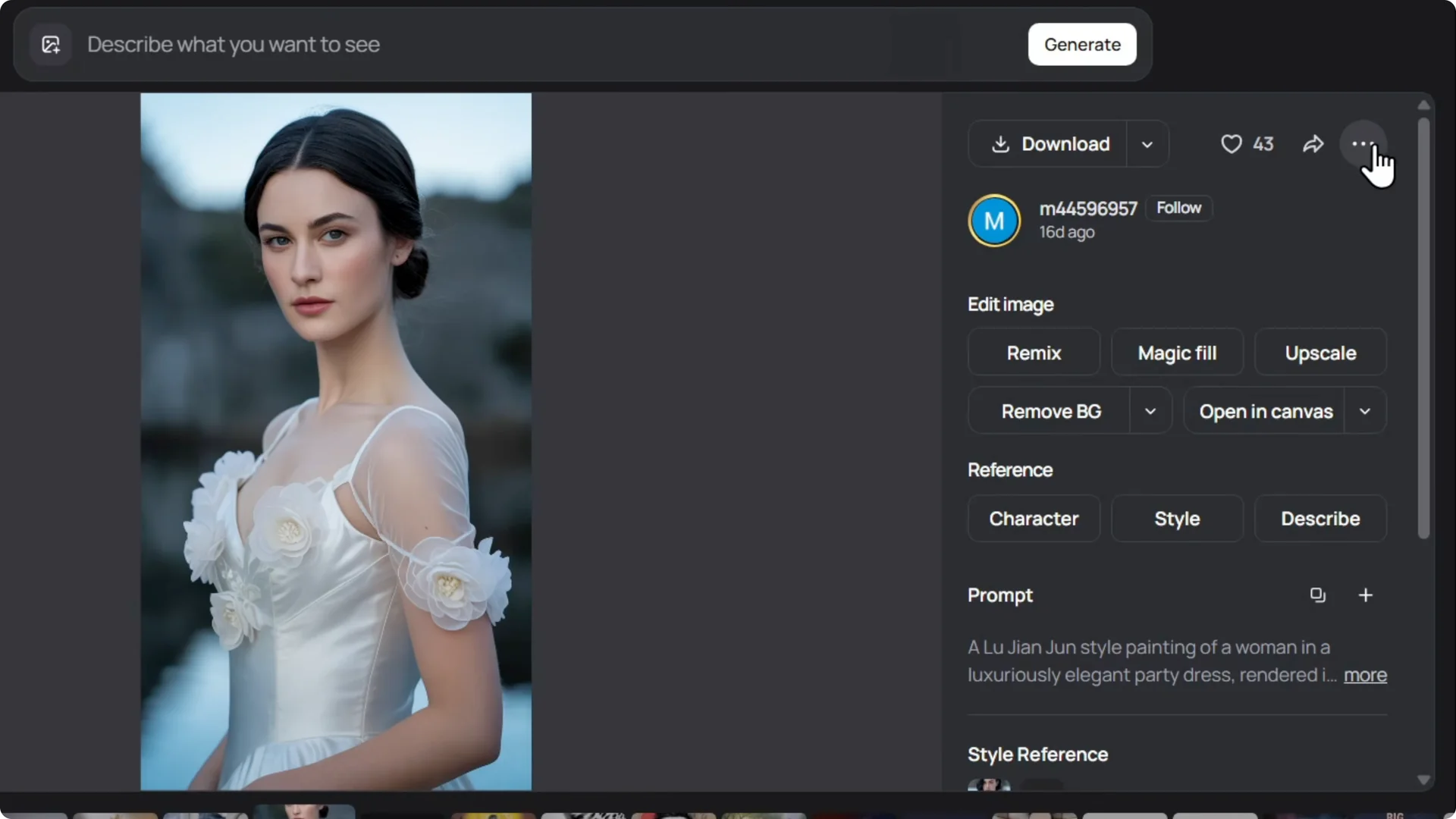
Click on the image itself, click the three dots on the upper right, and click Mute creator from here. Then click Mute again to confirm.
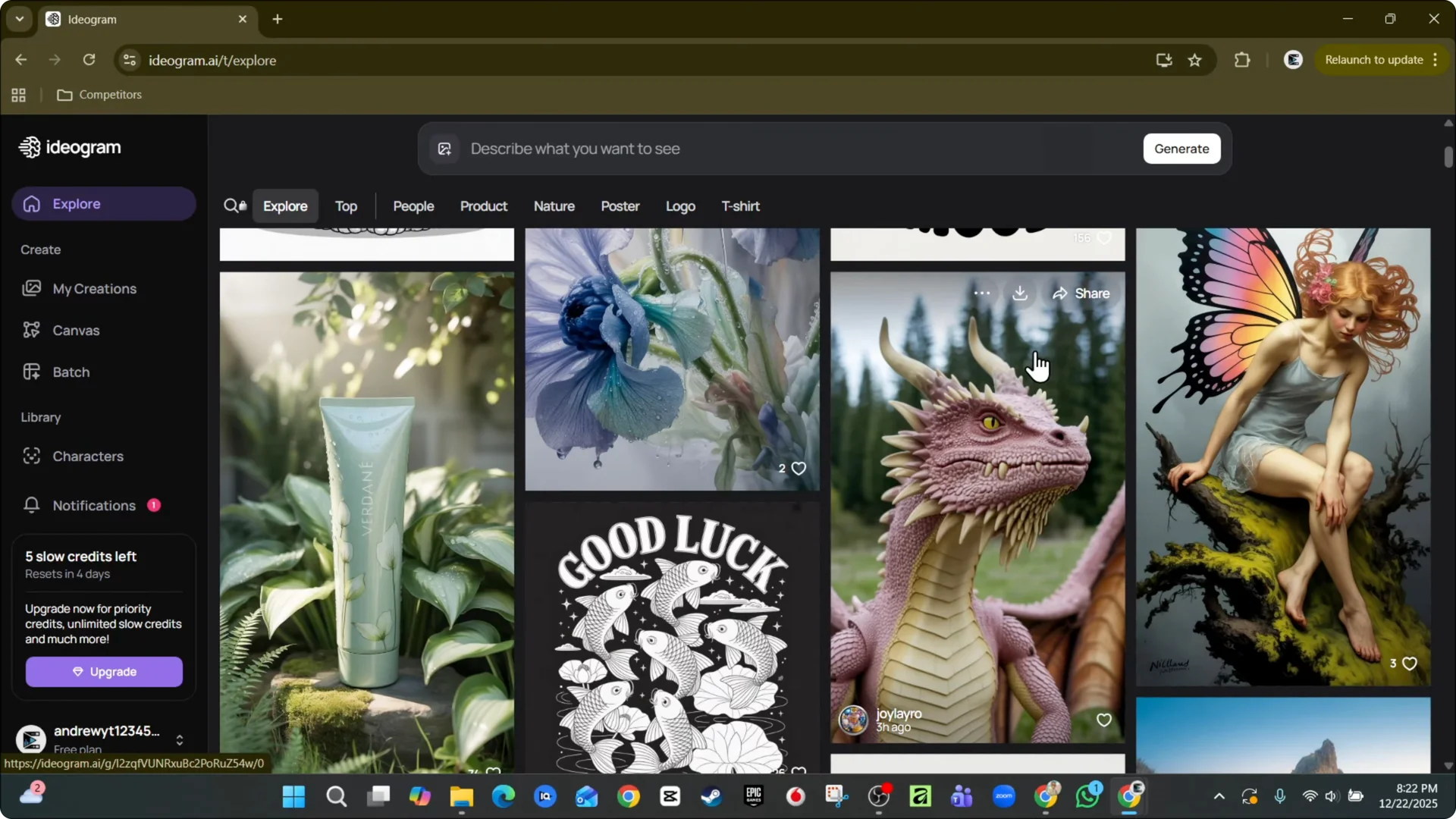
Or, while you’re on the page, scroll through and find the design and click the three dots. Here you have Mute creator. Click on Mute creator again.
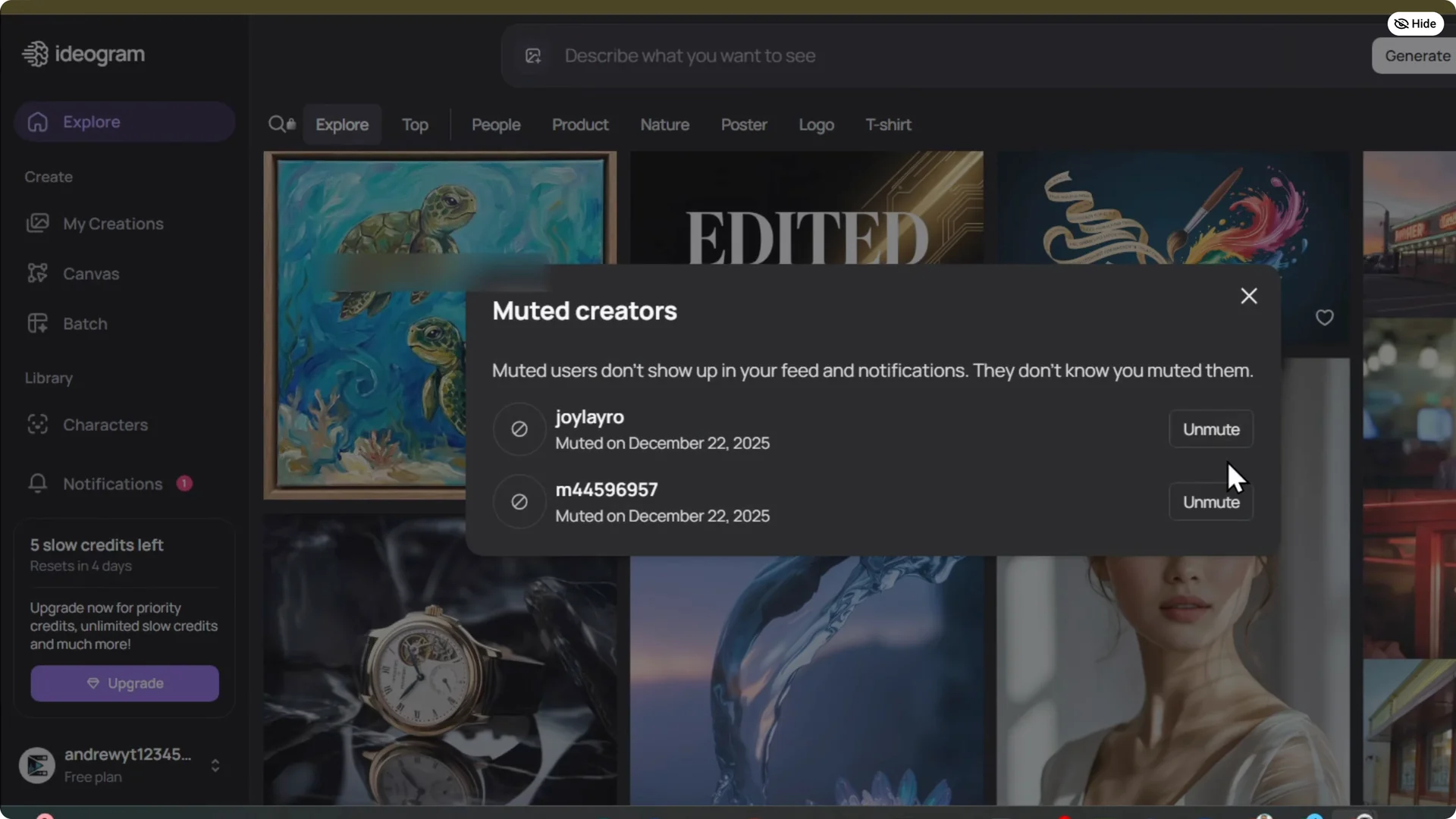
Unmute creators
Click on your account on the lower left, then click and manage mute users. You can simply unmute those creators from here at a later point in time.
Final Thoughts
Muting and unmuting creators is quick, and you can do it from any design or from your account settings.