Here is how to use a prompt from a design or creator on Ideogram. If you’re scrolling through the Explore page and you find a design you like, you can reuse the creator’s prompt to generate your own images.
Ideogram Prompt Reuse
Use a creator’s prompt from the Explore page
- Find a design you like on the Explore page.
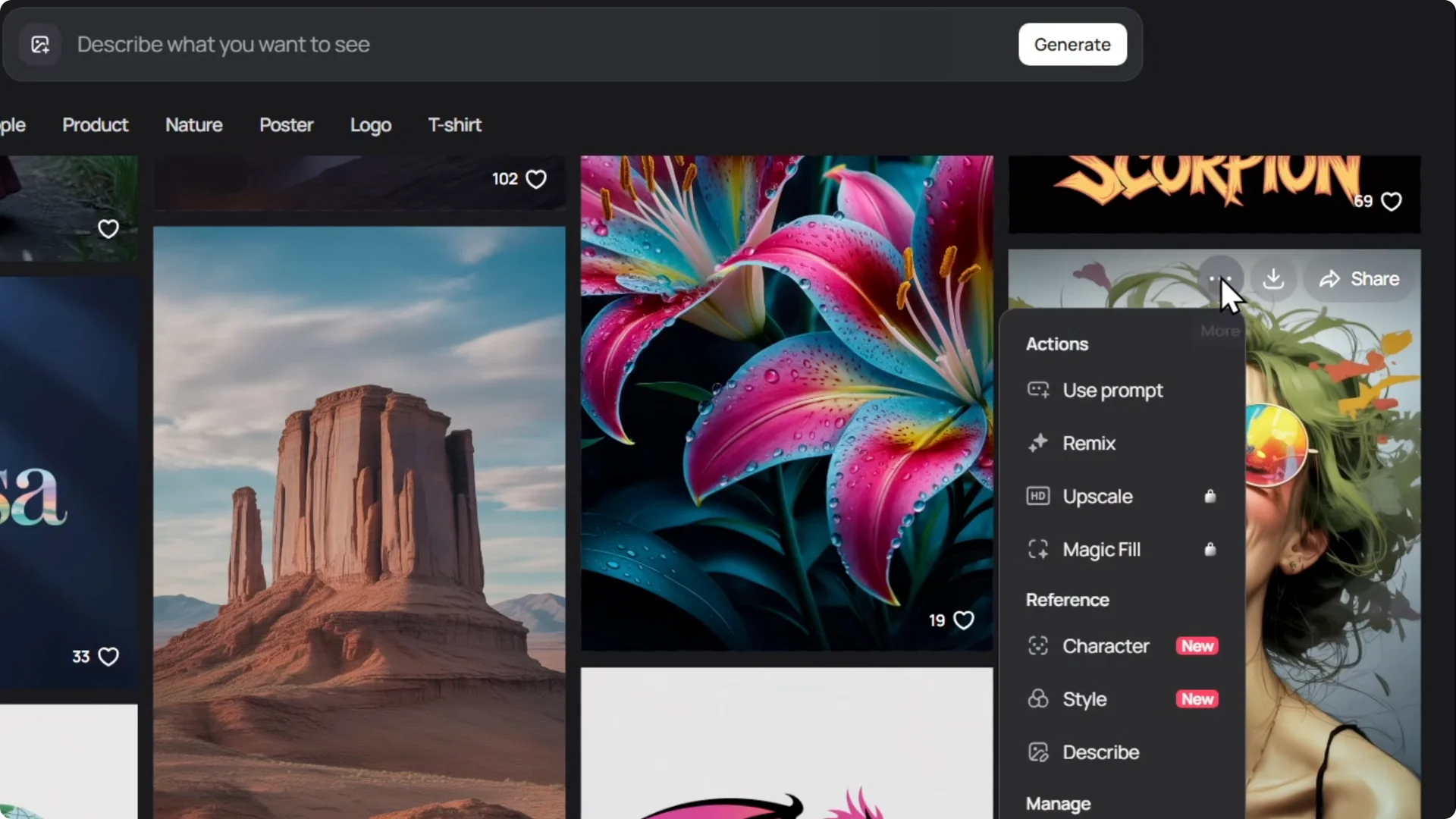
- Hit the three dots at the top of the image.
- Select Use prompt.
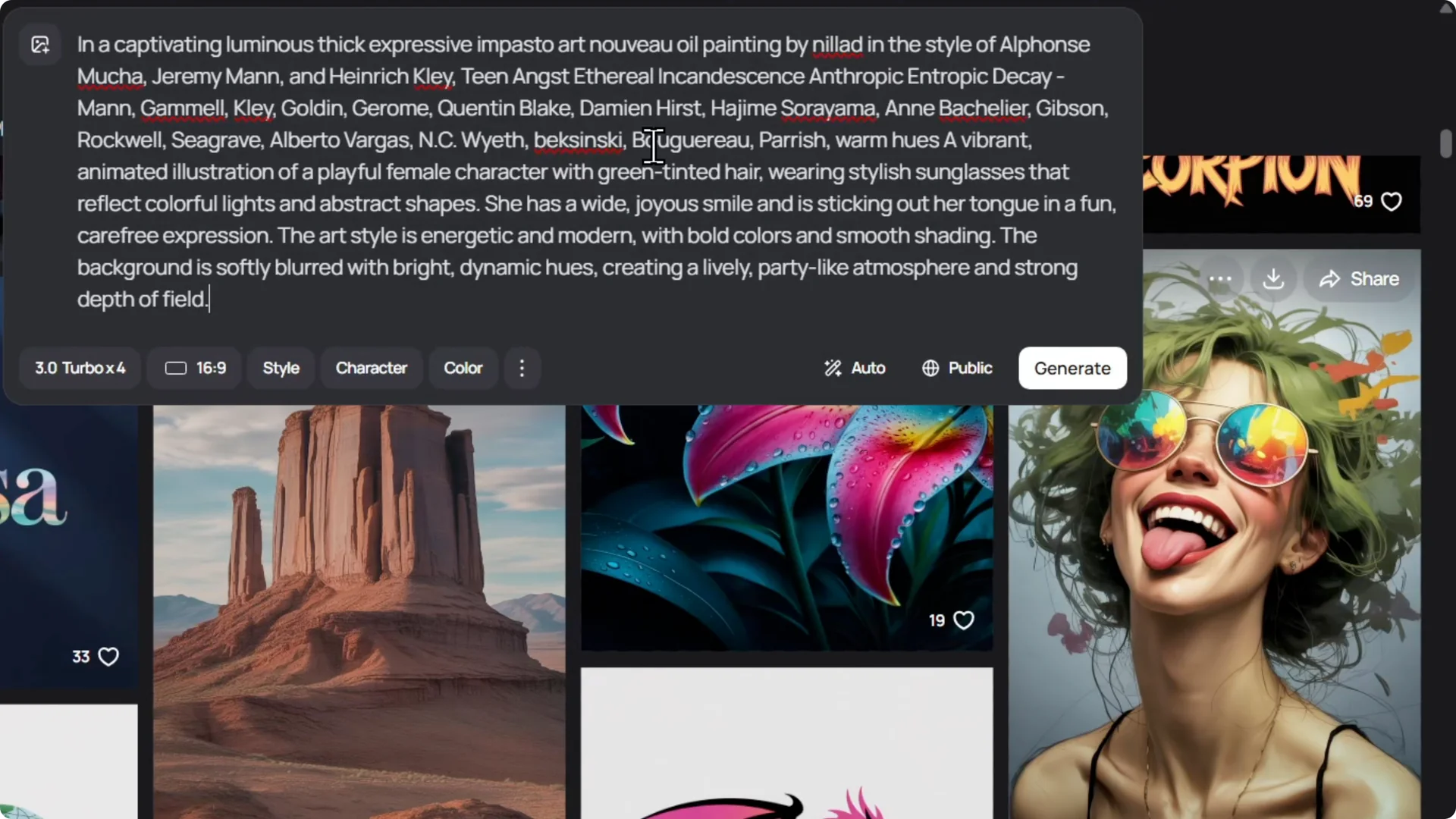
- The prompt appears at the top. Modify it to your liking.
- Click Generate to create your image.
Generate multiple variations with the same prompt
If you want more designs from that particular image, reuse the prompt to get four different designs.
- Click the three dots, select Use prompt, then click Generate with the option set to produce four images.
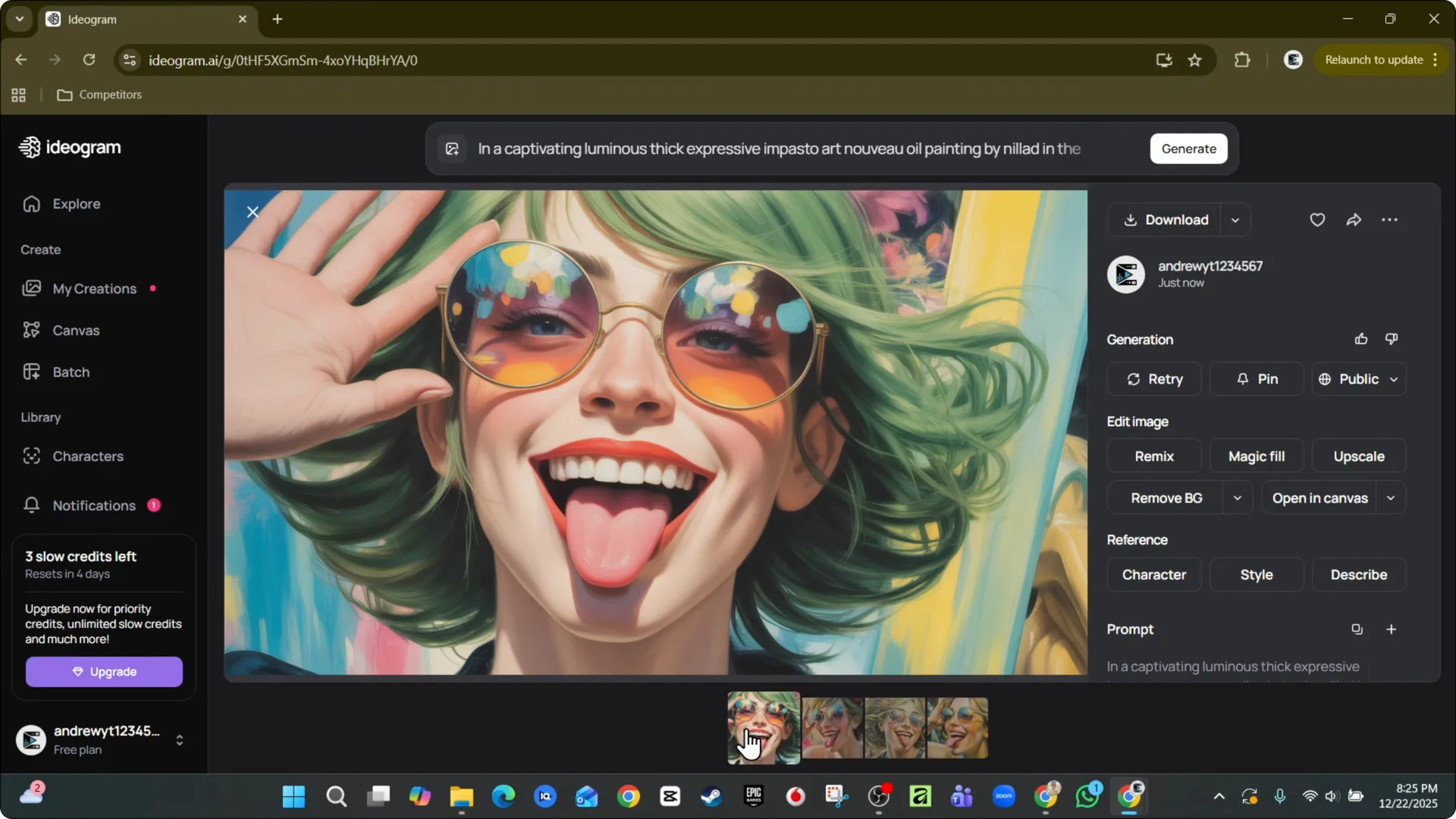
- Ideogram generates four new images.
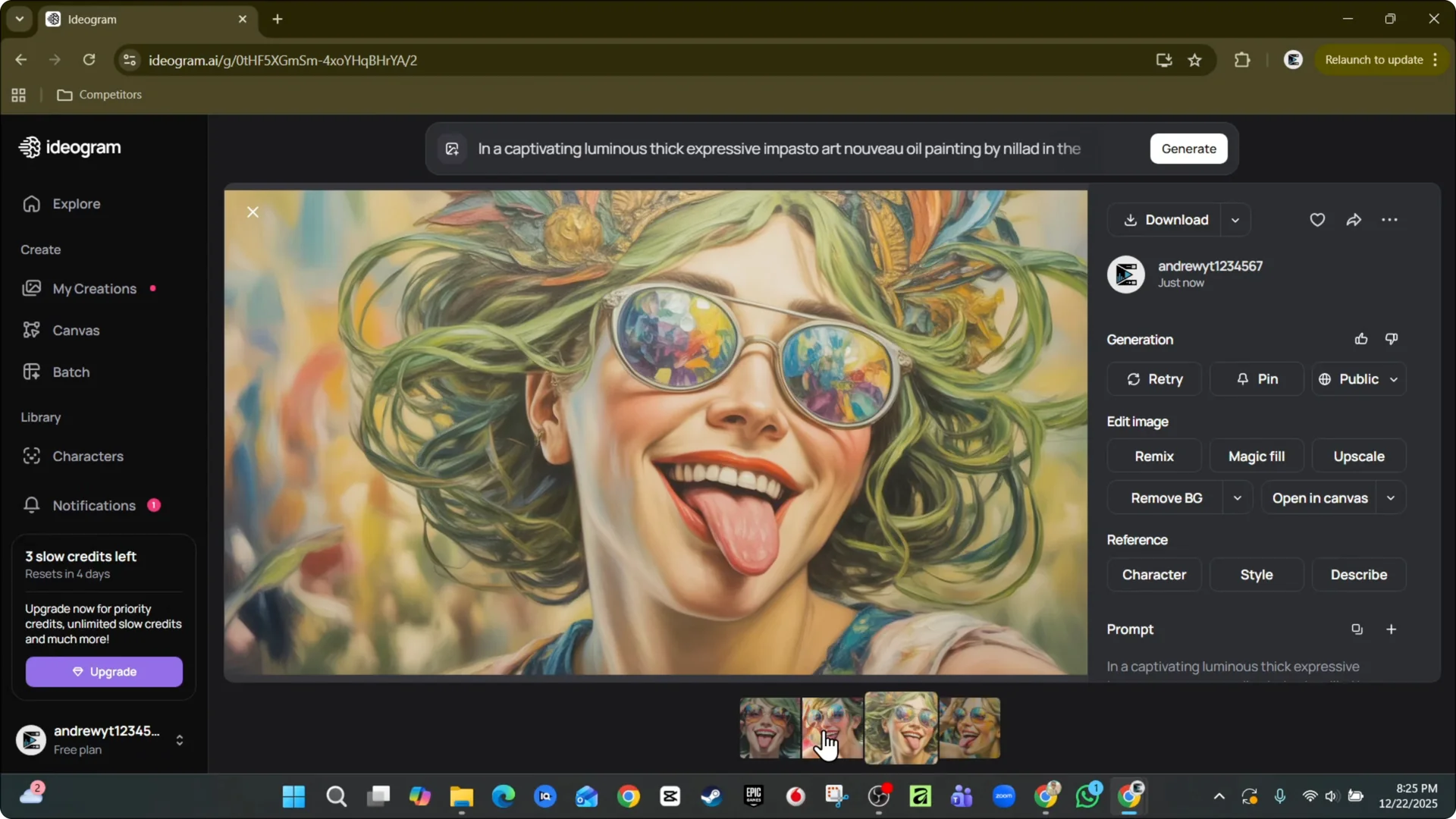
- You get different styles or something similar to what you see from the creator.
- Pick the ones you like or generate something new.
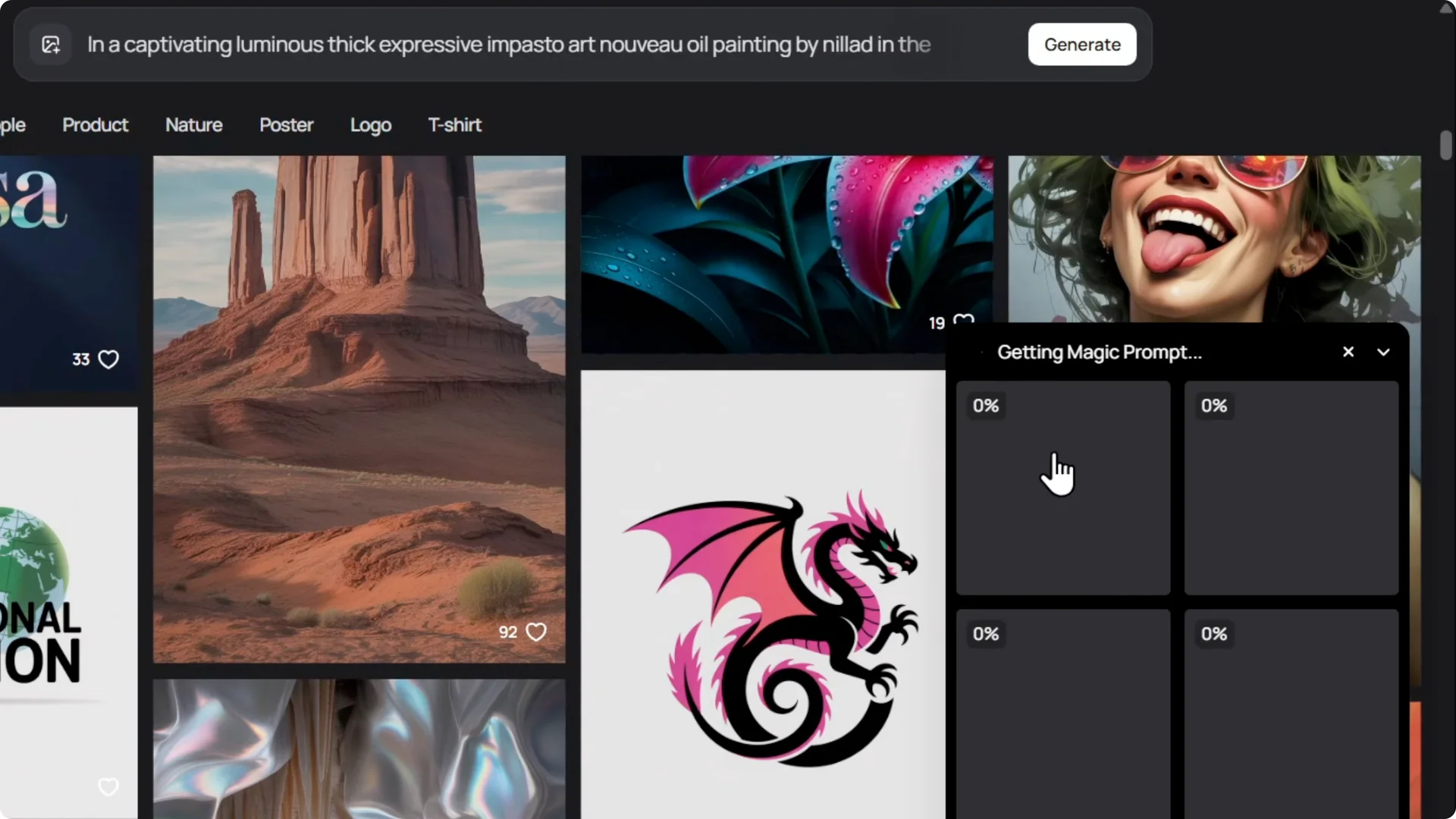
If you don’t want to use the exact image from the creator, use their prompt, quickly reuse it, and get a really nice image.
Final Thoughts
Reusing prompts on Ideogram is simple: grab the prompt from a creator’s design, adjust it if you want, and generate single or multiple images. It is a fast way to create variations inspired by a design you like without copying the exact image.