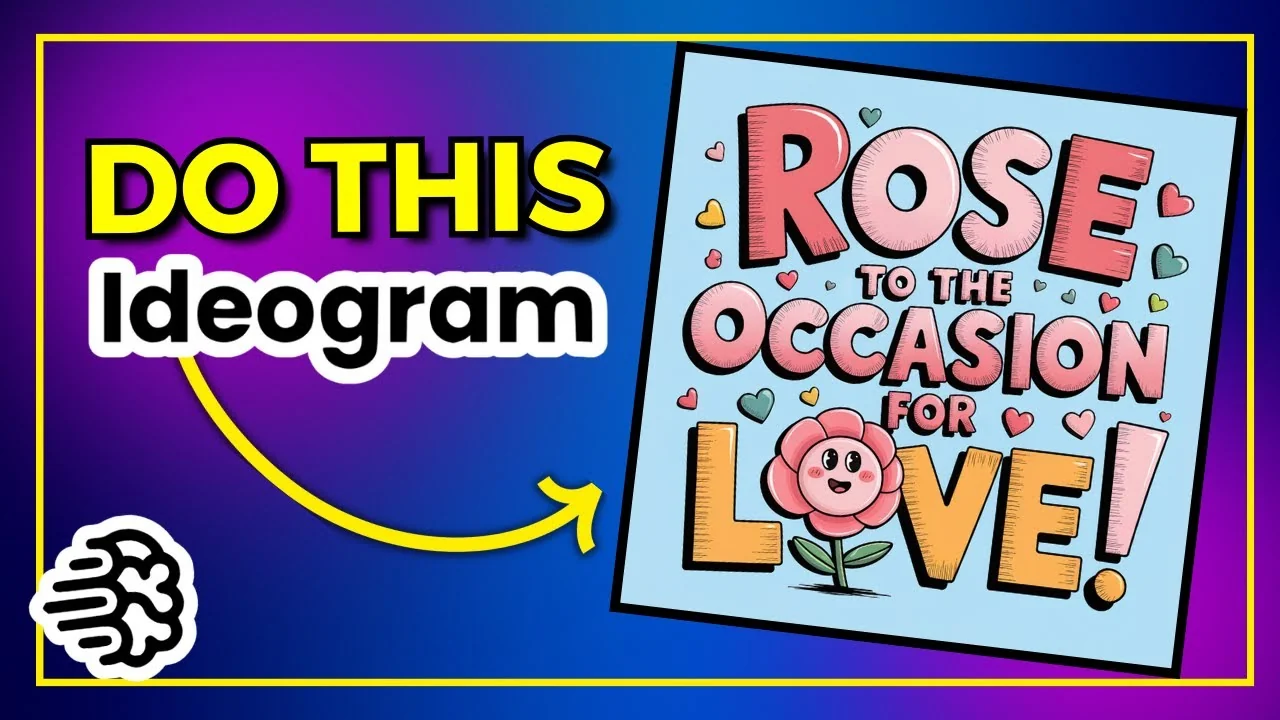
Most people come into Ideogram, find a design they like, hit Remix, and play with the image weight. The problem is that everyone else is doing that, and you all end up with practically the same design. Here is how I take existing prompts, run them through ChatGPT to generate fresh quotes in the same niche, and create a lot of new designs that keep the style but feel unique.
ChatGPT for POD Design: The Core Idea
Keep the same niche so the visual style and theme stay consistent, then change out the quote. That one change gives you a brand new design without looking like a copy of everyone else’s remix.
Always remember to check for trademarks, no matter where you get your quotes from – a generator or your own ideas. You do not want any issues further down the road.
ChatGPT for POD Design: Setting Up a Pun Generator
I use a pun generator in the GPT Store.
– Niche: Valentine’s and flowers
– Quote: I pick you every time
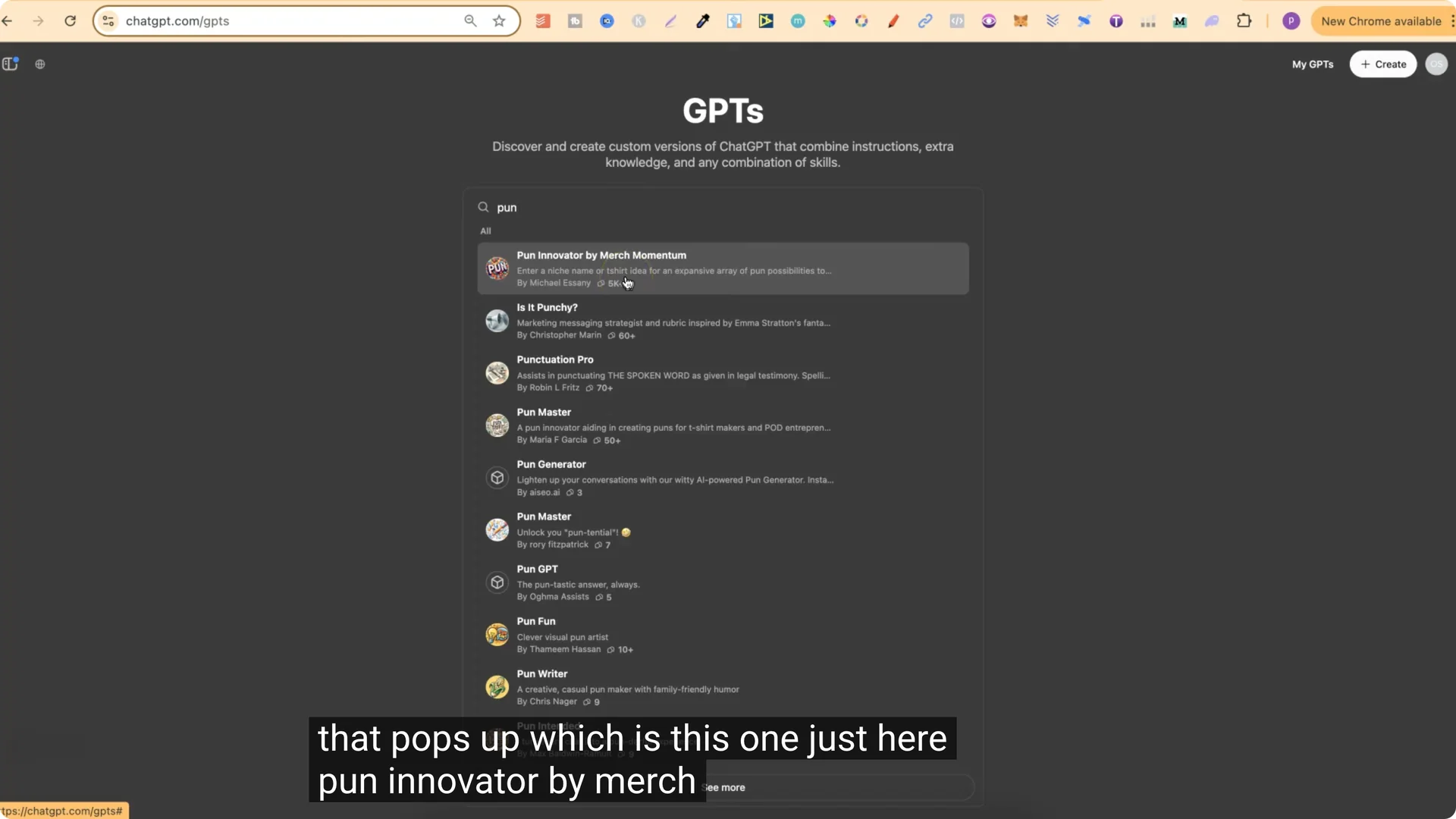
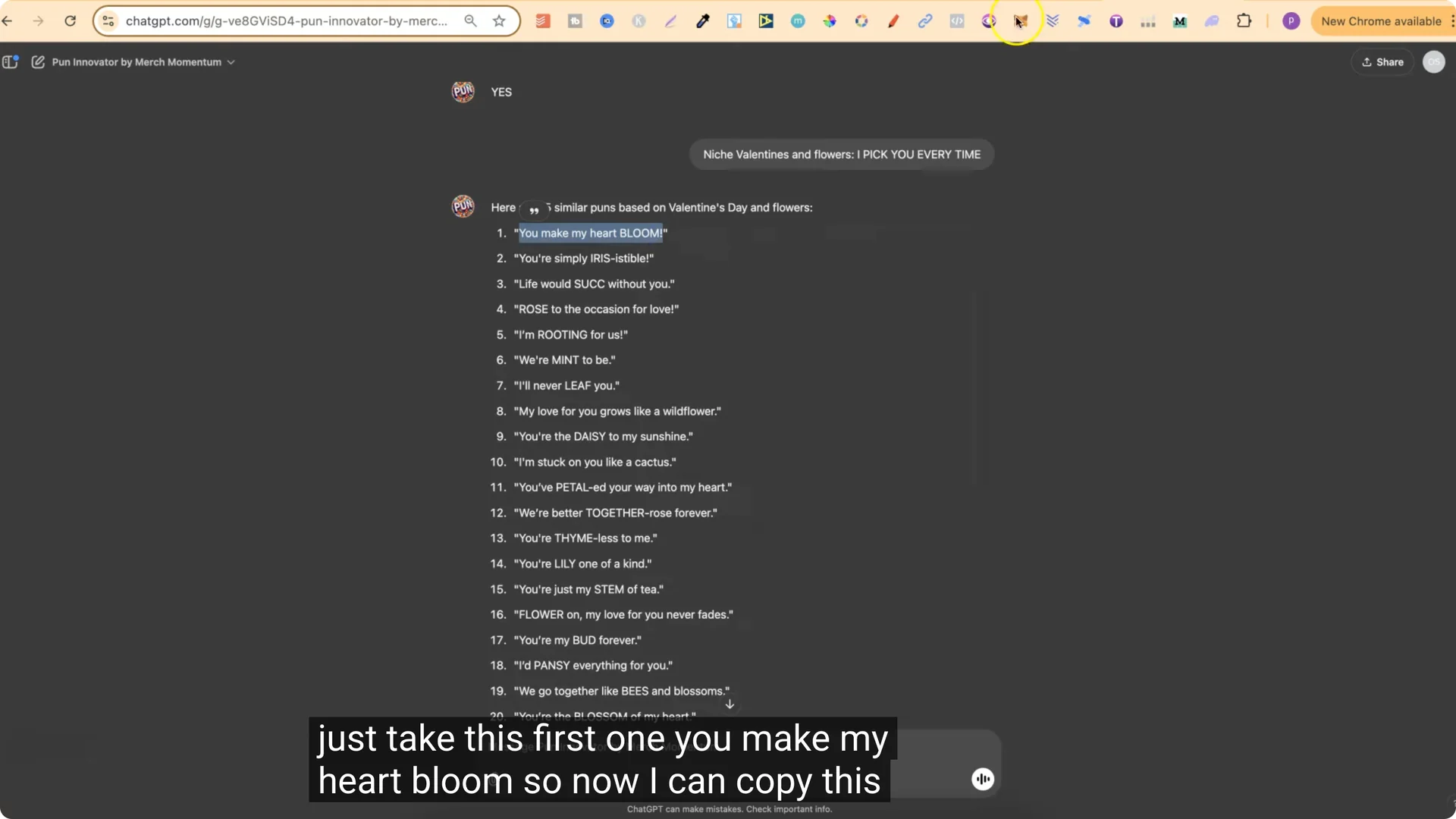
You’ll get a list of brand new quotes in the same niche. For example, you might get something like “You make my heart bloom.”
ChatGPT for POD Design: Applying Quotes in Ideogram
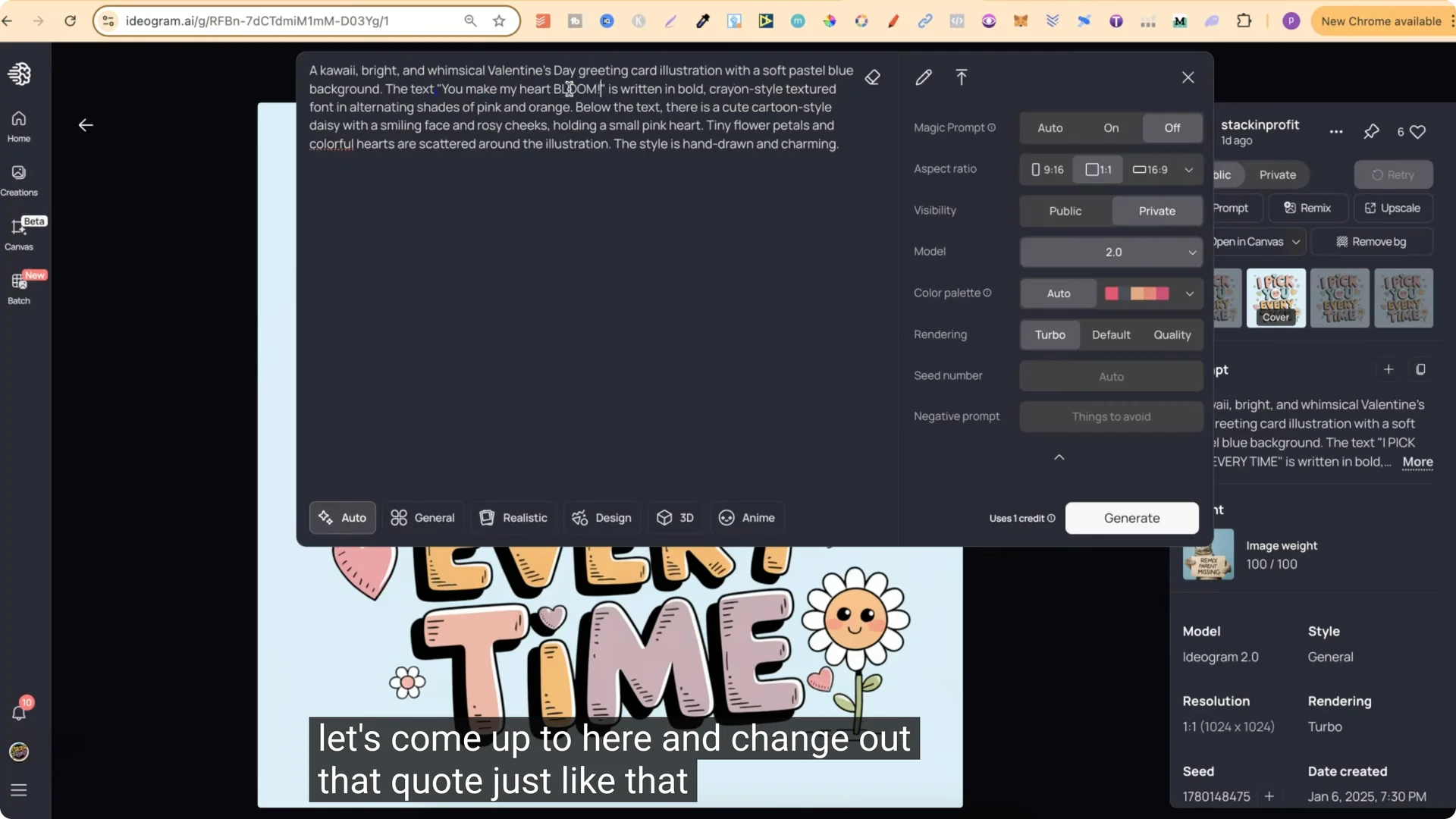
Take the original prompt from an Ideogram design you like. Keep everything the same, then replace only the quote.
Ideogram Settings That Work
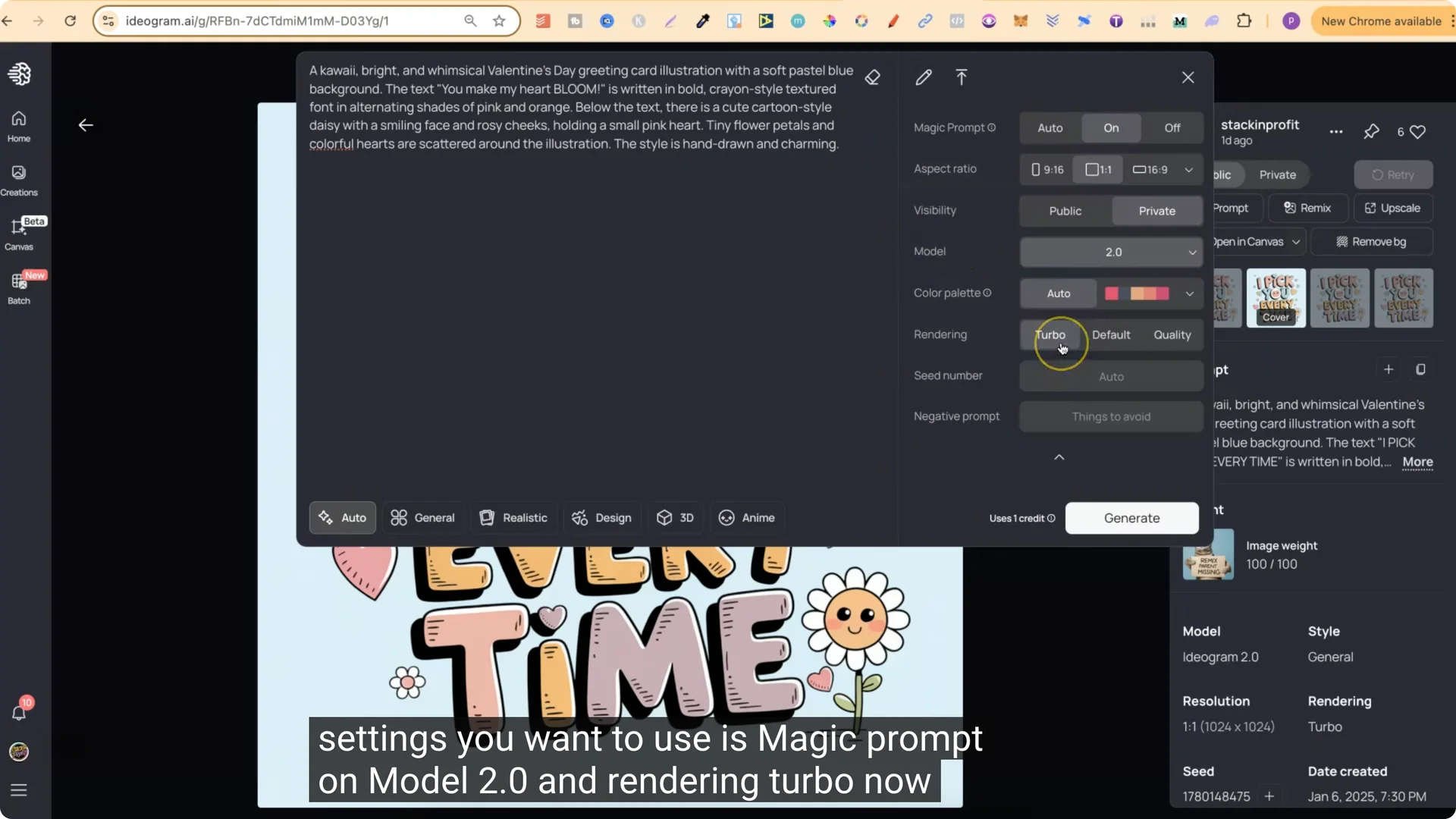
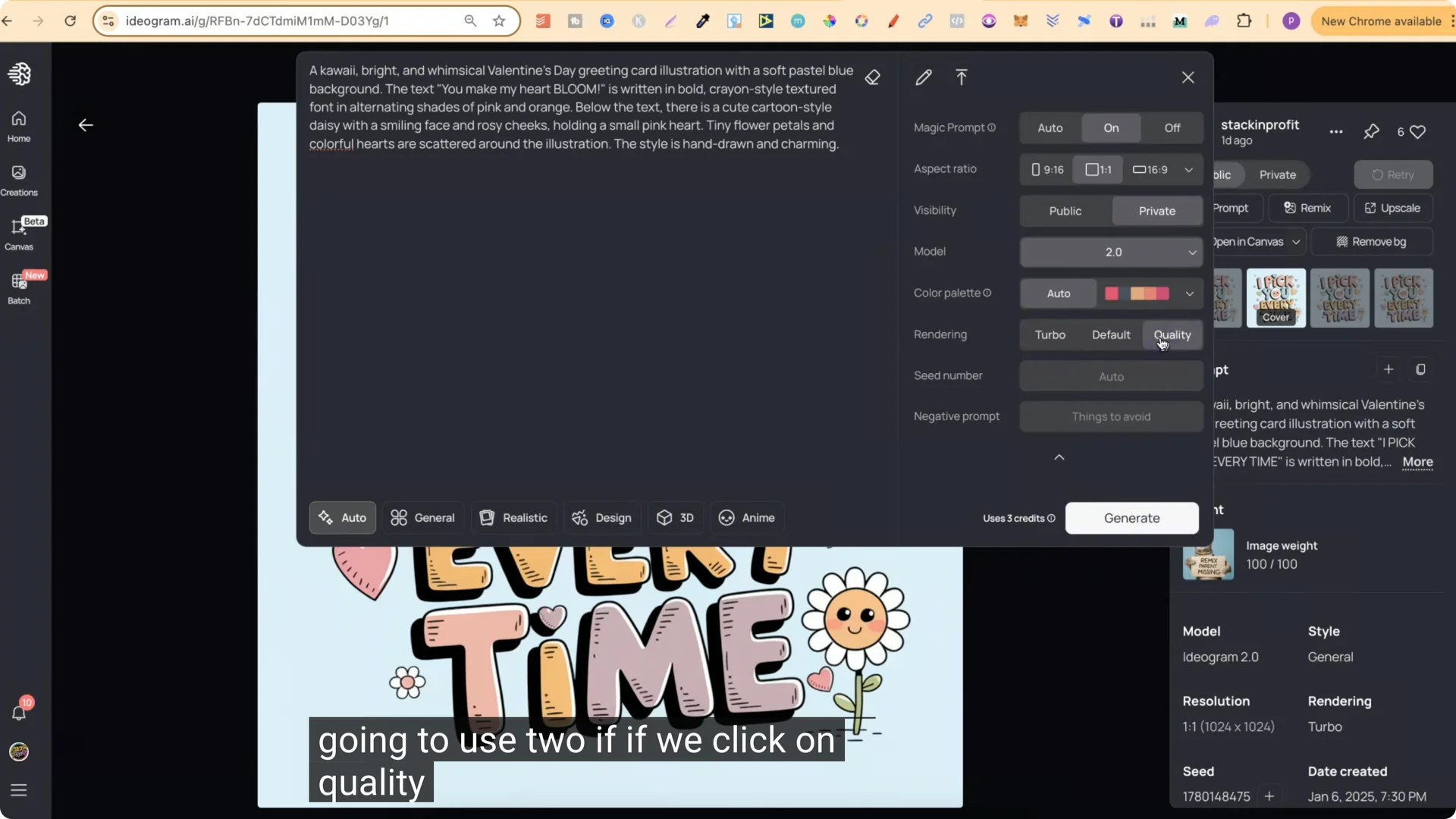
I always have rendering on Turbo because it uses the least amount of credits. Default uses 2, Quality uses 3, and Turbo uses 1.
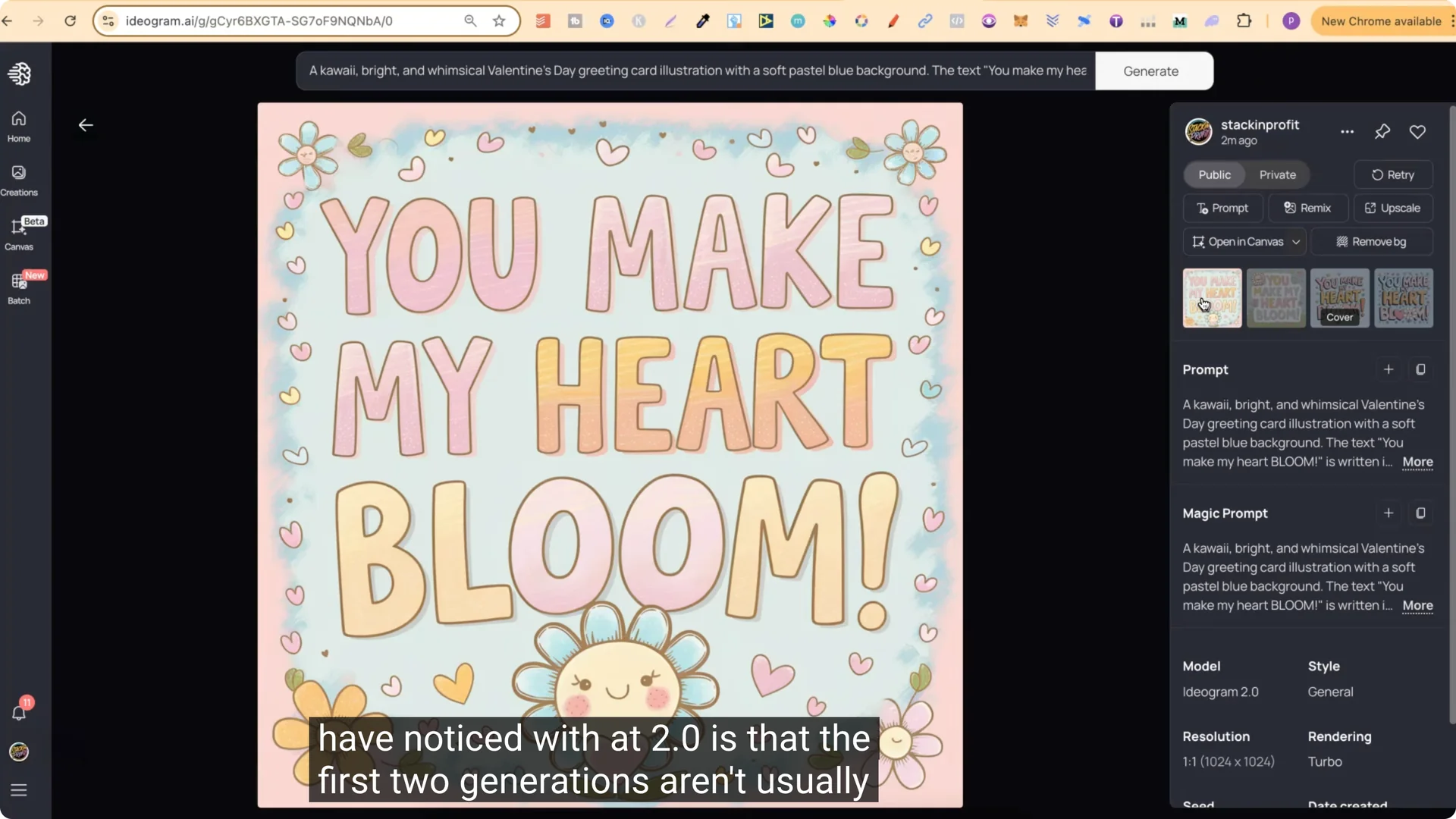
Generate, then review the outputs. With 2.0, I’ve noticed the first two generations are often not that great, while the third and fourth tend to be better.
Lock In Your Favorite With Remix
If you see one you really like:
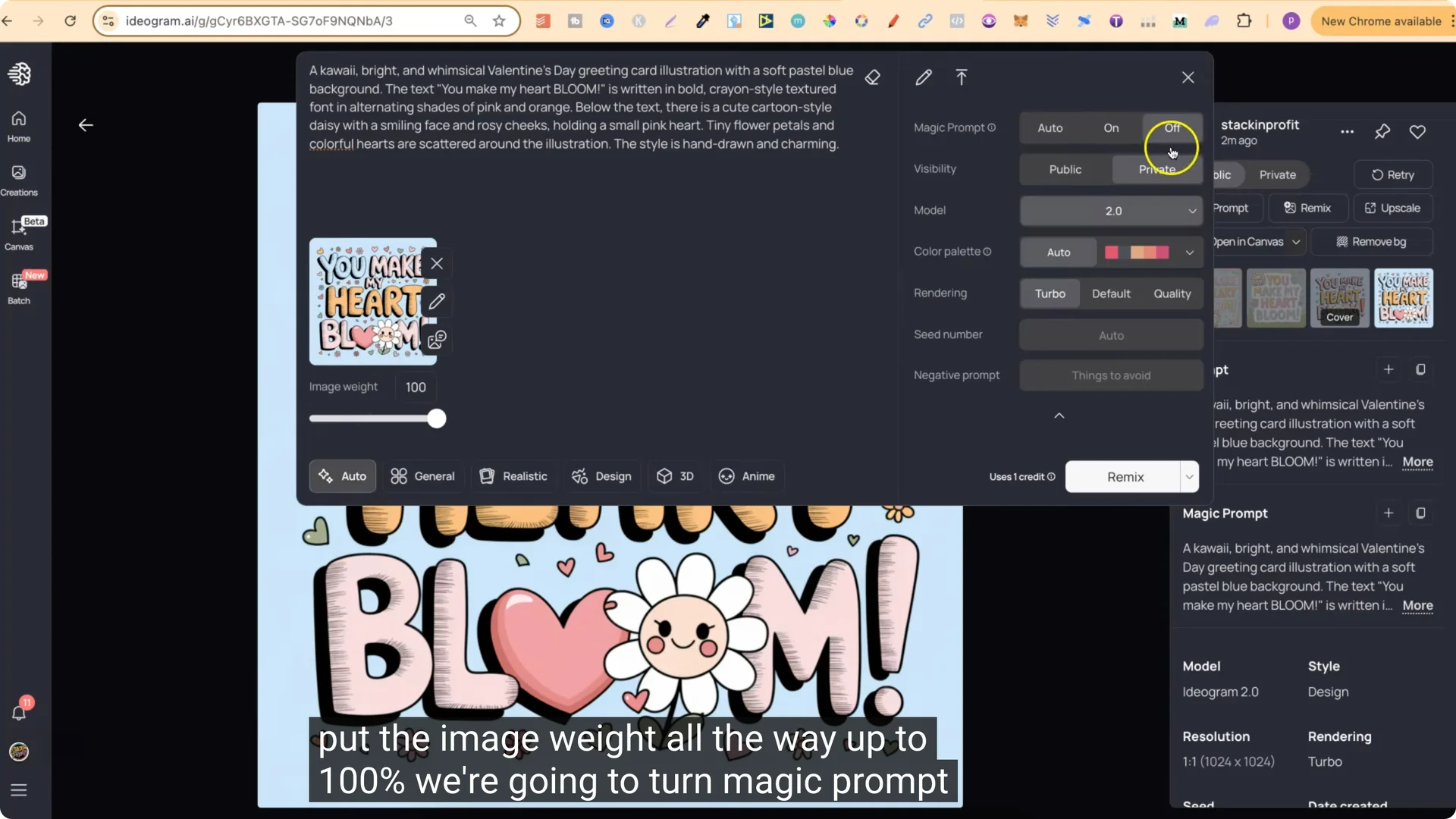
I do this because I like all four generations to be exactly the same. That way, at a glance, I know every single one in that set is identical and I don’t have to open the collection to find the good one.
ChatGPT for POD Design: Quick Variations by Changing the Subject
You can take the same base prompt and swap the flower type to quickly create more designs in the same style.
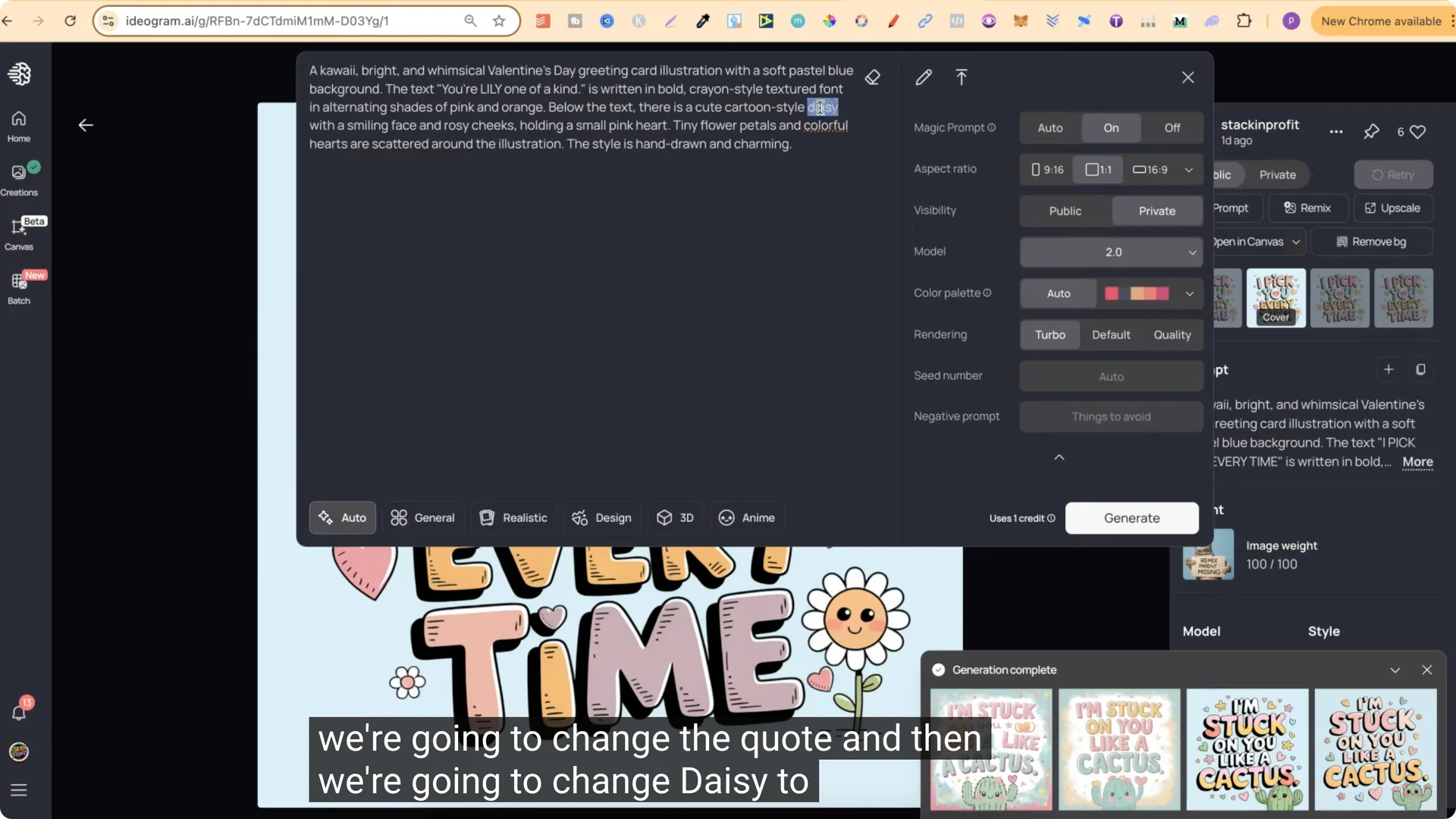
Paste the new quote, change the subject word, keep the same settings, and generate. This gives you four different designs in the same style with completely different quotes and themes.
ChatGPT for POD Design: Another Niche Example – Valentine’s and Tacos
Repeat the same process with a new niche.
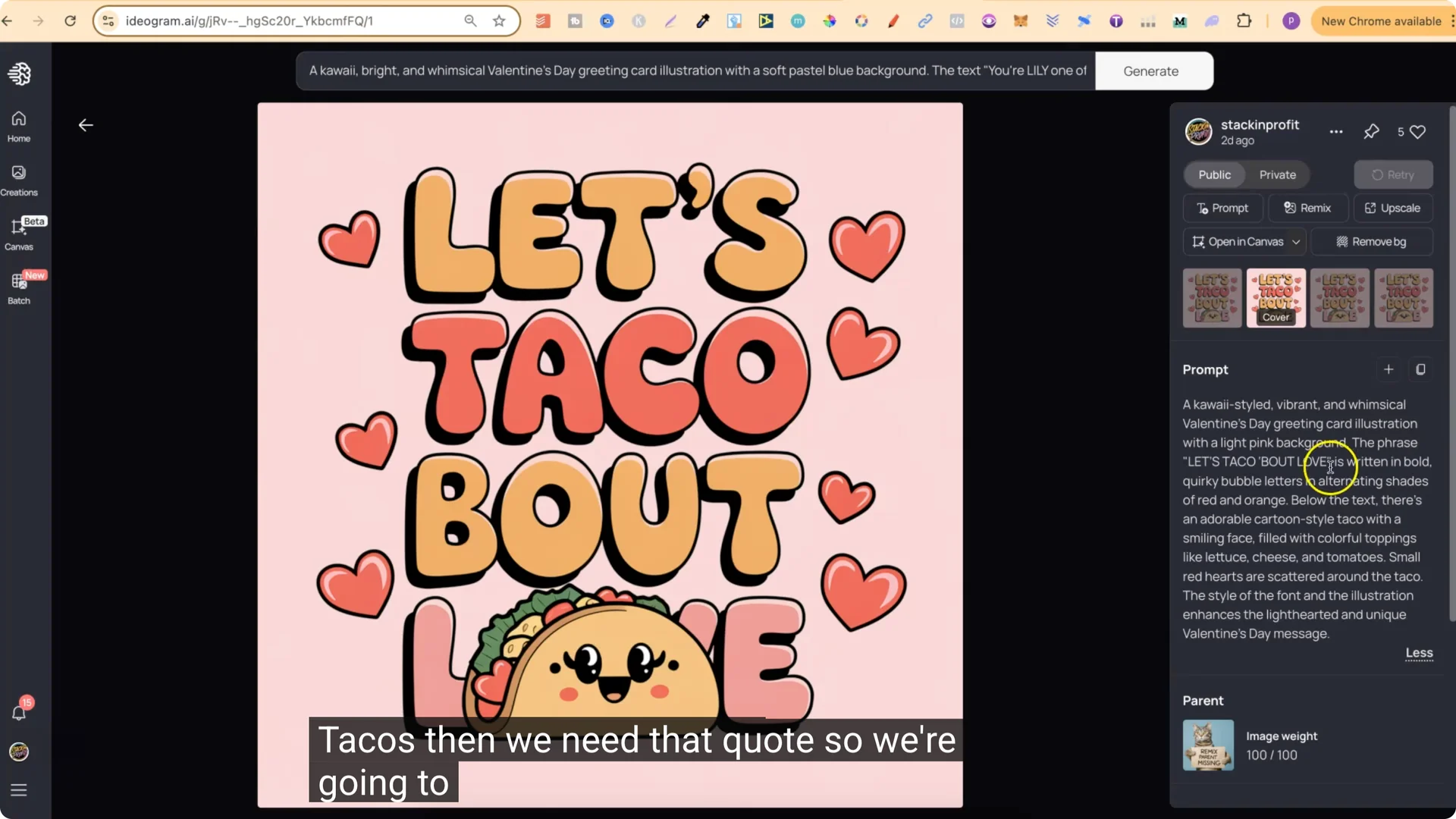
Again, I usually find the third and fourth generations come out best. Remix the winner with Image Weight at 100% and Magic Prompt turned off to lock it in.
ChatGPT for POD Design: Great for Bundles
This method is perfect for creating cohesive sets you can sell as bundles on marketplaces like Creative Fabrica. You keep a consistent style while offering lots of variety in quotes and subjects.
Step-by-Step Summary
1. Find a design in Ideogram with a style you like and copy its prompt.
2. Open a pun generator in ChatGPT – I use Pun Innovator by Merch Momentum.
3. Define your niche and provide a seed quote.
4. Generate a list of similar quotes in that niche.
5. Replace the quote in your Ideogram prompt, keep the niche and style words the same.
6. Use Ideogram settings: Magic Prompt on, Model 2.0, Rendering Turbo.
7. Generate and review. Favor the third and fourth outputs.
8. Remix your favorite with Image Weight 100% and Magic Prompt off to make all four identical.
9. Create quick variants by swapping subject words like Daisy to Rose, Cactus, or Lily.
10. Check trademarks before publishing or selling.
Final Thoughts
You do not need to rely on simple remixes that everyone else is doing. Keep the niche and style, change the quote with ChatGPT, and you can create a lot of unique designs fast. Stick with Model 2.0, Turbo rendering for credit savings, and lock in your best result with a high Image Weight remix. This approach works across niches and is ideal for building polished bundles.