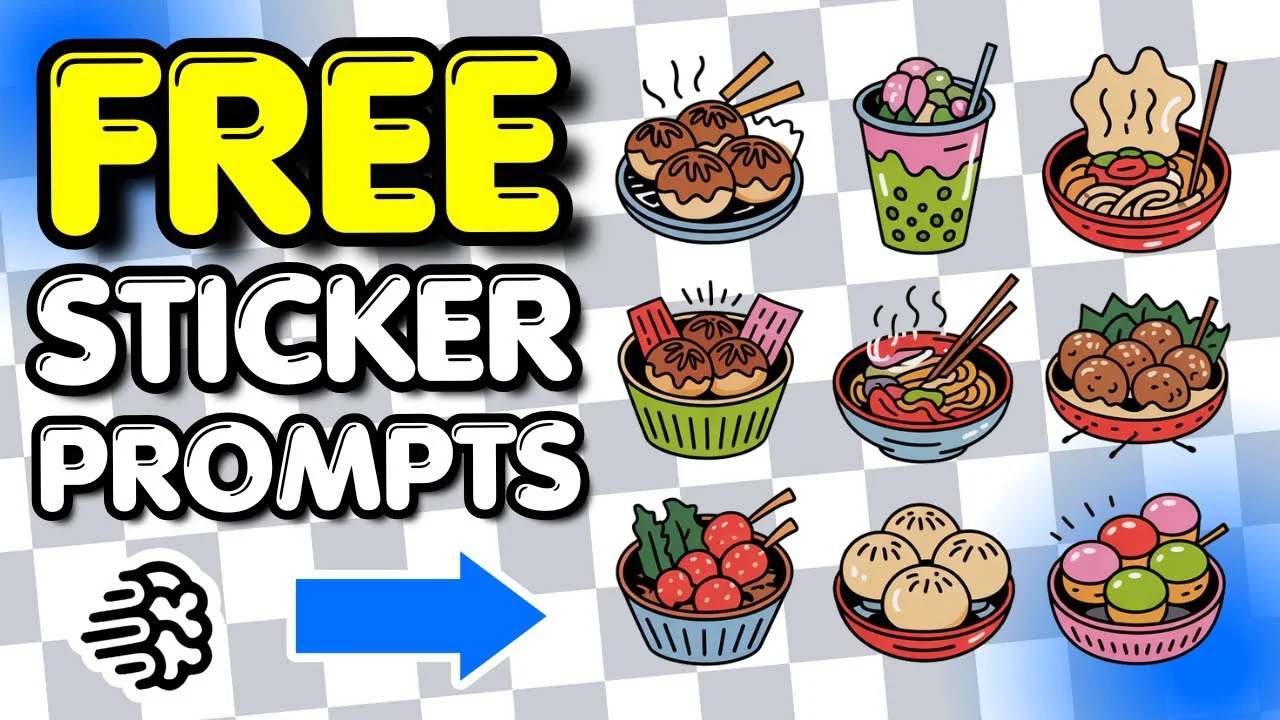
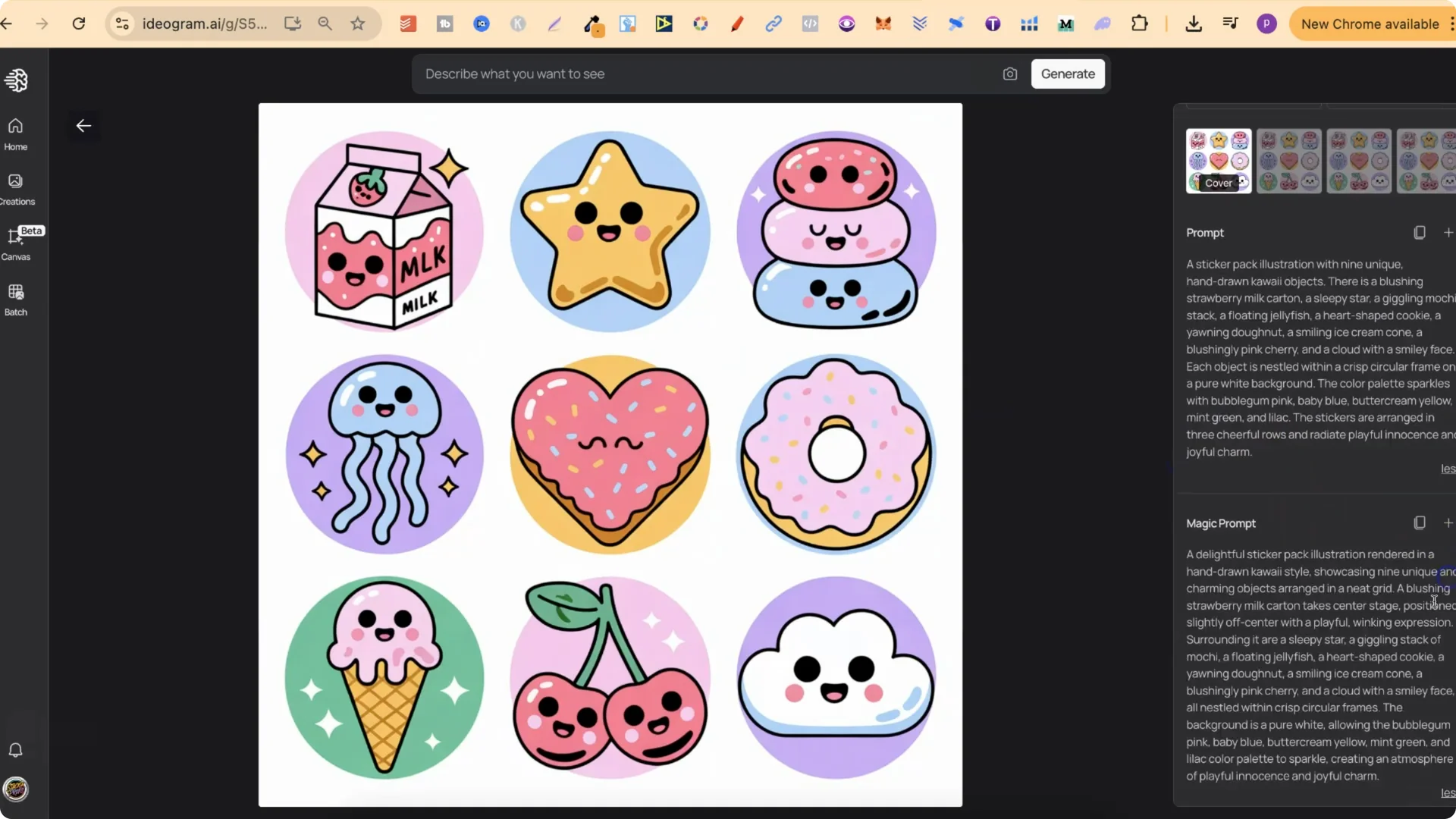
I have a bunch of sticker pack designs I want to share. All of these are on my public profile. If there are any you like, you can click into them and find the prompts. There is the normal prompt and the magic prompt as well. Click the plus icon to add it to the box. Then go through and change whatever you want. You can change out all of the elements, play around with the colors, edit, and have fun.
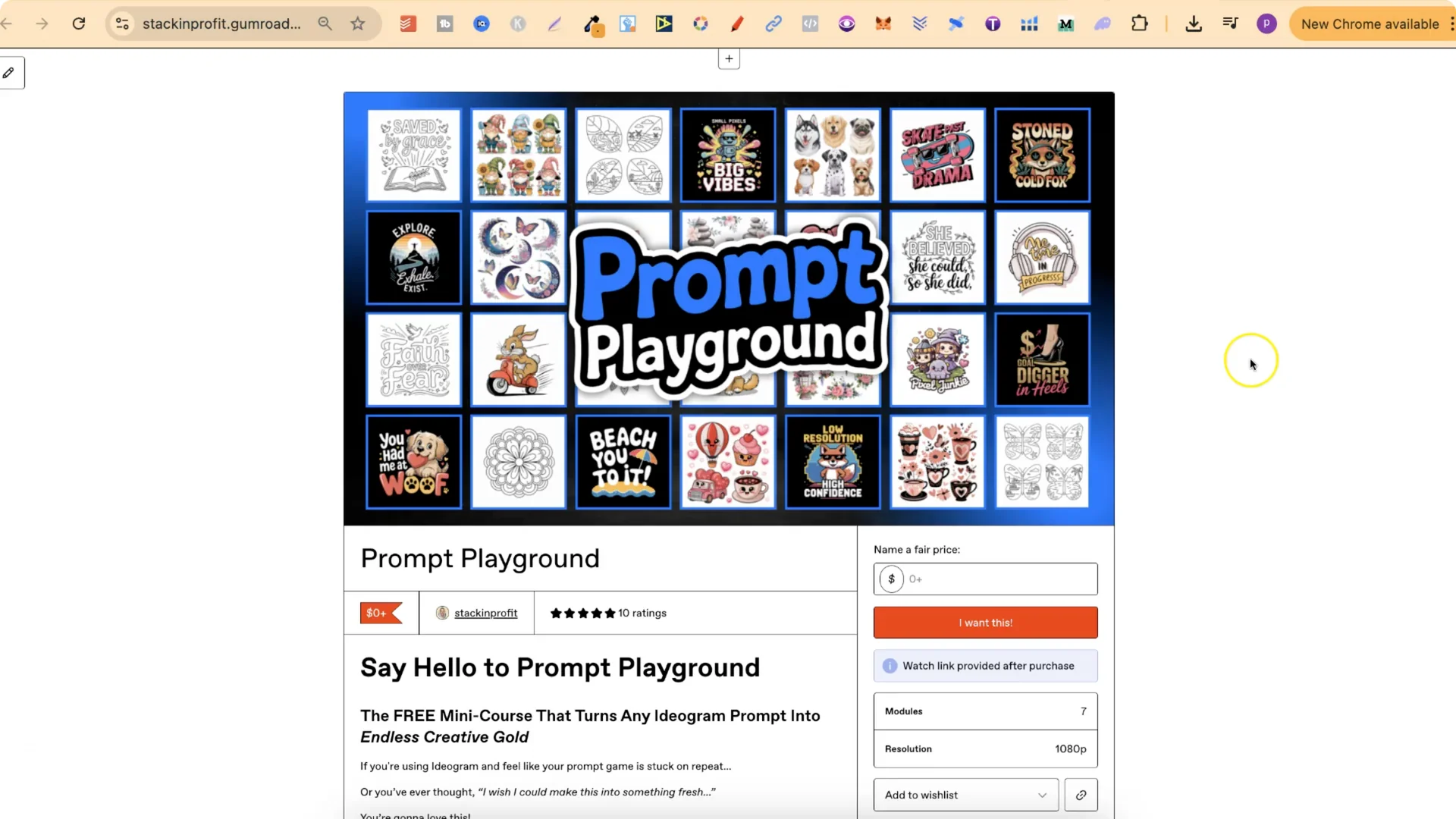
You can also access my free Prompt Playground. This is a free mini course that shows you how to take any one of my prompts and create an unlimited amount of prompts by using ChatGPT. I have modules for t-shirt designs, sticker designs like the ones below, clip art, and coloring pages as well.
AI Sticker Pack Prompts: How I Build and Share Packs
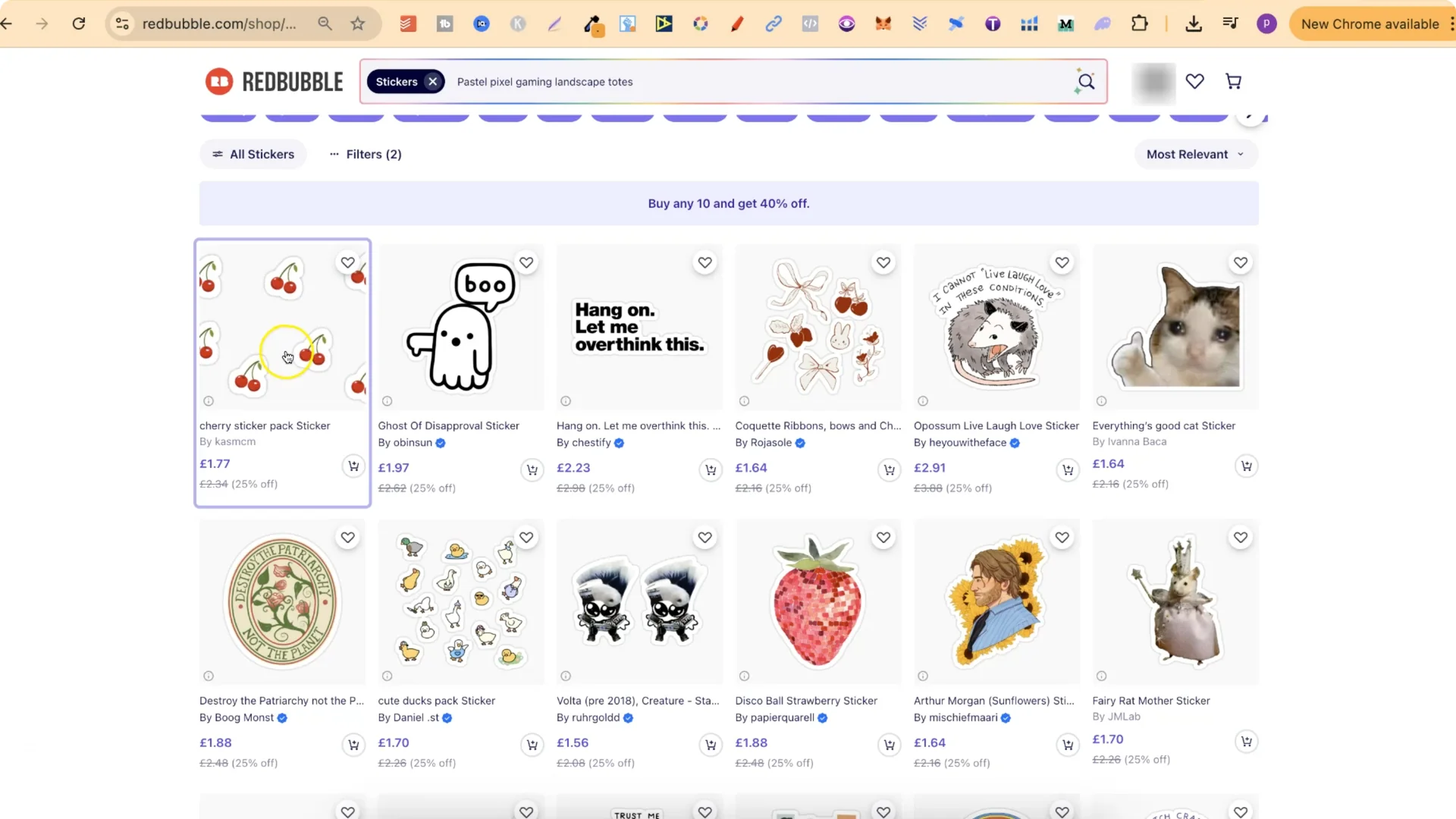
I keep my sticker packs in a 3×3 grid because I sell most of my stickers on Redbubble. When a creator uploads a pack like this to Redbubble, the entire grid is one image with a transparent background. For example, if there are seven pairs of cherries in the image, they are all part of one transparent PNG. As long as there is a space in between each sticker, Redbubble will separate them into individual stickers on the product.
I would not just download and upload straight away. I would upscale the whole image so that it is better quality.
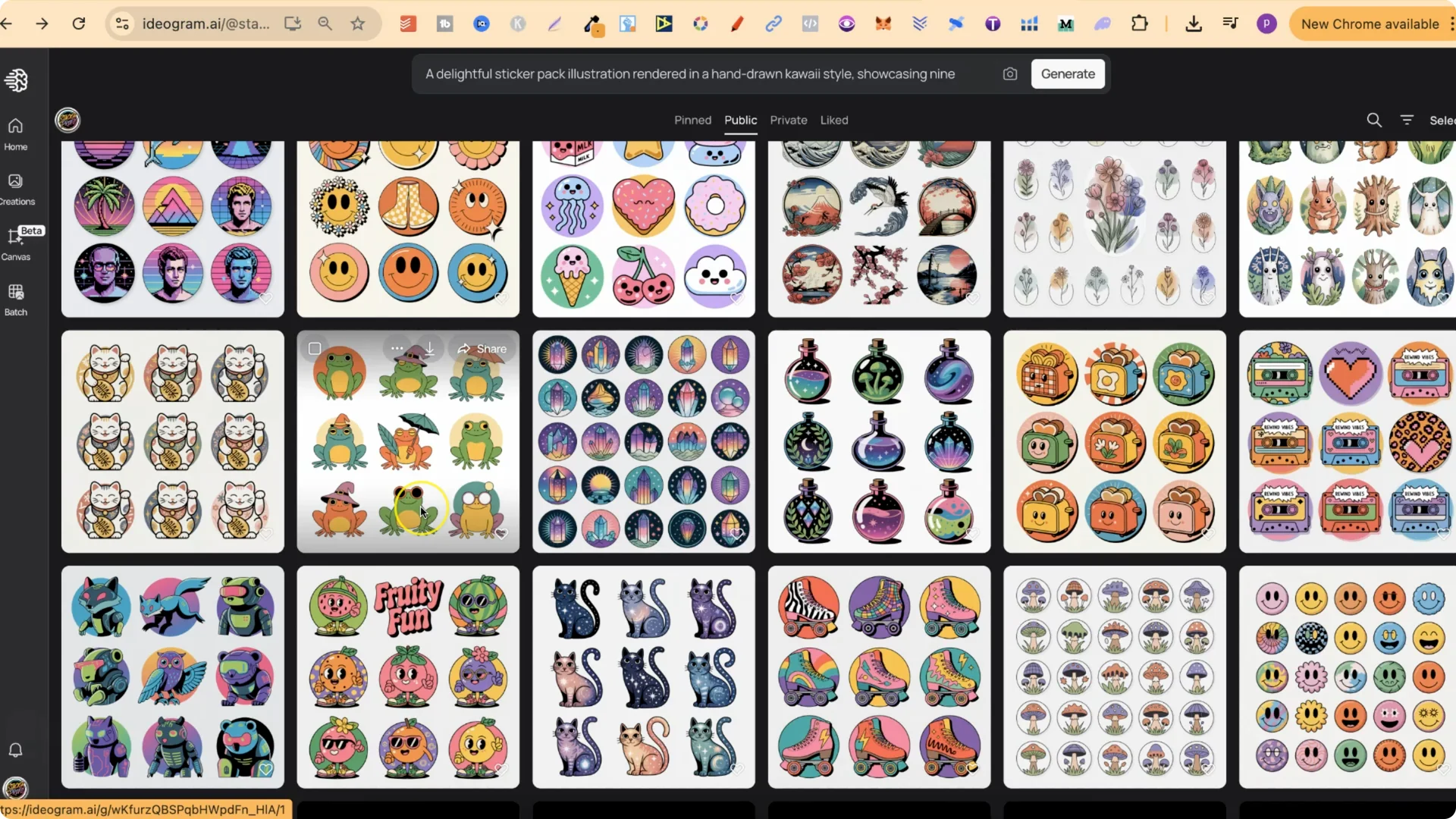
Step-by-step: Using AI Sticker Pack Prompts from my profile
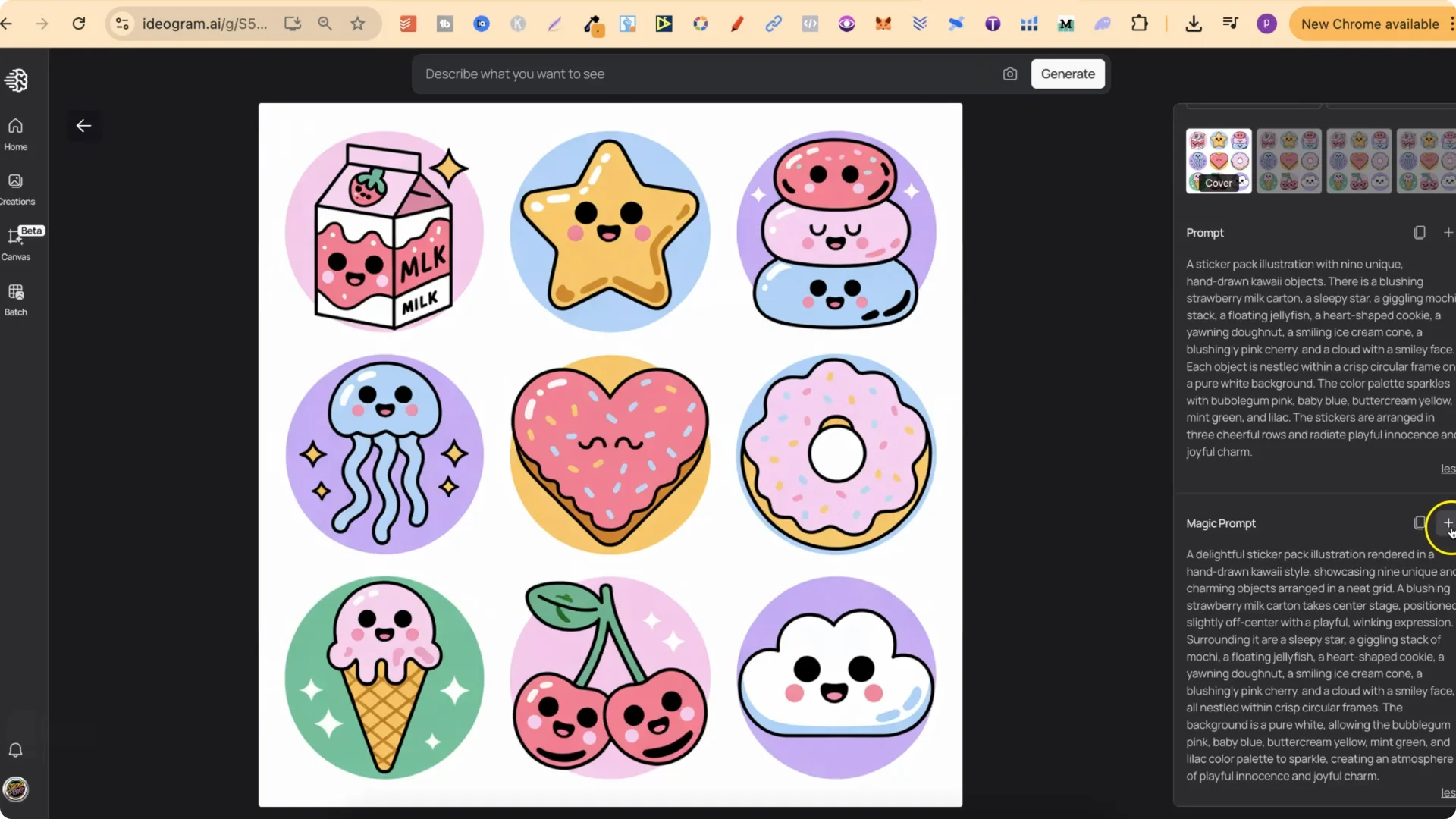
AI Sticker Pack Prompts: 3×3 Layout Best Practices for Stickers
Why a 3×3 grid works well for Redbubble
Preparing a pack for Redbubble
Going bigger than 3×3
If you try more than a 3×3, like a 5×5 or around 20 stickers, Ideogram can struggle depending on what you are trying to create. Simple themes, like basic mushrooms, worked pretty easily for me, but I still spotted a few small mistakes. Keep that in mind if you plan to sell the packs and try to stick to a 3×3 for reliability.
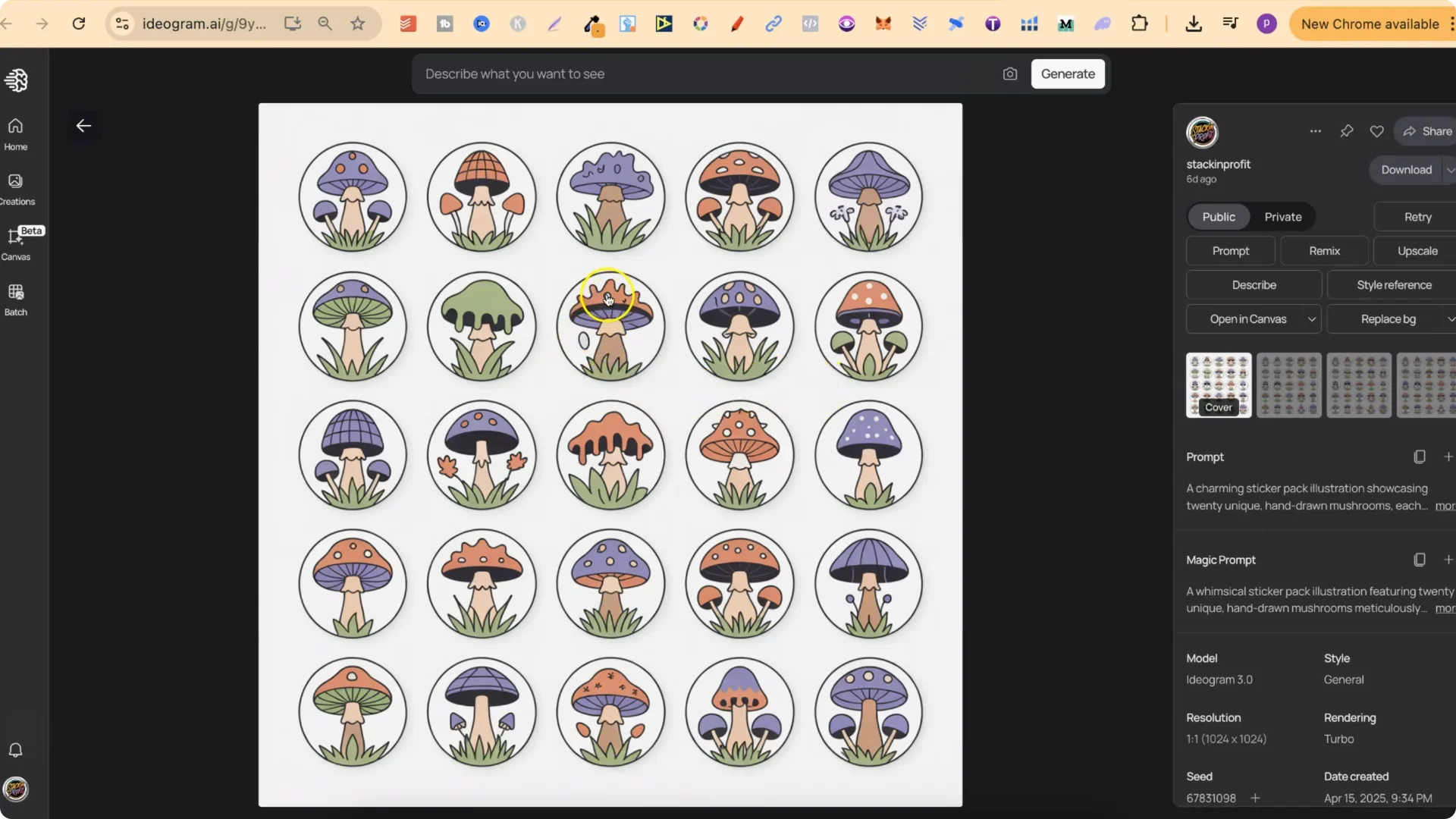
AI Sticker Pack Prompts: Examples and Styles I Like
I really like several of these packs. The little smiley faces turned out pretty amazing and look great. I did the same for mushrooms and have been playing around with larger packs. I really liked the skates and the cats as well. These look pretty great, and I am happy with how they turned out.
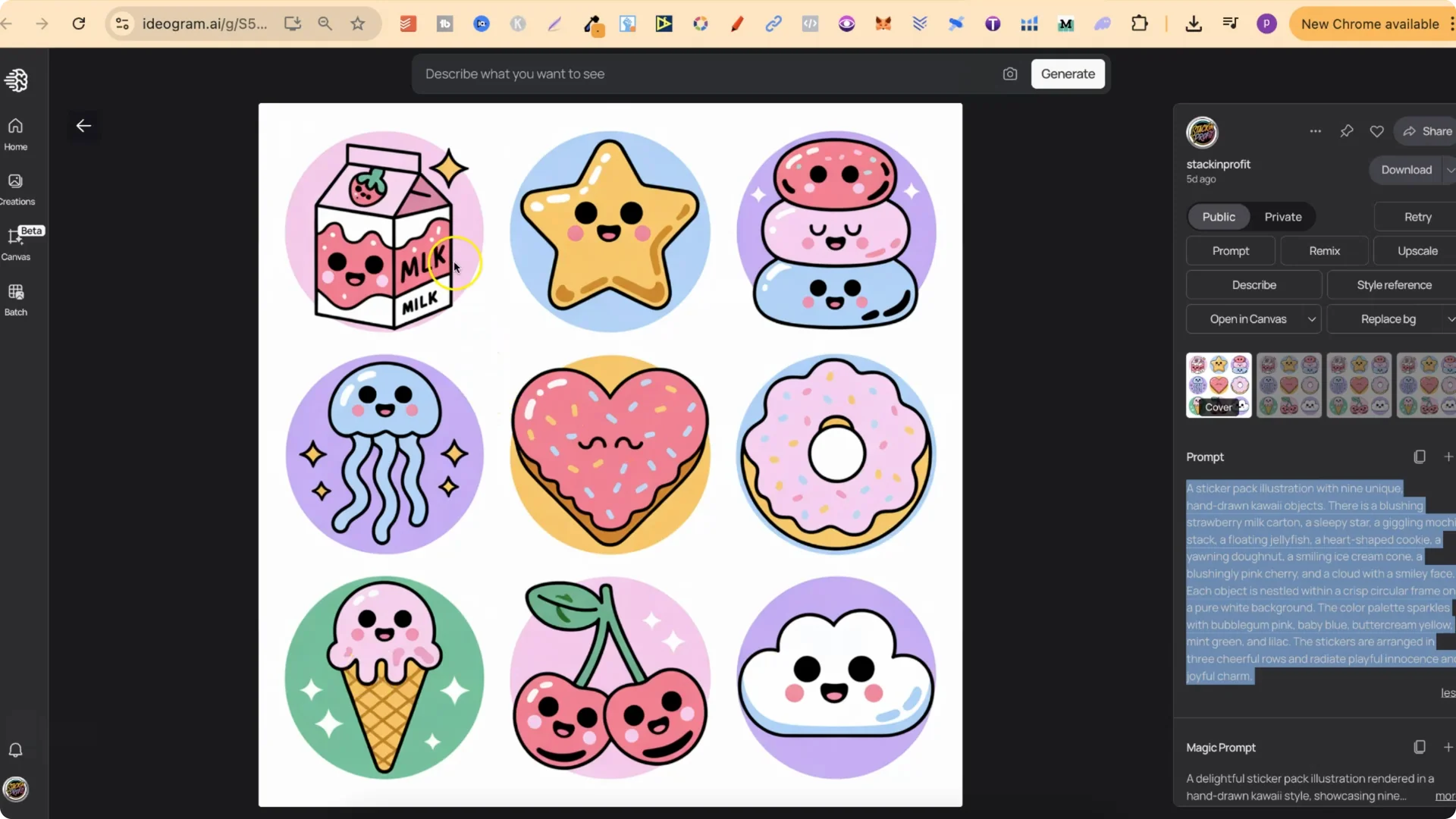
Kawaii style
I really liked this kawaii style. I quickly noticed a typo on the milk sticker. If I were to upload this to sell, I would edit that and keep the milk text correct. I like how this style turned out.
Y2K vibes
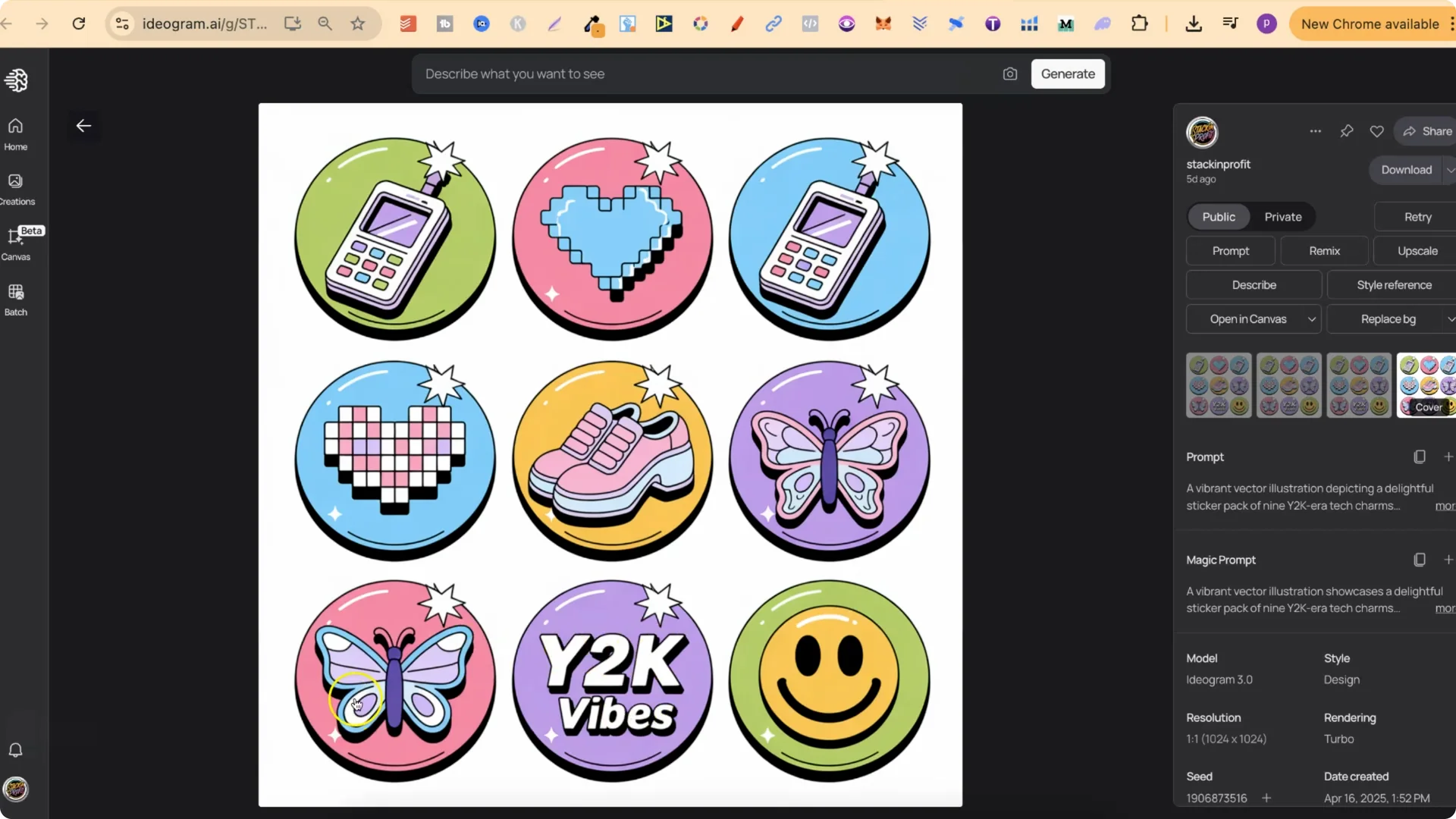
This one came out flawlessly. Y2K vibes with butterflies, hearts, shoes, little cell phones, and it all looks pretty good.
Cottagecore
I believe this is cottagecore. I really like how these turned out. The prompts are there and you can use them however you want.
Asian street food
This one is Asian street food. These looked really good as well.
AI Sticker Pack Prompts: Create Unlimited Variations With the Free Prompt Playground
You can take any prompt you see and, with the free mini course, create an unlimited amount of new prompts using ChatGPT.
What the mini course covers:
How I approach it:
Final Thoughts
3×3 packs with clear spacing on a transparent background upload well to Redbubble and split into separate stickers. Ideogram handles 3×3 reliably, while larger grids can be hit or miss, so review for small mistakes and upscale before uploading. The prompts on my public profile include normal and magic versions you can copy, tweak, and remix. If you want to produce lots of variations across styles like kawaii, Y2K, cottagecore, and themed sets like Asian street food, the free Prompt Playground mini course shows exactly how to turn one prompt into many.