How to Seamlessly Replace Backgrounds in Ideogram?

How to Seamlessly Replace Backgrounds in Ideogram? - Featured Image

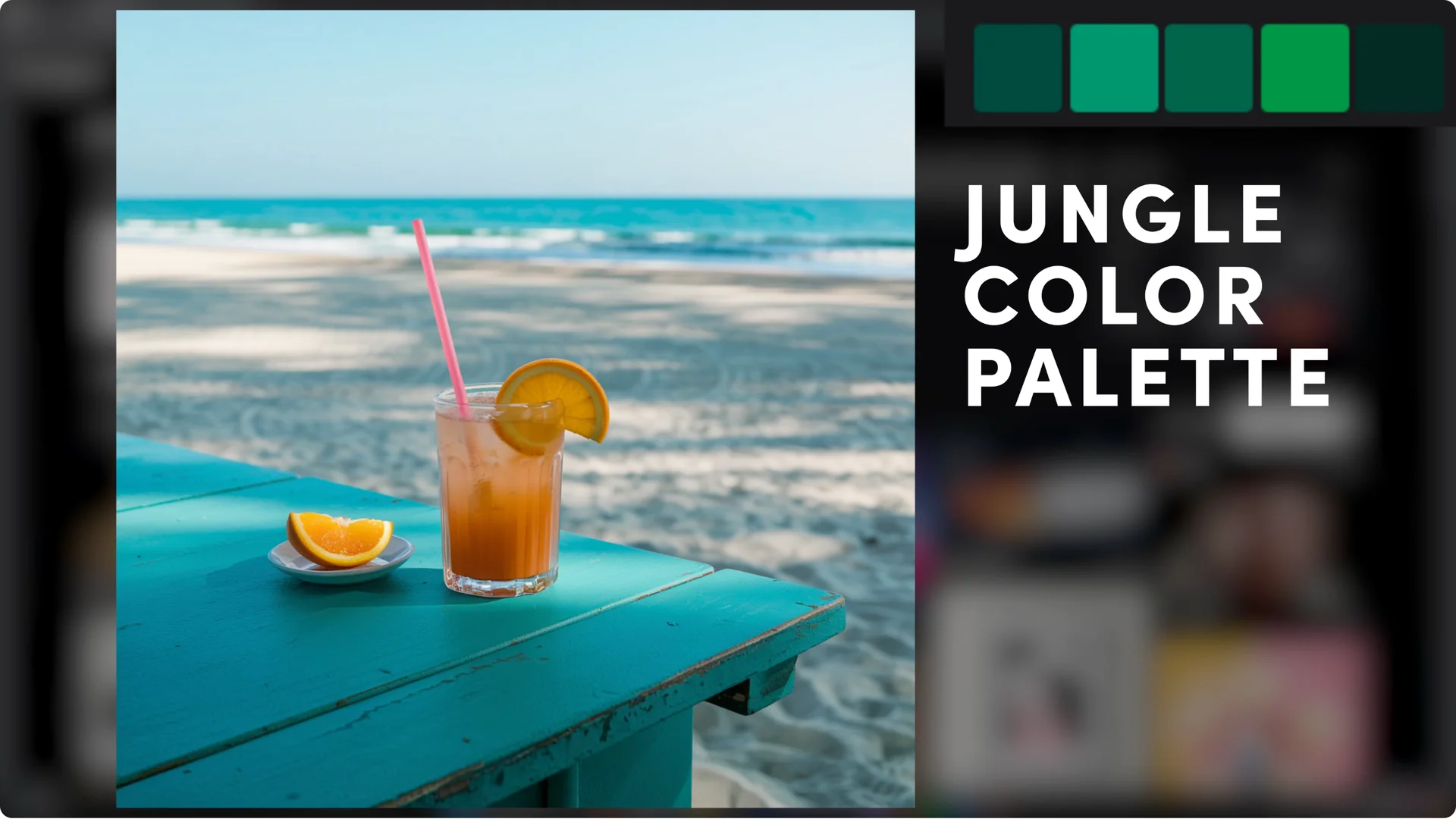
I’m excited to introduce a fun new feature we’ve released for Ideogram: background removal. This tool works on any image, generated with Ideogram or uploaded from your own files. It allows you to change your background or even modify parts of your subject while keeping specific elements untouched. This feature is available across Basic, Plus, … Read more

Automate Prompting by Merging Ideogram Batch with ChatGPT

Automate Prompting by Merging Ideogram Batch with ChatGPT screenshot 2

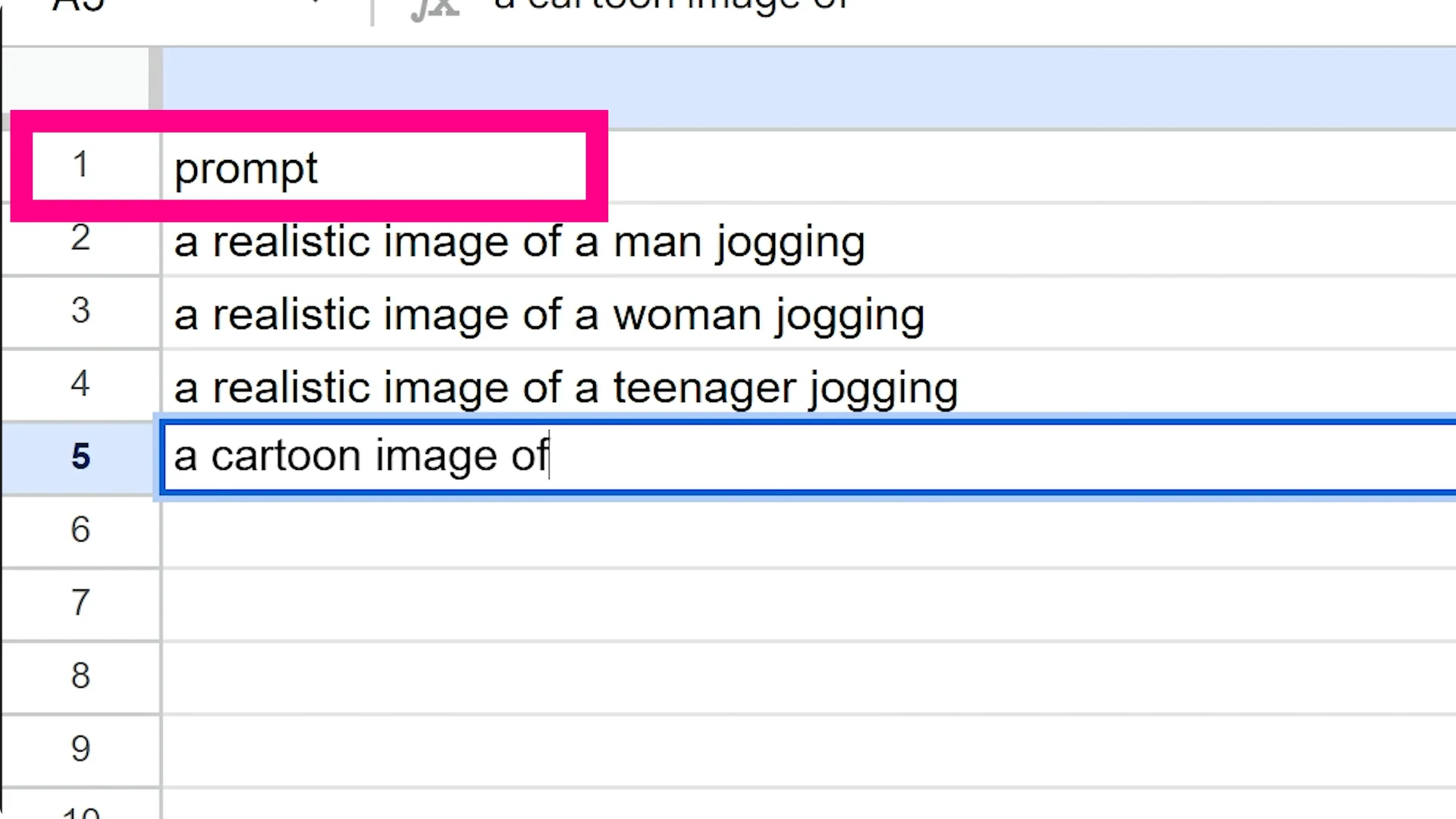
I’m excited to introduce Ideogram’s new batch generation feature. This tool lets you create images in bulk by allowing multiple images to be created in one go, reducing the need to manually re-enter prompts and start each generation separately. Upload a spreadsheet with your prompts and settings and let the system handle the rest. When … Read more

Ideogram 2.0: Key Features Unpacked

Ideogram 2.0: Key Features Unpacked screenshot 3

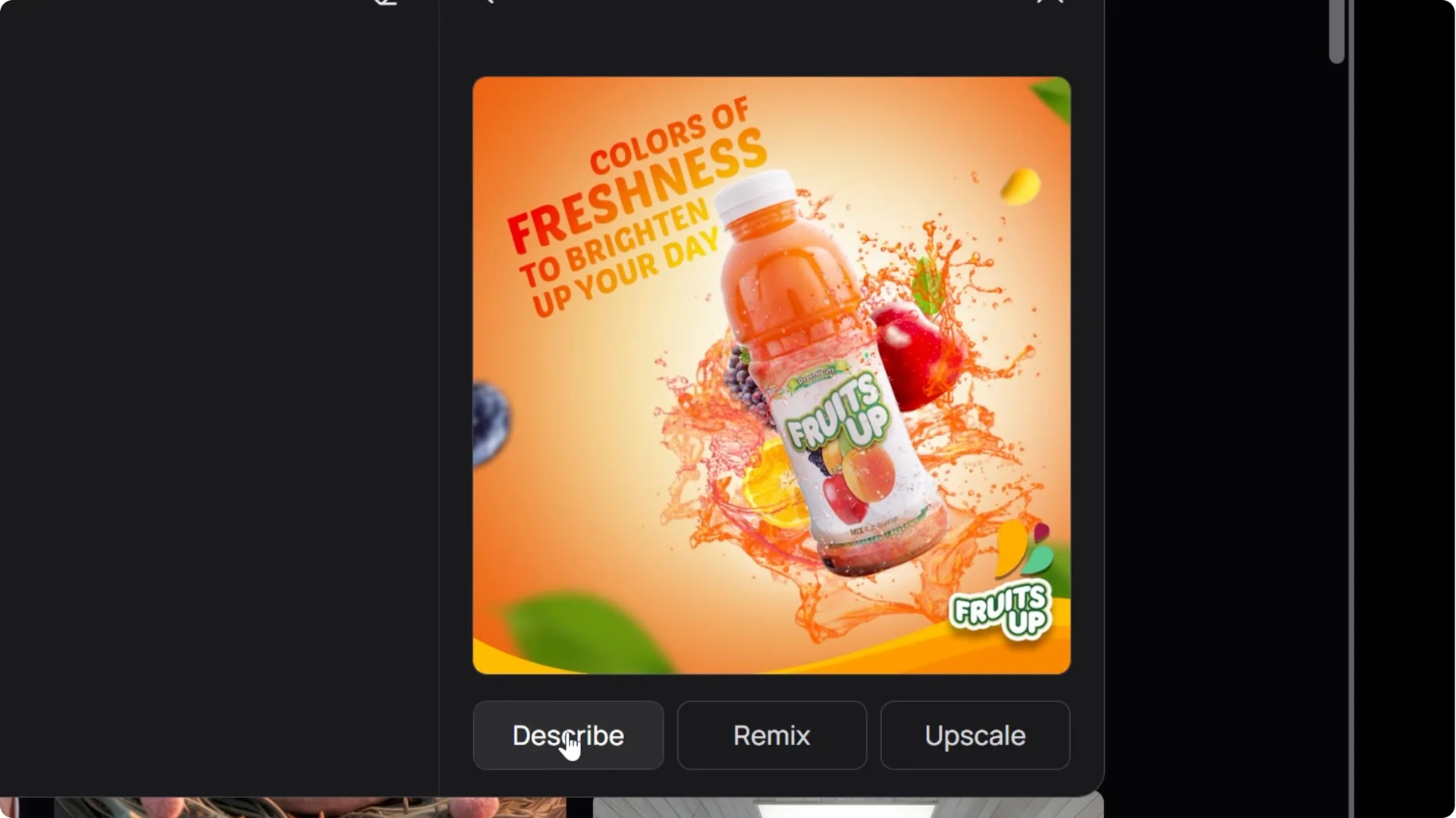
Ideogram is great for designers looking for a quick and efficient way to create designs or gather inspiration. You can use the search feature to find the type of image you want to create, and there is already plenty available. In this case I create an ad for a fictional citrus drink called Citra Viive. … Read more

What’s New in Ideogram 2.0’s Draw and Remix Features

What’s New in Ideogram 2.0’s Draw and Remix Features screenshot 8

I’m getting creative with Ideogram by trying the drawing tool. I start with a very rough drawing of a glass of orange juice, then use the Remix feature to add some magic to it. If you’re curious about what’s new across the platform, see Ideogram 3.0 Is Here. Ideogram 2.0 Drawing and Remixing: From Rough … Read more

Ideogram Canvas: Magic Fill & Extend

Ideogram Canvas: Magic Fill & Extend in 2 Minutes screenshot 1

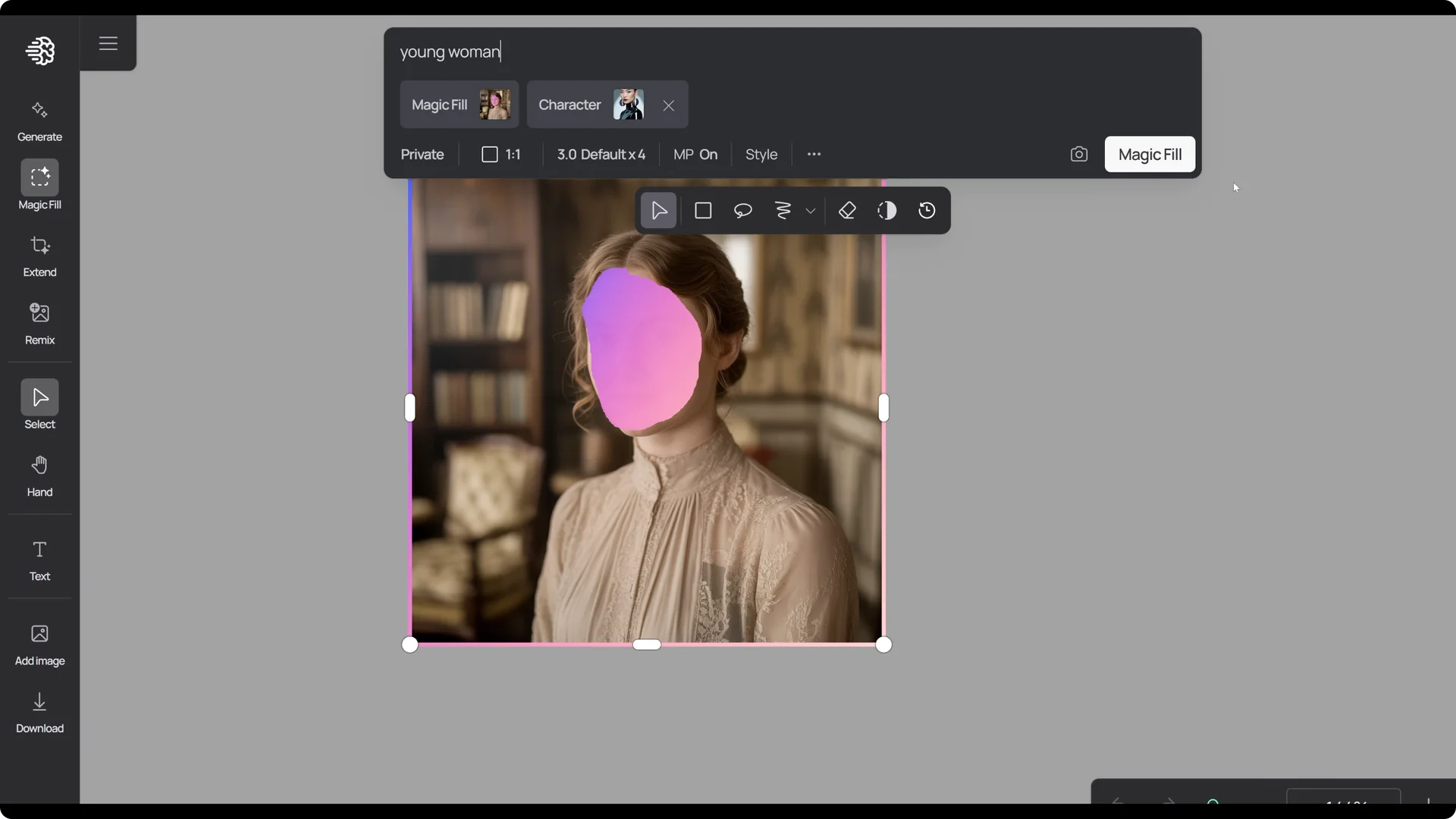
The new canvas tool is currently in beta. You can extend your image using the extend tool or modify by adding, removing, or altering objects, people, and environments with the magic fill tool. Getting started with Ideogram Magic Fill and Extend Access the canvas From the sidebar, go to the left side of the screen … Read more

How to Perfectly Place Products in Ideogram Canvas?

How to Perfectly Place Products in Ideogram Canvas? screenshot 7

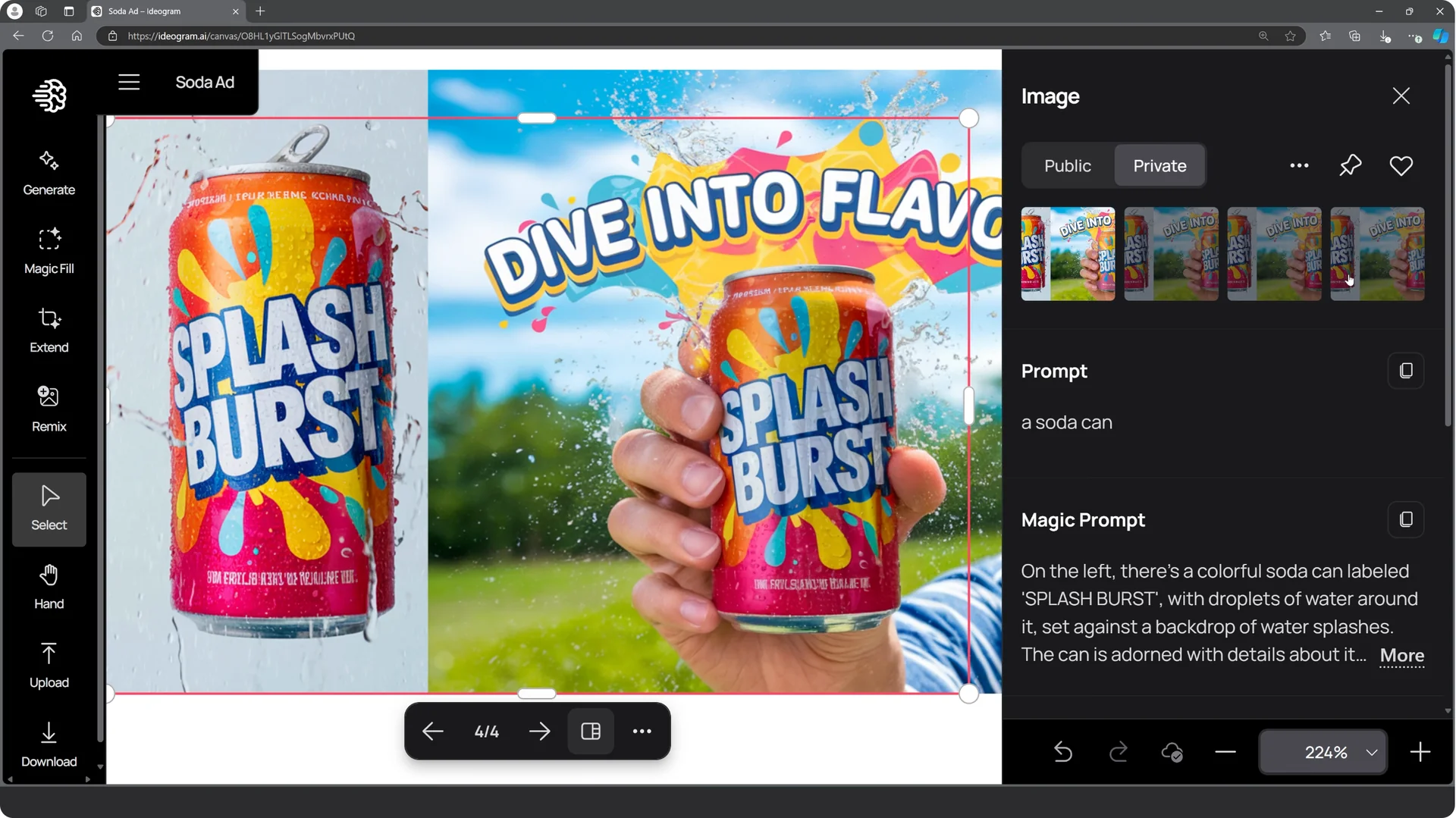
The new Canvas tool is currently in beta and available on Basic, Plus, and Pro plans. I wanted to create an image of a person holding a drink and replace that drink with my own product while matching the lighting and blending naturally. Ideogram does not directly support product reference, but you can do it … Read more

Mastering Ideogram Character Consistency from a Single Image

Mastering Ideogram Character Consistency from a Single Image screenshot 9

Ideogram now lets you generate consistent characters quickly and easily. Getting Started with Ideogram Character Consistency On the front page, you’ll see an icon labeled character. Click it. To bring in the image of your character, press upload and find your file, or you can just drag and drop. And I’m going to be using … Read more

Master Ideogram: Create Pro AI Headshots Instantly

Master Ideogram: Create Pro AI Headshots Instantly - Featured Image

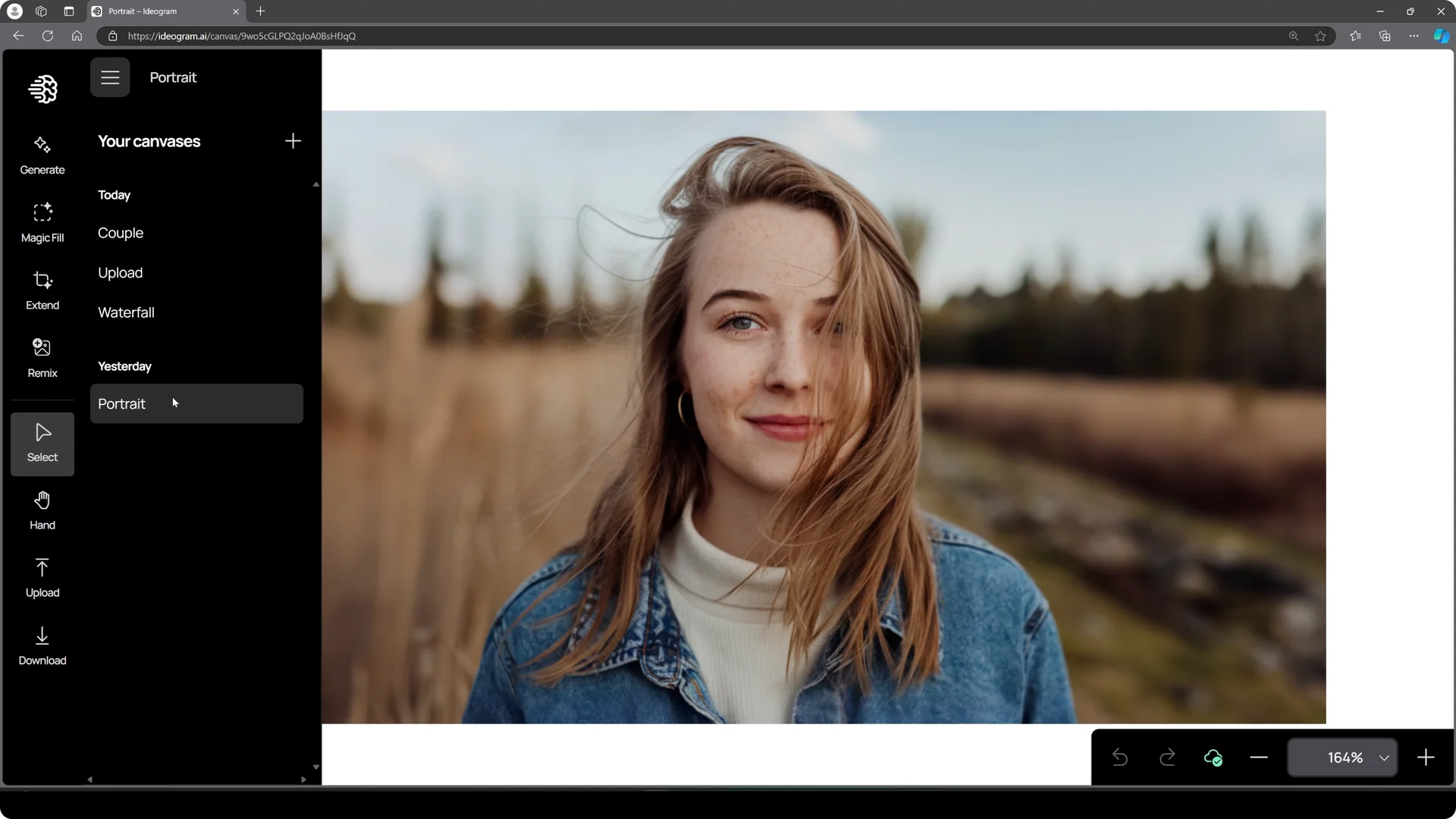
I’m going to show you how to create professional headshots in just a few seconds using Ideogram. We’ll check out the portrait template, then my master Ideogram headshot prompt, and simple tweaks to change clothing or aspect ratio. Quick start with Ideogram AI Headshots From the main page, head over to Character on the left … Read more

Mastering Ideogram AI for Consistent Kids Storybook Characters

Mastering Ideogram AI for Consistent Kids Storybook Characters screenshot 2

Many people have been asking if Ideogram AI is a good tool for making story books. For a very long time, it wasn’t clear. But recently, Ideogram released a new consistent character feature, and that has changed everything. I’m going to run an experiment to see if the new Ideogram AI consistent character feature actually … Read more